
Best Instagram Edits Alternatives for Reels Creators
Instagram Edits is improving fast, but Reels creators still need stronger caption styling, translation, clipping, and export workflows.
Instagram Edits has become a serious default option for Reels creators. Meta launched it as a dedicated video creation app on April 22, 2025, with longer camera capture, project management, frame-accurate editing, auto-enhance, green screen, transitions, insights, and no added watermark on export. Meta later added AI effects, title cards, storyboards, templates, text and caption updates, and public Reel remixing inside Edits, according to its official Edits launch and update post.
The important point is not that Edits is weak. It is that Edits is becoming the native Instagram workspace. That makes it convenient, but it also means serious creators need to ask a better question: where does Edits stop, and where should a specialist tool take over?
Meta's April 2026 one-year update says Edits is moving toward bilingual captions, advanced color adjustments, speed curves, more customization, follower insights, personalized setups, and more complex templates with overlays, keyframes, and video effects. That roadmap is useful for creators, but it also confirms the direction: Edits is trying to support the whole creator process inside Meta's ecosystem, not just export polished captioned videos for every platform. You can see that positioning in Meta's One Year of Edits update.
If you publish only on Instagram and need fast mobile edits, Edits deserves a place in your workflow. If you turn podcasts, webinars, client videos, UGC ads, interviews, or multilingual clips into Reels, you will usually want something stronger around captions, clipping, translation, and reusable exports.
The Shortlist
| Tool | Best For | Main Limitation |
|---|---|---|
| CapzAi | Captions, clipping, translation, dubbing, polished exports | Not a native Instagram app |
| CapCut | Fast mobile editing and templates | Less specialized for multilingual caption workflows |
| VEED | Browser-based editing and subtitles | Can feel broad when you only need Reels output |
| Submagic | Viral caption aesthetics | Subscription-first workflow |
| Opus Clip | Long-form to short-form clipping | Less manual control over final styling |
| Descript | Script-based editing and podcasts | Better for desktop editing than quick Reels production |
| Canva | Brand templates and simple social design | Not built around high-precision caption timing |
| Instagram Edits | Native filming, templates, insights, publishing | Best inside Instagram, less flexible as a cross-platform finishing tool |
1. CapzAi: Best for Captions, Translation, and Reels Exports
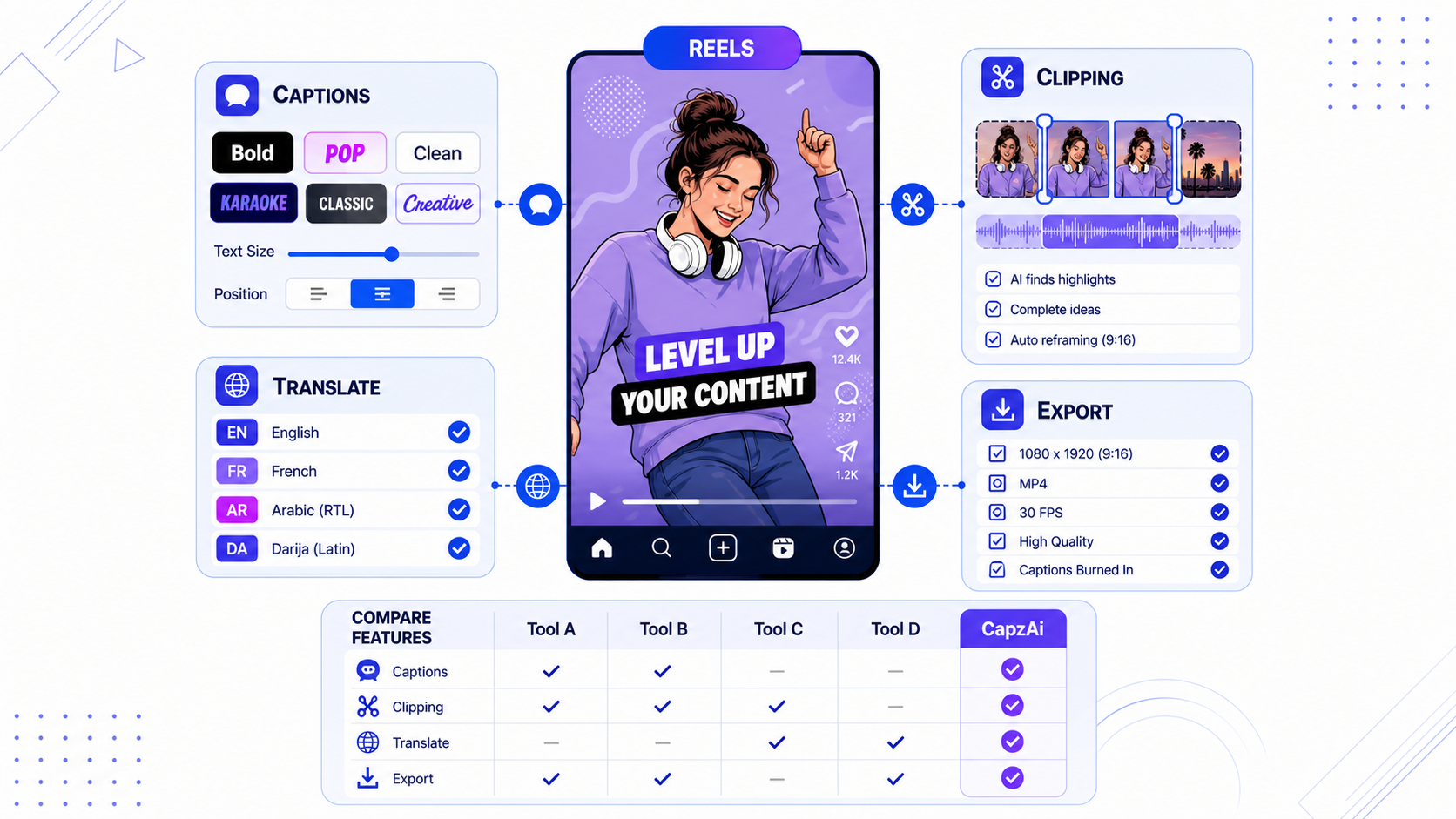
CapzAi is the best Instagram Edits alternative when the caption layer is not just an accessibility add-on. For Reels, captions are part of the edit. They create rhythm, emphasize the hook, protect comprehension when viewers watch with sound off, and help multilingual audiences follow the point without friction.
The big advantage is workflow depth. You can generate word-level AI captions, apply viral caption presets, reposition text around Reels safe zones, translate into English, French, Arabic, or Darija, create RTL Arabic captions, and export a clean burned-in MP4. That matters when your Reel is not a one-off phone clip but part of a repeatable content engine.
CapzAi also fits creators who publish the same idea in multiple markets. A coach can record one English clip and make Arabic and French captioned versions. A UGC creator can build one product demo and localize it for several clients. A podcaster can turn one long episode into multiple short clips, then style each clip for Instagram, TikTok, YouTube Shorts, and LinkedIn.
Use CapzAi when:
- Captions need to look intentional, not native-default.
- You need Arabic, Darija, French, or English localization.
- You want to edit for several platforms from one source clip.
- You want pay-on-export economics instead of another monthly subscription.
- You need a polished 1080p MP4 with captions burned in.
Related workflow: how to add captions to Instagram Reels.
2. CapCut: Best for Fast Mobile Template Editing
CapCut remains one of the most practical Edits alternatives because it is fast, familiar, and template-heavy. It is especially useful when you want to grab a trend, swap in your clips, add a few effects, and publish quickly.
The trade-off is that template speed can work against brand consistency. Many Reels end up looking like the same trend with a different face in the frame. That may be fine for casual creators, but agencies, educators, coaches, and product marketers usually need more control over captions, language, and export review.
Use CapCut when the edit is trend-led. Use CapzAi when the message, captions, and localization need to carry the performance.
3. VEED: Best Browser-Based All-in-One Editor
VEED is a strong alternative for creators who want a browser editor with subtitles, media layers, and general-purpose editing features. It is also moving deeper into infrastructure: on May 18, 2026, VEED announced a Subtitle API for styled, burned-in captions. That is a useful signal for the whole category. Subtitles are becoming a product surface and an API layer, not just a button in an editor.
For Reels creators, VEED makes sense when you need a broad editor and do not mind a heavier workspace. If your main job is captioned short-form output, CapzAi is more focused.
4. Submagic: Best for Viral Caption Styles
Submagic is popular because it understands the visual language of modern short-form captions. It is a good fit for creators who want fast animated captions, emojis, and a high-energy social look.
The limitation is workflow flexibility. If your main priority is English-language caption aesthetics, Submagic is a serious option. If you need deeper multilingual support, RTL handling, translation, dubbing, and pay-on-export pricing, CapzAi is the more useful production layer.
Related comparison: Submagic vs Captions AI.
5. Opus Clip: Best for Quick Long-Form Clipping
Opus Clip is useful when you want to turn a longer video into many candidate clips quickly. It is built around the idea that a creator should upload one episode and receive a batch of short-form ideas.
That is valuable, but clipping is only the first half of a Reels workflow. A clip still needs a strong first frame, safe-zone-aware captions, platform-specific pacing, a clean export, and sometimes translation. If you already use Opus for clip discovery, CapzAi can still be the better finishing tool.
Related comparison: Opus Clip alternatives.
6. Descript: Best for Script-Based Editing
Descript is strongest when your source content is a podcast, interview, tutorial, webinar, or talking-head video that benefits from text-based editing. Cutting video by editing a transcript is still one of the fastest ways to clean up long recordings.
For Reels, Descript is useful earlier in the pipeline. Use it to remove filler, shape the argument, and produce a clean short segment. Then move into a more specialized short-form tool for caption styling, localization, and platform layout.
7. Canva: Best for Branded Social Design
Canva is a good Reels companion when your workflow includes branded end cards, thumbnails, social graphics, or lightweight promo videos. It is especially useful for marketing teams that already keep brand kits, fonts, colors, and templates inside Canva.
It is less ideal as the primary caption editor for spoken video. The more your video depends on word-level timing, kinetic captions, or multilingual subtitles, the more you will want a dedicated caption workflow.
8. Instagram Edits: Best Native Companion, Not Always the Whole Stack
Edits should not be treated as the enemy. It is likely to become a standard app for Instagram-first creators because it sits close to Reels, templates, insights, saved ideas, and platform-native publishing. Meta also says it wants Edits to support the whole creative process, from inspiration to final result.
The smart workflow is to use Edits where native proximity matters and use specialist tools where output quality matters. For example, you might film or plan in Edits, generate and style captions in CapzAi, then publish the finished MP4 to Instagram.
How to Choose the Right Alternative
Pick the tool based on the bottleneck in your Reels workflow.
If filming is the bottleneck, use Edits. The teleprompter, project organization, templates, and Instagram-native planning tools are useful.
If trend speed is the bottleneck, use CapCut. It is fast, mobile, and template-friendly.
If editing a long recording is the bottleneck, use Descript or Opus Clip to find and clean the raw moments.
If captions, translation, and publish-ready exports are the bottleneck, use CapzAi.
Most creators do not need one tool. They need a stack that removes the slowest repeated task. For Reels creators, that repeated task is usually not filming. It is turning raw footage into a clean, captioned, safe-zone-aware, reusable video without spending an hour nudging text around a phone screen.
Recommended Reels Workflow for 2026
Start with a strong source clip. It can come from Edits, your phone camera, a podcast, a webinar, or a client shoot. Do not over-edit too early.
Next, create or select the short-form moment. If the source is long, use an AI clipper to identify complete ideas rather than loud moments. The best Reels usually have a setup, a turn, and a payoff.
Then build the caption layer in CapzAi. Apply a caption preset, review the first three seconds, move captions out of Instagram UI zones, and check the video on a phone-sized preview. If the audience is multilingual, translate the captions before export, not after posting.
Finally, export a clean MP4 and publish through Instagram. After the post runs, use performance signals to update your next batch. Watch retention, rewatches, saves, profile visits, and comments that repeat the same question.
Bottom Line
Instagram Edits is good and getting better. Meta is clearly investing in it. But the best Reels creators in 2026 will not rely on one native app for every job.
Use Edits for Instagram-native creation. Use CapCut or Canva for quick template work. Use Descript or Opus Clip when your source material is long. Use CapzAi when captions, translation, dubbing, safe-zone layout, and export quality are the parts that decide whether a Reel feels amateur or publish-ready.
For creators who care about reach beyond one platform or one language, CapzAi is the most practical Instagram Edits alternative because it turns the final mile of short-form production into a repeatable workflow.
Related articles
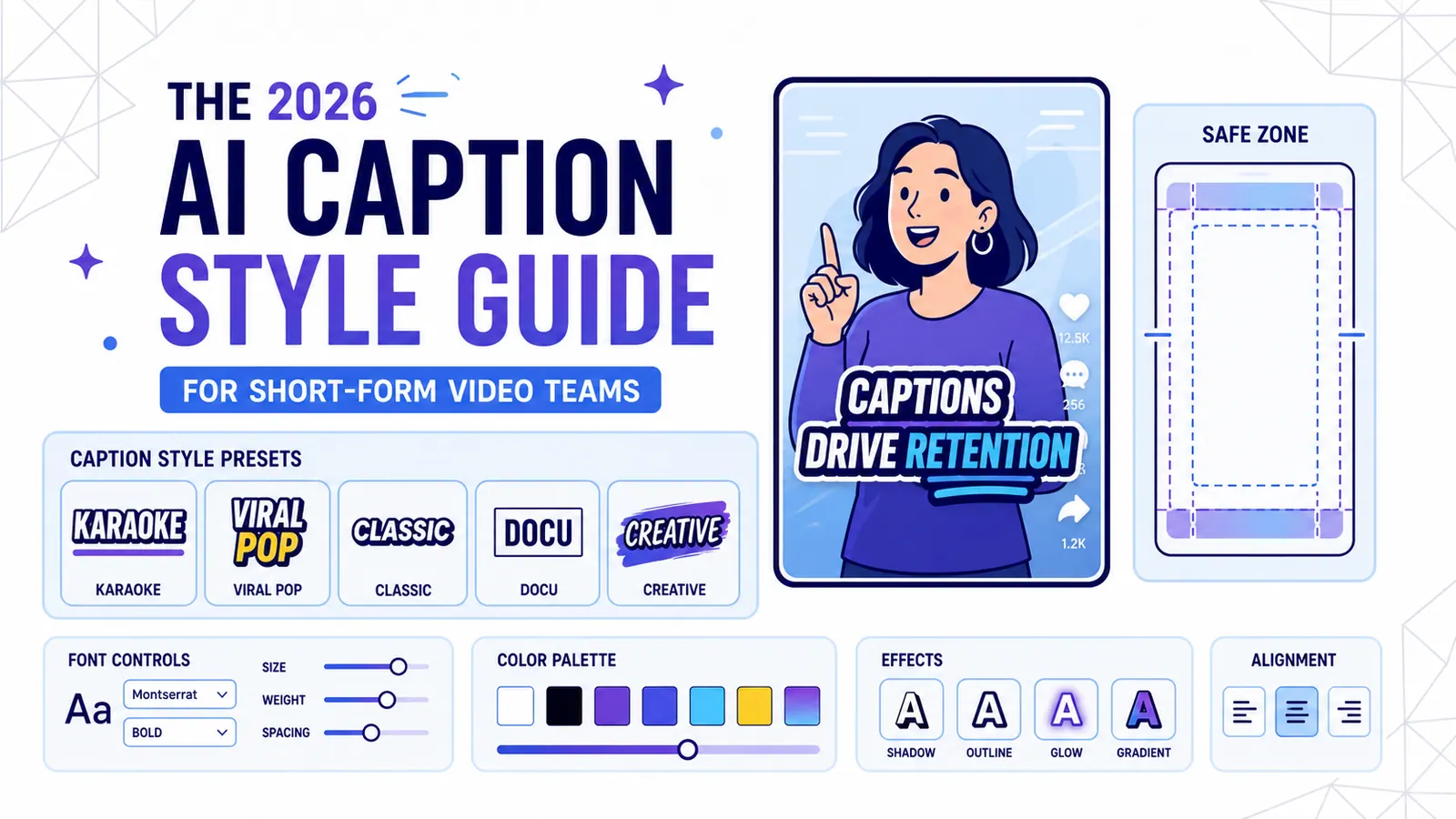
The 2026 AI Caption Style Guide for Short-Form Video Teams
A practical style system for creators and marketing teams who want captions that improve retention without turning every video into visual noise.
Read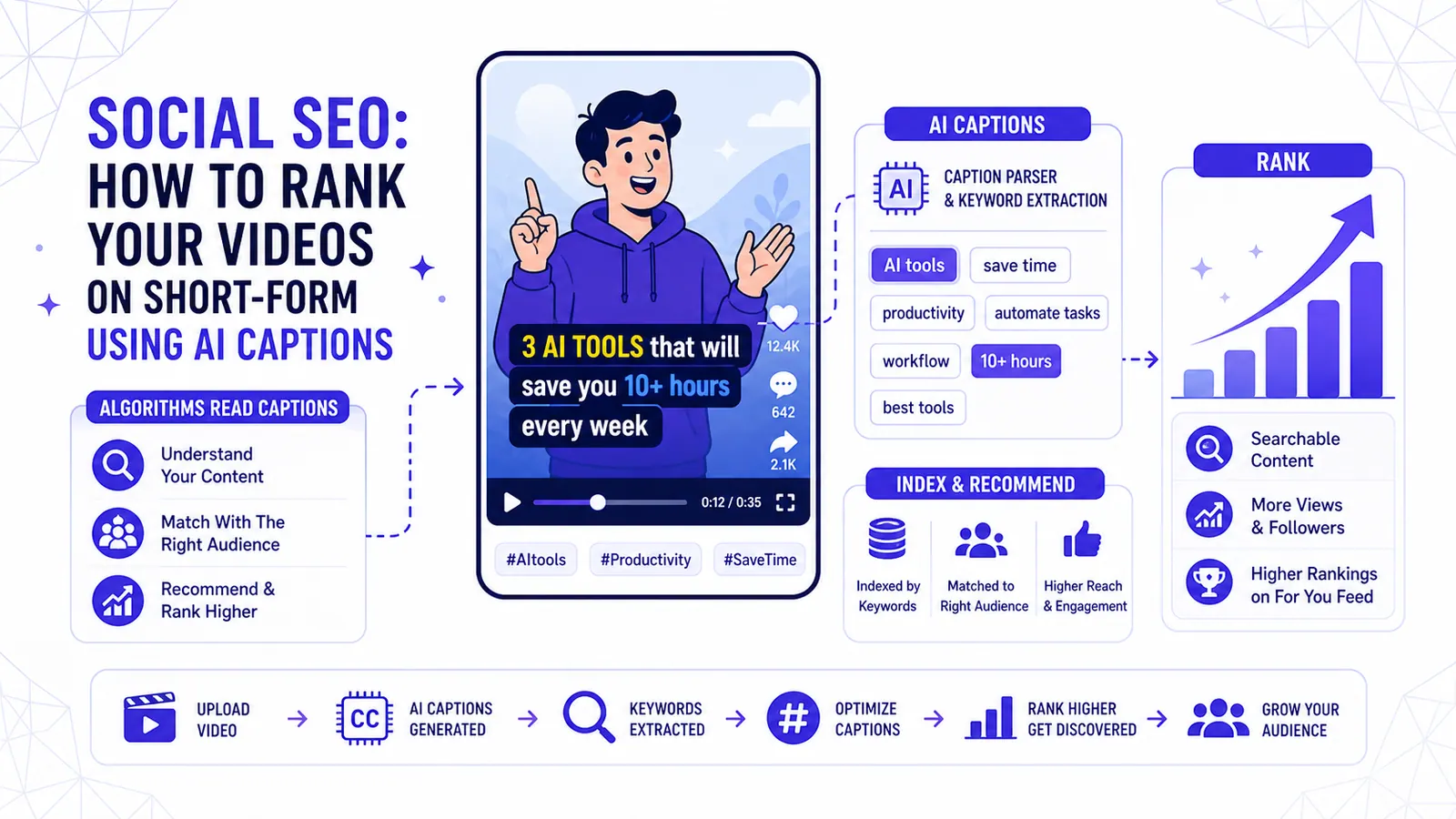
Social SEO: How to Rank Your Videos on TikTok & Reels using AI Captions
Algorithms are no longer just looking at hashtags. Learn how the 2026 TikTok and Instagram Reels algorithms use your captions to index and push your content to the right audience.
Read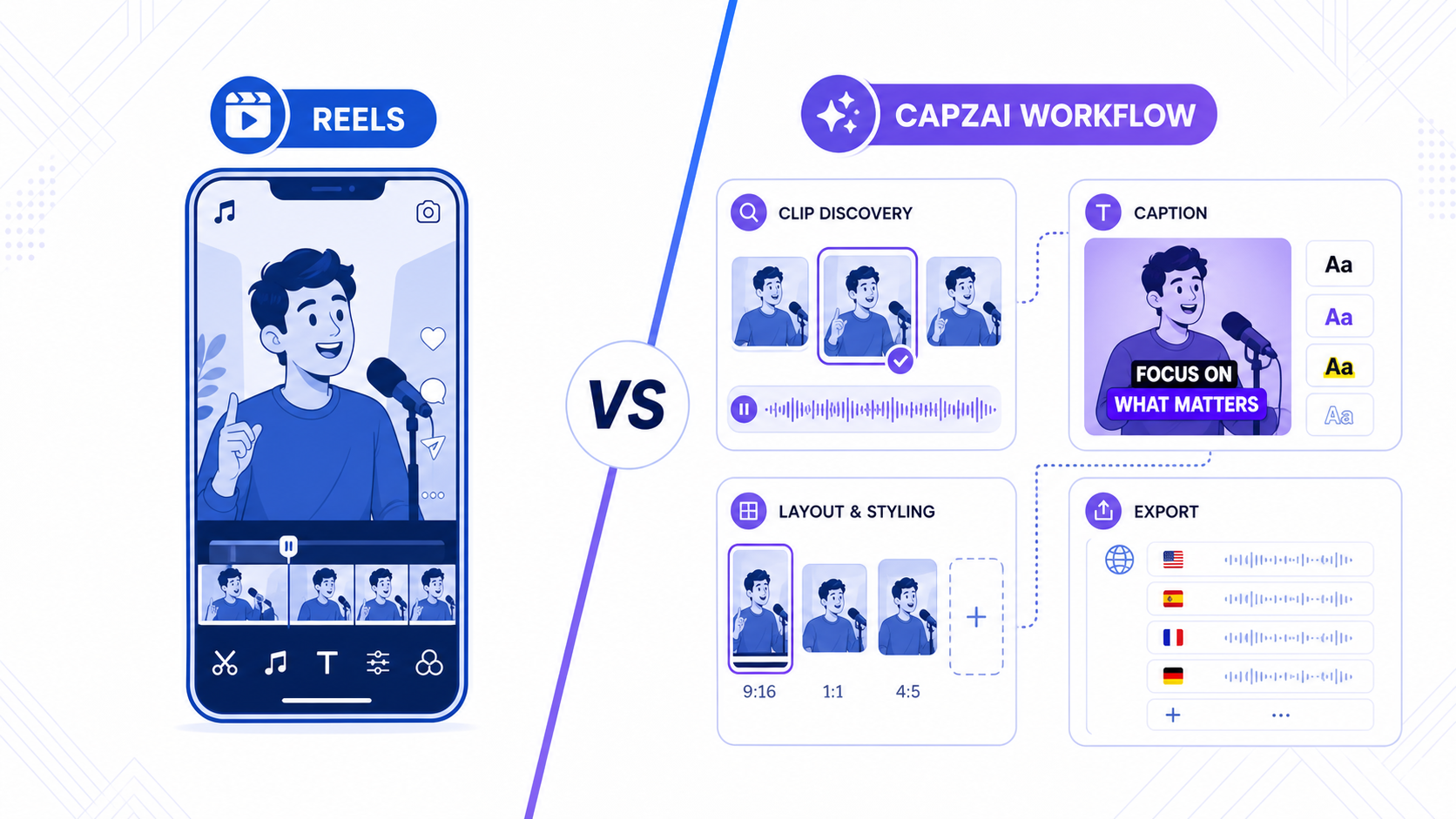
Instagram Edits vs CapzAi: Which Reels Workflow Makes More Sense in 2026?
Instagram Edits is becoming a serious native creation app, but many Reels teams still need stronger captions, clipping, and multilingual finishing.
Read