
7 Best Opus Clip Alternatives in 2026: Ranked for Speed and Languages
Looking for the best Opus Clip alternatives? We rank 7 AI video tools for speed, language support (including Arabic and Darija), and pricing to help you scale your social media presence.
The world of short-form video has moved fast since the initial boom of AI clipping tools. If you are searching for opus clip alternatives in 2026, you probably already know that the market is crowded. Opus Clip set the standard for taking a long video and chopping it into viral bites, but creators today need more than just a basic algorithm. They need linguistic precision, stylistic variety, and pricing that does not feel like a monthly tax on their creativity.
Whether you are a YouTuber trying to scale or a marketing agency managing dozens of clients, the right tool should fit your specific workflow. In this guide, we rank seven of the most prominent alternatives based on their speed, language coverage, and overall value.
1. CapzAi: The Multilingual Precision Tool
CapzAi has carved out a specific niche by focusing on what most Western AI tools ignore: deep multilingual support and flexible pricing. While many tools struggle with Right-to-Left (RTL) languages, CapzAi excels here. It provides 1-click translation for English, French, Arabic, and specifically Moroccan Darija.
One of the standout features is the dual-captioning capability. For languages like Arabic, it can generate both the RTL script and a Latin transliteration simultaneously. This is a game changer for creators targeting the North African and Middle Eastern markets where transliteration is commonly used in social media comments and captions.
Speed and Automation
The auto-clipping engine in CapzAi identifies the most engaging segments of long-form content in seconds. It handles videos under 60 seconds with word-level AI captions that are timed with extreme accuracy. If the AI misses a beat, you do not have to struggle with a clunky timeline. You can use the AI Agent chat-to-edit feature to simply type "make the font bigger" or "change the color to yellow," and the tool handles the rest.
Pricing and Export
CapzAi breaks the mold with its pay-on-export pricing. Instead of a high monthly subscription that charges you even when you are not active, you pay 20 credits per minute of exported video. Editing is completely free, which means you can perfect your video without the pressure of a ticking clock or a wasted credit. It also supports .ass subtitle exports and high-quality 1080p MP4 burn-in, making it a robust choice for professional creators.
2. Submagic: The Aesthetic Leader
Submagic has long been the primary rival to Opus Clip for creators who prioritize "the look." It is famous for its "Alex Hormozi style" captions that pop with emojis and vibrant colors.
Why it is a strong alternative
Submagic is built for speed. Its interface is incredibly clean, and it generates viral-ready clips with very little manual input. If you want your videos to look like they were edited by a top-tier social media manager, Submagic is often the fastest way to get there.
The Trade-offs
The pricing for Submagic remains on the higher end, typically requiring a monthly commitment that might be steep for solo creators. While it supports many languages, it lacks the specialized RTL and transliteration depth found in CapzAi. For creators focused purely on the English-speaking market who want a specific "viral pop" aesthetic, it remains a top contender.
3. Vizard: The Professional Workflow
Vizard is designed for more than just TikTok clips; it is built for webinars, podcasts, and corporate meetings. It is a more "serious" tool compared to the flashy aesthetic of Submagic.
Key Features
Vizard offers excellent screen layout options. If you are clipping a Zoom interview, it can automatically detect who is speaking and switch the layout to focus on the active speaker. This makes it one of the best opus clip alternatives for B2B creators and educators.
Language and Pricing
Vizard has solid language support, though it feels more like a traditional SaaS product. Its pricing is tiered based on the volume of video processed. If you are looking for more tips on how to manage high volumes of content, you might find our guide on /blog/maximizing-social-media-reach-with-ai useful.
4. Klap: Simplification at Scale
Klap is for the creator who wants to spend the least amount of time possible inside an editor. You paste a YouTube link, and it gives you finished clips.
User Experience
The Klap interface is intentionally minimalist. It does not give you as many manual editing features as CapzAi or Veed, but it makes up for it with a very fast processing engine. It identifies "viral scores" for each clip, helping you decide what to post first.
Performance
In 2026, Klap remains one of the fastest tools for bulk processing. However, if you need to do a deep edit or adjust specific word-level timings, you may find it a bit restrictive. It is best for those who trust the AI to do 95% of the work and are happy with the 5 viral presets it offers.
5. Munch: The Marketing Data Powerhouse
Munch goes beyond just clipping; it integrates marketing data into the process. It analyzes trending keywords and topics across social platforms to tell you why a clip might go viral.
Strategic Clipping
Munch is excellent for agencies that need to justify their content choices to clients. It provides data-backed reasoning for its clips. It also offers decent editing capabilities, though the interface can feel a bit data-heavy and overwhelming for beginners.
Limitations
Because Munch focuses so much on the data and marketing side, the actual video editing experience can feel secondary. It lacks the creative "flair" of CapzAi's presets or Submagic's animations. If you are interested in the technical side of things, check out our analysis of /blog/ai-video-editing-trends-2026.
6. Eddie AI: The Intelligent Assistant
Eddie AI positions itself as a virtual video editor rather than just a clipping tool. It attempts to understand the context of your video to create a narrative flow.
Contextual Awareness
Unlike some tools that just look for high energy or loud noises, Eddie AI tries to find the actual "point" of the story. This makes it great for documentary-style creators or storytellers.
Pricing and Ease of Use
Eddie AI is relatively easy to use, but its "assistant" style can sometimes be slower than a direct clipping tool. You spend more time "talking" to the AI to get the result you want. It is a unique approach, but for those who want a quick "click and export" experience, it might feel a bit slow.
7. Veed: The All-in-One Suite
Veed is not just an Opus Clip alternative; it is a full-scale online video editor that happens to have a very good clipping and captioning feature.
Versatility
If you need to add images, music, transitions, and multiple layers of text, Veed is the most powerful tool on this list. It is essentially a cloud-based Premiere Pro with AI features bolted on. Their auto-subtitle tool is legendary for its accuracy in English.
The Catch
Veed can be "too much" for someone who just wants to turn a podcast into five TikToks. The interface is complex, and the rendering times can be longer because the tool is handling so much data. It also follows a traditional subscription model which can be expensive if you only use 10% of its features. For those specifically looking for captioning tips, we have a detailed post at /blog/best-ai-captions-for-tiktok.
Comparing Language Coverage and RTL Support
In 2026, the global market is no longer just English-centric. This is where many opus clip alternatives fall short. If you are a creator in the MENA region or France, you need tools that understand the nuance of your language.
CapzAi leads the pack here because it was built with a global-first mindset. Supporting Darija is not just about translating words; it is about understanding the cultural context of how people speak in Morocco and the surrounding regions. Most AI models treat Arabic as a single block, but CapzAi differentiates between Modern Standard Arabic and dialects.
Furthermore, the "Right-to-Left" support in many tools is often buggy, with punctuation appearing on the wrong side of the sentence. CapzAi has solved this, ensuring that your Arabic captions look professional and native.
Ranking Speed and Efficiency
When we talk about speed, we have to look at two things: processing time and editing time.
- Klap and Munch win on processing time. They are built for volume.
- CapzAi and Submagic win on editing time. Their presets and AI-assisted editing mean you spend less time clicking around a timeline.
- Veed is the slowest for simple tasks because of its complexity, but the fastest for complex tasks that would otherwise require a desktop editor.
The CapzAi "chat-to-edit" feature is a significant innovation in 2026. Instead of dragging sliders to adjust caption positioning, you can simply tell the AI to move them. This reduces the friction between having an idea and seeing it on screen.
The Shift to Pay-on-Export Pricing
The biggest frustration for many creators in 2026 is the "subscription fatigue." Most Opus Clip alternatives ask for $30 to $50 a month upfront. If you have a slow month and don't produce much content, that money is gone.
CapzAi pay-on-export pricing is a direct response to this. By charging 20 credits per minute only when you export, the tool aligns its success with yours. You can upload a three-hour podcast, generate fifty clips, edit them all to perfection, and if you only decide to export five of them, you only pay for those five. This transparency is rare in the AI space and makes it the most budget-friendly option for growing channels.
Choosing the Right Tool for Your Workflow
If you are still undecided, ask yourself these three questions:
Is your content primarily for an English-speaking audience, or do you need to reach Arabic and French speakers? If it is the latter, CapzAi is the only logical choice.
Do you want a simple "viral" look (Submagic), a data-driven marketing approach (Munch), or a professional corporate layout (Vizard)?
Are you comfortable with a monthly bill, or do you prefer to pay only for what you actually use?
The "best" tool is the one that actually gets your videos posted. Many creators get stuck in "analysis paralysis," trying every tool but never actually publishing. Most of these alternatives offer some form of free trial or free editing period. Start by uploading one video to CapzAi and one to another tool on this list to see which interface feels more natural to you.
Stop letting your long-form content sit on a hard drive. Whether you choose CapzAi for its multilingual Darija support and pay-on-export model, or Veed for its all-in-one editing power, the goal is to get your message in front of more people. AI has removed the technical barriers, so now the only thing left is for you to hit the upload button.
Ready to transform your long-form videos into viral clips with 1-click Arabic translation and professional presets? Start using CapzAi today and only pay when you export your perfect video.
Related articles
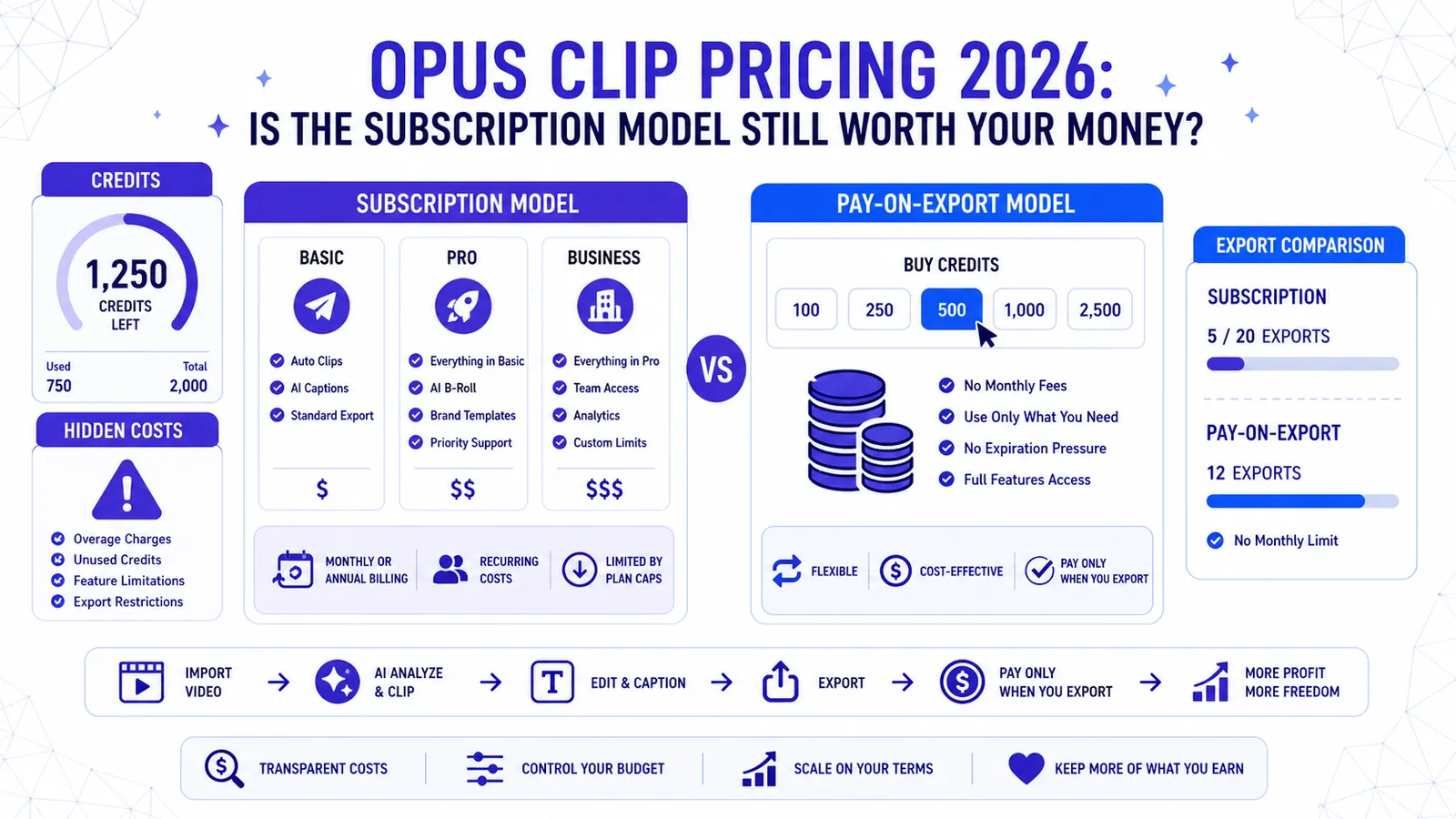
Opus Clip Pricing 2026: Is the Subscription Model Still Worth Your Money?
A deep dive into Opus Clip pricing for 2026. We analyze the tiers, hidden credit costs, and why pay-on-export might be the better choice for creators.
Read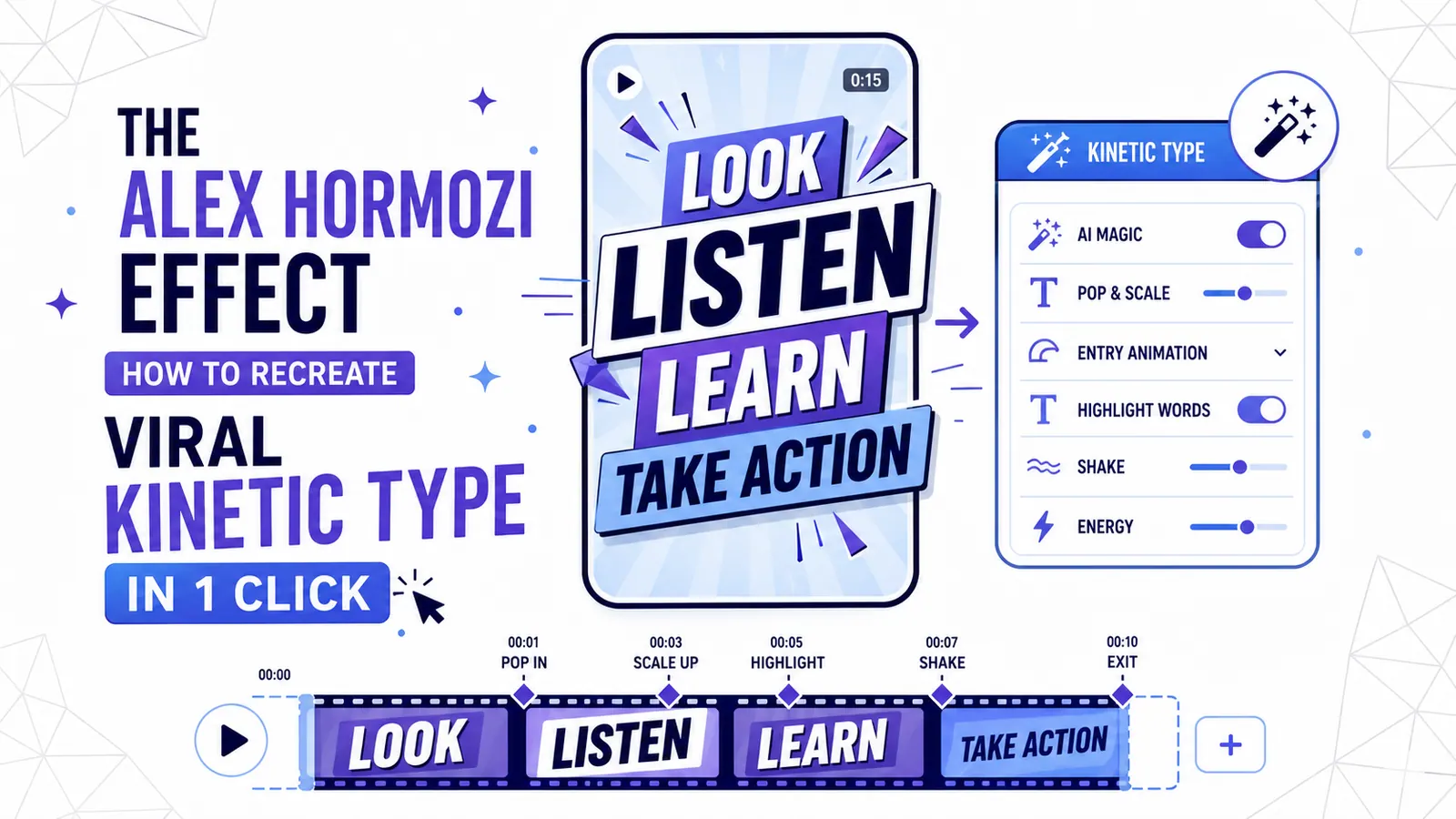
The Alex Hormozi Effect: How to Recreate Viral Kinetic Typography in 1 Click
The 'Hormozi Style' has become the gold standard for high-retention video. Discover the psychology behind kinetic typography and how to automate the look with AI.
Read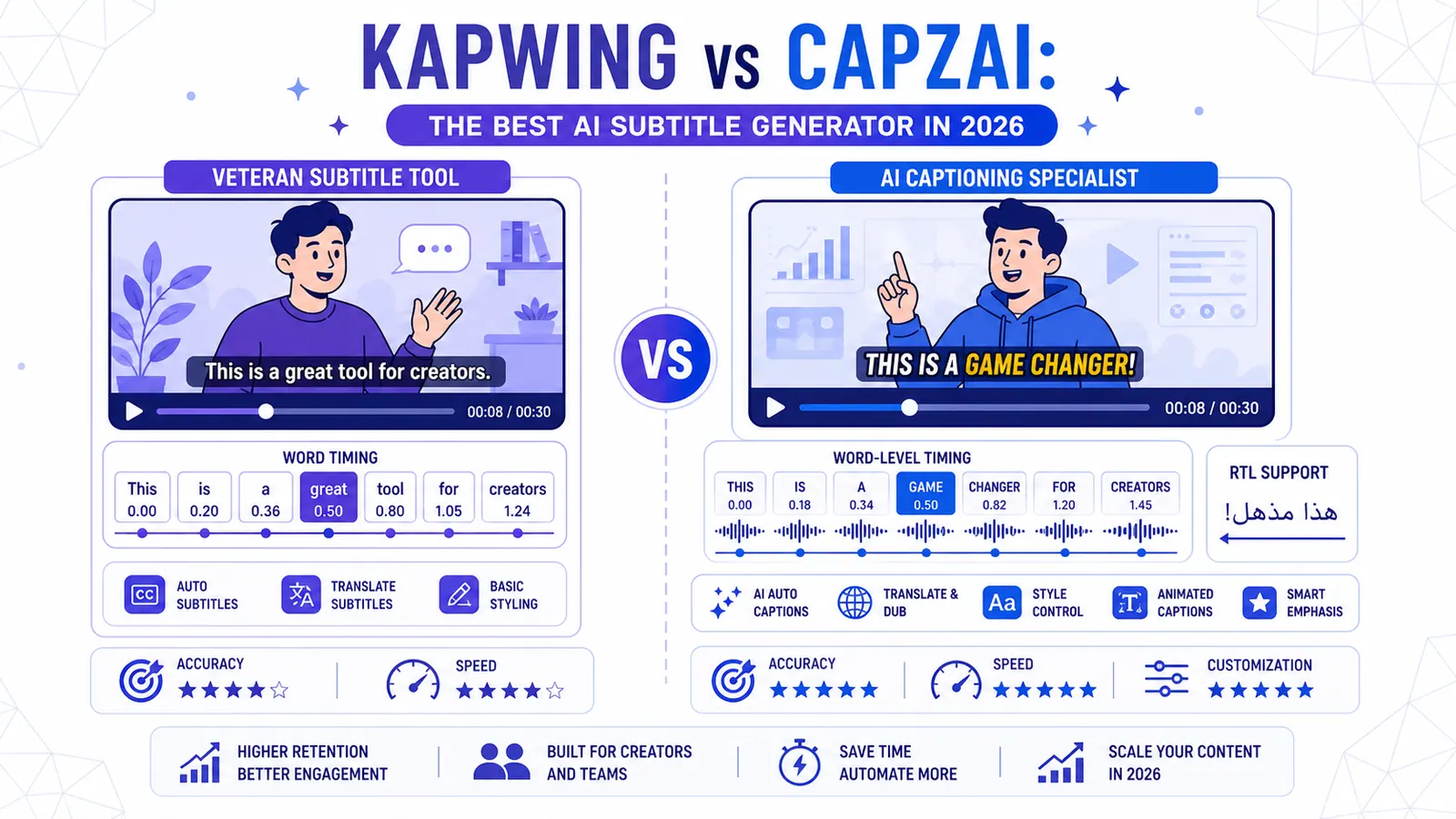
Kapwing vs CapzAi: The Best AI Subtitle Generator in 2026
A deep dive into whether you should stick with the veteran Kapwing subtitle generator or switch to the specialized powerhouse CapzAi for your 2026 video content.
Read