01
Translate subtitles in one click
Auto-generate translated word-level captions in 100+ languages. Edit any word before you export.

Drop in a video. Get translated subtitles, an AI voice dub, and a 1080p MP4 ready to post — in English, French, Arabic, Darija, Spanish, and 95 more languages.
Why CapzAi
Most translators dump subtitles on top of your video. CapzAi rebuilds the whole experience — captions, voice, timing, layout — for each language.
Auto-generate translated word-level captions in 100+ languages. Edit any word before you export.
Dub your video with an AI voice trained on your original audio. Same tone, new language.
Right-to-left layout, correct typography, and Latin transliteration for Darija — done natively, not bolted on.
Fix a single word without re-rendering. Adjust timing, swap a term, change a name.
Export a 1080p MP4 with captions baked in, or grab a .ass subtitle file for your own pipeline.
Auto-clip a long video, then translate each clip for TikTok, Reels, and Shorts in one pass.
How it works
No download, no software, no learning curve.
Drag in any MP4, MOV, or WebM up to 500 MB. We auto-detect the source language.
Choose one or several. English, French, Arabic, Darija, Spanish, German — over 100 options.
Tweak any word, swap a preset, drag captions into place. The AI Agent can edit by chat too.
Render a 1080p MP4 with burned-in captions, or download the .ass / .srt files.
vs other video translators
HeyGen, Rask, and Veed each do one piece well. CapzAi is the only AI video translator that does subtitles, dubbing, RTL, and auto-clipping in a single export.
FAQ
Everything creators ask before switching translators.
Upload a clip, pick a language, hit render. No subscription, no watermark, no surprises.
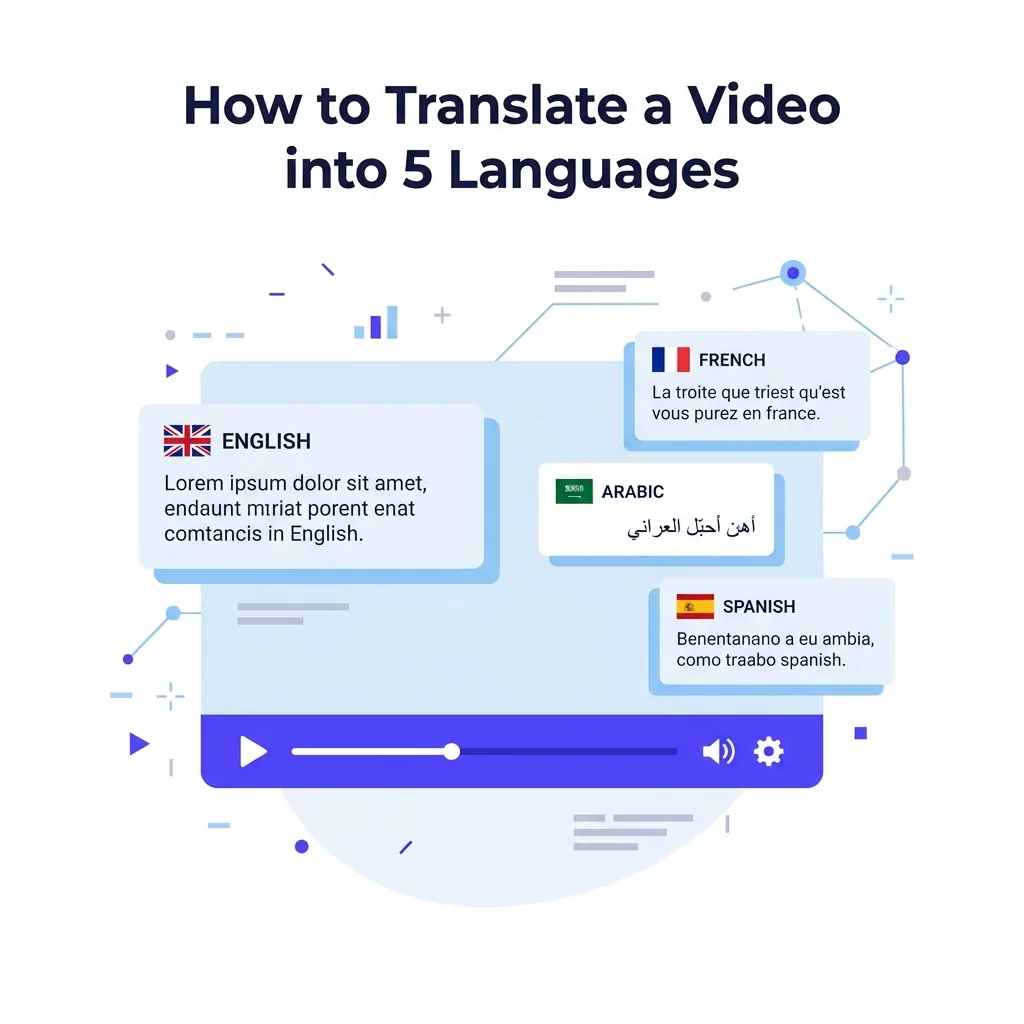
Expand your video reach to international markets by accurately translating subtitles into French, Spanish, Arabic, and Darija using CapzAi.
Read guide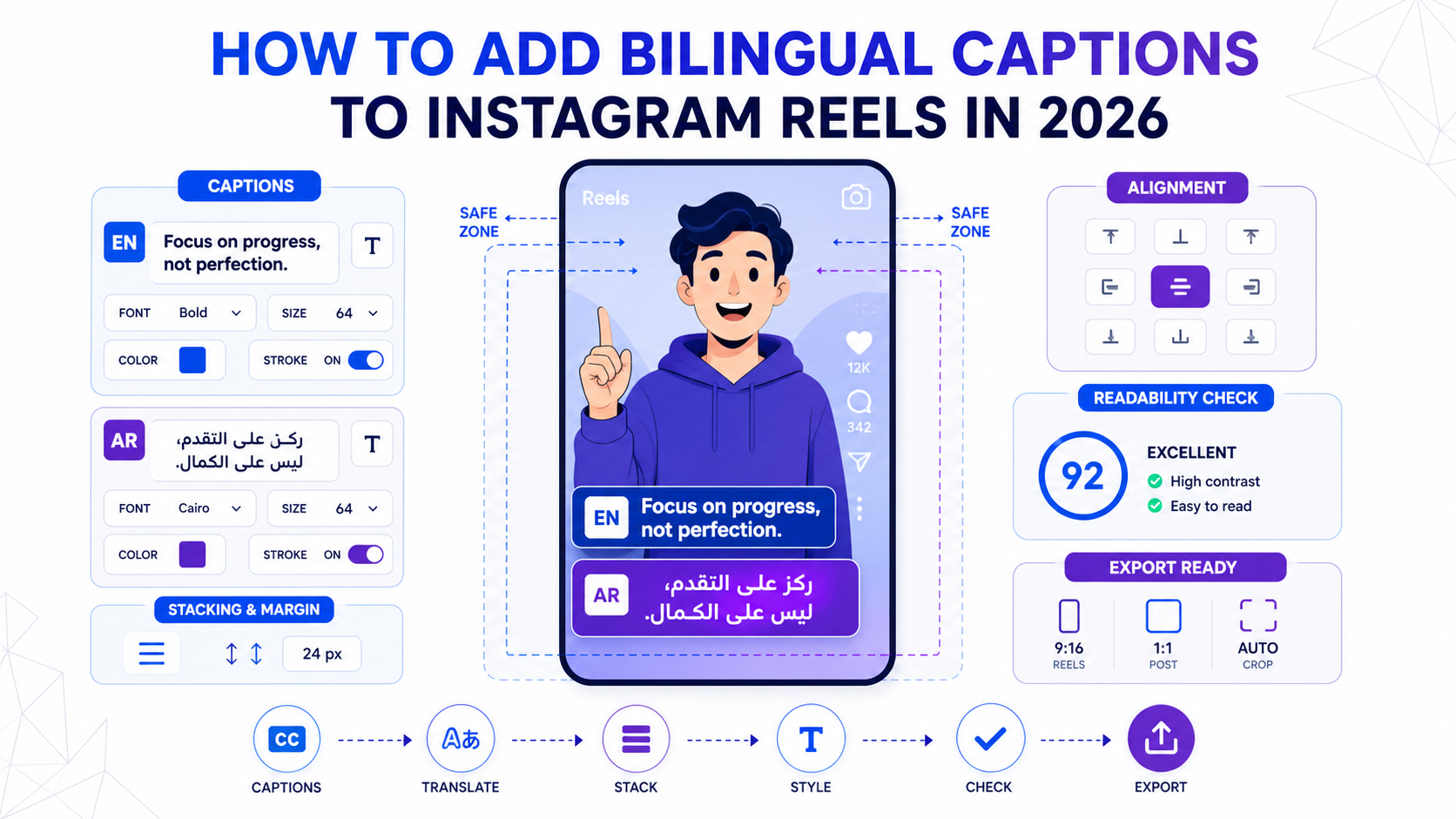
A practical workflow for bilingual Reels captions that stay readable, fit safe zones, and work across English, Arabic, French, and other short-form language pairs.
Read guide
Looking for the best Opus Clip alternatives? We rank 7 AI video tools for speed, language support (including Arabic and Darija), and pricing to help you scale your social media presence.
Read guide