
Instagram Edits vs CapzAi: Which Reels Workflow Makes More Sense in 2026?
Instagram Edits is becoming a serious native creation app, but many Reels teams still need stronger captions, clipping, and multilingual finishing.
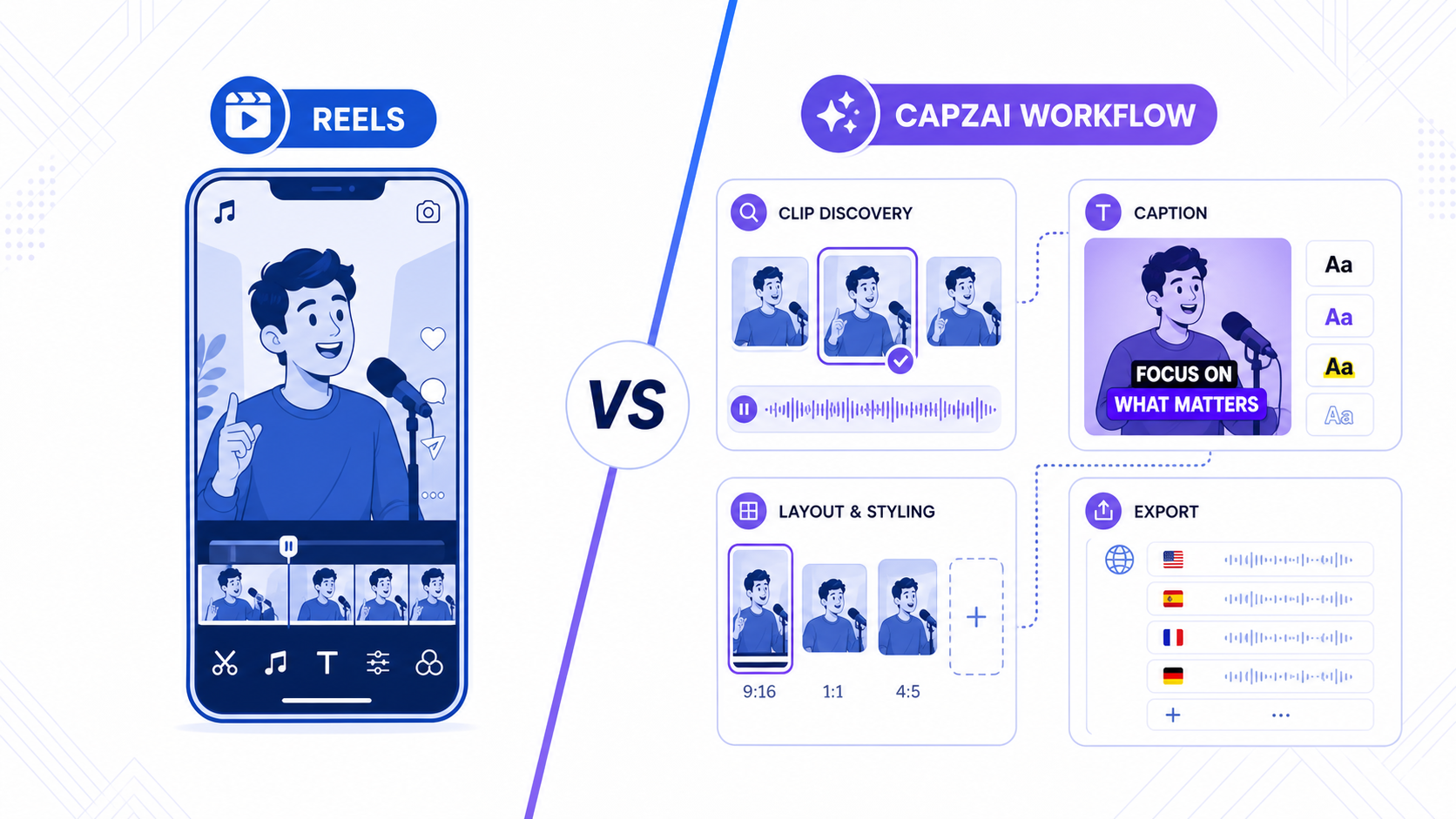
Instagram Edits is no longer a side experiment. Meta launched the app on April 22, 2025 as a dedicated mobile video creation workspace, and Meta's April 2026 update made the direction even clearer: Edits is becoming a bigger part of the native Reels workflow.
Meta's own posts frame Edits as a creator tool for the full process, from ideas and capture to editing and sharing. The company has highlighted features such as longer camera capture, project management, frame-accurate editing, green screen, transitions, insights, and watermark-free export. In the April 2026 update, Meta also pointed to upcoming or expanded capabilities including bilingual captions, color adjustments, speed controls, richer templates, overlays, keyframes, and video effects.
That matters because Edits is not just another editing app. It is the native editing layer for Instagram.
But a native editing layer and a short-form production workflow are not the same thing.
The short answer
Instagram Edits is the better choice when your main job is to capture, trim, and publish Reels quickly inside Instagram's ecosystem.
CapzAi is the better choice when your bottleneck is what happens after the clip exists:
- stronger caption styling
- long-video clipping and repurposing
- multilingual versions
- safe exports for more than one platform
- review before spending time or credits on final output
If Edits helps you make more Reels, that is useful.
If CapzAi helps you make better Reels and then turn them into TikToks and Shorts too, that is a different level of value.
Why Instagram Edits is getting harder to ignore
Meta has one advantage that third-party editors do not: proximity.
Edits sits close to Reels, Instagram creator habits, platform-native trends, and mobile-first publishing. That makes it attractive for creators who want less friction between shooting and posting.
For a lot of users, that alone is enough reason to try it. If your workflow starts and ends inside Instagram, native convenience can beat a more powerful external tool.
This is especially true for:
- solo creators filming on phone
- fast-moving Reels accounts
- social teams testing hooks daily
- creators who want direct access to ideas, drafts, and publishing in one app
Meta is clearly investing for that audience.
Where Instagram Edits wins
Instagram Edits wins when speed and Instagram-native context matter more than finishing depth.
1. Mobile-first capture
Edits is built around the reality that a lot of Reels start on a phone. Quick capture, direct project access, and native workflow continuity matter here.
2. Native publishing proximity
The closer an editing app sits to the destination platform, the easier it is to keep creators moving. That reduces handoffs.
3. Lightweight iteration
For quick cuts, trend experiments, title-card tests, or minor changes to a Reel draft, Edits is a practical workspace.
None of this should be dismissed. Native tools become defaults for good reasons.
Where Instagram Edits stops being enough
The limits show up when the asset needs to do more than become a Reel quickly.
Professional short-form teams usually need more control over:
- captions as part of the visual identity
- repurposing long-form source material into multiple clips
- keeping layouts readable across different platform safe zones
- turning the same clip into translated or dubbed versions
- maintaining a repeatable finishing process instead of a one-off mobile edit
That is the gap between a native creator app and a specialist workflow.
Instagram Edits vs CapzAi
| Workflow area | Instagram Edits | CapzAi |
|---|---|---|
| Core strength | Native mobile Reels creation | Finishing and repurposing workflow |
| Best source type | Phone-shot Reels drafts | Long-form video, podcasts, demos, interviews, UGC |
| Caption role | Useful native support | Core editing and retention layer |
| Localization | Early bilingual direction | Translation and dubbing fit the same flow |
| Cross-platform publishing | Instagram-first | Reels, TikTok, Shorts, multilingual output |
| Review depth | Fast mobile iteration | Draft, inspect, adjust, then export |
The important point is not that CapzAi is "more advanced" in the abstract.
The important point is that it solves a different problem.
Instagram Edits helps you create inside Meta's environment.
CapzAi helps you finish short-form assets that need to work across channels and markets.
Captions are where many Reels workflows break
Most creators underestimate how much the caption layer affects whether a Reel feels polished.
Captions are not only for accessibility. They create emphasis, visual rhythm, and comprehension for sound-off viewing. On a crowded feed, those details change how quickly a viewer understands the point.
That is why "good enough" captioning often becomes the hidden bottleneck.
A native app may let you add captions. But if you need:
- cleaner word emphasis
- better readability on small screens
- more intentional subtitle styling
- caption layouts that survive reposting outside Instagram
then a specialist tool is usually the better fit.
CapzAi is stronger when subtitle quality is part of the edit, not an afterthought.
Long-video repurposing changes the comparison
This is one of the biggest reasons CapzAi wins many business workflows.
A lot of Reels are not shot as standalone Reels. They come from:
- podcasts
- webinars
- interviews
- product demos
- coaching calls
- customer stories
- UGC ad shoots
In those cases, the job is not just "edit a clip." The job is:
- find the right moments inside a longer recording
- turn them into self-contained vertical clips
- apply captions and framing that feel native on mobile
- export only the versions worth publishing
That is much closer to CapzAi's clipping-first workflow than to a native mobile editor.
Localization is now a practical growth channel
Meta's April 2026 update signaled that bilingual captions are part of the future direction for Edits. That is meaningful, because it shows major platforms recognize multilingual creation as a mainstream need, not a niche request.
But for many teams, multilingual production requires more than bilingual captions inside one app.
It requires:
- translated subtitles that stay readable
- dubbed voice options for broader reach
- versioning across markets
- a workflow that does not restart from zero after the English edit
CapzAi is stronger here because clipping, subtitle styling, translation, and dubbing can stay closer together. That reduces the handoffs that usually slow multilingual publishing down.
Cross-platform publishing is the real separator
If your final destination is only Instagram, Edits becomes much more compelling.
If your real workflow is:
- publish to Reels
- reuse the same asset for TikTok
- adapt the caption layout for Shorts
- test translated versions for another market
then the value of a specialist workflow becomes obvious.
This is not about rejecting native tools. It is about knowing where they stop.
The clip that looks acceptable inside a native draft can still need cleanup before it is strong enough for a wider distribution workflow.
A practical hybrid workflow
For many creators, the best answer is not either-or.
Use Instagram Edits for what it is naturally good at:
- capturing ideas quickly
- drafting inside a mobile flow
- staying close to Reels publishing
Use CapzAi for the parts that usually create the most friction:
- finding clips inside longer videos
- refining subtitles
- checking safe-zone layout
- translating or dubbing top performers
- exporting clean assets for multiple channels
That hybrid approach is usually more realistic than pretending one tool should do every job well.
Should you choose Instagram Edits or CapzAi?
Choose Instagram Edits if:
- you are Instagram-first
- you create mostly from phone-shot footage
- you need native convenience more than deeper finishing control
Choose CapzAi if:
- captions materially affect your brand or retention
- you repurpose longer source videos into Reels
- you publish to TikTok and Shorts too
- you want localization built into the finishing workflow
Instagram Edits is real, useful, and improving quickly.
But it is still best understood as the native front end of a creator workflow, not the complete solution for every short-form team.
If your business depends on better clipping, stronger subtitle design, multilingual output, and cleaner exports, CapzAi remains the more practical choice in 2026.
Related articles
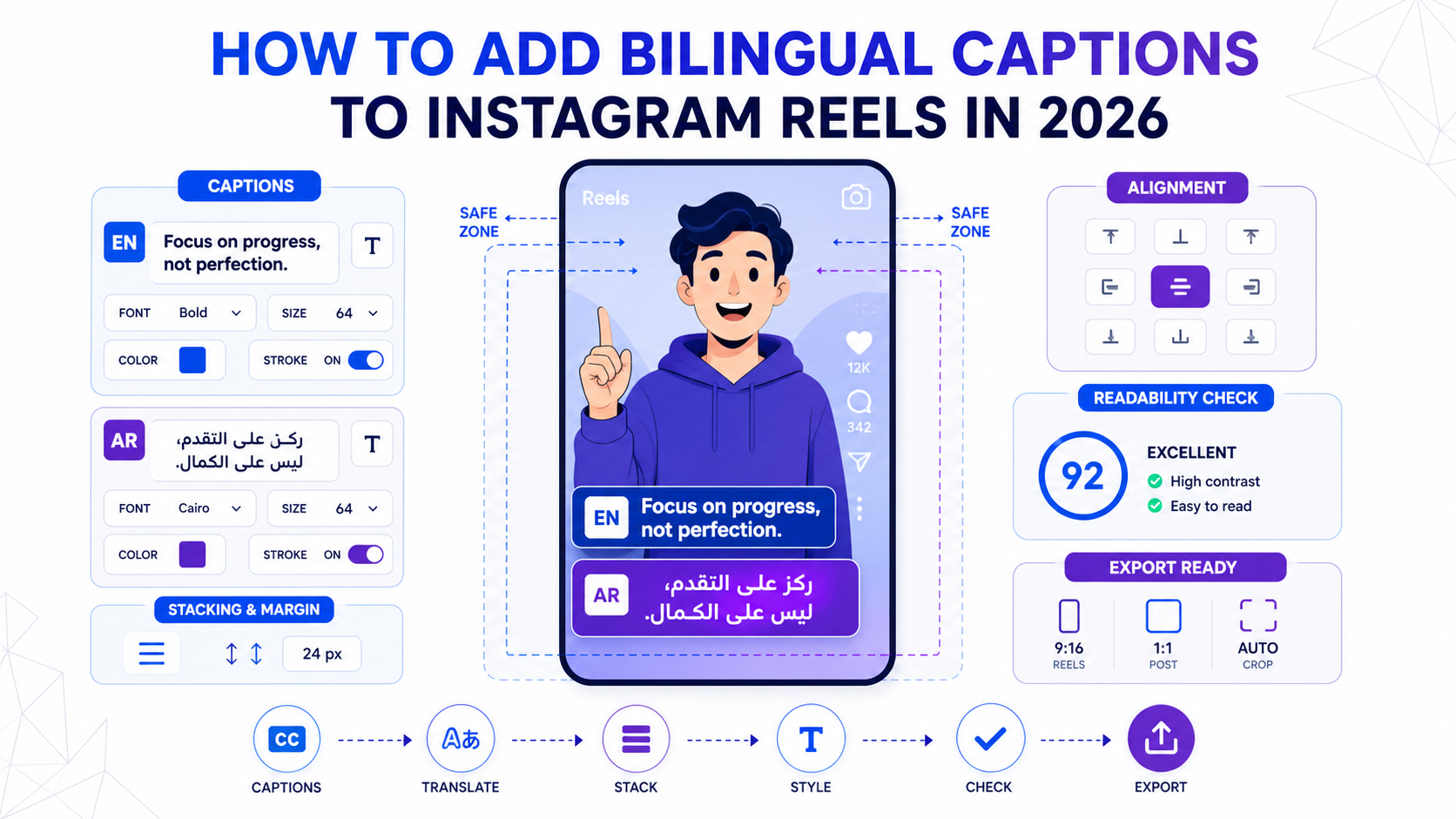
How to Add Bilingual Captions to Instagram Reels in 2026
A practical workflow for bilingual Reels captions that stay readable, fit safe zones, and work across English, Arabic, French, and other short-form language pairs.
Read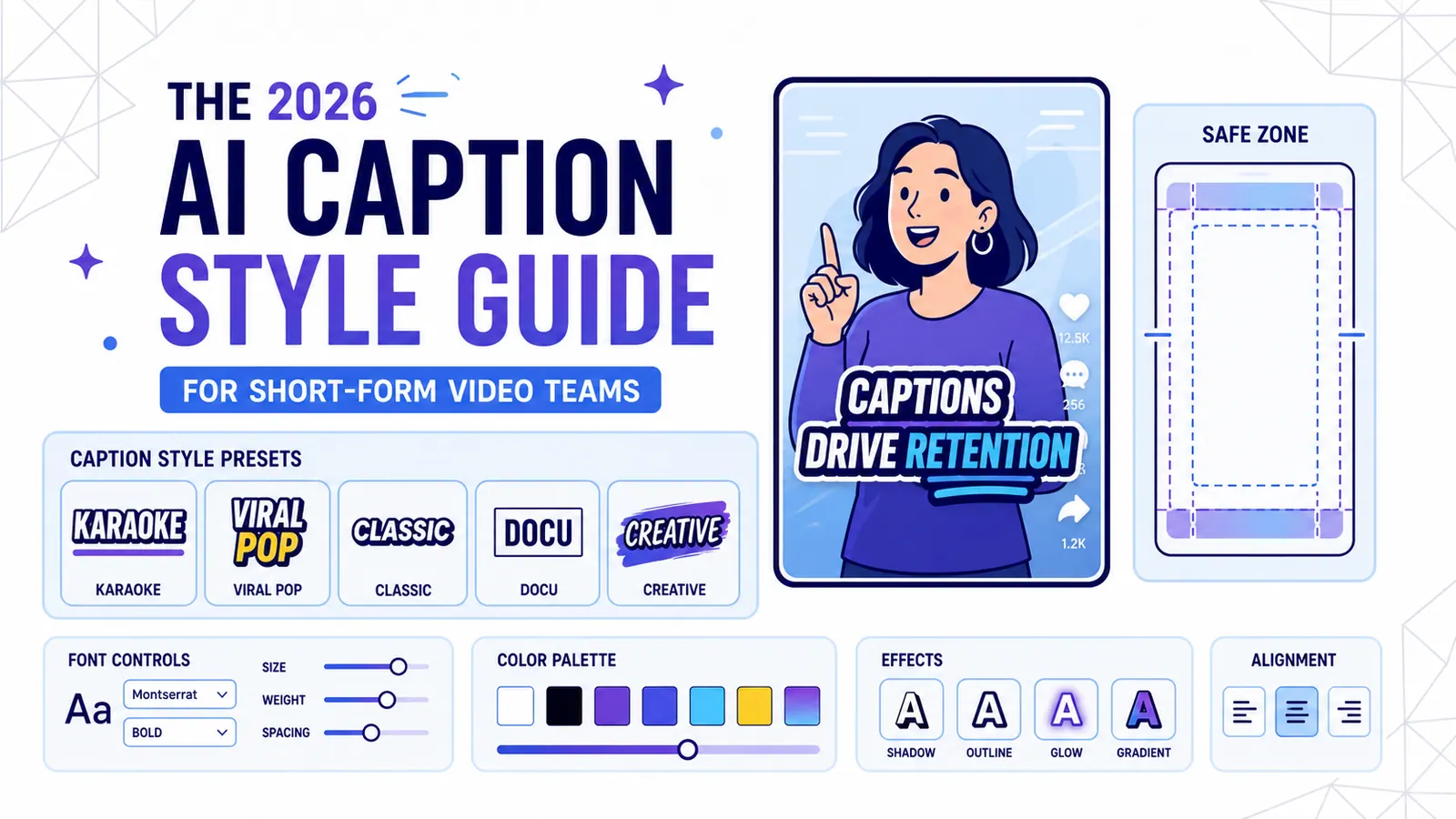
The 2026 AI Caption Style Guide for Short-Form Video Teams
A practical style system for creators and marketing teams who want captions that improve retention without turning every video into visual noise.
Read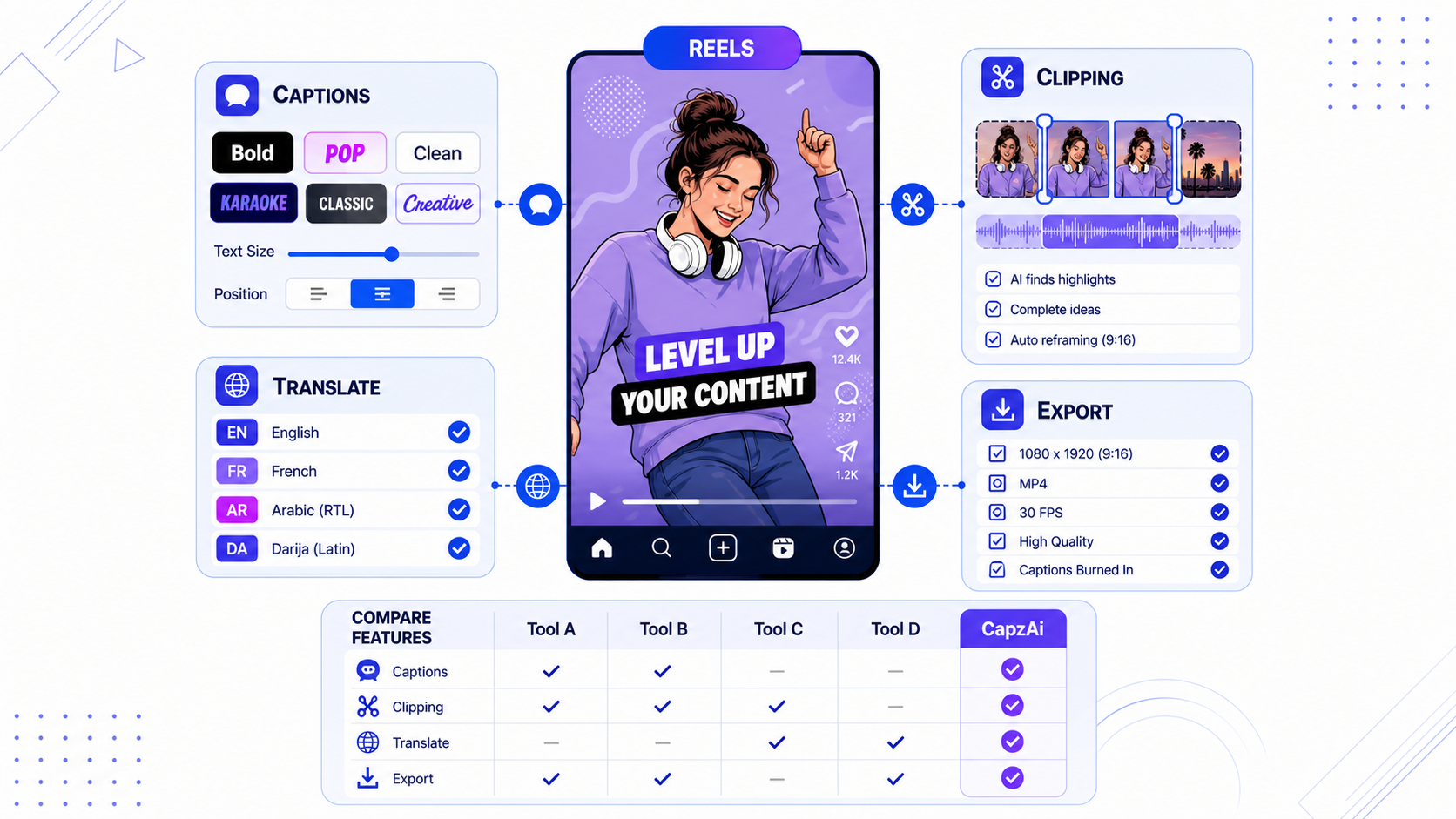
Best Instagram Edits Alternatives for Reels Creators
Instagram Edits is improving fast, but Reels creators still need stronger caption styling, translation, clipping, and export workflows.
Read