
Submagic vs. Captions.ai vs. CapzAi: Which is the Best Viral Caption Tool in 2026?
We put the industry giants Submagic and Captions.ai head-to-head against CapzAi to see which AI captioning tool delivers the best engagement, accuracy, and value for creators.
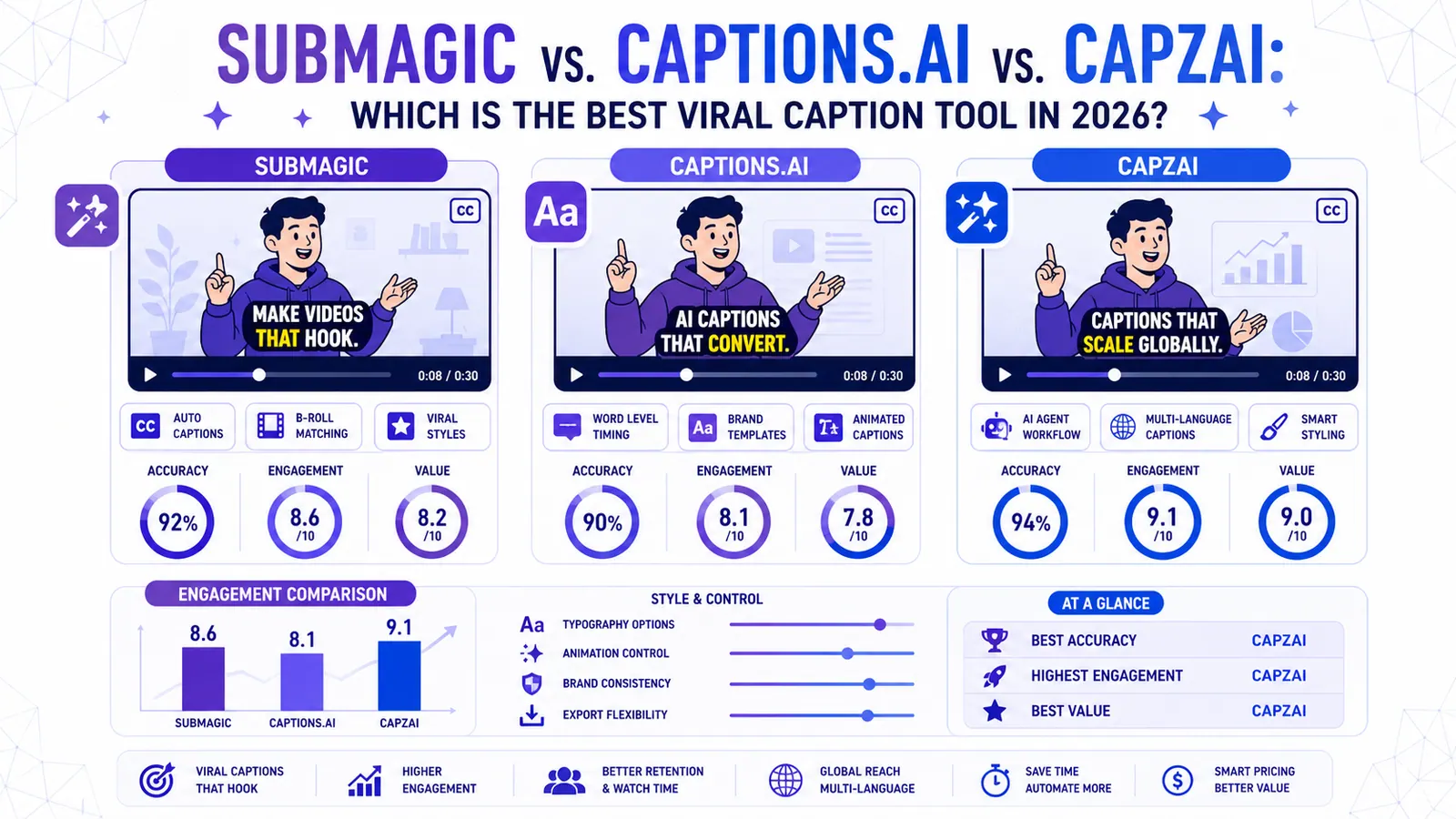
Submagic vs. Captions.ai vs. CapzAi: The Ultimate 2026 Showdown
In 2026, the battle for attention on short-form video is won in the first three seconds. If your captions aren't stopping the scroll, your video is effectively invisible. This has led to the rise of "viral caption" tools that use AI to animate text, add emojis, and highlight keywords automatically.
Two names have dominated the conversation: Submagic and Captions.ai. But as the market matures, new players like CapzAi are challenging the status quo with better customization and smarter AI.
In this guide, we’ll break down which tool you should choose based on your workflow, budget, and desired output.
Why Do You Need a Dedicated AI Captioning Tool?
Before we dive into the comparison, let’s look at the data. Videos with high-quality, dynamic captions see:
- 38% higher retention rates (people watch for longer).
- 22% higher engagement (more likes, comments, and shares).
- 80%+ view rate on mute (captions are mandatory for silent scrollers).
1. Submagic: The King of Simplicity
Submagic has long been the favorite for creators who want a "set it and forget it" solution.
The Pros:
- Speed: Upload a video, and in 30 seconds, you have viral-style captions.
- Auto-B-Roll: Their AI can suggest and insert stock footage based on your script.
- Trendy Templates: They are usually the first to add new styles used by top influencers.
The Cons:
- Price: It remains one of the most expensive options on the market.
- Limited Customization: If you don't like a specific placement or font behavior, it can be frustrating to change.
2. Captions.ai: The Powerhouse of Features
Captions.ai (often just called "Captions") has evolved from a simple subtitle tool into a full-scale AI video suite.
The Pros:
- AI Eye Contact: A game-changer for creators who look at their notes instead of the lens.
- AI Twin: Create a digital avatar of yourself to "film" content without being on camera.
- Deep Integration: They offer a desktop app, mobile app, and web version.
The Cons:
- Learning Curve: With so many features, the interface can feel cluttered.
- Mobile-First: While they have a web version, some of the best features are still optimized for the iOS app.
3. CapzAi: The New Challenger
CapzAi enters the ring focusing on what matters most: Precision, Customization, and Multi-Language Support.
The Pros:
- Advanced Customization: Unlike Submagic, CapzAi gives you granular control over every word, highlight, and animation.
- Superior Accuracy: Using the latest Whisper-based models, CapzAi handles accents and technical jargon better than the competition.
- Native Multilingual Support: Exceptional handling of non-English languages, including French and Arabic (Darija), making it perfect for global creators.
- Value: Offers professional-grade features at a more accessible price point for scaling teams.
Final Verdict: Which One Should You Choose?
- Choose Submagic if you have a high budget and want the absolute fastest path to "standard" viral captions.
- Choose Captions.ai if you need "magic" features like Eye Contact correction and want to experiment with AI avatars.
- Choose CapzAi if you want full creative control, the highest transcription accuracy, and a tool that handles global languages natively without breaking the bank.
Ready to stop the scroll? Try CapzAi for free today.
Quick answer
For Submagic vs Captions.ai vs CapzAi, the practical answer is this: choose by the constraint you actually have: volume, talking-head polish, language support, or precise word-level control. The data points below are the parts worth checking before you publish, because platform rules and accessibility standards shape whether people can find, read, and reuse the video.
Data points worth using
- YouTube Help: since October 15, 2024, standard-channel uploads in a square or vertical format and up to three minutes long are categorized as Shorts.
- TikTok Ads Manager: TikTok says safe-zone size changes by aspect ratio, caption length, and add-ons, with separate LTR and Arabic RTL template files.
- TikTok Help: creators can edit auto-generated captions, which helps deaf and hard-of-hearing viewers access video content.
FAQ
How should I use Submagic vs Captions.ai vs CapzAi in 2026?
Use a workflow that starts before export: choose by the constraint you actually have: volume, talking-head polish, language support, or precise word-level control. Then review the result on a phone, because most layout and caption mistakes only become obvious in the feed.
Why does this help SEO and GEO?
Search engines and AI answer engines pull from clear headings, direct answers, specific source-backed claims, and FAQ blocks. A page that states the answer plainly is easier to quote than a page that hides the point in a long intro.
What should I measure after publishing?
Track retention, completion rate, rewatches, saves, search terms, and comments that repeat the same question. Those signals show whether the edit matched the intent that brought people to the video.
Related articles
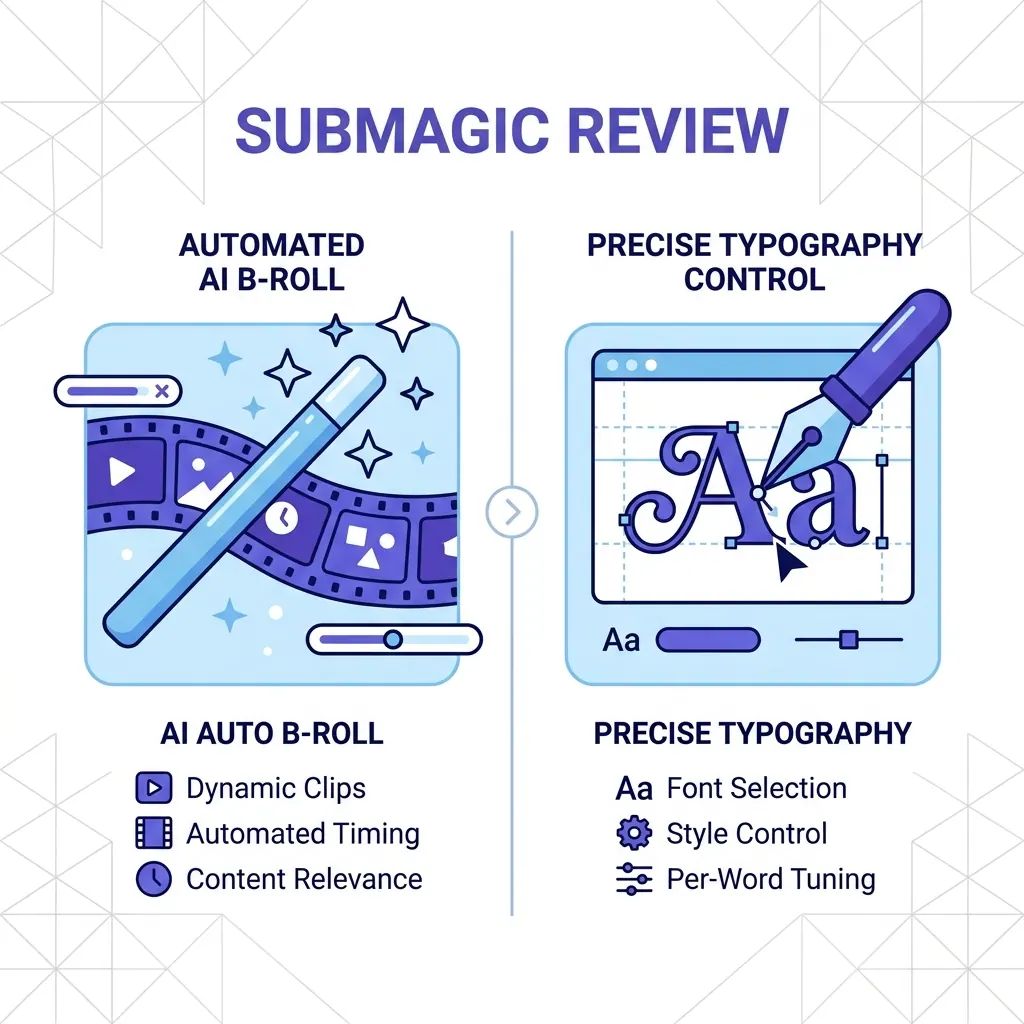
Submagic Review 2026: Is It Still Worth It? (Plus 4 Best Alternatives)
An honest review of Submagic's performance, pricing, and features in 2026. We compare it against CapzAi, Opus Clip, Captions.ai, and Klap to find the best short-form video editor for your needs.
Read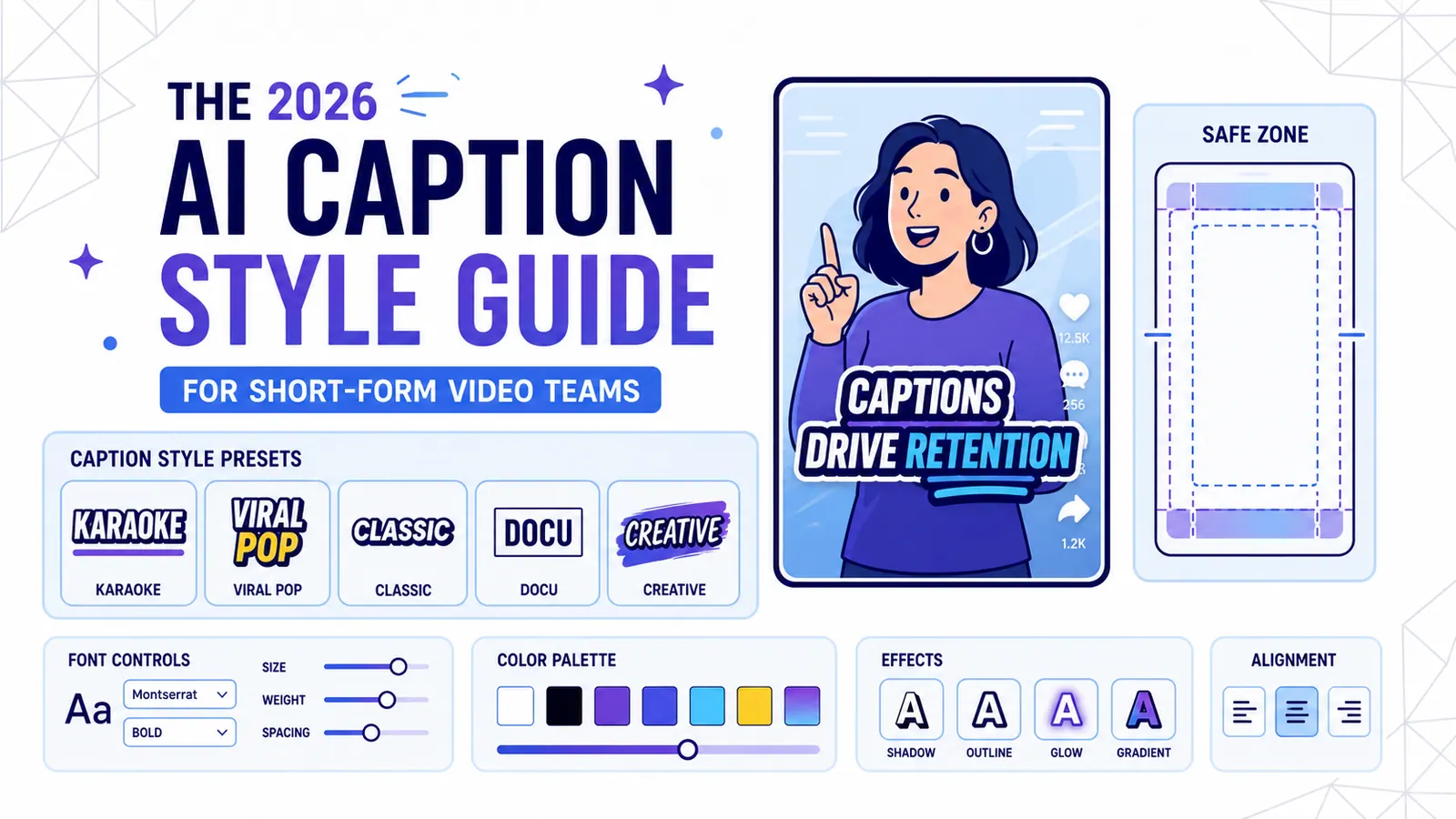
The 2026 AI Caption Style Guide for Short-Form Video Teams
A practical style system for creators and marketing teams who want captions that improve retention without turning every video into visual noise.
Read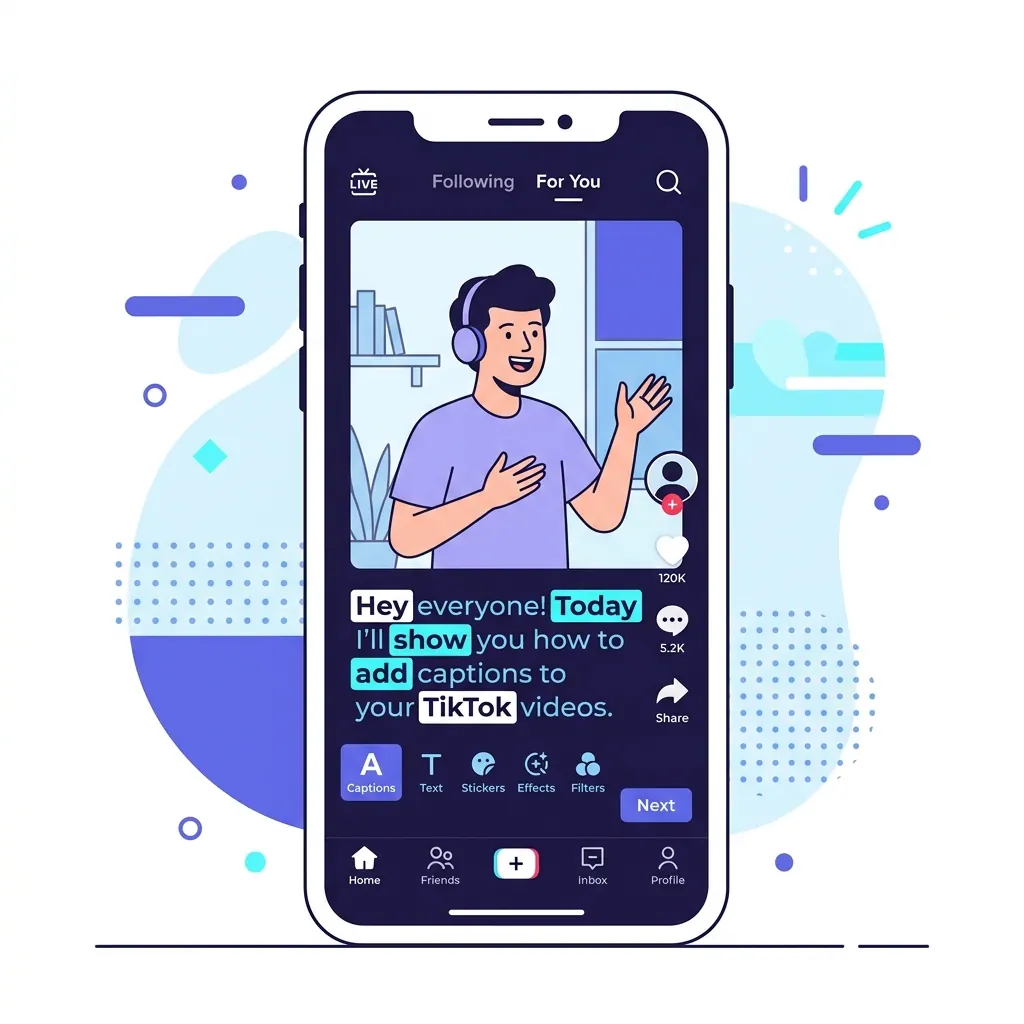
How to Add Captions on TikTok: A Complete 2026 Tutorial for More Views
Captions are no longer optional for viral success. This guide covers every way to add captions on TikTok, from native auto-captions to professional AI-powered tools like CapzAi.
Read