YouTube AI Labels for Shorts in 2026: What Creators Need to Do Now
YouTube moved AI labels directly onto Shorts on May 27, 2026. Here is what creators, editors, and repurposing teams should change in their workflow.
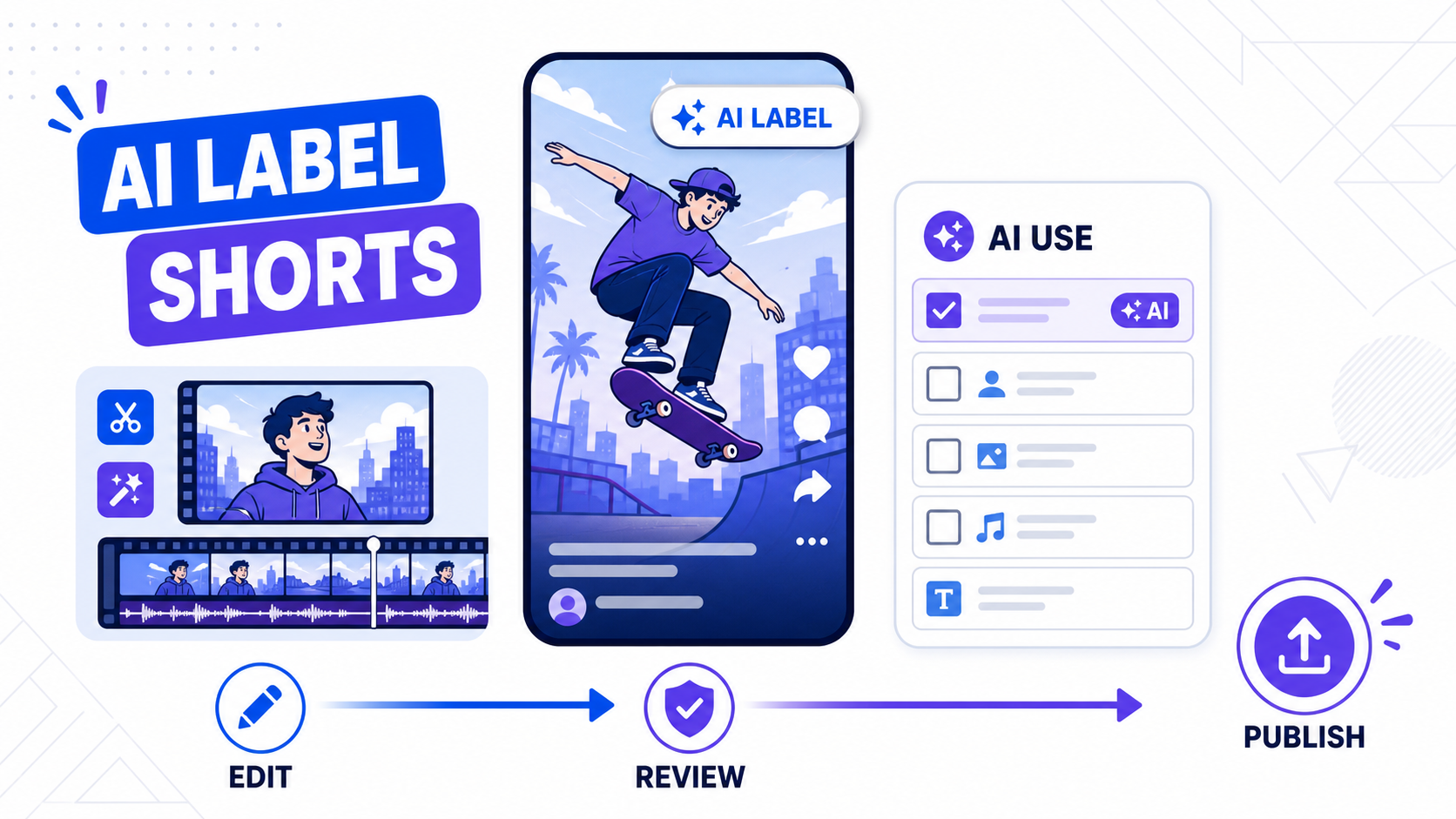
YouTube changed the AI-disclosure workflow for Shorts on May 27, 2026, and the change is more visible than many creators expected.
In its official update, YouTube said disclosure labels for photorealistic or meaningfully AI-altered content are moving to a more prominent position. For Shorts, that means the label now appears as an overlay on the video itself, not hidden in the expanded description. On the same date, YouTube also said it began rolling out internal signals to help identify AI-generated content automatically.
That matters because a lot of short-form teams now use AI at some point in the workflow, even when the final video still feels mostly human-made.
If you repurpose podcasts, dub clips into new languages, add synthetic b-roll, or use generative effects around real footage, this is no longer a side policy. It is part of the publishing process.
The short answer
If your Short includes realistic AI-generated or meaningfully AI-altered visuals or audio, assume the disclosure step now matters more than it did before May 27, 2026.
If your workflow uses AI only for lighter production tasks like captions, subtitle styling, trimming, reframing, or non-realistic effects, the risk is usually lower. But once the output crosses into realistic synthetic speech, realistic generated footage, or altered depictions of real people and events, your upload review needs to get stricter.
The operational change is simple:
- finish the edit
- review whether realistic AI changed what the viewer is seeing or hearing
- set the disclosure correctly in YouTube Studio before publish
What YouTube changed on May 27, 2026
YouTube's May 27, 2026 blog post introduced two important updates.
First, it simplified the label position. The company said photorealistic and meaningfully AI-altered or generated content would get a more prominent label. For Shorts specifically, the label appears as an overlay on the video itself.
Second, YouTube said it started rolling out internal detection signals in May 2026. If a creator does not disclose significant photorealistic AI use but YouTube detects it, the platform can now apply the label automatically.
That combination changes creator behavior. A disclosure decision that once felt buried in upload settings is now part of how the Short is seen in the feed.
Sources:
When YouTube expects disclosure
YouTube's current help guidance says creators must disclose AI-generated or meaningfully AI-altered content when it appears realistic.
The examples YouTube gives include:
- AI-generated music
- realistic extra footage of a real place
- realistic generated scenes that did not happen
- edits that make a real person appear to say or do something they did not actually say or do
This is the key distinction: the policy is not about whether AI was used somewhere in production. It is about whether realistic AI changed the meaning of what viewers think is real.
That is why a subtitle cleanup workflow is different from a synthetic-voice workflow. They are not treated the same way.
What usually does not trigger the same level of concern
Most short-form teams are not building fully synthetic Shorts. They are using AI to speed up production.
In practice, lower-risk tasks often include:
- finding clips inside long videos
- trimming filler
- reframing for vertical export
- styling captions
- translating subtitle text without fabricating new visuals
Those tasks can still involve AI, but they do not automatically create the same disclosure question as photorealistic scene generation or synthetic speech pretending to be original spoken audio.
That said, creators should not guess. If the edit makes a viewer believe a realistic event happened, or believe a real person said something they did not actually say on camera, treat it as a disclosure review moment.
Why this matters for CapzAi users
CapzAi sits in a part of the workflow where many edits are safe from a disclosure standpoint and some need a second look.
For example:
- AI clipping, reframing, and subtitle burn-in are usually workflow improvements, not realism changes.
- Translating on-screen subtitle text is usually different from fabricating new video scenes.
- AI dubbing or voice recreation can move closer to disclosure territory, especially when the output sounds realistic and changes what the speaker appears to say.
That means the right question is not "Did I use AI anywhere?"
The better question is "Did AI materially change the reality claim of this Short?"
If the answer might be yes, the team publishing the Short should review the AI use setting in YouTube Studio before posting.
A practical review checklist before you upload
Use this review pass after the edit is approved and before the Short goes live.
1. Check whether the viewer could mistake AI output for real capture
Ask:
- Did we generate realistic footage that was not actually filmed?
- Did we alter a real event or location in a realistic way?
- Did we generate or heavily alter a voice so it sounds like a real person said something new?
If yes, the disclosure step is probably relevant.
2. Separate editing automation from realism automation
This avoids over-labeling and under-labeling.
Editing automation includes clipping, captions, reframing, layout cleanup, and export prep.
Realism automation includes synthetic speech, realistic scene generation, photorealistic object replacement, or footage that changes what the audience thinks happened.
Not every AI-assisted workflow belongs in the same bucket.
3. Decide who owns the final disclosure call
Agencies and content teams should not leave this to chance.
Assign one person to review:
- whether realistic AI was used
- whether the change is visible or material
- whether the
AI usesetting is correct in upload attributes
If you localize content at scale, this should become part of your publishing SOP, not a one-off judgment call.
Will the label hurt reach or monetization?
According to both the May 27, 2026 YouTube post and YouTube Help, the disclosure label alone does not change whether a video is recommended or whether it is eligible to earn money.
That is important because many creators still treat AI disclosure as if it were a soft penalty.
The bigger risk is the opposite: failing to disclose when the content should have been disclosed.
YouTube says creators who consistently choose not to disclose may face manual labeling or penalties, including content removal or suspension from the YouTube Partner Program.
Automatic detection means "we forgot" is not a strategy
The May 27, 2026 update makes this explicit.
YouTube says it is rolling out internal signals to detect AI-generated content. It can automatically apply a label when significant photorealistic AI use is detected and the creator did not specify it. Some labels can still be corrected by the creator, but YouTube says there are cases where the disclosure remains permanent, including content created with YouTube's own AI tools or content carrying certain metadata.
That means the old habit of treating disclosure as optional cleanup is not durable.
Platforms are moving toward verification, not just self-reporting.
What this means for repurposing workflows
For teams turning long-form footage into Shorts, the cleanest setup is:
- use AI to find strong moments
- use captions to improve retention and sound-off clarity
- use translation carefully when expanding to new markets
- flag any realistic synthetic audio or visual changes before upload
- set disclosure in Studio when needed
That workflow lets you keep the upside of automation without creating compliance confusion at publish time.
If you want a stronger foundation before the upload step, related reads are how to repurpose video without getting flagged unoriginal and YouTube Shorts repurposing workflow.
Bottom line
As of May 27, 2026, YouTube AI labels for Shorts are more visible and more enforceable.
The label now lives on the Short itself for photorealistic or meaningfully AI-altered content, and YouTube has started using internal detection signals to apply labels automatically in some cases.
For creators, the practical move is not to avoid AI. It is to separate editing automation from reality-changing AI and make disclosure review part of the final upload checklist.
That is the workflow that scales.
Related articles
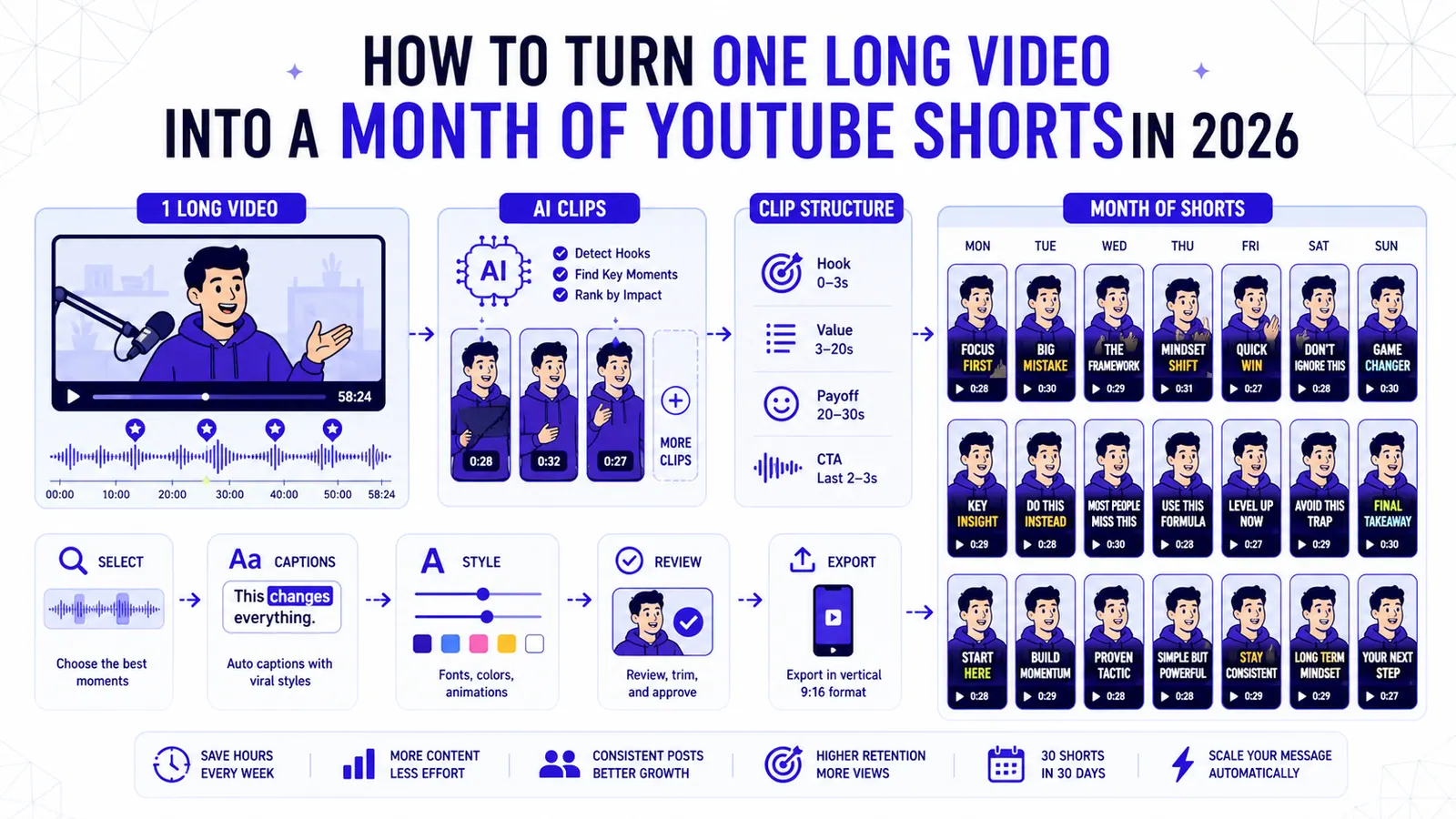
How to Turn One Long Video into a Month of YouTube Shorts in 2026
A repeatable clipping workflow for podcasts, webinars, livestreams, and tutorials, built around selection, structure, captions, and review.
Read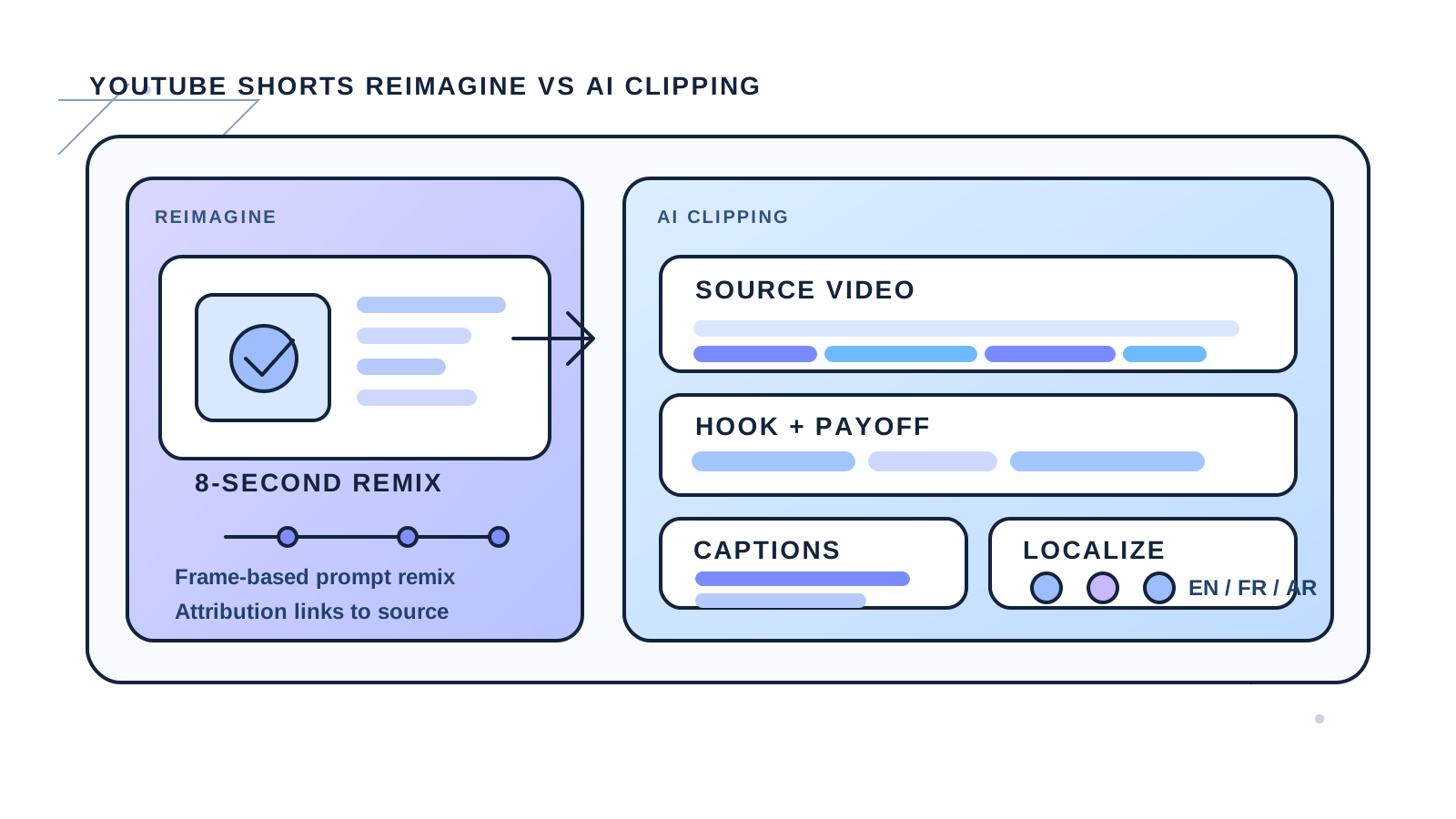
YouTube Shorts Reimagine vs AI Clipping in 2026
YouTube's new Reimagine remix tool opens a fresh creation path for Shorts, but it does not replace clipping, captions, or localization workflows.
Read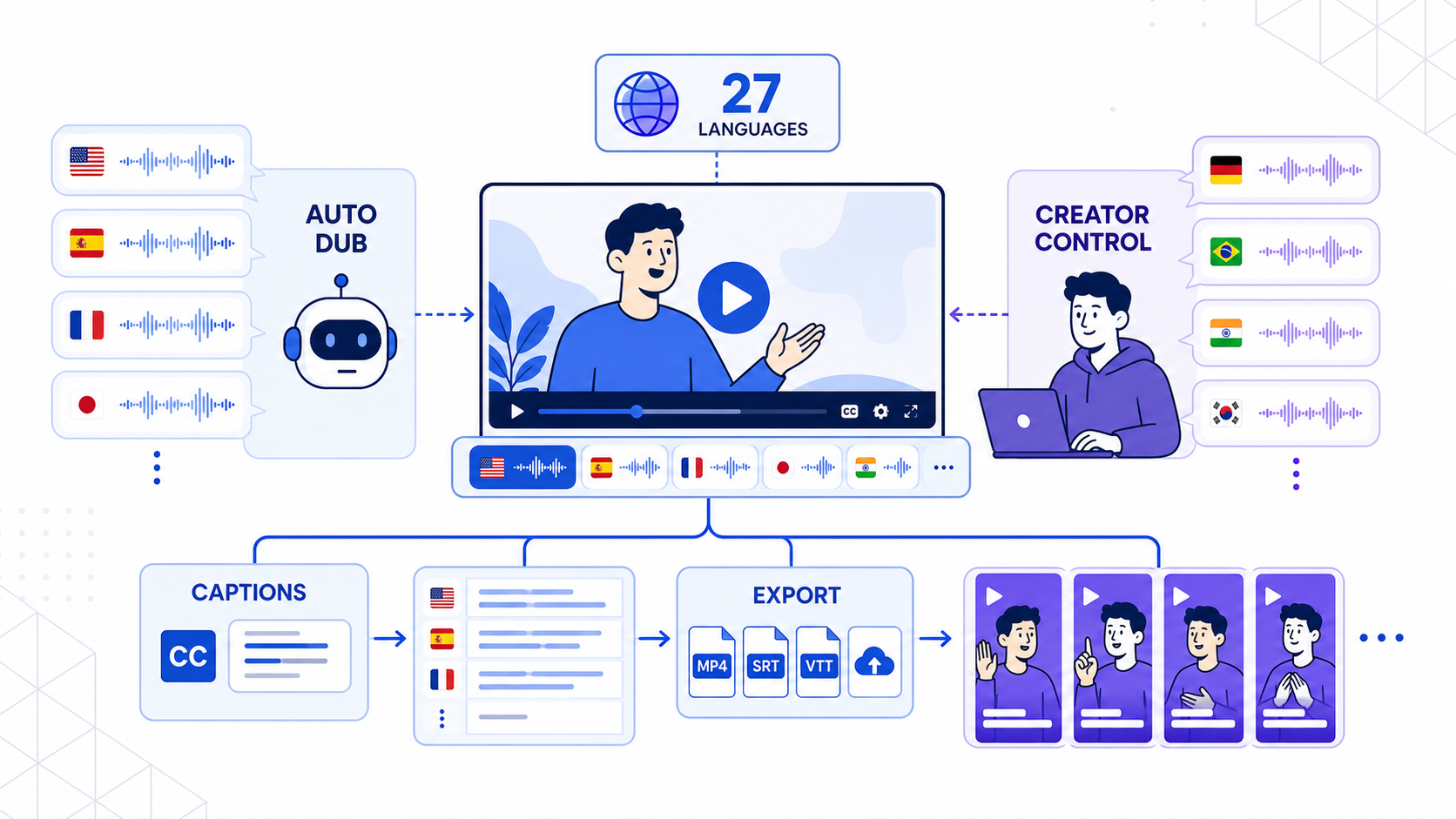
YouTube Auto Dubbing vs CapzAi: Which Multilingual Video Workflow Wins in 2026?
YouTube expanded auto dubbing on February 4, 2026 and published a deeper creator guide on May 15, 2026, but most teams still need stronger caption control, clip finishing, and export flexibility.
Read