
Short-Form Video Automation Stack for 2026
A practical short-form video automation stack for creators and teams turning long videos into captioned, translated, publish-ready clips.
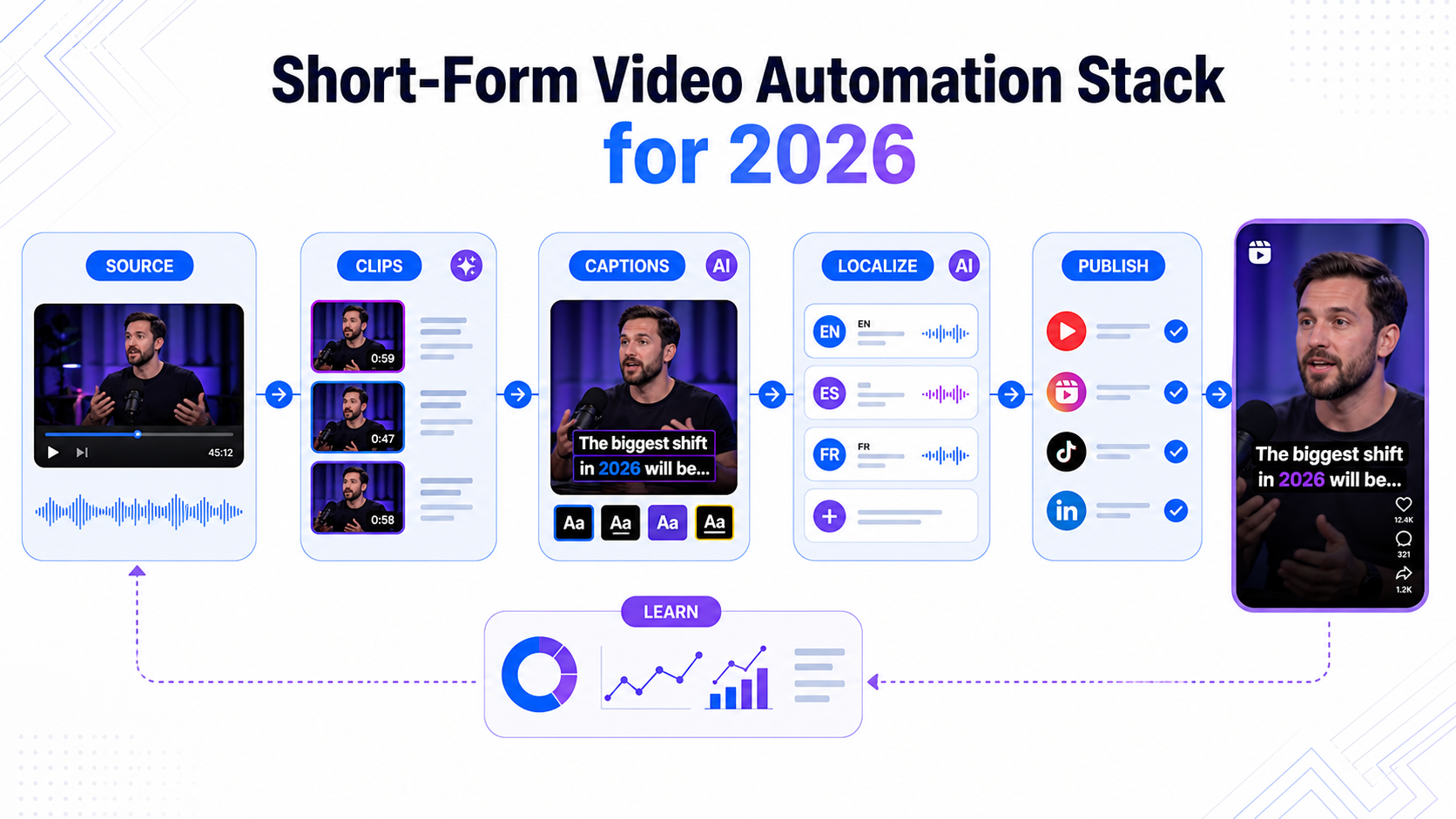
Short-form video automation used to mean one thing: upload a podcast and get a batch of vertical clips. That is no longer enough.
In 2026, the winning workflow is a stack. You need tools for capture, clip discovery, editing, captions, translation, dubbing, export, publishing, and feedback. The point is not to remove human taste. The point is to stop rebuilding the same production line for every Reel, TikTok, Short, or LinkedIn clip.
The market is moving in this direction quickly. TikTok introduced Smart Split as an AI-powered editing tool for turning longer videos into shorter clips in its creator tools announcement. YouTube launched Reimagine for Shorts so eligible Shorts can be remixed into new AI-generated eight-second clips. Runway launched Aleph 2.0 and Edit Studio for precise edits to existing footage. VEED launched a Subtitle API, signaling that styled captions are becoming infrastructure.
For CapzAi users, the opportunity is clear: the best stack is not the stack with the most tools. It is the stack that gets one strong source video into many finished, captioned, localized clips with the least repeated manual work.
The 2026 Stack at a Glance
| Layer | Job | Example Tools |
|---|---|---|
| Capture | Record high-quality source footage | Phone camera, Instagram Edits, Riverside, OBS |
| Source cleanup | Remove filler and shape the raw idea | Descript, Premiere Pro, DaVinci Resolve |
| Clip discovery | Find short-form moments | CapzAi, Opus Clip, TikTok Smart Split |
| Captioning | Generate and style subtitles | CapzAi, VEED, Submagic |
| Localization | Translate, subtitle, or dub | CapzAi, HeyGen, Captions |
| Creative editing | Adjust visuals, scenes, variations | Runway Edit Studio, CapCut, Canva |
| Export | Produce safe-zone-ready MP4s | CapzAi, CapCut, VEED |
| Publishing | Post and schedule clips | Native apps, Buffer, Later, Metricool |
| Feedback | Learn what to make next | Platform analytics, YouTube Studio, Instagram Insights |
You do not need every tool in every row. You need one dependable answer for each repeated task.
Layer 1: Capture Clean Source Footage
Automation starts before editing. If the source footage is messy, every later tool has to compensate.
For talking-head videos, use a clean microphone, stable lighting, and a simple background. For podcasts and interviews, record separate audio tracks when possible. For screen recordings and tutorials, keep the cursor movements intentional and leave small pauses before major steps.
Instagram Edits is useful at this layer because Meta built it for mobile capture, project management, teleprompter workflows, and direct publishing. In the official Edits launch post, Meta says the app supports longer camera capture, frame-accurate editing, auto-enhance, green screen, transitions, insights, and watermark-free export. That makes it a solid capture and draft workspace for Reels-first creators.
The mistake is expecting the capture app to handle the whole automation stack. Capture is where you get a clean input. The rest of the stack turns that input into repeatable output.
Layer 2: Clean the Source Before You Clip
Many creators skip source cleanup and then blame the clipper when the output feels weak. If your hour-long recording has long dead zones, broken starts, repeated stories, and confusing tangents, an AI clipper has to work harder to find complete moments.
Clean the source lightly. Remove obvious dead air, restart sections, and technical mistakes. Keep natural pauses and real reactions. The goal is not to polish the long video into perfection. The goal is to give the clipping layer a stronger map.
For podcast-style content, Descript is useful because transcript editing makes it easy to remove filler and reorder sections. For teams already in professional editors, Premiere Pro or DaVinci Resolve can handle cleanup before the short-form layer.
Layer 3: Discover Clips by Idea, Not Volume
The old AI clipping model rewarded loudness. A laugh, shout, or audio spike became a "viral" moment even when the clip had no setup or payoff. In 2026, that is not good enough.
The better approach is semantic clipping. A good clip should contain a full idea. It should open with a reason to watch, develop the point, and end cleanly. If the clip starts with "and that is why," it probably needs more setup. If it ends before the speaker resolves the point, it needs a longer tail.
TikTok's Smart Split matters because native platforms are now training creators to expect automated clipping inside the publishing workflow. Third-party tools need to be better than native defaults, not just earlier to market.
CapzAi's role is to help creators turn long-form footage into usable short-form candidates, then finish them with captions, styling, and localization. The strongest workflow is not "generate 50 clips and post all of them." It is "generate candidates, choose the best ideas, and finish the ones that match the audience."
Related workflow: context-aware AI video clipping.
Layer 4: Make Captions a Production Layer
Captions are now part of the edit. They are not just accessibility text.
VEED's Subtitle API launch is important because it treats styled, burned-in captions as a scalable output layer. That should make creators think differently. If captions are important enough to become an API category, they are important enough to review carefully before posting.
For short-form video, captions should do five jobs:
- Make the video understandable with sound off.
- Emphasize the hook in the first few seconds.
- Match the creator's visual style.
- Stay clear of platform UI.
- Survive reposting across platforms.
CapzAi is strongest here. It gives creators word-level captions, viral presets, drag-and-drop positioning, 1080p MP4 burn-in, and .ass subtitle export for professional editing workflows. For teams producing at volume, that caption layer is where a large amount of manual editing time disappears.
Related guide: AI caption style guide.
Layer 5: Localize the Winners
Do not translate every clip. Translate the winners.
A practical automation stack should separate discovery from localization. First, publish or review clips in the source language. Find the ideas with strong retention, saves, comments, or conversion intent. Then create translated or dubbed versions for additional markets.
This is where CapzAi's multilingual workflow is valuable. English, French, Arabic, and Darija support lets creators reuse the same source idea across multiple audiences. RTL Arabic rendering and Latin transliteration matter because localization is not just word substitution. The caption has to look natural in the feed.
The Mirage and Captions market move supports this direction. TechCrunch reported on March 24, 2026 that Mirage, the maker of Captions, raised $75 million to continue building AI video-editing models, including work around pacing, framing, attention dynamics, and international users. The category is not only chasing generation. It is chasing better assembly, localization, and performance.
Related guide: multilingual video localization playbook.
Layer 6: Use Generative Editing for Variations, Not Everything
Runway's Aleph 2.0 and Edit Studio are a useful signal for where AI video editing is headed. Runway says Aleph 2.0 can work with up to 30 seconds of 1080p video, preserve the input video while making localized edits, apply image-level control to video edits, and edit across multiple shots at once.
That is powerful, but it should sit in the right layer of the stack. Use generative editing when you need a visual variation: a different background, a product swap, a cleaned-up object, a seasonal campaign version, or a restyled clip. Do not use it as the first answer to every short-form problem.
For most creators, the highest ROI still comes from better hooks, cleaner clips, stronger captions, and faster localization. Generative editing is the variation engine after the core story works.
Layer 7: Export for the Platform, Then Publish
Export is where many automated workflows quietly fail. A clip can be strong and still underperform because the captions sit under Instagram buttons, the first frame is visually flat, the resolution is poor, or the aspect ratio is wrong.
Before export, check:
- Is the first frame understandable without audio?
- Are captions inside safe zones?
- Is the hook visible in the first three seconds?
- Does the clip work as a standalone idea?
- Is the export clean enough to repost across platforms?
CapzAi's pay-on-export model fits this step because creators can edit and review before spending credits on final rendered output. That lines up with how short-form production actually works: you may generate many candidates, but only a few deserve a finished export.
Layer 8: Feed Performance Back Into the Stack
Automation should not end at publishing. The best stack learns from what happened.
Track completion rate, average view duration, rewatches, saves, shares, comments, profile visits, and search terms when available. Then tag the winners by pattern. Was the hook controversial? Was it practical? Was it a list? Did the caption style improve retention? Did translated clips outperform the source-language version in a specific market?
This creates a feedback loop. Your next upload should not start from a blank page. It should start from evidence.
A Simple Stack for Solo Creators
Use this if you publish three to ten clips per week.
Record on your phone, Instagram Edits, Riverside, or your camera app. Clean only obvious mistakes. Upload the source to CapzAi. Generate candidate clips. Pick the best three. Apply captions and safe-zone placement. Translate only the strongest clip if you serve more than one audience. Export the finished MP4. Publish natively on Instagram, TikTok, or YouTube Shorts. Review retention before the next batch.
This stack is intentionally small. Solo creators lose momentum when they overbuild systems. The goal is to publish consistently without making every video feel generic.
A Team Stack for Agencies and Brands
Use this if you manage multiple clients, channels, or markets.
Record high-quality source footage in a controlled setup. Store source files with a naming convention. Use Descript, Premiere, or DaVinci for light cleanup. Use CapzAi or a clipper to find short-form candidates. Review candidate clips against the campaign goal. Use CapzAi for captions, brand caption presets, translation, and dubbing. Use Runway or Canva only when a visual variation is needed. Export approved versions by platform and language. Schedule posts. Feed performance notes back into the next creative brief.
For teams, the stack is not just about speed. It creates consistency. Every editor, strategist, and client can understand where a video is in production.
Bottom Line
The 2026 short-form video automation stack is not one magic tool. It is a repeatable path from source footage to finished clips.
Native platforms are adding AI creation and clipping. Browser editors are adding APIs. Generative video companies are moving into precise edits of existing footage. Funding is flowing into tools that understand pacing, framing, localization, and bulk output. That means creators need to become better system designers, not just faster button clickers.
For CapzAi users, the practical stack is simple: record once, clean lightly, clip by idea, style captions, localize the winners, export cleanly, publish natively, and let performance data shape the next batch.
That is how short-form automation becomes a growth engine instead of a folder full of unused clips.
Related articles
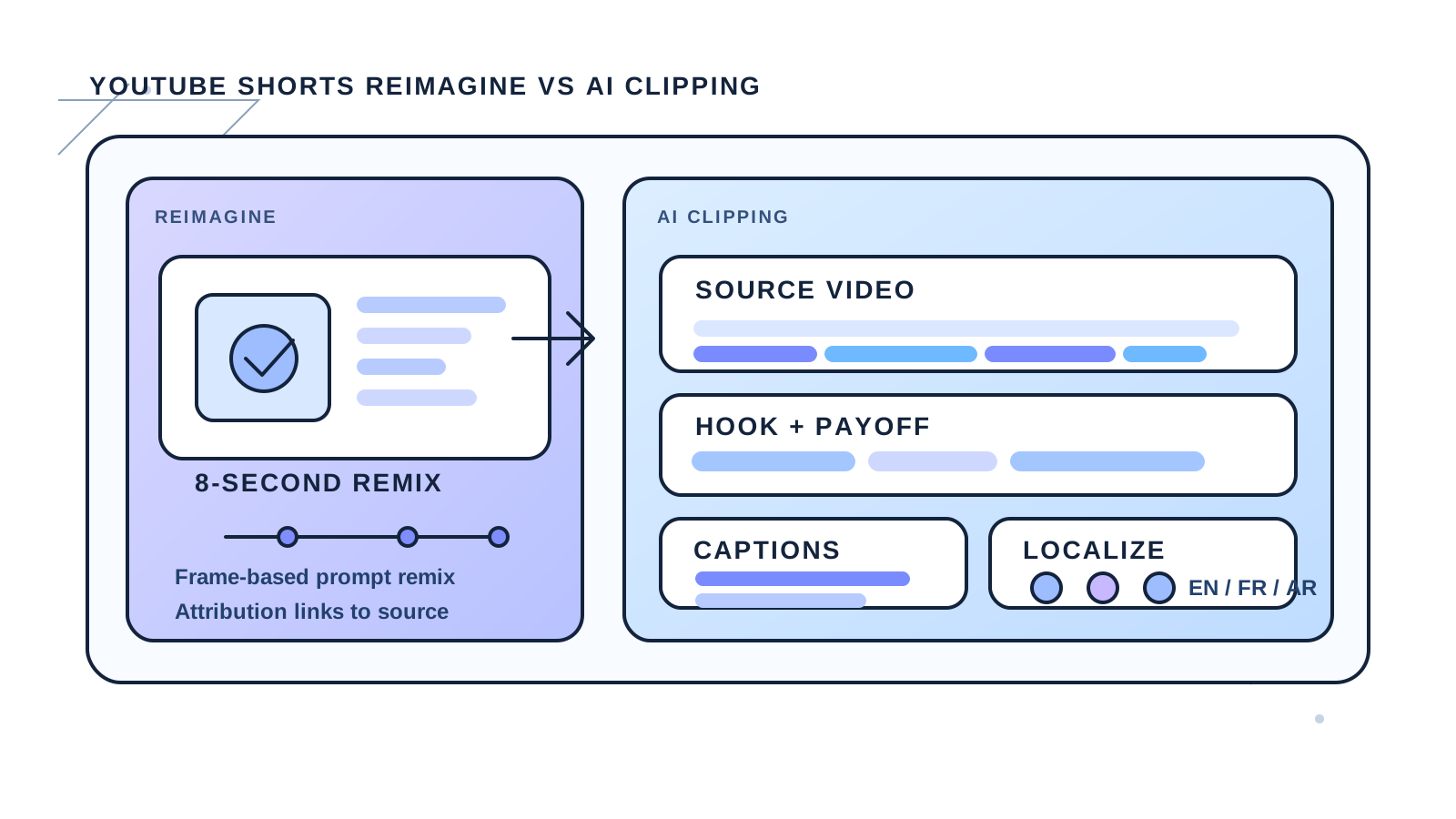
YouTube Shorts Reimagine vs AI Clipping in 2026
YouTube's new Reimagine remix tool opens a fresh creation path for Shorts, but it does not replace clipping, captions, or localization workflows.
Read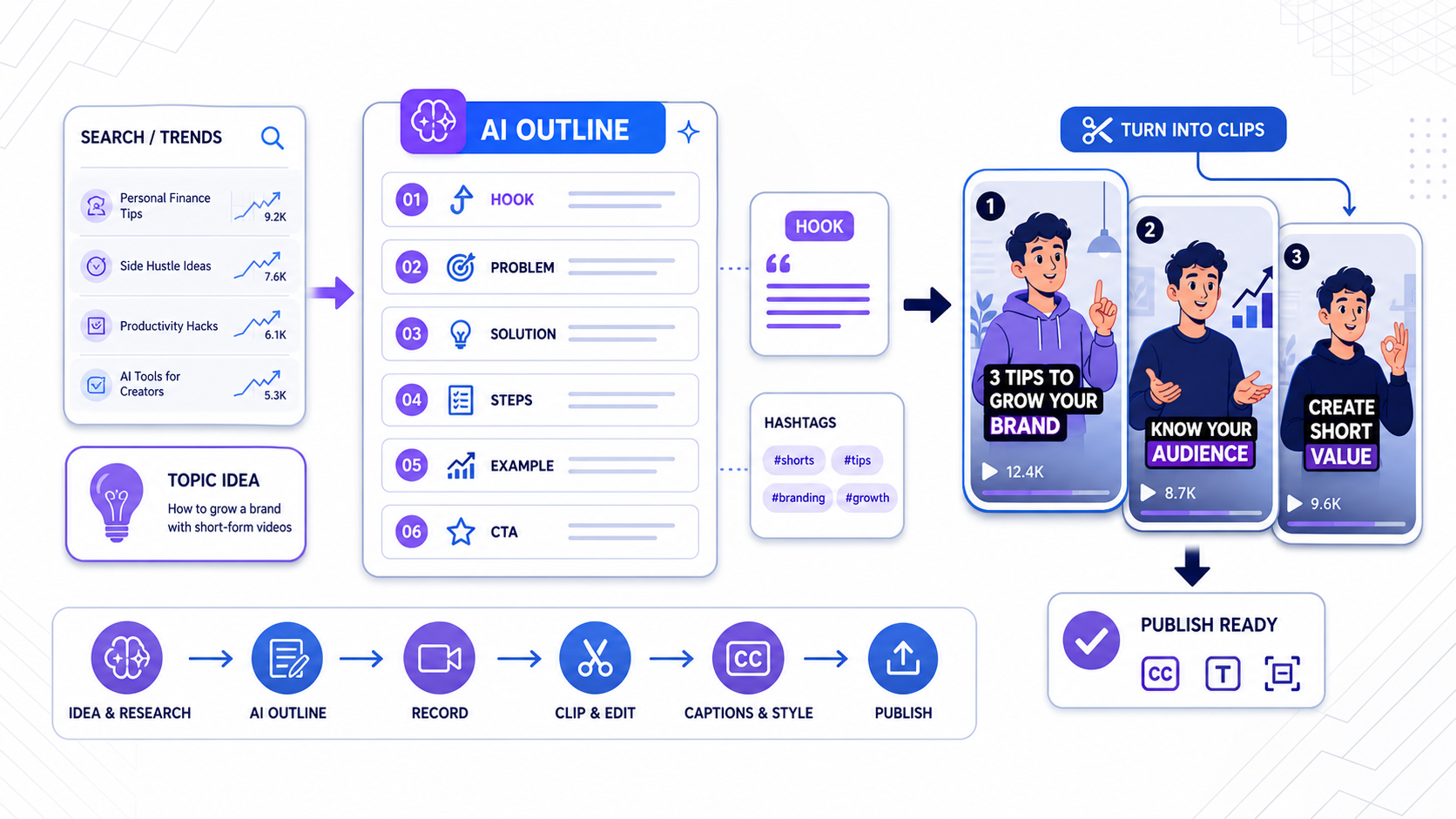
TikTok AI Outline Workflow for Creators in 2026
TikTok's AI Outline turns search demand into hooks and structure. Here is how to use it without ending up with generic clips that still need heavy editing.
Read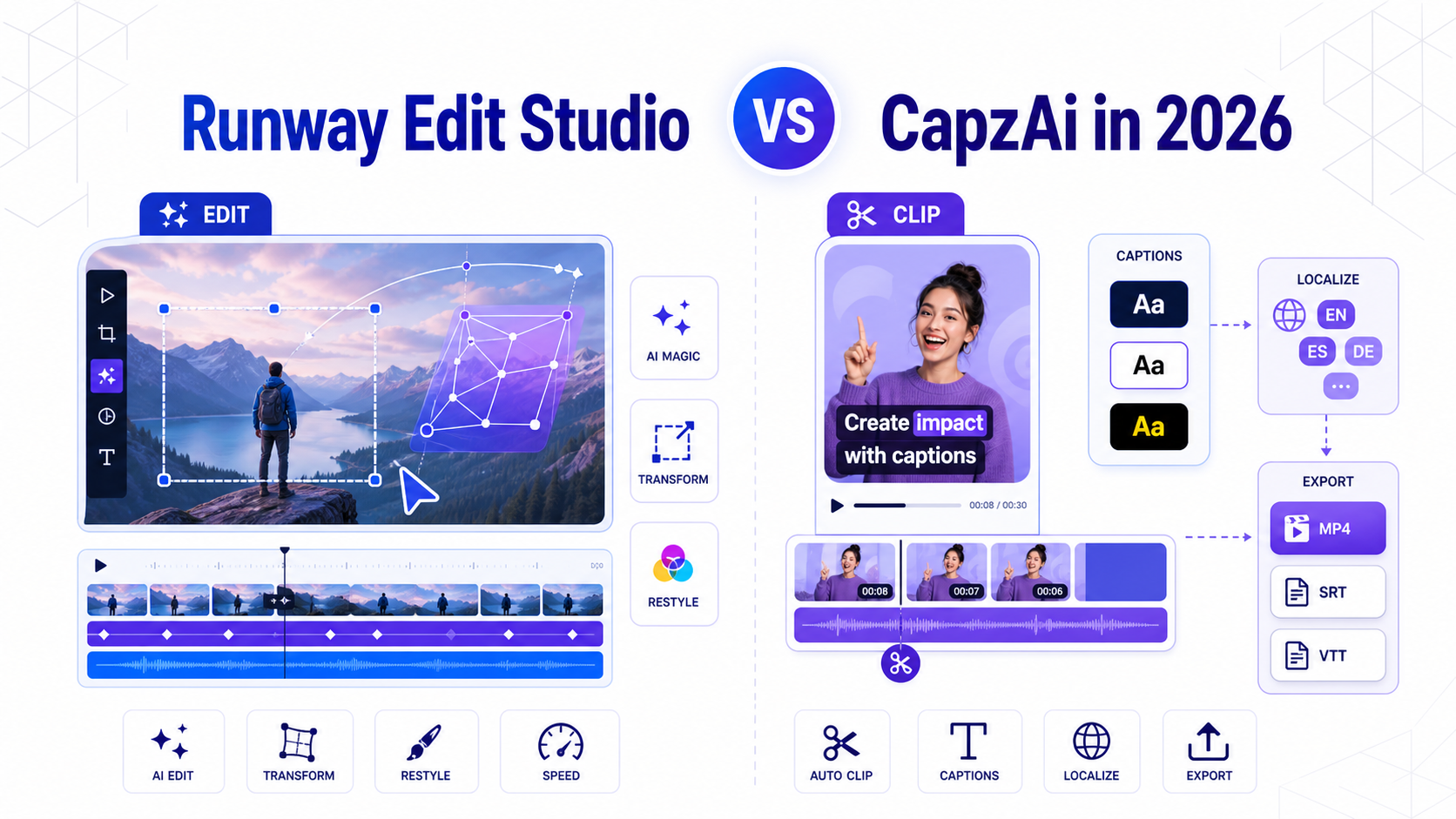
Runway Edit Studio vs CapzAi in 2026
How Runway's new Aleph 2.0 editing workflow compares with CapzAi for short-form clipping, captions, localization, and creator production speed.
Read