TikTok AI Outline Workflow for Creators in 2026
TikTok's AI Outline turns search demand into hooks and structure. Here is how to use it without ending up with generic clips that still need heavy editing.
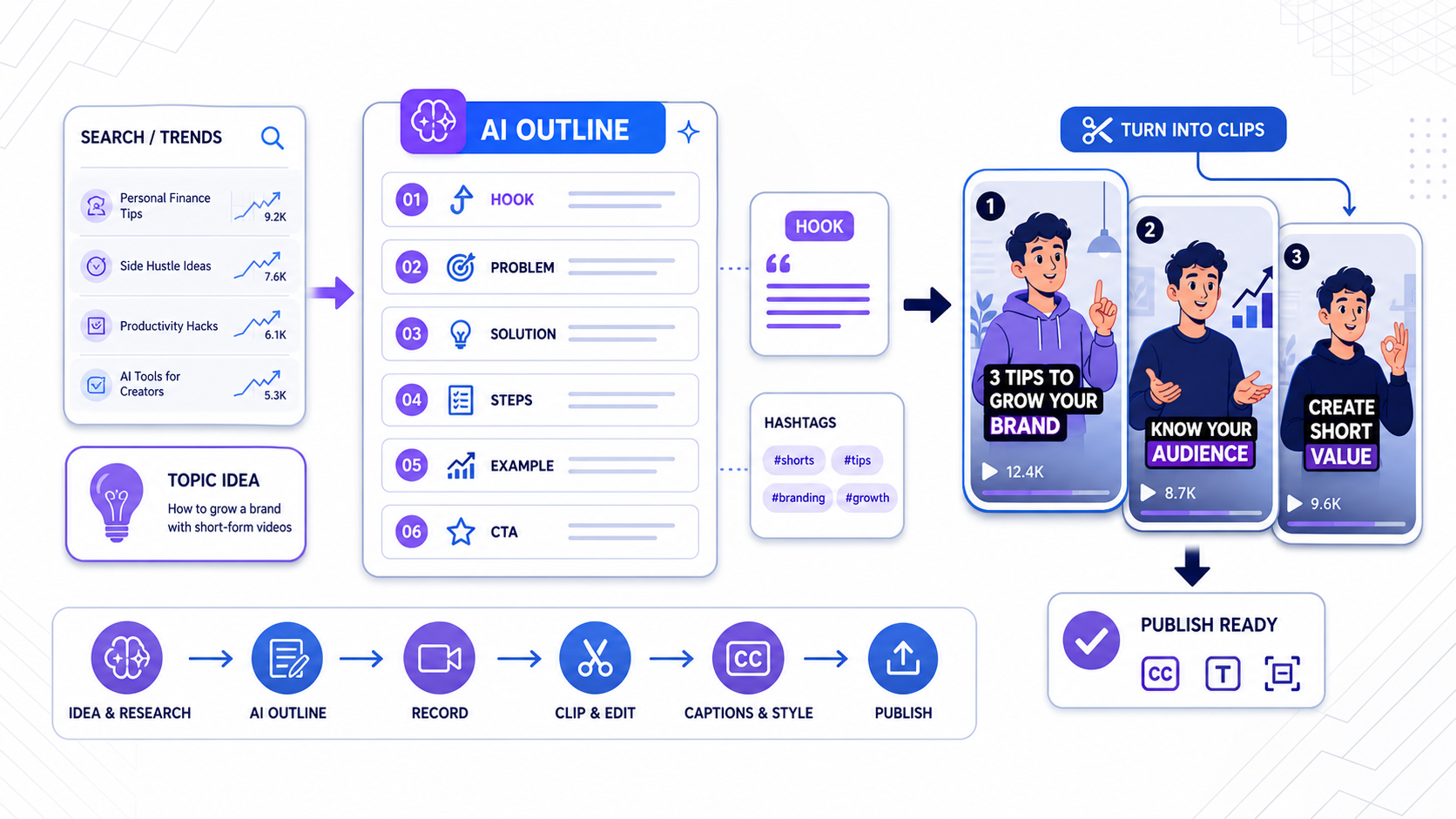
TikTok now has AI on both sides of the short-form workflow.
On October 28, 2025, TikTok announced AI Outline to help creators structure ideas before they record. In the same announcement, TikTok launched Smart Split to help turn longer videos into shorter TikTok-ready clips after the footage already exists.
That pairing matters.
It means TikTok is no longer only optimizing publishing and discovery. It is also inserting AI into planning, scripting, clipping, captions, and reframing. Then on May 13, 2026, TikTok World '26 pushed the pattern further with new AI tools for creator discovery, creative generation, and scaled campaign execution.
For creators and agencies, the takeaway is simple: AI is now upstream and downstream.
The opportunity is not just to make editing faster. It is to make better inputs so the editing workflow has something worth amplifying.
The short answer
TikTok AI Outline is useful when you need help turning a topic into a shootable video structure quickly.
It is not a replacement for editorial judgment, and it does not remove the need for good clipping, subtitle styling, or cross-platform finishing.
The best use of AI Outline is early:
- choose a search-driven topic
- turn it into a hook and sequence
- record with that structure in mind
- use finishing tools later to turn the footage into publish-ready clips
What TikTok actually launched
TikTok described AI Outline as a tool that helps creators generate video titles, hashtags, hooks, and outlines from either a prompt or a highly searched topic in Creator Search Insights. The company says the outline breaks the video into six parts that creators can customize by adjusting the title, hook, and general script idea.
That makes AI Outline less like an editor and more like a draft strategist.
In the same October 28, 2025 product announcement, TikTok introduced Smart Split on TikTok Studio Web. TikTok says Smart Split can automatically clip, reframe, caption, and transcribe videos longer than one minute into multiple shorter videos ready for TikTok.
Those two tools should be understood together:
- AI Outline helps before the camera rolls
- Smart Split helps after the long video exists
Source:
Why AI Outline matters more than it first appears
A lot of creators think the hard part of TikTok is editing.
Often it is not.
The harder problem is getting to a clear starting idea:
- what is the angle
- what is the hook
- what sequence should the point follow
- what search demand or audience intent sits behind the topic
If that part is weak, even a polished edit feels empty.
AI Outline is valuable because it moves AI closer to the ideation bottleneck. Instead of asking a creator to start from a blank screen, it gives them a draft structure they can react to.
That can save real time, especially for:
- solo educators posting frequently
- service businesses turning expertise into daily clips
- UGC creators testing several ad angles
- agencies briefing creators from one campaign message
Where AI Outline helps most
The best use cases are practical, not magical.
1. Search-led topic planning
TikTok says AI Outline can work from highly searched topics in Creator Search Insights.
That means the workflow can start with audience demand rather than pure intuition. Instead of saying "I need to post something today," the creator can start with a topic that already has visible search energy and then generate a structure around it.
That is a meaningful shift for educational, product, and advice-driven creators.
2. Faster hook drafting
A lot of creators know the topic but struggle to frame the first three seconds.
Because AI Outline produces hooks alongside titles and hashtags, it can give creators several ways into the same idea. Even when the generated hook is not perfect, it is often enough to break the blank-page problem.
3. Better raw footage for later clipping
This is where AI Outline becomes more valuable than people expect.
If the creator records from a stronger six-part structure, the long video becomes easier to clip later. The segments are clearer. The transitions are less muddy. The key line usually arrives sooner. That gives Smart Split, CapzAi, or any other editor better raw material to work with.
AI planning can improve post-production quality indirectly by improving source structure.
Where AI Outline stops
AI Outline does not solve the second half of the workflow.
It does not guarantee:
- a strong on-camera delivery
- a usable visual rhythm
- clean clip selection
- readable captions
- cross-platform layout safety
- localized versions for new markets
This is where many creators will make the wrong assumption. A better outline does not automatically become a better published asset.
It becomes better raw material.
That distinction matters because the finish layer still drives a lot of performance.
AI Outline vs Smart Split vs CapzAi
| Workflow layer | TikTok AI Outline | TikTok Smart Split | CapzAi |
|---|---|---|---|
| Main job | Plan the video | Cut long video into shorter TikToks | Finish and repurpose clips |
| Best moment to use it | Before recording | After recording a long video | After clip candidates exist |
| Output | Titles, hashtags, hooks, six-part outline | Clipped, reframed, captioned draft videos | Styled captions, positioning, exports, localization |
| Platform scope | TikTok-first ideation | TikTok-first editing | Cross-platform short-form workflow |
| Core strength | Better starting structure | Faster first-pass clipping | Better finishing control |
The most useful takeaway is not that one tool beats the others.
It is that each one sits at a different point in the content pipeline.
A practical workflow for creators
If you want to use TikTok's native AI without producing generic-looking videos, use it in this order.
1. Start with a demand-backed topic
Use Creator Search Insights or a defined content angle. Then use AI Outline to generate a first structure.
Do not publish the outline verbatim. Rewrite the hook into your own voice. Cut any sections that sound generic. Add a real example, opinion, or proof point.
2. Record with clipping in mind
Because AI Outline gives a six-part structure, you can record with cleaner section breaks. Leave a short pause between major points. Repeat key phrases cleanly. That makes later clipping easier.
3. Use Smart Split or another clipper for first-pass extraction
If the source video is longer than a minute, native TikTok tooling can help create candidate clips quickly. That is useful for speed.
But candidate clips are not finished posts. They still need review.
4. Finish the winners properly
This is where CapzAi is more useful than an ideation tool.
Once the best moments are identified, you can:
- improve subtitle styling
- place captions more intentionally
- prepare exports that can also work on Reels and Shorts
- translate or dub winning clips for more markets
That is the difference between having more drafts and having more publishable assets.
Why this matters for agencies and UGC teams
TikTok World '26 showed where the wider ecosystem is headed. TikTok announced AI-driven tools for creator discovery, large-scale creator video generation, and campaign optimization. Even though those product launches were framed for advertisers, the signal is broader: the short-form market is moving toward AI-assisted planning, matching, production, and scale.
For agencies, that means the best process is no longer only "edit faster." It is:
- brief faster
- script faster
- record better
- clip faster
- finish more consistently
AI Outline fits step two. CapzAi fits steps four and five.
Source:
The real risk: generic AI videos
The biggest downside of AI Outline is not accuracy. It is sameness.
If creators accept the default outline, default hook, and default phrasing, the result can feel assembled rather than authored. That is especially dangerous on TikTok, where audience trust often comes from specificity and point of view.
Use AI Outline as a draft partner, not as a final writer.
The creators who win with it will:
- inject a real opinion
- keep the hook but sharpen the claim
- add proof, examples, or footage the AI could not know
- use editing and captions to reinforce the point instead of hiding a weak point
Bottom line
TikTok AI Outline is useful because it tackles one of the least glamorous but most expensive parts of short-form work: deciding what to say and how to structure it.
It works best when paired with the rest of the pipeline. Use AI Outline to shape the idea, use Smart Split or another clipper to surface candidate moments, and use a finishing tool like CapzAi when the winners need better captions, stronger layout control, multilingual versions, or cross-platform exports.
That is how AI planning becomes a publishing workflow instead of another pile of drafts.
Related articles
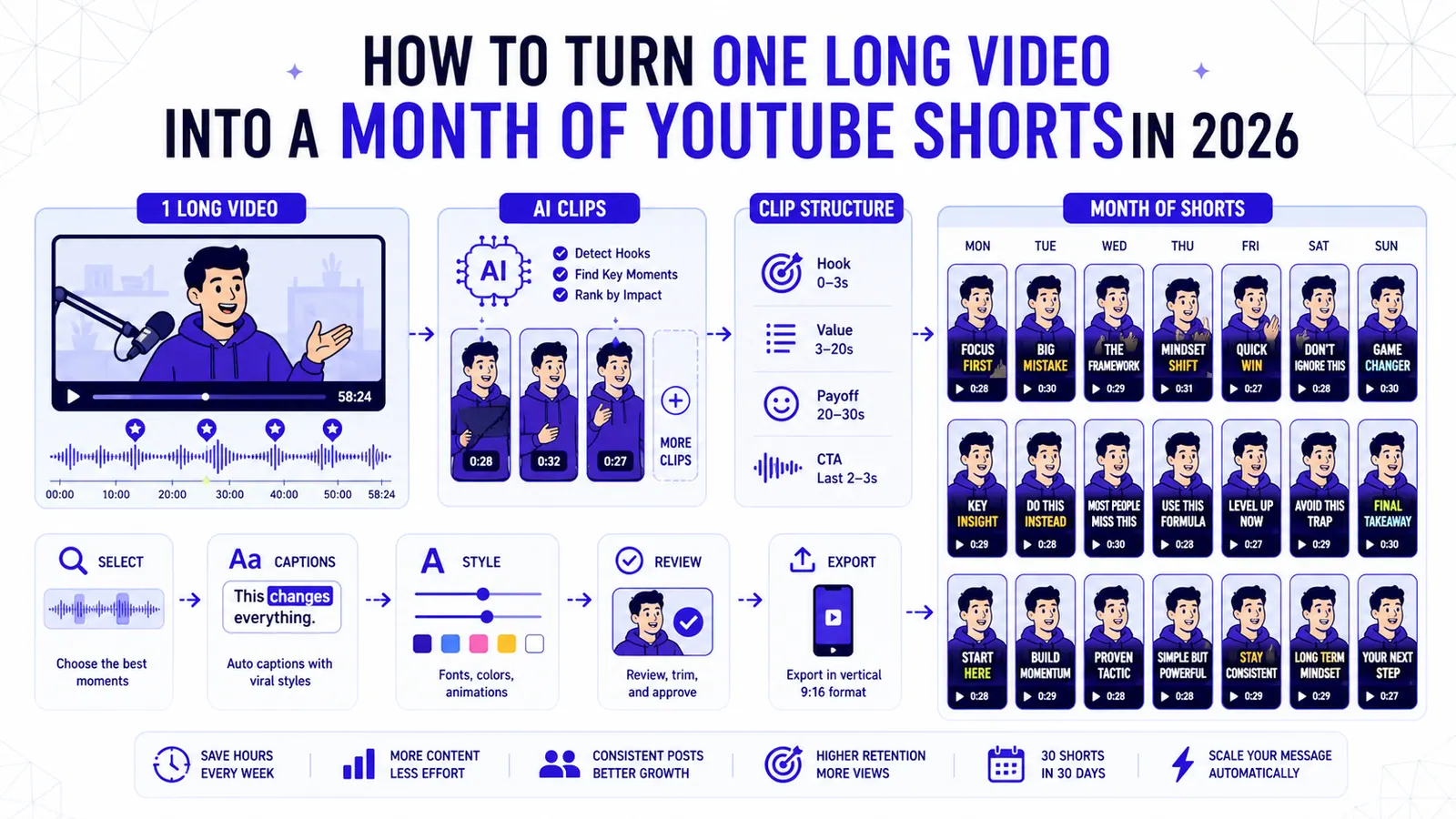
How to Turn One Long Video into a Month of YouTube Shorts in 2026
A repeatable clipping workflow for podcasts, webinars, livestreams, and tutorials, built around selection, structure, captions, and review.
Read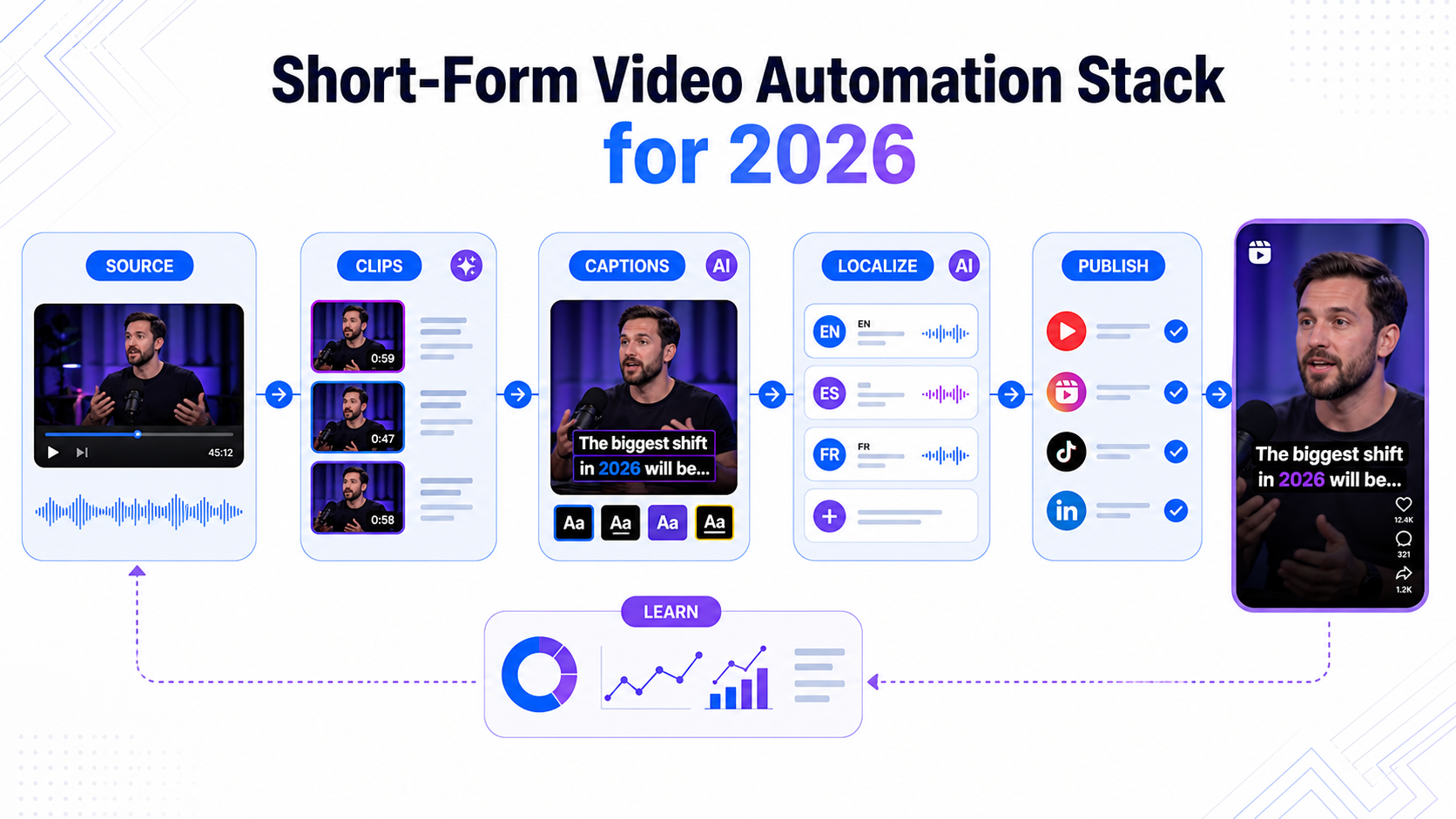
Short-Form Video Automation Stack for 2026
A practical short-form video automation stack for creators and teams turning long videos into captioned, translated, publish-ready clips.
Read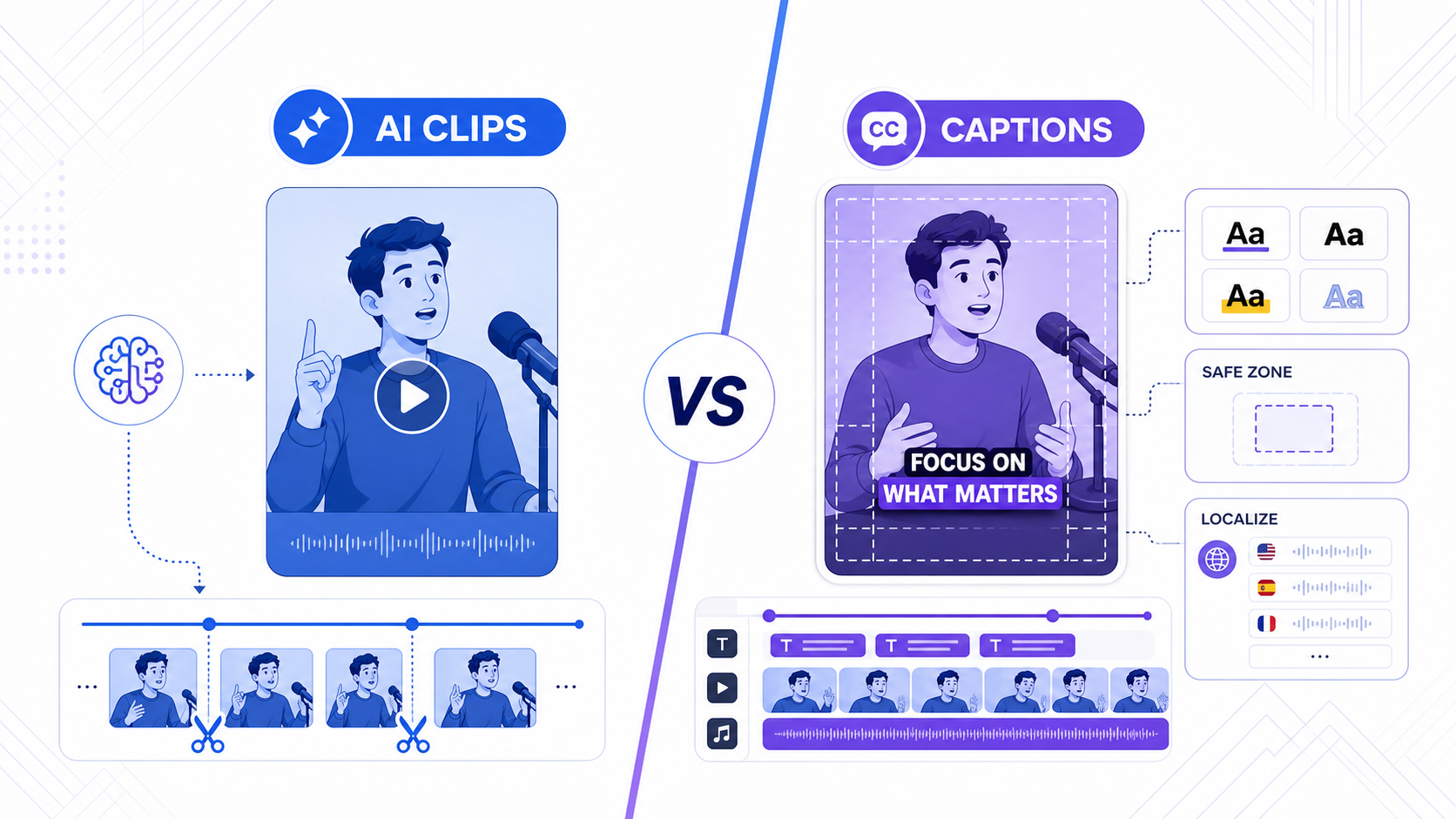
TikTok Smart Split vs CapzAi: Which AI Clipping Workflow Is Better in 2026?
TikTok Smart Split makes native clip extraction easier, but serious creators still need better caption control, exports, and multilingual workflows.
Read