Premiere Pro Caption Translation vs CapzAi in 2026
Adobe added caption translation to Premiere Pro, but social teams still need a workflow for subtitle review, multilingual styling, dubbing, and short-form export.
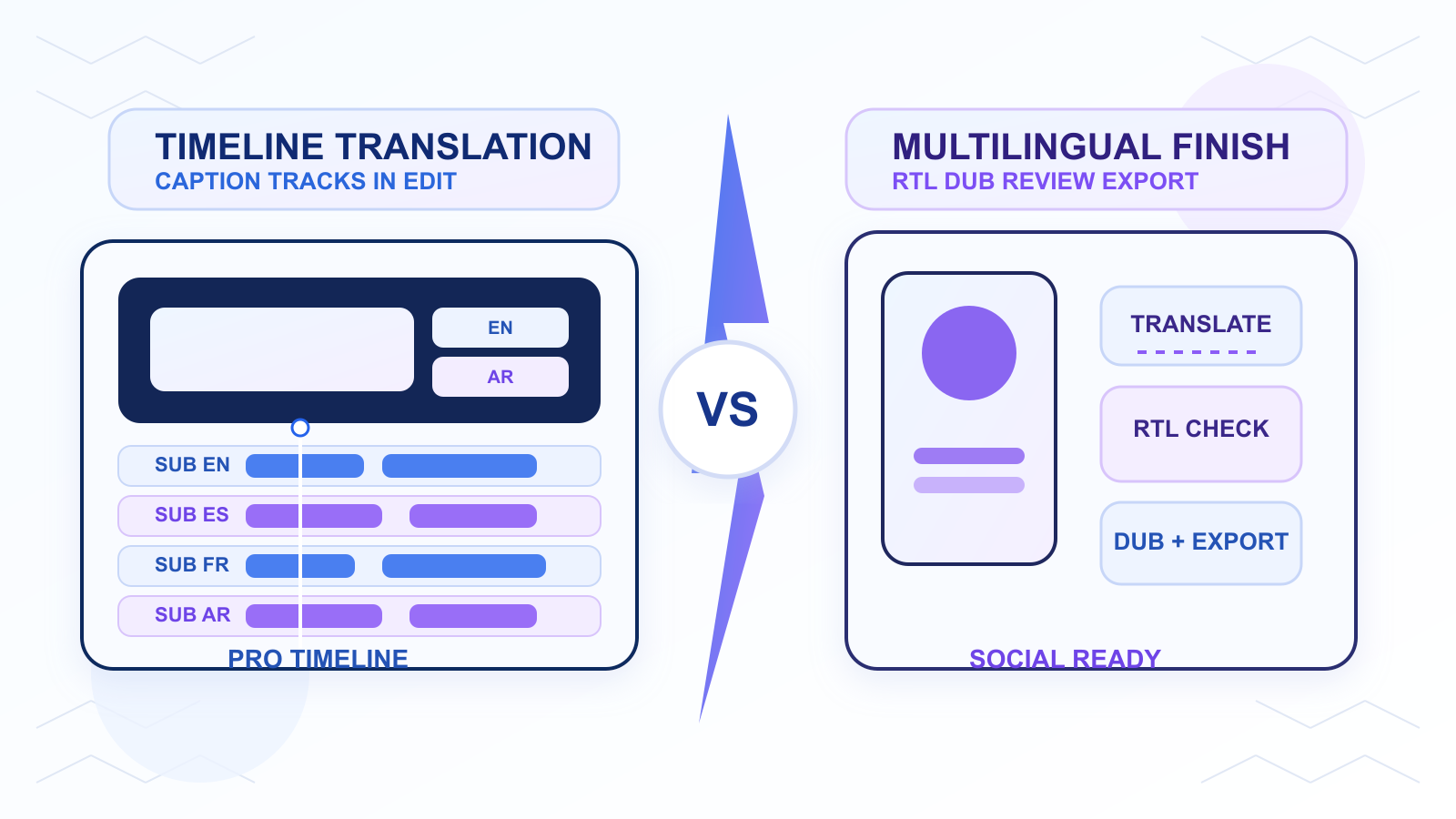
Adobe made caption localization more native to the editing timeline when it announced Premiere Pro Caption Translation on April 2, 2025.
In the official release, Adobe said Premiere Pro can instantly localize captions in 27 languages. That matters because translation is no longer being treated as a separate post-production chore. It is becoming a built-in editing function.
But built-in translation and a usable multilingual publishing workflow are still not the same thing.
If you are comparing Premiere Pro Caption Translation vs CapzAi in 2026, the real distinction is simple:
- Premiere Pro helps professional editors keep localization inside the timeline they already use.
- CapzAi helps creator and social teams move faster from source footage to multilingual, publish-ready short-form video.
The Short Answer
Choose Premiere Pro Caption Translation if your team already edits in Premiere, needs translation directly in a pro timeline, and can handle review and finishing inside a larger editorial workflow.
Choose CapzAi if you need clipping, caption styling, multilingual QA, dubbing, and platform-ready exports in one faster short-form workflow.
Translation is only one part of the real job.
What Adobe Actually Announced
Adobe's April 2, 2025 announcement combined several AI editing upgrades in Premiere Pro:
- Generative Extend
- Media Intelligence
- Caption Translation in 27 languages
The important part for CapzAi buyers is the localization angle. Adobe is telling editors they should not need to leave Premiere to create translated caption tracks.
That is a meaningful improvement for teams already cutting client work, documentaries, branded content, or social campaigns in Premiere Pro. It reduces context switching and makes multilingual editing more accessible to editors who want to stay inside a pro NLE.
It still does not remove every downstream task that short-form teams deal with after translation exists.
Premiere Pro Caption Translation vs CapzAi at a Glance
| Category | Premiere Pro Caption Translation | CapzAi |
|---|---|---|
| Primary job | Translate captions inside a professional editing timeline | Create short-form clips with captions, localization, dubbing, and export |
| Best buyer | Professional editors and Adobe-centric teams | Creators, agencies, social teams, multilingual marketers |
| Translation layer | Built into Premiere caption workflow | Built into a broader short-form workflow |
| Caption styling | Premiere caption and graphics system | Social-focused presets and direct caption editing |
| Dubbing | External or separate tools | Part of CapzAi workflows |
| AI clipping | Not the main feature | Core use case |
| RTL and multilingual review | Possible, but editor-dependent | Product-level workflow focus |
| Export model | NLE export process | Creator-speed export and review loop |
| Best use case | Timeline-first finishing | Throughput-first social publishing |
Where Premiere Pro Wins
Premiere Pro is the stronger choice when localization is one step in a professional editing process.
Examples:
- an editor is already cutting the master asset in Premiere
- the translated captions belong on a polished client deliverable
- the team needs Adobe's broader timeline tools around the subtitle work
- the project is already being versioned and approved in a traditional post-production flow
This is especially useful for studios and agencies with established Adobe pipelines. If the team already knows Premiere well, built-in translation reduces friction.
Where CapzAi Wins
CapzAi wins when the caption translation is tied to social performance, speed, and scale.
That usually means:
- one long source video becomes many short clips
- captions need to feel native on mobile
- the team wants word-level emphasis, not just translated text
- translated lines need safe-zone review before posting
- Arabic, French, English, or Darija versions need quick iteration
- some clips need dubbing as well as subtitles
This is where many editor-first workflows slow down.
A translated caption track is valuable, but it does not automatically produce a vertical clip that feels native on TikTok, Reels, or Shorts. The creator still needs hook pacing, readable styling, platform-safe placement, and often multiple language versions.
Related reading: how to add Arabic subtitles with correct RTL layout.
Why Translation Alone Is Not the Whole Workflow
Translation is one layer. Localization is several layers.
A multilingual short-form workflow still has to answer:
- Does the translated line keep the original tone?
- Does the text break naturally on mobile?
- Does the subtitle block sit above platform UI?
- Does the Arabic or RTL text render cleanly?
- Is a dubbed version better than subtitles for this audience?
- Which clips are strong enough to justify final export?
This is why many teams overestimate what a built-in translation feature will solve.
Premiere makes translation more accessible inside the editor. CapzAi makes multilingual short-form finishing more operational for teams that ship frequently.
The 2026 Context
The broader market is moving in the same direction.
Meta's April 22, 2026 Edits update said caption upgrades, including bilingual captions, are on the roadmap. TikTok's June 17, 2024 Symphony AI Dubbing announcement positioned global translation and voice adaptation as native creator infrastructure. On May 18, 2026, VEED launched its Subtitle API, showing that styled captions are now infrastructure for automated video systems.
The message is clear: multilingual video is no longer a niche add-on. It is becoming part of the default content stack.
That is exactly why workflow design matters more than having a translation button somewhere in the interface.
Operator Time Is the Real Cost
Premiere Pro may look efficient if the team is already there.
But the cost question is not only "Can this software translate captions?"
The real questions are:
- Who chooses the clips worth translating?
- Who checks wording and line breaks?
- Who adapts the styling for mobile retention?
- Who creates dubbed variants?
- Who manages fast exports for social posting?
For some post-production teams, the answer is still "the editor in Premiere." For many short-form teams, that is too slow and too expensive a loop.
CapzAi changes the economics by compressing those decisions into a workflow designed for social output, not only for timeline editing.
A Better Division of Labor
Some teams should not force a single tool to do everything.
One practical split looks like this:
- Cut the master video in Premiere Pro.
- Export the sections that are worth repurposing.
- Bring those sections into CapzAi.
- Generate social-ready clips, apply caption presets, translate, dub, and review.
- Export only the versions that are strong enough to publish.
That workflow preserves Premiere's strengths while removing social-video friction downstream.
Who Should Choose Premiere Pro
Premiere Pro Caption Translation is the better fit if:
- your team is editor-led
- the master edit already lives in Premiere
- translation is one step inside a larger post-production process
- you do not need a specialized short-form clipping workflow
Who Should Choose CapzAi
CapzAi is the better fit if:
- you publish short-form content frequently
- captions affect watch-through and comprehension
- you localize into multiple markets
- you need dubbing and subtitle review together
- you want a faster review-to-export cycle
Related reading: AI video translators compared in 2026 and multilingual video localization playbook.
Final Verdict
Premiere Pro Caption Translation is a meaningful Adobe upgrade. It keeps more localization work inside the professional editing timeline, and that is useful for many post teams.
CapzAi solves a broader short-form publishing problem. It helps teams choose clips, style captions, review translations, handle dubbing, and ship multilingual assets faster.
So the real comparison is not "Which one translates text?"
It is "Which workflow gets multilingual short-form content out the door with less friction?"
If your process is timeline-first, Premiere is the stronger fit.
If your process is throughput-first, CapzAi is the stronger fit.
Related articles
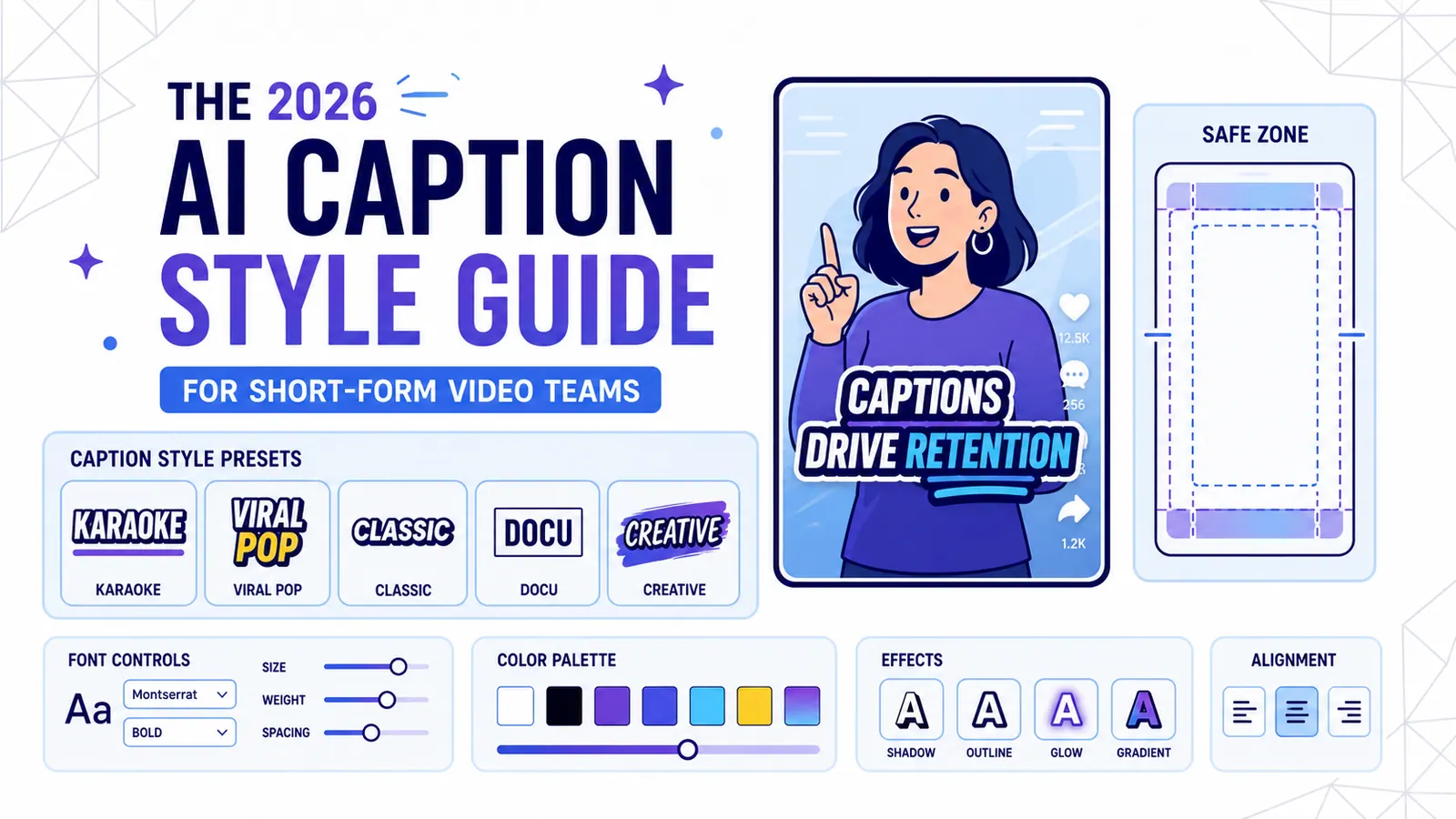
The 2026 AI Caption Style Guide for Short-Form Video Teams
A practical style system for creators and marketing teams who want captions that improve retention without turning every video into visual noise.
Read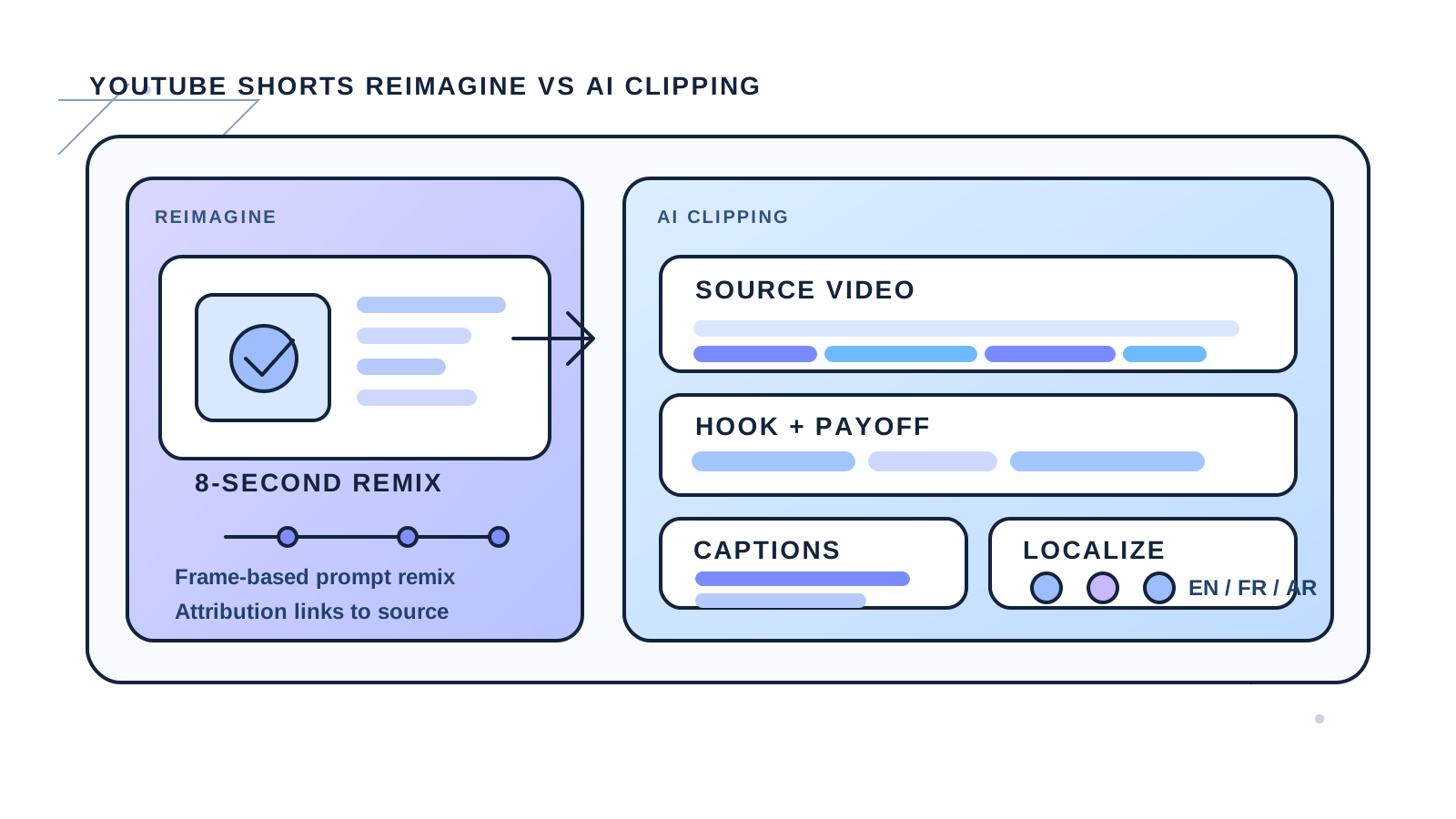
YouTube Shorts Reimagine vs AI Clipping in 2026
YouTube's new Reimagine remix tool opens a fresh creation path for Shorts, but it does not replace clipping, captions, or localization workflows.
Read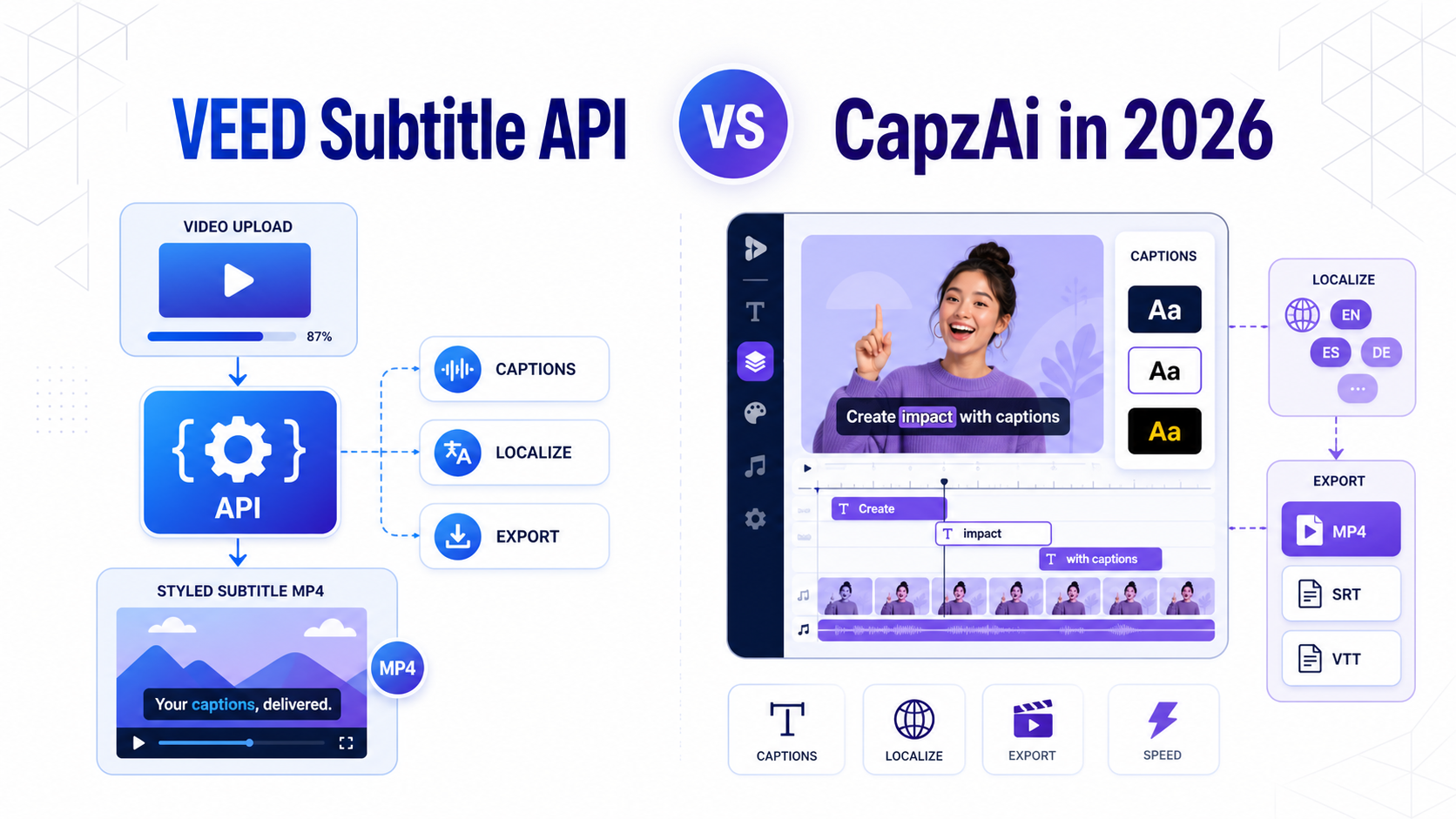
VEED Subtitle API vs CapzAi in 2026
A practical comparison of VEED's new Subtitle API and CapzAi for styled captions, localization, export workflows, and creator-speed publishing.
Read