
The Podcaster's 30-Minute Repurpose Stack
The exact step-by-step workflow to extract, style, and schedule a week of video clips immediately after your podcast goes live.
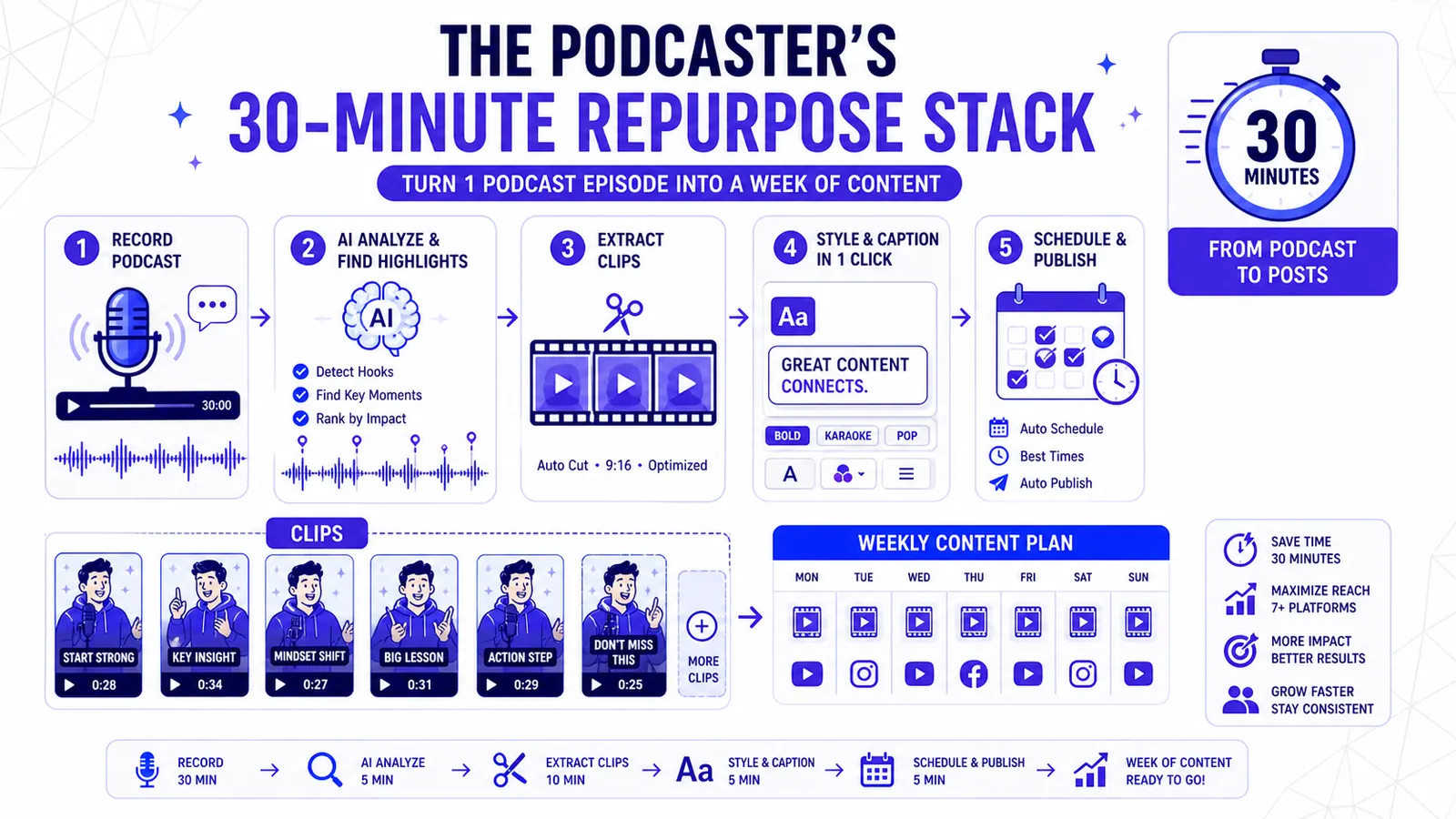
You just hit publish on a ninety-minute interview. The audio is live on Apple Podcasts and Spotify. The YouTube version is processing in the background.
Your job is exactly halfway done.
A long-form podcast without a distribution engine is a hidden file on the internet. You need vertical video for TikTok and Reels to drive traffic back to the main episode. You also need square or horizontal cuts for LinkedIn and X.
Most hosts fail right here. They lose hours manually scrubbing through timelines. They open a heavy desktop editing program, drag a massive video file onto a timeline, and begin the tedious hunt for a decent twenty-second hook.
Others go the opposite direction. They toss the entire episode into an automated chopping tool. They hope the algorithm spits out perfectly framed, contextually accurate gold.
Those fully automated tools often fail. They slice sentences in half. They miss the visual nuance of a shared laugh between two speakers.
They apply a massive text block right over the guest's face. You end up spending forty minutes fixing the machine's mistakes.
You need a rigid system. You need a process that constrains your time while maximizing output quality. We built a highly specific thirty-minute protocol for this exact moment.
Let's walk through the actual system you should run the minute your episode goes live.
The Black Box Problem in Content Creation
Editing fatigue is a real mechanical barrier for creators. The mental energy required to conduct a compelling ninety-minute interview is immense. Asking that same brain to immediately switch into a granular video editing mode guarantees burnout.
The Single-Click Illusion
Many founders try to solve this with software promising a single-click solution. You paste a YouTube URL and receive twenty clips. The problem with these black-box systems is the lack of guided curation.
The machine decides the clip boundaries and the visual style without your input. When you disagree with the machine, correcting it feels like fighting the software. You struggle to adjust cuts and fight rigid templates that refuse to adapt to your specific camera framing.
The Executive Producer Model
Curation must precede creation. You want a tool that does the heavy lifting of finding potential hooks, but you need total authority over the final cut.
The thirty-minute stack heavily relies on this division of labor. The machine scans the transcript and highlights potential moments. You act as the executive producer.
You say yes or no. You choose the aesthetic. This approach prevents the endless edit. You give yourself exactly half an hour, and the constraint forces decisiveness.
Minute 0 to 5: The Handoff
The clock starts the moment your main episode finishes uploading to your hosting provider. Your first action is moving the raw video file into your projects dashboard. You drop the file into CapzAi and initialize the auto-clipping sequence.
Step Away from the Machine
This is the most critical part of the workflow. You must walk away.
Do not sit and watch the progress bar fill up. The system is doing several resource-intensive tasks. It generates a word-level transcription and analyzes the cadence of the conversation.
It identifies changes in speaker volume and pinpoints potential thematic boundaries while running a visual analysis to understand your camera framing.
Buy Back Your Attention
Use these five minutes to reset your physical environment. Get a glass of water. Close out the fifty browser tabs you opened while researching your guest. Draft the baseline email you will send to your newsletter subscribers later in the week.
The goal is to let the machine do the tedious first pass. You pay for software to buy back your attention, so staring at a loading screen defeats the purpose.
The CapzAi engine operates at high speed. A standard one-hour file will finish processing before you return to your desk.
Minute 5 to 15: The Ruthless Curation Pass
You return to your computer at the five-minute mark. CapzAi presents you with a list of suggested clips. For a typical hour-long episode, you might see between twenty and thirty options.
You have ten minutes to make your selections. This requires ruthless curation.
Selecting for the Feed
Your objective is to find twelve to fifteen viable pieces of content. You are going to reject at least half of the suggestions.
A B2B podcast host often falls in love with the nuance of their own conversation. You might want to clip a brilliant three-minute explanation of supply chain logistics. Stop yourself.
Social media feeds punish nuance. They reward clear, isolated concepts. Look for a specific hook structure. A good clip starts with an absolute statement. Look for a counter-intuitive claim or a sharp question.
The Anatomy of a Perfect Hook
Imagine your guest said this during the interview. "Most people think churn is a customer success problem. They fire the CS team when numbers drop. The reality is that churn is almost always a product marketing failure. You sold the wrong expectation on day one."
That is a perfect hook. It contains tension. It challenges a common belief while providing an immediate resolution.
If CapzAi suggests a clip that starts with ten seconds of "Yeah, I completely agree with that...", you must reject it. You can use the timeline editor to trim the fat and start the clip exactly on the active verb.
If a clip requires too much structural repair to make sense independently, discard it. You have plenty of other options.
Text Over Aesthetics
Focus entirely on the text during this ten-minute block. Read the transcripts of the suggested clips. Do not worry about colors, fonts, or animations yet.
Separate the structural editing from the visual styling. Trying to do both simultaneously will break your thirty-minute constraint.
Accept the strong ones. Delete the weak ones. At the end of this block, your workspace should contain only your winning assets.
Minute 15 to 25: Visual Strategy and Contextualization
You now have a dozen solid clips. The next ten minutes determine how these assets perform in the wild.
A common mistake podcasters make is publishing identical-looking clips every day. They pick a single font and stick to one repetitive layout. By Thursday, their audience is scrolling past the videos because they look visually redundant.
The brain filters out predictable stimuli. You must introduce visual variation into your content diet.
Applying Preset Styles
This is where you apply the CapzAi presets. Assign the Karaoke preset to your highest-energy clips. This style highlights individual words as they are spoken, pulling the viewer's eye across the screen. It works exceptionally well for fast-paced rants.
Use the Docu preset for serious, analytical moments. The Docu style mimics high-end documentary subtitles. The text sits lower on the screen in a clean, unobtrusive font. The background is slightly darkened to ensure readability without overpowering the speaker's face.
Apply the Viral Pop preset to clips aimed directly at TikTok. This preset utilizes large, aggressive fonts with dynamic motion and high-contrast colors. It forces the viewer to pay attention.
The Classic preset serves as your reliable baseline. It uses standard sentence-case text with a simple yellow active word highlight. It looks professional and clean, fitting perfectly into a corporate LinkedIn feed.
The Creative preset gives you room to experiment with unusual fonts and playful animations. Use it to break the pattern in your grid.
Spend two minutes applying different presets across your twelve clips. Mix them up. Give Monday's video the Viral Pop treatment. Give Tuesday's video the Docu treatment.
Writing the Hook Copy
Now you must contextualize the clips. You cannot just post a raw video file and expect engagement.
Draft a single, punchy sentence for each clip right inside the dashboard. This will serve as your social media caption. Do not write paragraphs. Write a hook that forces the viewer to click play.
Rapid AI Adjustments
Use the AI Agent to handle minor adjustments. You might spot a strange spelling of an industry-specific acronym in the word-level captions.
Instead of manually clicking through the timeline to find the exact frame, open the chat interface. Tell the agent to fix the spelling of the acronym globally across the clip. The agent updates the text instantly.
This ten-minute block requires extreme focus. You are making rapid aesthetic decisions and writing short copy. You are finalizing the entire visual package.
Minute 25 to 30: Batch Render and The Export Economy
The final five minutes are purely logistical.
You review your twelve finalized clips. You verify the boundaries, check the assigned presets, and hit the render button for the entire batch.
The Pay-On-Export Advantage
Let's discuss the economics of this moment. CapzAi operates on a pay-on-export model. You are charged 20 credits per minute of finalized video.
This aligns our incentives with your output. Other platforms charge heavy monthly subscriptions regardless of your usage. They restrict features behind payment tiers and throttle render speeds.
We charge you only for the exact assets you produce. If your twelve clips total eight minutes of video, you consume exactly 160 credits. You maintain total control over your budget.
There are no hidden fees. You face no artificial limits on how many projects you can start or variations you can preview. You only pay when you pull the finished file out of our ecosystem.
Scheduling the Assets
The servers process the batch rapidly. You download the zip file containing your twelve polished videos.
Open your scheduling tool. Buffer and native platform schedulers work perfectly here. Upload the files and paste the short copy you wrote during the styling phase.
Schedule the posts across the next seven days. The clock hits thirty minutes, and you are entirely done with your promotional requirements for this episode.
Platform Calibration Requirements
A successful thirty-minute stack requires an understanding of where these clips actually live. Social platforms operate on different psychological frequencies.
Posting the exact same video file across four networks yields suboptimal results. You must calibrate your exports.
Calibrating for Twitter
Twitter demands high information density. The feed moves aggressively fast, and users read more than they watch.
Clips destined for this platform need strong, text-heavy captions. The Karaoke preset performs exceptionally well here. The rapid flashing of words matches the neurological pace of the platform.
Keep the aspect ratio square or slightly vertical, and frame the face tightly.
Structuring for LinkedIn
LinkedIn operates on a different frequency. The audience values professionalism and clear formatting.
The Classic preset is the correct choice here. The clean talking-head framing signals authority. Ensure your guest's title and company are visible.
Do not use hyper-aggressive animations. B2B buyers engage with content that looks polished and deliberate.
Disrupting TikTok
TikTok requires visual disruption. The algorithm serves content to strangers entirely based on retention metrics.
You must arrest the scrolling thumb within the first twelve frames. Use the Viral Pop preset.
The text must be massive, and colors must clash with the background. You want 64pt Inter Bold in bright yellow or neon green. The captions are the primary visual element, often superseding the video itself.
Understanding these platform constraints allows you to assign your presets accurately during the styling phase. You stop guessing and apply specific visual rules to specific digital environments.
The Next-Day Operations Block
We must define what you should specifically avoid during this thirty-minute window. Ambition can ruin your efficiency.
Delaying Localization
CapzAi offers powerful localization tools. You can translate your English podcast into French or Arabic. You can even target regional dialects like Darija.
You can generate completely new audio tracks using AI voice dubbing and reformat the entire visual structure to accommodate an RTL layout. Do none of this right now.
Protect the thirty-minute window. Your immediate goal is stabilizing your baseline English distribution.
If you attempt to review Arabic translations and calibrate AI voice clones right after publishing a massive episode, you will fail. The cognitive load is too high. You will spend two hours tweaking minute details and abandon the process entirely the following week.
Day Two Execution
Localization requires a different mental headspace. Saving this task for day two creates a natural division of labor.
You wake up the next morning. Your English content is already scheduled and running. You open the dashboard with fresh eyes.
Now you can focus deeply on the cultural nuances of translation. You can reference our RTL layout constraints guide to ensure the text flows correctly.
You can test different vocal profiles for the dubbing process. You can review our documentation on understanding AI voice cloning to match the emotional tone of your original recording.
Separating these tasks prevents systemic overwhelm. A system only works if you can repeat it fifty times a year.
The Mechanics of a Clean Execution
You must build muscle memory to make this system work. The first time you attempt the thirty-minute protocol, it might take you forty-five minutes. You will hesitate on which clips to keep and overthink the preset selections.
This friction is temporary. By the third week, the process becomes mechanical.
You will learn to identify a strong hook simply by glancing at the transcript shape. You will know exactly which clips deserve the Viral Pop treatment. You will write the social copy natively in the dashboard without agonizing over the exact phrasing.
The speed of execution directly impacts your long-term consistency. Podcasters who dread the editing process eventually stop publishing. They build up a backlog of unedited episodes and let their social feeds go quiet.
They blame the algorithm for their lack of growth. The reality is usually a failure of internal systems. They rely on motivation instead of process.
Motivation fades immediately after the microphone turns off. Process carries you across the finish line.
Finalizing the Workflow
Review your current post-publishing habits. Track the exact number of minutes you spend scrubbing through timelines. Quantify the frustration of fighting with clunky desktop software.
You have the tools to collapse a three-hour chore into a thirty-minute sprint.
Upload your latest long-form episode. Walk away for five minutes. Delete the weak hooks. Style the winners. Schedule the batch. Close your laptop.
Related articles
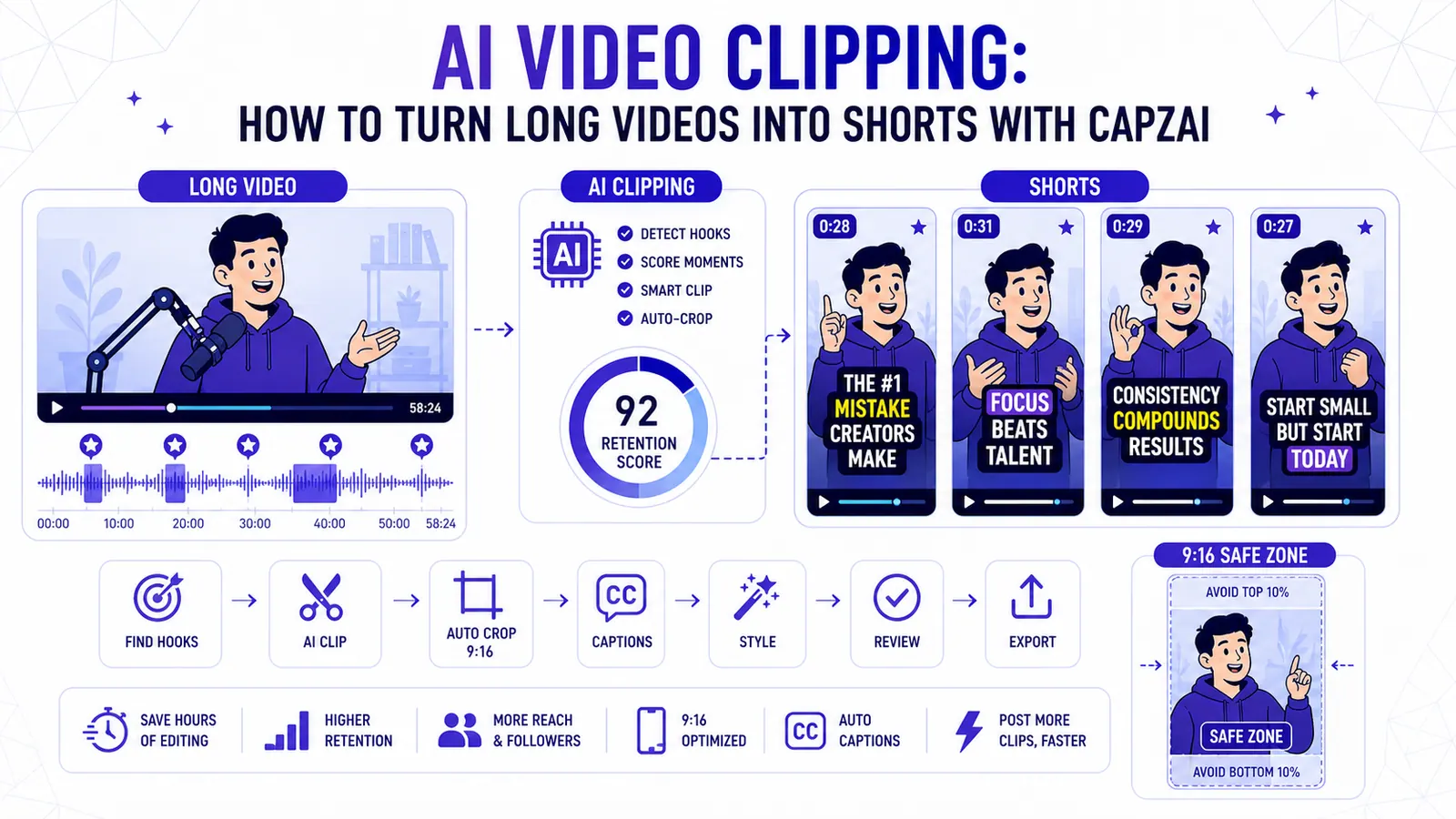
AI Video Clipping: How to Turn Long Videos into Shorts with CapzAi
A practical guide to AI video clipping for creators who want to turn podcasts, webinars, livestreams, and tutorials into publish-ready short-form clips.
Read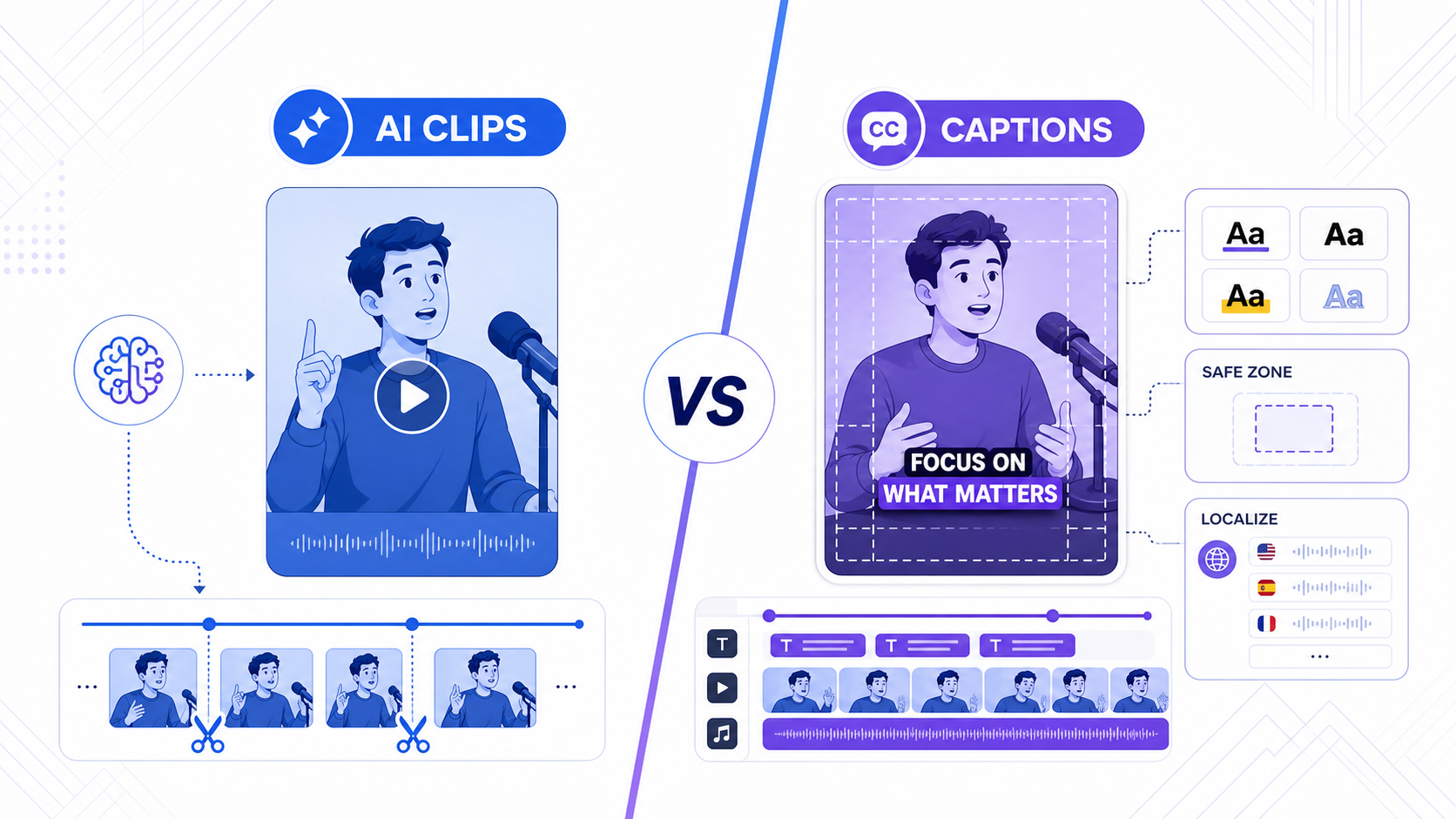
TikTok Smart Split vs CapzAi: Which AI Clipping Workflow Is Better in 2026?
TikTok Smart Split makes native clip extraction easier, but serious creators still need better caption control, exports, and multilingual workflows.
Read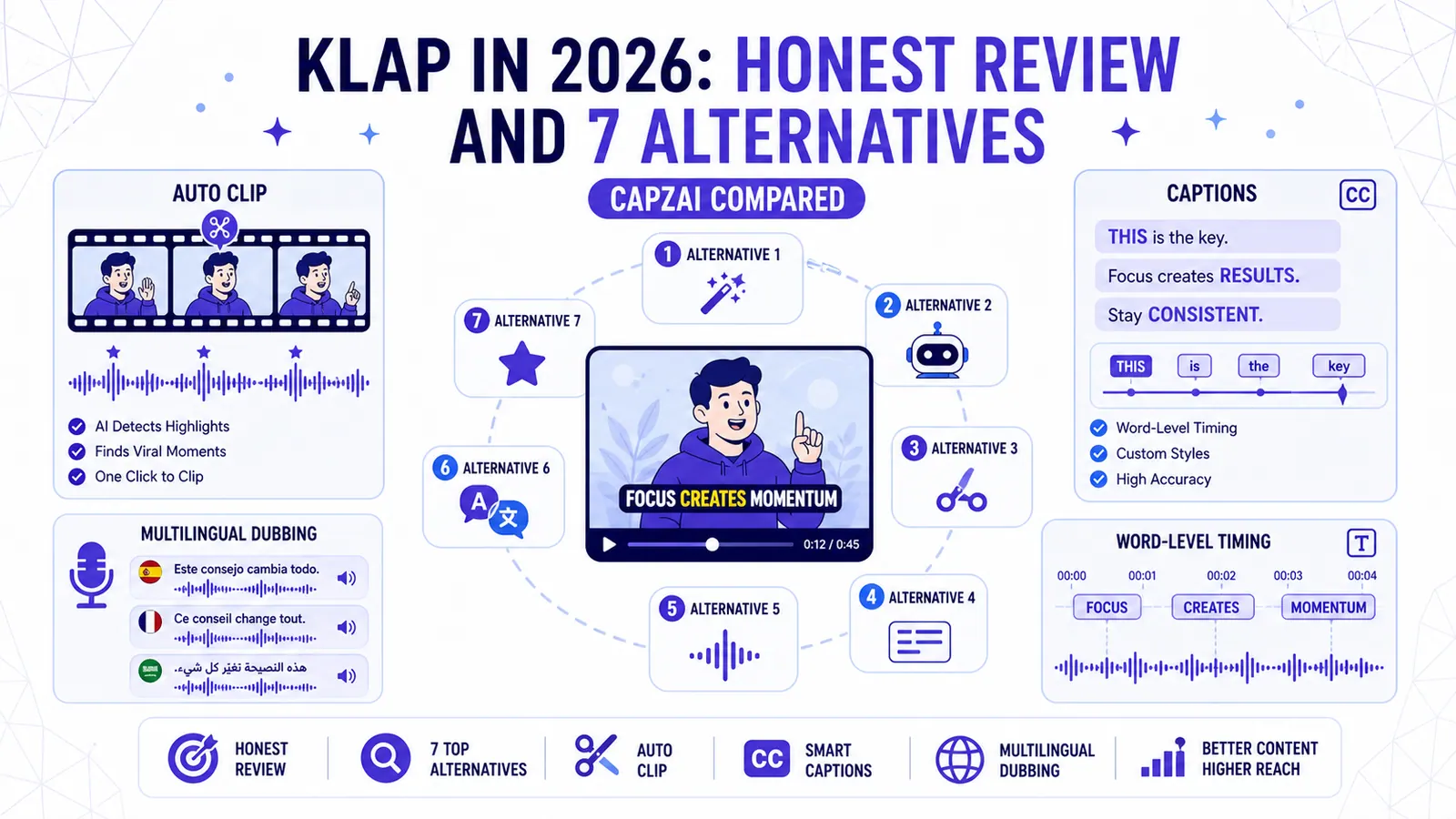
Klap in 2026: Honest Review and 7 Alternatives (CapzAi Compared)
A brutally honest review of Klap and comparison of 7 alternatives for auto-clipping, word-level captions, and multilingual dubbing.
Read