
Klap in 2026: Honest Review and 7 Alternatives (CapzAi Compared)
A brutally honest review of Klap and comparison of 7 alternatives for auto-clipping, word-level captions, and multilingual dubbing.
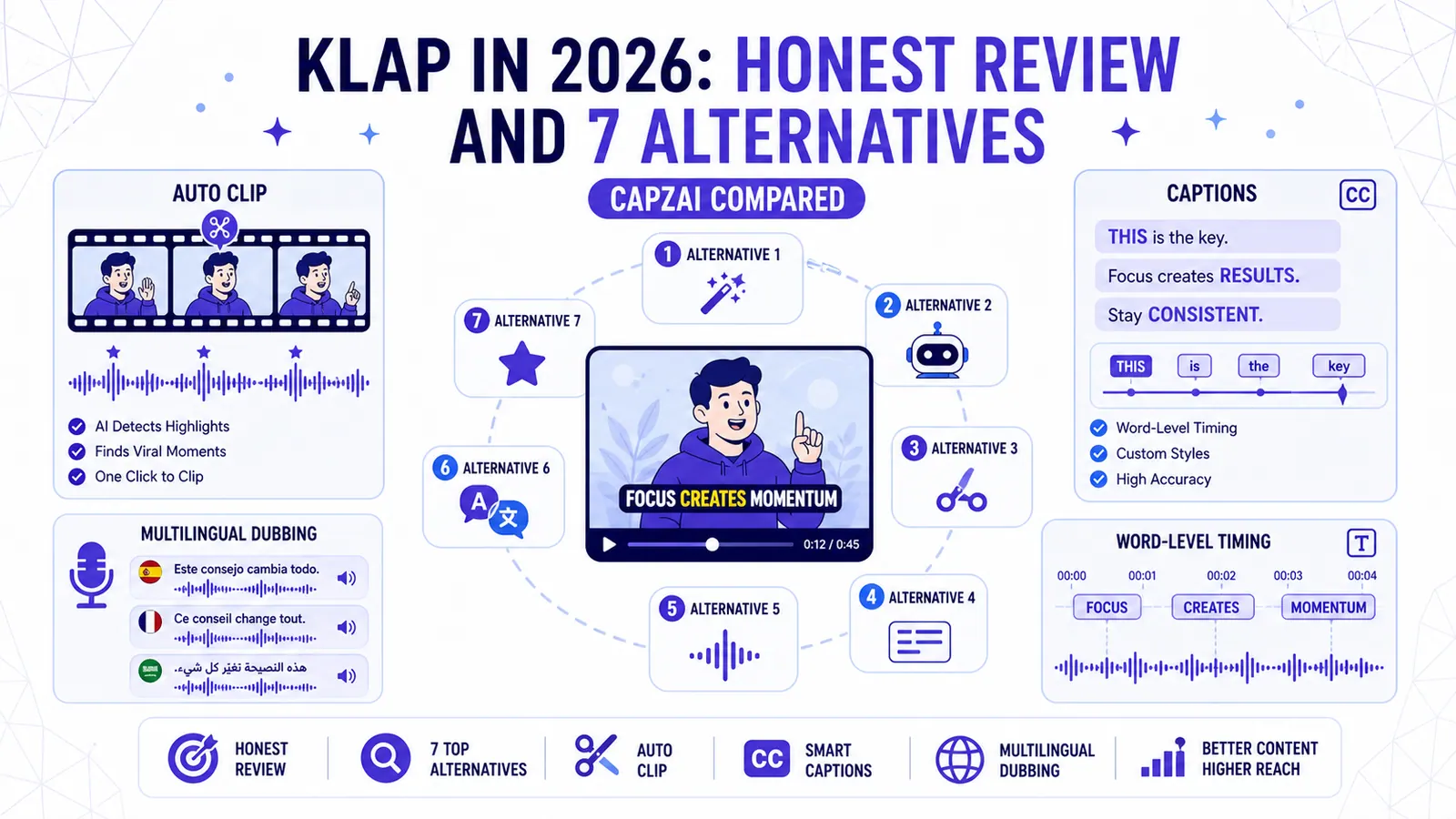
Klap gained massive popularity by turning long YouTube videos into short TikTok clips fast. You dropped a link. The software found the interesting parts. It slapped big text on the screen.
That workflow was sufficient two years ago. Video editing standards have shifted. Creators now expect precise control over typography. They demand accurate translations for global audiences.
Users resent paying high monthly subscriptions for credits they lose if they forget to cancel. If strict pricing tiers or rigid aesthetic templates frustrate you, you need a different tool.
I tested the top AI clipping software on the market. I evaluated rendering speeds and timeline flexibility. I also checked localization accuracy and hidden costs. Here is a detailed review of Klap alongside seven superior alternatives.
Is Klap Still the Standard in 2026?
Before looking at specific software, you have to understand how these companies bill you. Most AI clippers use an upload minute model.
You upload a 60-minute podcast. The system immediately deducts 60 credits from your monthly allowance. You might only want three 60-second clips from that entire file. You just paid for 57 minutes of dead air.
This model penalizes experimentation. You hesitate to process a raw interview because you fear wasting your quota.
A better alternative is the export pricing model. You upload unlimited raw footage. You test different cuts. You play with fonts.
You only pay when you hit the render button to download the final file. Keep this distinction in mind. A tool that looks cheap initially often becomes expensive when you burn through upload minutes.
1. CapzAi
CapzAi is an AI video studio built for precise editing and international localization. We built this tool because standard clippers fail completely at handling Right-To-Left text formats and regional dialects.
The platform excels at auto-clipping long videos and generates accurate word-level AI captions in under 60 seconds.
Native RTL and Translation
CapzAi handles true RTL layout natively. It includes highly accurate 1-click multilingual translation for English, French, Arabic, and Darija, complete with Latin transliteration.
The styling engine offers five distinct viral caption presets: karaoke, viral pop, classic, docu, and creative. You also get intuitive drag-and-drop caption positioning. You avoid the standard screaming yellow text look unless you actively choose it.
AI Agent Editing
The timeline interface is entirely optional. You can use the built-in AI Agent to chat-to-edit your video.
You type "make the captions red when I say the word danger and cut the dead space at the two-minute mark." The agent executes the command instantly.
Pay-On-Export Billing
We use the export pricing model. You do not pay for dead air.
You upload your heavy podcast files for free. You only spend credits when you download the finished 1080p MP4 with burn-in captions or export the .ass subtitle file. The cost is flat at 20 credits per minute of exported video, and you enjoy free editing on the timeline.
Strongest Feature: True RTL language support combined with AI voice dubbing. You can translate a single English video into four perfectly timed regional variants in minutes. Weakest Spot: High-fidelity text rendering means initial processing of massive 4K files takes slightly longer. Other tools often cheat by heavily compressing your video upon upload. Pricing Model: Pay-on-export (20 credits per minute, free editing). Ideal User: Creators expanding into the MENA market or agencies looking to stop paying for dead air on unused footage.
2. Submagic
Submagic produces hyper-aggressive short-form content. It maximizes viewer retention in the first three seconds of a video.
The software automatically injects dramatic B-roll footage over your face. It adds swoosh sound effects to text transitions and highlights keywords with explosive animations.
High-Energy Formatting
You upload a calm explanation of tax policy. Submagic turns it into a chaotic sensory experience. This works brilliantly for specific niches.
Motivation channels rely on this aesthetic. Finance gurus use it to keep viewers from swiping away.
The text styles are highly optimized for mobile screens. You get very high contrast and massive font sizes by default.
Rigid Aesthetic Choices
This rigidity gets frustrating fast. The tool desperately wants to add B-roll to everything.
If you are a comedian delivering a subtle punchline, the software might abruptly cut to stock footage of a running horse. You must spend time manually deleting the AI suggestions. If you struggle with erratic edits, our guide to effective auto-clipping might help you structure your source material better before uploading.
Strongest Feature: The automated sound effect generation matches the visual text pops perfectly. Weakest Spot: The editing templates feel repetitive. Exported videos often share identical pacing. Users notice the recycled fonts and predictable stock footage choices. Pricing Model: Expensive monthly subscriptions with strict upload limits. Ideal User: Faceless channel operators producing high volumes of motivational Reels.
3. Captions.ai
Captions.ai dominates the mobile space. It started as an iOS app. It remains heavily optimized for people who film directly into their phones.
Eye-Contact Correction
The standout feature is the eye-contact correction. You can read from a script placed below your camera lens. The software uses AI to digitally alter your pupils.
It forces your eyes to look directly into the lens. The result looks slightly unnerving but proves incredibly effective for solo creators who struggle to memorize lines.
Mobile vs. Desktop Experience
The mobile interface is fast. You record your video. You tap a button to apply a preset. You export straight to TikTok.
The desktop web application is a massive letdown. It feels like a direct port of the mobile app squeezed onto a large monitor.
Keyboard shortcuts frequently fail to respond. Managing large project files feels tedious. Trying to manually adjust word timing with a mouse is clunky compared to their touchscreen controls.
Strongest Feature: Unmatched eye-contact correction paired with digital teleprompter tools. Weakest Spot: The desktop browser experience feels poor. Precise editing on long-form videos is difficult. Pricing Model: Standard App Store subscription tiers. Ideal User: Solo creators recording talking-head videos on an iPhone in their bedroom.
4. Opus Clip
Opus Clip acts as a volume machine. You paste a YouTube link to a three-hour podcast. The software analyzes the entire timeline.
It spits out thirty potential short clips within ten minutes.
Bulk Processing Power
It assigns a virality score to each clip. The AI looks for strong hooks and logical arguments. It also pinpoints compelling conclusions.
It automatically reformats horizontal video into vertical video. It uses face tracking to keep the speaker centered.
Accuracy and Editing Limits
This brute force approach has drawbacks. The AI frequently misjudges the start of a sentence.
A clip might begin exactly on the first syllable of a word. This cuts off the natural inhale. The speaker sounds like a robot. You must manually open the timeline and drag the handles back by half a second to restore a natural cadence.
Basic Typography and Billing
The typography engine is basic. You get functional captions. You lack the nuanced styling options required for high-end branded content.
The pricing relies heavily on the upload minute model. If you process a two-hour video and only use two clips, you just burned 120 minutes of your monthly quota.
Strongest Feature: Processing massive podcast files quickly to locate hidden moments of high engagement. Weakest Spot: Stiff typography and rigid automatic cropping. The face tracking occasionally loses the speaker during fast movements. Pricing Model: Subscription tiers based strictly on upload minutes. Ideal User: Video podcast producers managing massive file backlogs.
5. Vizard
Vizard targets corporate communications. It avoids the chaotic flashing text styles common in TikTok editors. The tool focuses entirely on clean professional layouts.
Zoom Integration
You connect Vizard directly to your Zoom account. It pulls in recorded webinars automatically.
It creates split-screen layouts for multiple speakers without manual effort. The text styling remains conservative. The captions look like well-designed PowerPoint slides.
Corporate Customization
The platform lets you add custom background graphics behind your vertical video cutouts. You can insert a corporate logo.
You can also add a subtle progress bar at the bottom of the screen.
Not for Viral Content
It fails completely as a tool for viral consumer content. If you want karaoke-style tracking or animated emojis, Vizard is the wrong choice.
The interface assumes you are editing a panel discussion about B2B supply chains.
Strongest Feature: Native Zoom integrations paired with clean multi-speaker grid layouts. Weakest Spot: The visual output feels bland. It lacks the dynamic energy required to stop a user from scrolling on mobile platforms. Pricing Model: A generous freemium tier with paid upgrades for higher resolutions. Ideal User: Marketing managers turning company town halls into polished LinkedIn posts.
6. Veed.io
Veed.io is a massive platform. It attempts to replace desktop editing software entirely.
It handles screen recording and audio cleaning. It also manages multi-track layering. The tool even offers green screen removal and automated subtitles.
Precise Creative Control
If you need to place a picture-in-picture graphic over a specific word, Veed can do it. If you need to duck the background music during a specific sentence, Veed gives you the timeline tools to manage it.
You get complete creative control over every pixel.
Performance Friction
This massive feature set creates friction. The platform feels heavy. Loading a complex project on a standard laptop causes the browser to lag.
Simple tasks require too many clicks. If you only want to generate automatic captions for a one-minute video, navigating the dense user interface feels overwhelming.
Slow Processing
Rendering speeds are notoriously slow. The system handles complex multi-track timelines.
Processing a simple vertical clip can take four times longer here than in a dedicated short-form tool.
Strongest Feature: A full non-linear editing timeline inside your web browser. Weakest Spot: Browser memory issues and slow export speeds on large files. Pricing Model: Complex, tiered monthly subscriptions. Cheap plans include heavy watermarks. Ideal User: Remote marketing teams that need Premiere Pro capabilities without installing local software.
7. Eddie AI
Eddie AI serves a completely different workflow. It is not an all-in-one export tool. It functions as a rough-cut assistant for professional video editors.
Text-Based Rough Cuts
You upload raw footage. Eddie generates a transcript. You read the transcript like a text document.
You highlight the boring parts and press delete. The software automatically cuts the corresponding video footage.
XML Export Workflow
You do not export an MP4 from Eddie. You export an XML file. You import that XML file into DaVinci Resolve or Adobe Premiere Pro.
All of the cuts appear on your local timeline. You finish the final edit on your own machine. This includes color grading and graphic placement.
Niche Appeal
This tool fails a creator who just wants a fast vertical video on their phone.
It proves indispensable for a professional editor. It eliminates manually scrubbing through hours of raw interview footage to find the good quotes.
Strongest Feature: Flawless XML export to professional desktop editing suites. Weakest Spot: It does not produce finalized videos. You get no hardcoded graphics or viral caption styles. Pricing Model: Standard monthly subscription. Ideal User: Professional video editors looking to automate the tedious rough-cut phase.
Comparison Summary
| Tool | Best For | Pricing Model | Caption Styling | Multilingual Focus |
|---|---|---|---|---|
| CapzAi | Precision styling & Localization | Pay-on-export | High (5 presets, drag and drop) | High (Native RTL, Darija, French) |
| Submagic | High-retention hooks | Monthly subscription | Rigid but flashy | Low |
| Captions.ai | Mobile creators | App Store subscription | Solid mobile presets | Medium |
| Opus Clip | Bulk podcast slicing | Upload-minute subscription | Basic | Medium |
| Vizard | Corporate webinars | Freemium to Paid | Professional and Conservative | Low |
| Veed.io | Browser-based NLE | Tiered subscription | Manual timeline control | Medium |
| Eddie AI | Rough cuts via XML | Monthly subscription | None (text-based cuts) | Low |
The Recommendation Matrix
Choosing the right software depends entirely on your daily workflow. Do not buy a tool just because a massive creator uses it. Their production bottlenecks differ from yours.
Use this matrix to match your specific constraints to the right platform.
For High Volume and Speed
If you are an English-only podcaster processing dozens of hours of video a month, pick Opus Clip. The AI will find clips you completely forgot about.
If you are a faceless channel operator pushing volume motivation clips, pick Submagic. The automated B-roll engine saves hours of searching stock footage sites.
For Control and Localization
If you are an agency social manager requiring absolute timeline control, pick Veed.io. You will tolerate the slow render speeds in exchange for precise multi-track layering.
If you are a creator dubbing into multiple languages, pick CapzAi. You can translate Arabic subtitles correctly without fighting formatting bugs.
For Budget Constraints
If you are a solo TikToker with no budget, pick Vizard for their free tier. You can also use the basic features inside the Captions.ai mobile app.
If you hate monthly subscriptions, pick CapzAi. The pay-on-export model guarantees you never waste money on footage you decide not to publish.
Editing Should Be Free
Editing short-form video should not feel like an endless battle against rigid templates and unfair billing cycles. You deserve tools that respect your workflow and your wallet. If you want word-level precision, perfect Arabic translations, and a completely free environment to test your edits, sign up for CapzAi today. You only pay when you export, so start experimenting risk-free right now.
Related articles
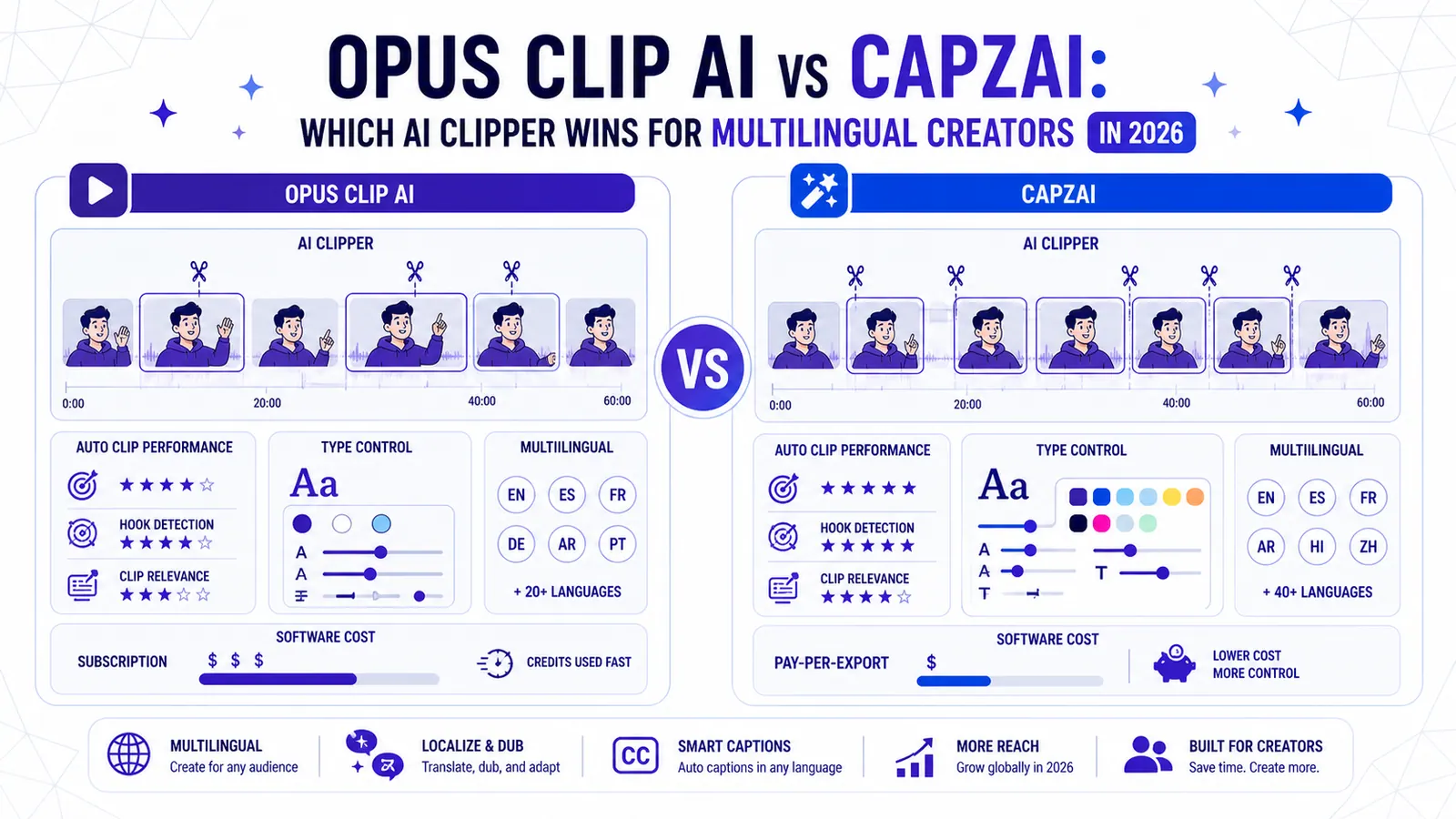
Opus Clip AI vs CapzAi: Which AI Clipper Wins for Multilingual Creators in 2026?
A direct comparison of auto-clipping performance, typographic control, multilingual support, and actual software costs for video creators.
Read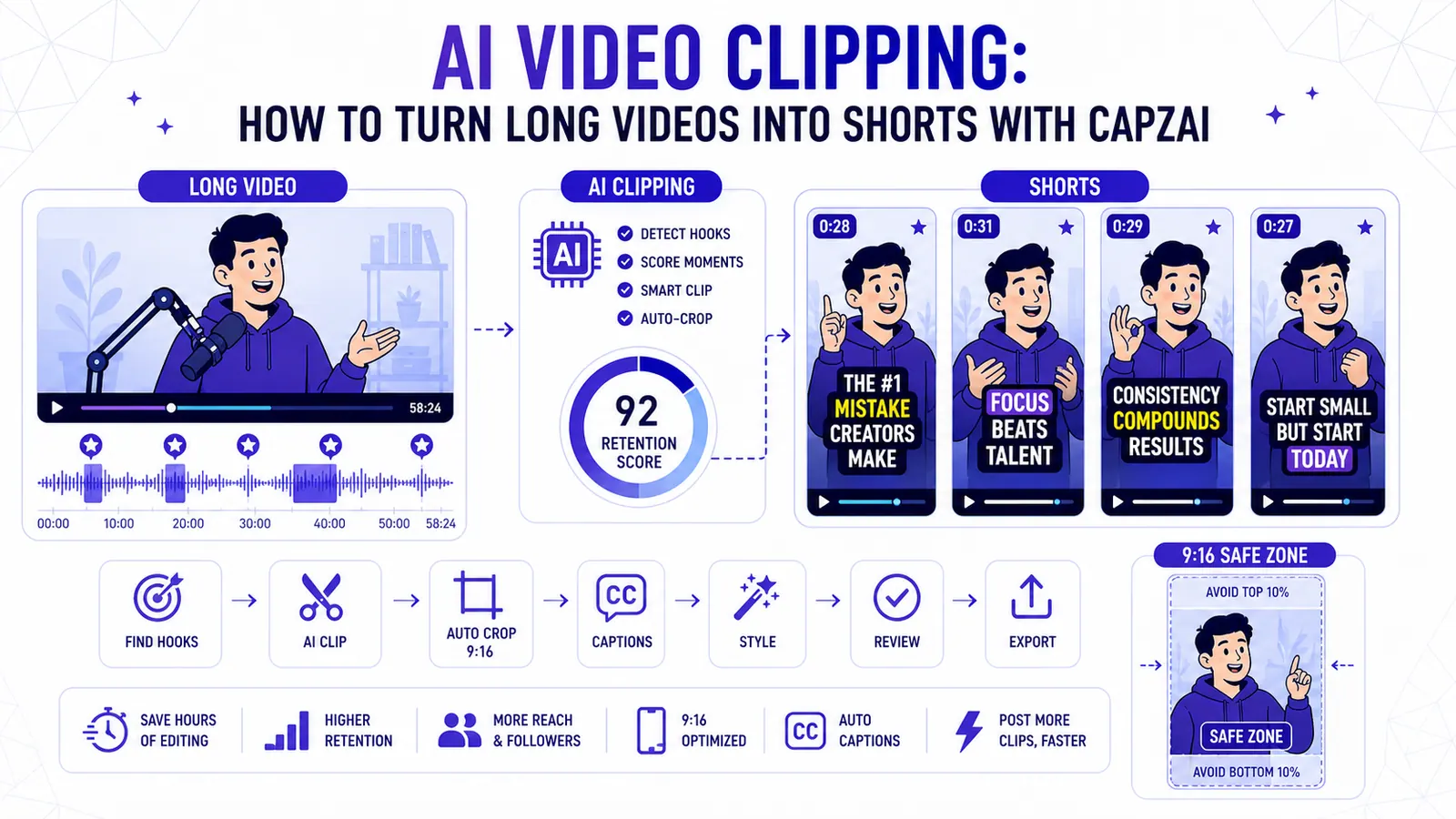
AI Video Clipping: How to Turn Long Videos into Shorts with CapzAi
A practical guide to AI video clipping for creators who want to turn podcasts, webinars, livestreams, and tutorials into publish-ready short-form clips.
Read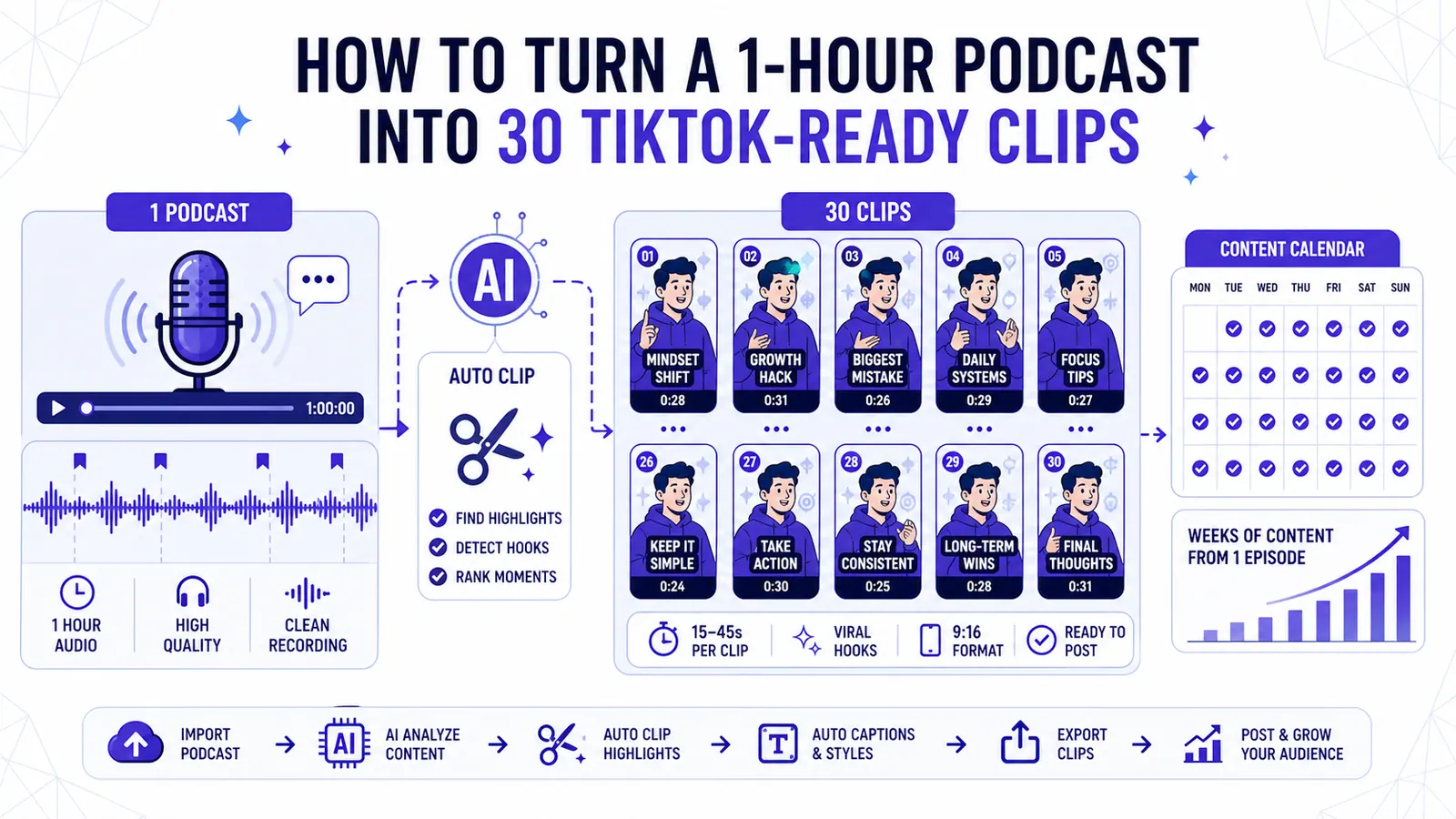
How to Turn a 1-Hour Podcast into 30 TikTok-Ready Clips
Stop leaving high-converting video content on the cutting room floor and start using AI to extract weeks of social media posts from a single recording session.
Read