
TikTok Smart Split vs CapzAi: Which AI Clipping Workflow Is Better in 2026?
TikTok Smart Split makes native clip extraction easier, but serious creators still need better caption control, exports, and multilingual workflows.
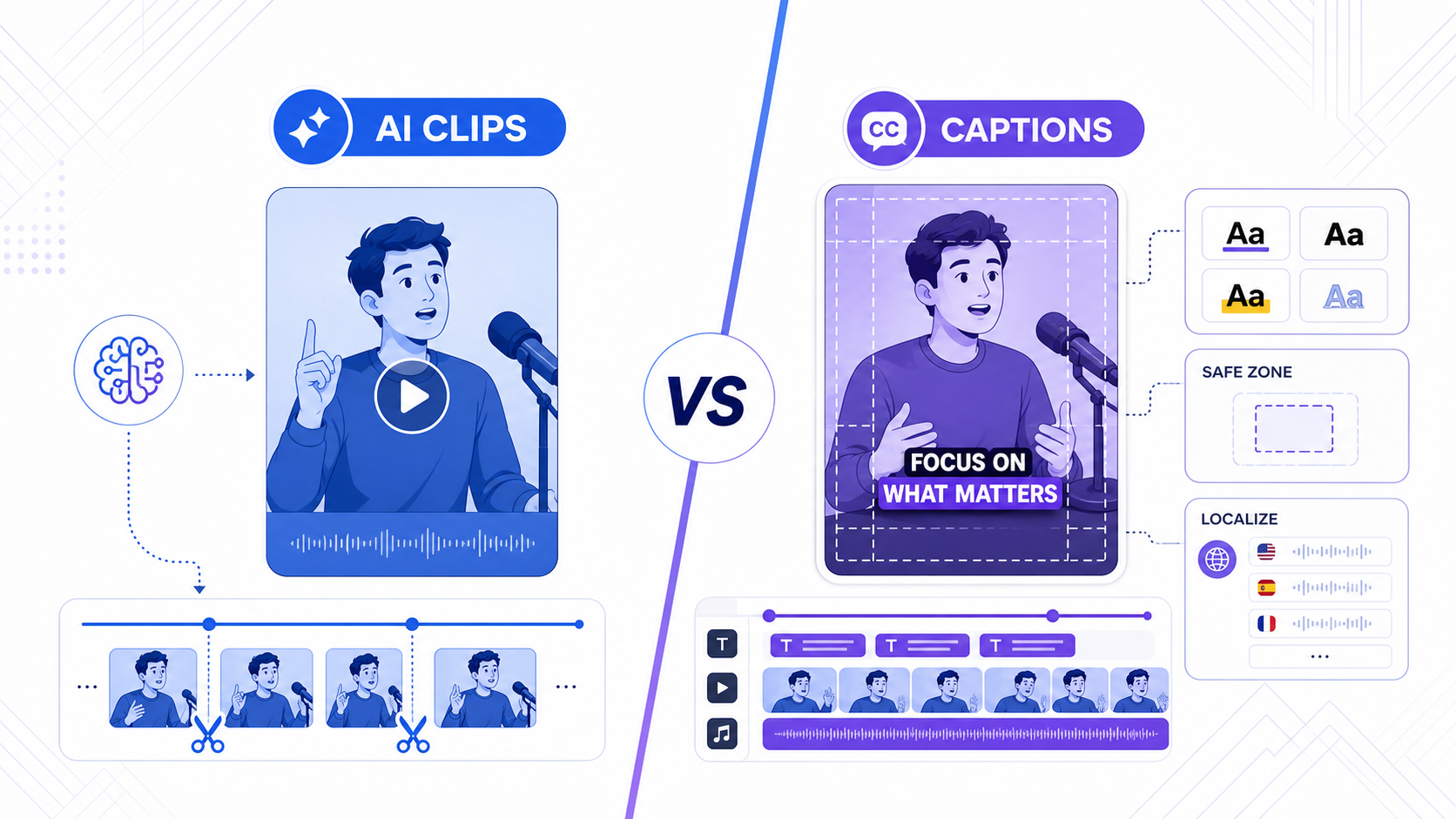
TikTok is making a clear bet: creators should expect AI clipping inside the platform, not only in third-party tools.
That became more concrete when TikTok announced Smart Split in its official newsroom post about new AI-powered creation tools. TikTok described Smart Split as a way to help creators break longer videos into shorter clips faster inside the native workflow. That matters because it changes creator expectations. Auto-clipping is no longer a premium add-on. It is becoming table stakes.
The real question for a creator or brand is not whether Smart Split is useful. It probably is. The real question is whether a native clipping feature is enough once you care about quality, reusable workflows, and publishing beyond one app.
That is where the comparison with CapzAi becomes practical.
The short answer
TikTok Smart Split is valuable if your main job is to get more content into TikTok quickly.
CapzAi is the better workflow if you need to:
- turn podcasts, webinars, interviews, demos, and UGC shoots into polished short clips
- review and refine captions before export
- keep safe-zone control across TikTok, Reels, and Shorts
- translate or dub winning clips for other markets
- pay for finished exports instead of bulk processing you may never use
In other words, Smart Split is a native assistant. CapzAi is a production workflow.
Why TikTok Smart Split matters
Native platform tooling changes the market because it teaches creators new defaults.
When TikTok ships a feature like Smart Split, it sends two signals.
First, TikTok knows a lot of creators are recording longer source videos and need faster repurposing. That includes interviews, educational clips, podcast segments, livestreams, product explainers, and creator vlogs.
Second, TikTok wants more of that repurposing work to happen inside its own stack. The closer the clipping process stays to native publishing, the easier it is for TikTok to keep the creator in-platform.
That makes Smart Split strategically important even if the feature itself is simple on day one.
Where native clipping usually wins
Native tools tend to win on convenience.
If you already publish mostly to TikTok, Smart Split can be attractive for three reasons.
1. Less setup friction
You are already inside TikTok's creation flow. There is less tool switching, less exporting, and less decision overhead.
2. Faster first drafts
For creators who just need a few candidate clips from a long take, native AI clipping can remove the slowest first pass.
3. Better alignment with platform behavior
TikTok designs native features around the way its own feed works. That means the defaults are likely to prioritize vertical framing, quick hooks, and feed-native pacing.
Those are real advantages. They are also the reason external tools need to be clearly better, not just marginally different.
Where native clipping usually stops being enough
The problem starts when a clip has to do more than exist inside TikTok.
Professional short-form production usually involves at least five extra jobs:
- choosing clips that contain complete ideas, not just exciting moments
- refining in and out points so the clip makes sense on its own
- applying readable, branded captions
- checking mobile safe zones before export
- republishing the same asset to more than one platform or language
That is where Smart Split and CapzAi start to separate.
TikTok Smart Split vs CapzAi
| Workflow area | TikTok Smart Split | CapzAi |
|---|---|---|
| Primary job | Native TikTok clip drafting | End-to-end short-form finishing |
| Best source | TikTok-first creator uploads | Podcasts, webinars, demos, interviews, UGC, education |
| Caption control | Likely basic to moderate | Strong styling and review workflow |
| Cross-platform output | TikTok-centered | TikTok, Reels, Shorts, multilingual distribution |
| Localization | Limited native scope | Translation and dubbing fit the same workflow |
| Review before export | Native convenience first | Draft, inspect, adjust, then export |
The core difference is not that one tool has AI and the other does not. Both do. The difference is the job they are trying to solve.
TikTok wants to help you create more TikToks faster.
CapzAi is built for creators who need the final clip to survive outside the source platform.
Clip quality is not the same thing as clip quantity
Auto-clipping tools often get judged by how many clips they can produce. That is the wrong metric.
A team does not need thirty weak candidates. It needs three clips with a clear hook, a clean payoff, readable captions, and framing that does not break on mobile.
That is especially true when the source material is not pure entertainment. Podcasts, coaching sessions, founder interviews, product walkthroughs, and B2B explainers depend on context. The strongest clip is often not the loudest sentence. It is the complete thought that starts at the right moment and ends after the payoff.
This is where specialist clipping workflows still matter. They treat the draft as a first pass, not the final answer.
Caption quality is part of the edit
For serious short-form teams, captions are not a checkbox. They are part of the hook, pacing, and retention layer.
That is one of the biggest reasons native clipping tools often fall short. Native tooling usually aims for speed and coverage. But once you care about brand tone, subtitle readability, line breaks, emphasis, and safe-zone placement, the default output usually needs work.
CapzAi is stronger when:
- the caption style has to match your brand
- you want cleaner control over word emphasis
- you need readable layouts for sound-off viewing
- translated captions will expand or change line length
A creator can tolerate a rough draft. They usually cannot tolerate captions that feel generic or hard to read.
Cross-platform publishing changes the decision
If you post only to TikTok, native tools become more compelling.
If you publish the same clip to TikTok, Instagram Reels, and YouTube Shorts, the math changes.
Now you need to think about:
- safe zones that differ by platform UI
- export quality across multiple destinations
- whether captions still look right outside TikTok
- how quickly you can create alternate versions
That is the practical gap between a platform feature and a repurposing workflow.
CapzAi is not trying to be the nearest button to the TikTok publish screen. It is trying to help you turn one long recording into multiple publish-ready assets with fewer cleanup steps.
Multilingual workflows are where native tools fall behind fastest
Native platform features are usually strongest for the primary publishing action. They are less reliable when the workflow expands into translation, dubbing, or regional adaptation.
That matters for agencies, education creators, coaches, podcasters, and brands serving more than one market.
A strong English clip can become a French, Arabic, or Spanish asset if the workflow keeps captions and voice adaptation close to the edit. If translation lives in a separate handoff, production slows down immediately.
CapzAi is a better fit when you want the clip selection step to connect directly to caption styling, translation, and dubbing rather than restarting the process elsewhere.
Pricing logic also matters
This is an underrated part of the comparison.
Native platform features tend to feel free or bundled, which makes them easy to try. That is a real advantage for lightweight creators.
But specialist tools earn their place when the output is more valuable than the processing volume. CapzAi's pay-on-export logic fits that model well. You can generate drafts, review candidates, and spend on the clips that are actually worth shipping.
That is usually a better production habit than paying mainly for raw processing or publishing whatever the AI generated because it is already there.
The best workflow for most serious creators
The smartest setup is often hybrid.
Use native platform tools when they reduce friction. Use specialist tooling when the clip has real business value.
For example:
- Record a long podcast, webinar, or founder video.
- Generate candidate moments.
- Pick the clips with a complete idea and a strong opening.
- Refine captions, framing, and pacing in CapzAi.
- Translate the best performers if you serve multiple markets.
- Export the versions that are actually ready to publish.
This gives you the speed of AI drafting without locking your final output into the limits of a native creation feature.
Should you choose TikTok Smart Split or CapzAi?
Choose TikTok Smart Split if:
- TikTok is your main channel
- speed matters more than finishing control
- you want native convenience for quick tests
Choose CapzAi if:
- your source videos are longer and more complex
- captions are part of your brand and retention strategy
- you publish to more than one short-form platform
- you want localization and review before export
TikTok is right to push native AI clipping. It will raise the floor for everyone.
But raising the floor is not the same as replacing specialist workflows.
If your content engine depends on better clip selection, stronger captions, cleaner exports, and multilingual reach, CapzAi remains the more useful tool in 2026.
Related articles
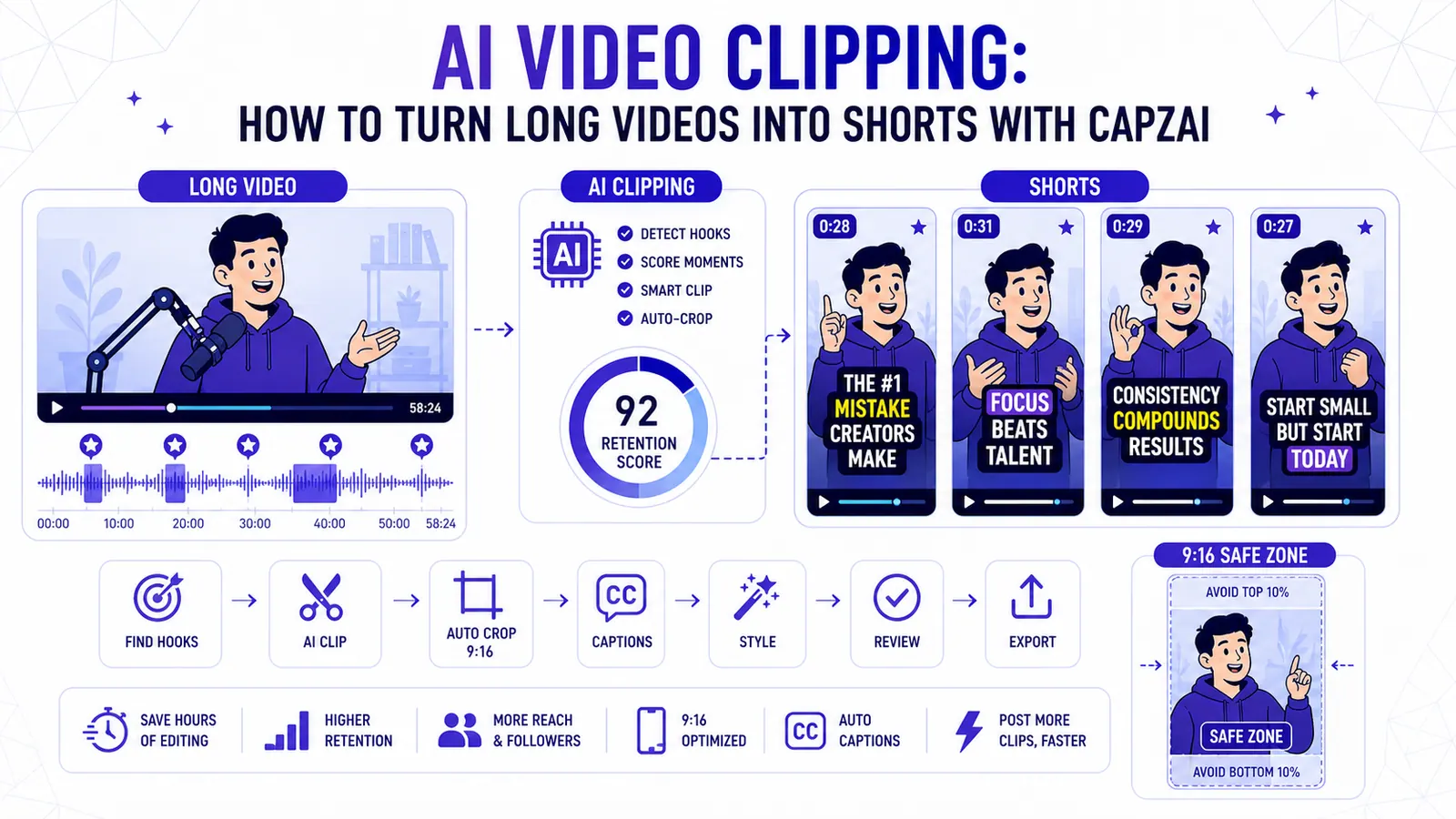
AI Video Clipping: How to Turn Long Videos into Shorts with CapzAi
A practical guide to AI video clipping for creators who want to turn podcasts, webinars, livestreams, and tutorials into publish-ready short-form clips.
Read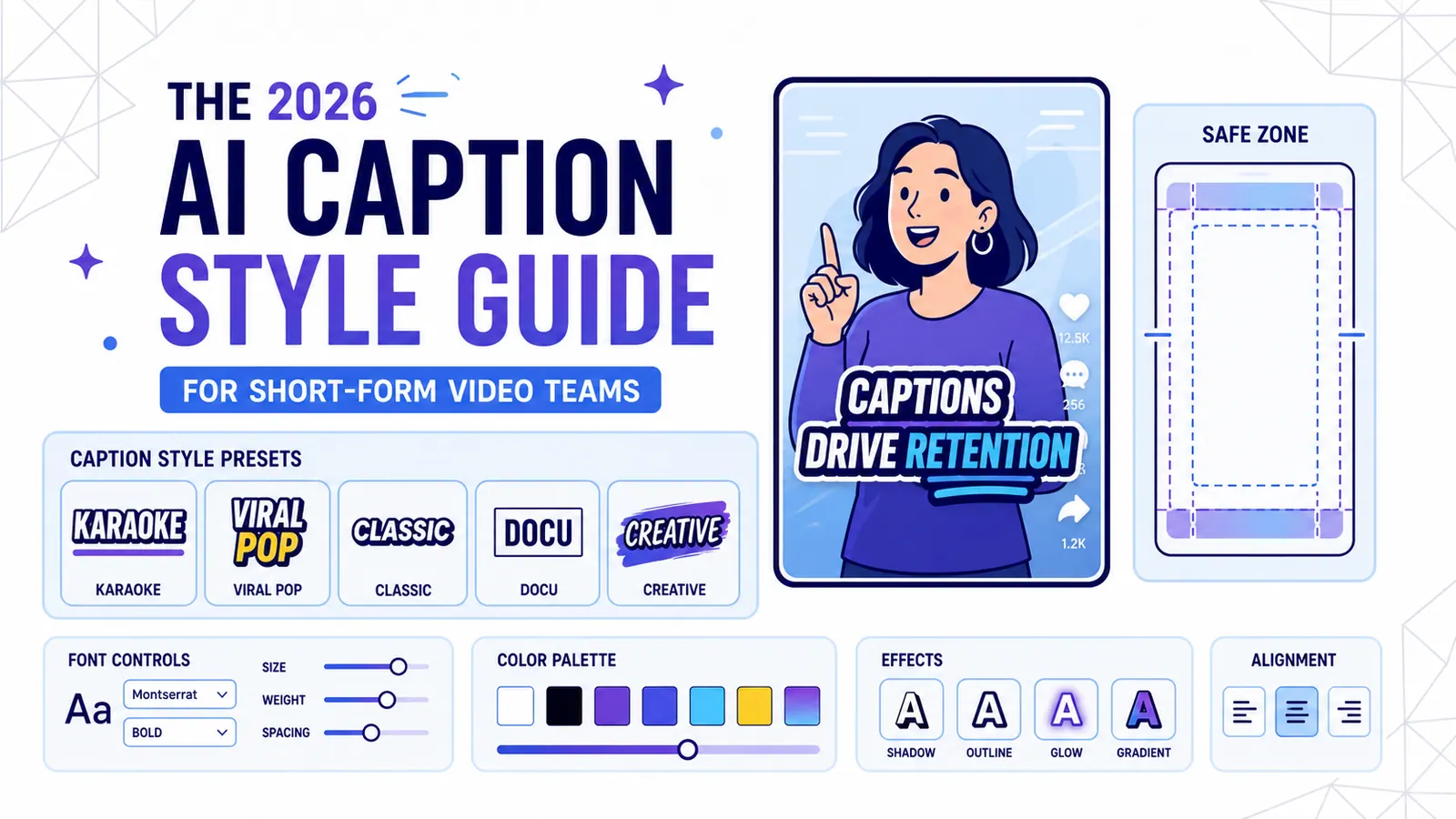
The 2026 AI Caption Style Guide for Short-Form Video Teams
A practical style system for creators and marketing teams who want captions that improve retention without turning every video into visual noise.
Read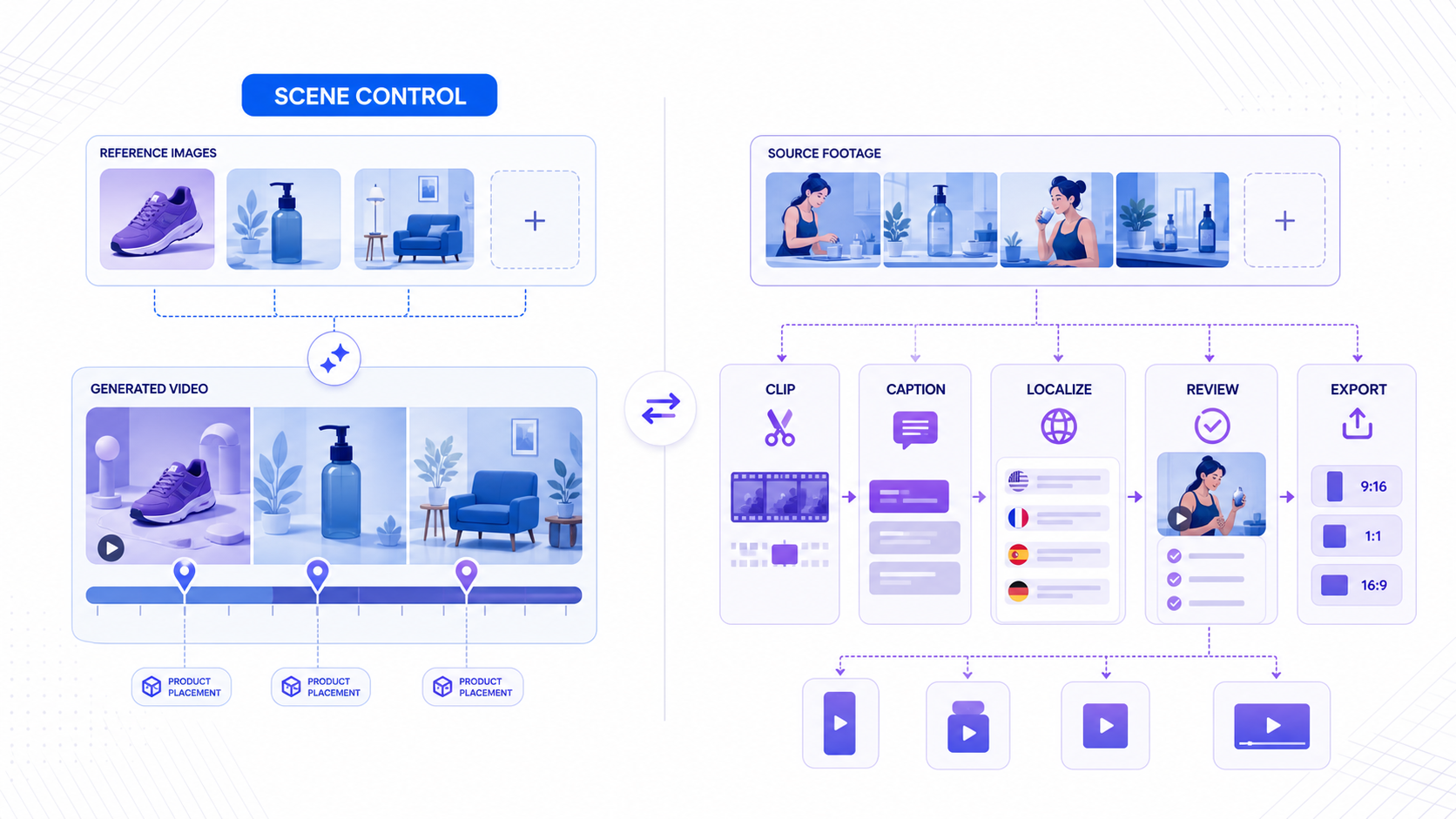
TikTok Reference to Video vs CapzAi in 2026
TikTok's new Reference to Video feature gives advertisers tighter control over AI-generated scenes, but it does not replace clipping, captions, localization, or repurposing workflows.
Read