
AI Video Clipping: How to Turn Long Videos into Shorts with CapzAi
A practical guide to AI video clipping for creators who want to turn podcasts, webinars, livestreams, and tutorials into publish-ready short-form clips.
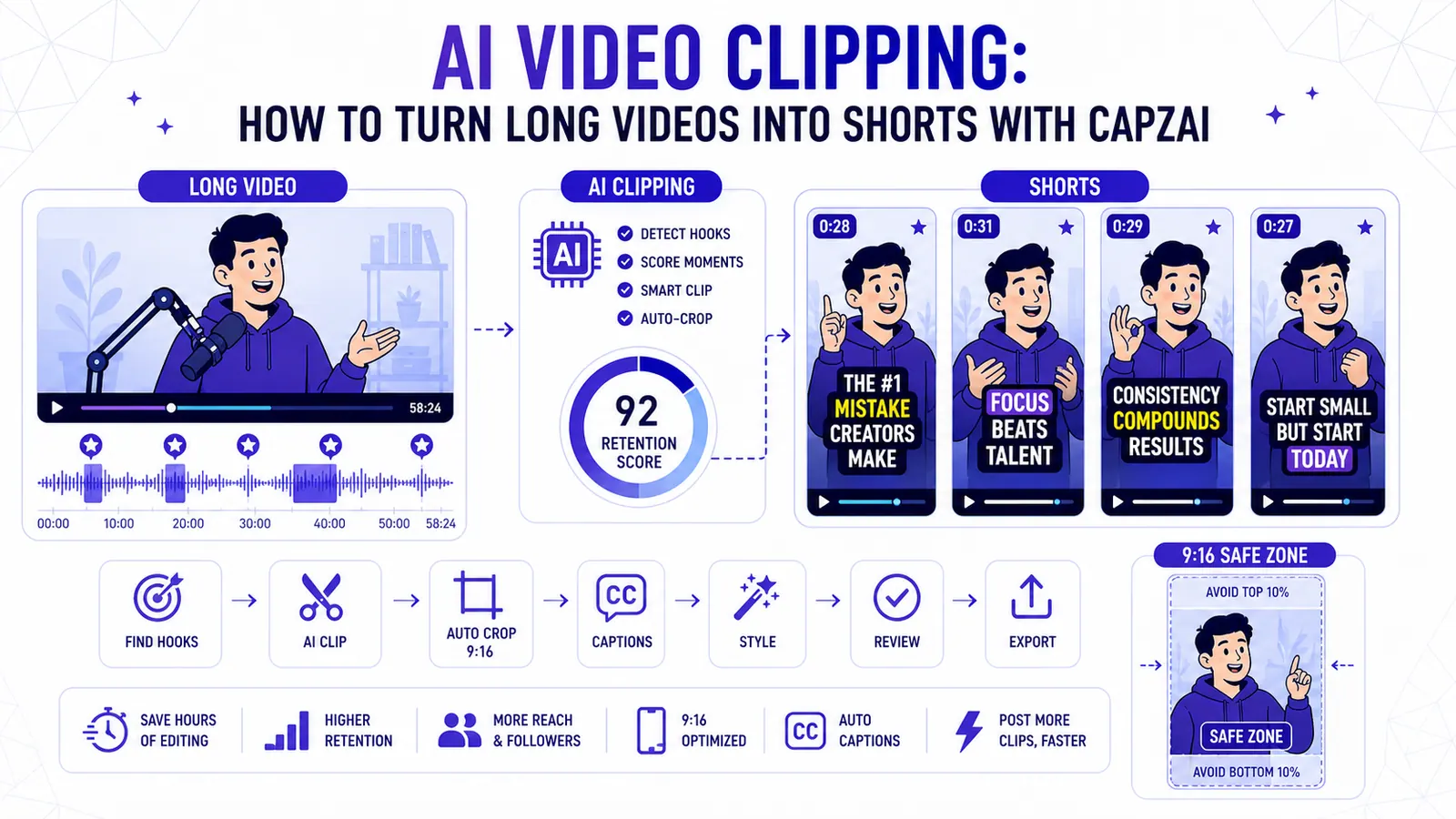
AI video clipping has become one of the highest-leverage workflows in content production. A single podcast, webinar, tutorial, coaching call, or livestream can contain dozens of short-form clips. The problem is that most creators never publish those clips because finding them manually is slow.
You have to watch the full recording, mark the useful moments, cut around complete thoughts, resize the frame for vertical platforms, write captions, clean up timing, choose a style, export versions, and repeat the whole process for every clip. That is why so much long-form content dies after one upload.
AI clipping changes the workflow. The software scans the source video, identifies candidate moments, turns them into short clips, adds captions, and prepares them for platforms like Shorts, Reels, and TikTok. The best AI clipping tools do more than cut around loud moments. They understand topic flow, speaker intent, visual framing, caption readability, and whether a clip can stand alone without the rest of the episode.
That is the kind of clipping workflow CapzAi is built for.
What AI video clipping actually does
AI video clipping is not just "cut this long video into short videos." A useful clipping system has to solve six jobs at once.
First, it has to understand the content. A podcast transcript is not a list of random sentences. It has questions, answers, examples, stories, objections, and payoffs. A good clipping tool should detect complete ideas, not just keyword spikes.
Second, it has to identify hooks. Short-form video depends on the first few seconds. YouTube's own Shorts documentation defines Shorts around vertical videos, and TikTok's creator guidance has long emphasized vertical format and captions as practical performance factors. The first frame and first sentence matter because the viewer is making a fast scroll-or-watch decision.
Third, it has to cut with context. A clip that starts with "and that is why it worked" is useless because the viewer missed the setup. A clip that ends before the speaker resolves the point feels broken. The tool has to preserve enough setup to make the payoff understandable.
Fourth, it has to reframe the video. Long-form content is usually horizontal. Short-form feeds are vertical. A good clip needs a 9:16 crop, speaker tracking, safe-zone awareness, and room for captions.
Fifth, it has to add readable captions. Many viewers watch without sound, and captions also help the algorithm understand the topic of the video. Word-level captions, strong contrast, and correct placement are not decoration. They are part of the edit.
Sixth, it has to keep the human in control. AI should get you to a strong draft quickly. It should not trap you in a generic template that you cannot adjust.
Why old auto-clipping tools felt disappointing
Early auto-clipping tools were useful, but they were often shallow. They looked for high-volume audio, fast speech, laughter, or obvious keywords. Those signals can help, but they are not the same as value.
A guest might tell a quiet story that ends with a powerful insight. A founder might explain a product lesson in a calm voice. A coach might answer a client question in a way that would be perfect for a short educational clip. If the AI only rewards loudness, it will miss those moments.
The same problem happens with generic viral scoring. A score is only useful if it explains why the clip might work. Is the hook strong? Does the idea resolve? Is there a surprising turn? Does the speaker make a clear claim? Can the clip work without the full episode? Does the caption layout fit the frame?
That is why the modern AI video clipping workflow has moved from basic highlight detection toward context-aware editing. Current tool comparisons often evaluate clipping systems on clip selection quality, caption accuracy, reframing, viral scoring, watermarks, and price-to-minute value. Those categories make sense because they reflect the real production workflow, not just the novelty of "AI made a short."
The CapzAi approach to AI clipping
CapzAi treats clipping as a full editing workflow, not a one-click novelty.
The goal is simple: upload a long video, find the strongest moments, turn them into vertical clips, style the captions, review the result, and export only the clips that are worth publishing.
This matters because creators rarely need more raw output. They need fewer decisions, cleaner drafts, and faster review. Getting 30 rough clips is not helpful if 25 of them start too late, crop the speaker badly, or bury the caption under platform UI. A clipping tool should reduce the edit, not create a new cleanup queue.
CapzAi focuses on five parts of the clipping process.
1. Find complete ideas, not random highlights
The best clips are self-contained. They have a hook, a setup, a useful point, and a natural ending. A viewer should understand the clip even if they never saw the original video.
For a podcast, that might be a guest explaining the mistake that changed their business. For a tutorial, it might be a before-and-after lesson. For a webinar, it might be the answer to a common objection. For a coaching video, it might be a short framework that solves one problem.
When you use CapzAi as an AI clipping tool, the source video is not treated as a pile of timestamps. It is treated as a sequence of ideas. The workflow is designed around extracting moments that can survive outside the full recording.
That is the difference between a clip and a fragment.
2. Reframe for vertical without breaking the shot
Most long videos are filmed for YouTube, Zoom, webinars, or podcast layouts. They are horizontal. Short-form feeds are vertical. Converting one into the other is not as simple as cropping the center of the frame.
If there are two speakers, the crop may need to follow the active speaker. If the video includes slides, the crop may need to preserve both the face and the key visual. If the speaker uses hand gestures, the crop should not cut them off every time they move. If the caption sits too low, it can collide with platform buttons and captions.
CapzAi's clipping workflow is built for this practical reality. The AI draft gives you a vertical clip, but the review step lets you inspect the crop, captions, and pacing before export.
This is especially important for clips that include product demos, tutorials, and educational explainers. A bad crop can ruin the entire clip even when the selected moment is good.
3. Add captions that improve retention
Captions are not optional in short-form video. They make the clip easier to watch silently, easier to scan, and easier to understand in noisy environments. They also give the video an immediate visual rhythm.
The mistake is treating captions like plain subtitles. A social clip needs captions that are readable on a phone, timed to the speaker, and styled to fit the content. A high-energy talking-head clip might use bold word-level emphasis. A serious educational clip might need a cleaner style with less motion. A B2B clip might need restrained captions that do not make the brand look unserious.
CapzAi gives creators caption styling control inside the clipping workflow. That means you can move from clip selection to caption design without exporting to a separate tool. For teams that publish often, this saves more time than the clipping step itself.
4. Localize clips instead of starting over
AI clipping becomes much more valuable when it connects to localization.
A good clip in English can become a French clip, Arabic clip, Spanish clip, or Darija-ready version if the workflow supports translation and dubbing. That is a major advantage for creators and brands that serve more than one market.
The common mistake is treating localization as a separate project. The team clips the English version, exports it, sends it somewhere else for translation, waits for captions, then rebuilds the edit again. Every handoff creates delay.
CapzAi is designed to keep clipping, captions, translation, and dubbing closer together. That makes it easier to turn one long recording into multiple market-ready short clips without reshooting.
This is where AI clipping becomes more than a productivity hack. It becomes a distribution system.
5. Review before export
The best AI clipping workflow still includes human review.
This is not a weakness. It is the correct way to use AI in editing. The AI should handle the slow first pass: scanning the video, finding moments, generating clips, reframing, and captioning. The human should make the final judgment: is this clip on-brand, clear, useful, and worth posting?
Before exporting a clip, review these points:
- Does the first sentence create a reason to keep watching?
- Does the clip start with enough context?
- Does the clip end after the payoff?
- Are captions readable on mobile?
- Is the speaker framed correctly?
- Are important words timed correctly?
- Is the clip useful without the original video?
- Does the style match the platform and audience?
CapzAi is built around that review mindset. It helps you get to the final decision faster, but it does not pretend that every AI suggestion should be published.
The best source videos for AI clipping
AI clipping works best when the source video contains clear ideas. That usually includes:
- Podcast interviews.
- Solo educational videos.
- Webinars.
- Livestream replays.
- Coaching calls.
- Product demos.
- Founder interviews.
- Customer Q&A sessions.
- Course lessons.
- Conference talks.
The source does not need to be perfect, but it helps when the audio is clear, speakers do not talk over each other constantly, and the topic has natural sections.
If you want better AI clips, record with clipping in mind. Ask sharper questions. Repeat key ideas in complete sentences. Leave small pauses between topics. Mention the topic clearly before giving the answer. These habits make the transcript easier to analyze and the final clips easier to understand.
A practical CapzAi clipping workflow
Here is the workflow we recommend for creators who want repeatable output.
Step 1: Upload the long video
Start with a podcast, webinar, tutorial, or recorded session. A 20-minute video can generate several useful clips. A one-hour video may produce a full week of short-form content.
Step 2: Let AI find candidate clips
Use AI to scan the transcript, visual changes, speaker energy, and topic structure. The goal is not to publish every candidate. The goal is to build a shortlist of moments that are worth reviewing.
Step 3: Pick clips by intent
Do not choose clips only because they sound exciting. Choose clips based on what they are supposed to do.
Some clips are designed to teach. Some are designed to build trust. Some are designed to answer a search query. Some are designed to show a product feature. Some are designed to start a debate. The best clip is the one with the clearest job.
Step 4: Tighten the hook
The hook is not always the first sentence in the original video. Sometimes the strongest opening is ten seconds later. Sometimes the setup needs to be trimmed. Sometimes the best clip starts with the result, then explains the reason.
Use CapzAi to review the first few seconds carefully. That is where most clips win or lose.
Step 5: Check the vertical crop
Make sure the speaker, product, slide, or key visual is visible. Leave enough room for captions. Check the frame on mobile if the clip will be published to vertical feeds.
Step 6: Style the captions
Choose a caption style that matches the clip. Fast entertainment clips can handle more motion. Educational clips usually need clarity. B2B clips need restraint. Multilingual clips need extra care because translated text can be longer than the original.
Step 7: Export only the clips worth posting
This is where CapzAi's pay-on-export model fits the workflow. You can experiment, review, and only spend export credits on finished clips that are ready to publish.
How AI clipping helps teams publish more consistently
Consistency is one of the hardest parts of short-form content. Most teams do not fail because they lack ideas. They fail because editing takes too long.
AI clipping changes the production calendar. Instead of planning every short from scratch, you can build a repeatable repurposing engine:
- Record one long session.
- Generate candidate clips.
- Review the best moments.
- Apply caption styles.
- Localize the strongest clips.
- Export a weekly batch.
- Measure retention and saves.
- Feed the results back into the next recording.
This creates a loop. The more you publish, the more you learn which hooks, topics, caption styles, and clip lengths work. The next long video becomes easier to record because you know what the short-form audience responds to.
What to measure after publishing
Do not judge AI clipping by the number of clips generated. Judge it by the clips that earn attention.
Track:
- Hook retention in the first few seconds.
- Average watch duration.
- Completion rate.
- Rewatches.
- Saves.
- Comments that repeat the same question.
- Follows after viewing.
- Search terms that bring viewers to the clip.
- Performance by caption style.
- Performance by clip topic.
If a clip gets saves and comments, it probably answered a real question. If a clip gets views but low completion, the hook may be strong but the body may be weak. If a clip gets high completion but low engagement, it may be pleasant but not useful enough.
The point of AI clipping is not just speed. It is faster learning.
Where CapzAi fits in the AI clipping market
There are many AI clipping tools now. Some focus on bulk output. Some focus on viral scoring. Some focus on scheduling. Some focus on templates. Those features can be useful, but they do not solve the whole workflow.
CapzAi is built for creators and teams that care about the finished clip:
- Strong clip candidates from long videos.
- Vertical short-form formatting.
- Caption styling and timing.
- Translation and dubbing workflows.
- Manual review inside the browser.
- Pay-on-export pricing.
- A practical path from raw recording to finished clip.
That makes CapzAi especially useful for multilingual creators, educators, agencies, coaches, podcasters, and brands that need short-form output without losing control over the edit.
The bottom line
AI video clipping is no longer a gimmick. It is becoming a standard part of content production because long-form video is too valuable to publish once and forget.
The winning workflow is not "let AI make everything." The winning workflow is "let AI find and prepare the best drafts, then let a human approve the clips that deserve to represent the brand."
That is the CapzAi approach.
You bring the long video. CapzAi helps find the strongest moments, shape them into vertical clips, add captions, support localization, and prepare the final exports. The result is not more random content. It is a repeatable clipping system that turns one recording into a library of publish-ready short-form assets.
Sources and further reading
Related articles
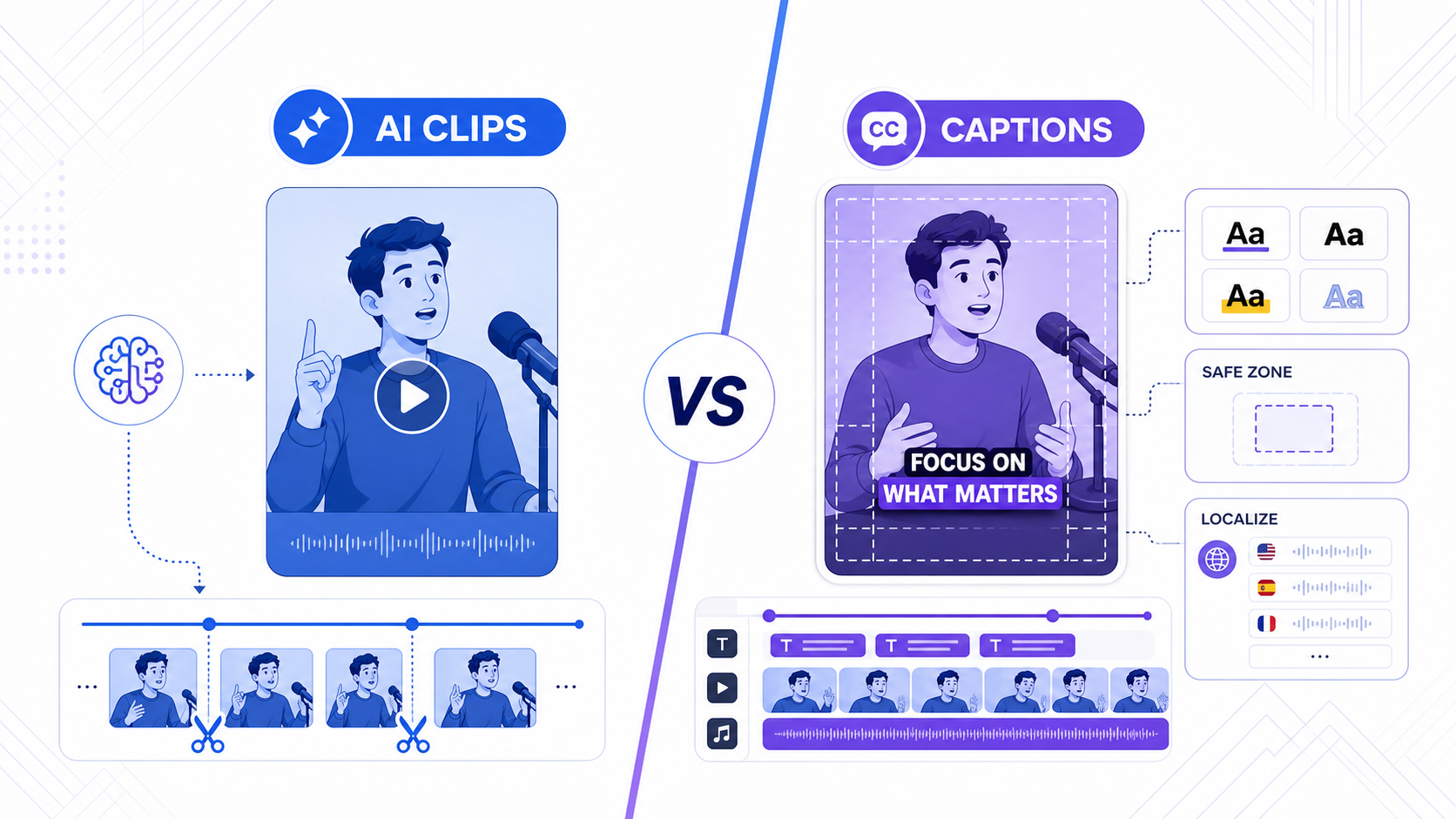
TikTok Smart Split vs CapzAi: Which AI Clipping Workflow Is Better in 2026?
TikTok Smart Split makes native clip extraction easier, but serious creators still need better caption control, exports, and multilingual workflows.
Read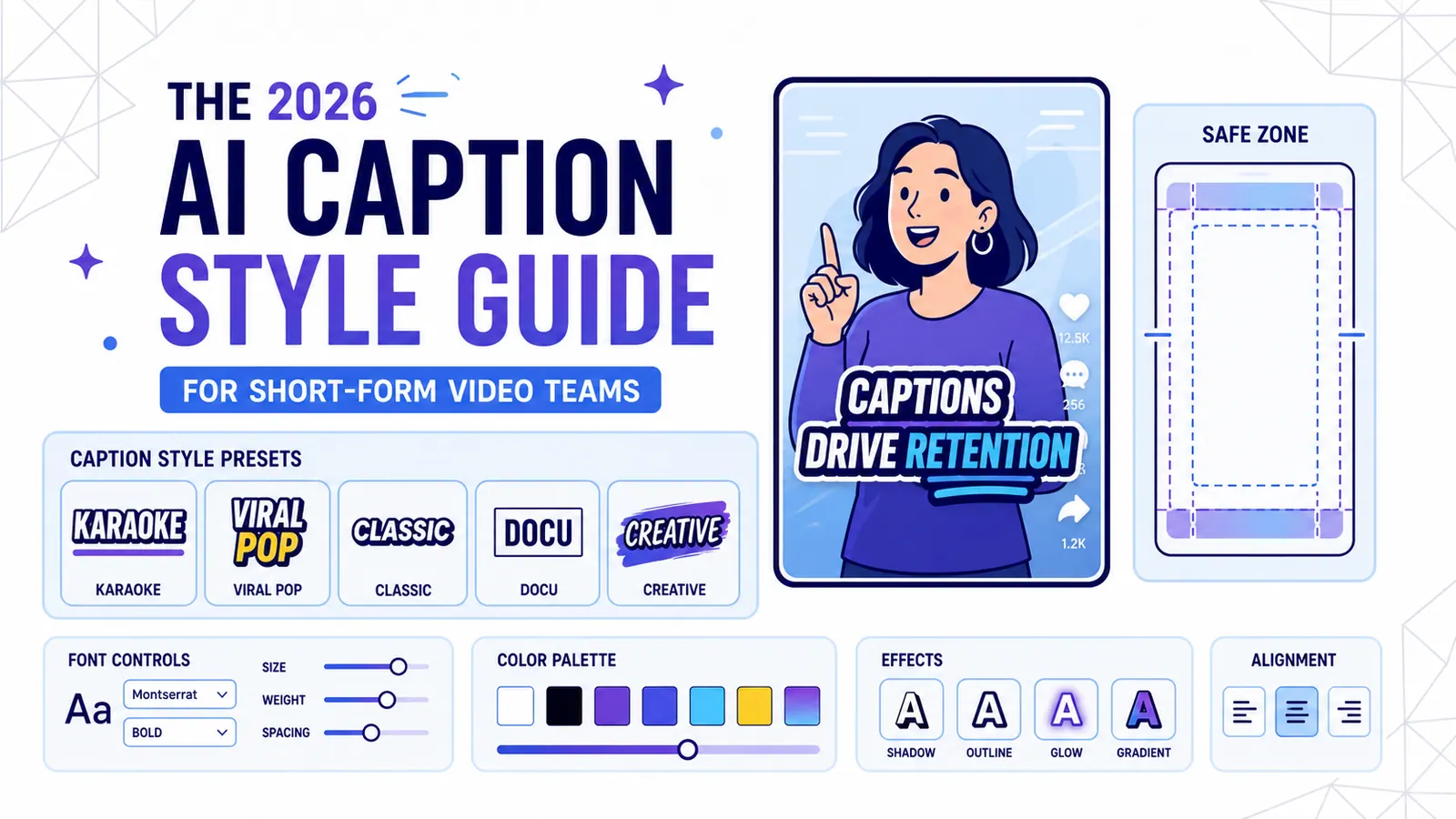
The 2026 AI Caption Style Guide for Short-Form Video Teams
A practical style system for creators and marketing teams who want captions that improve retention without turning every video into visual noise.
Read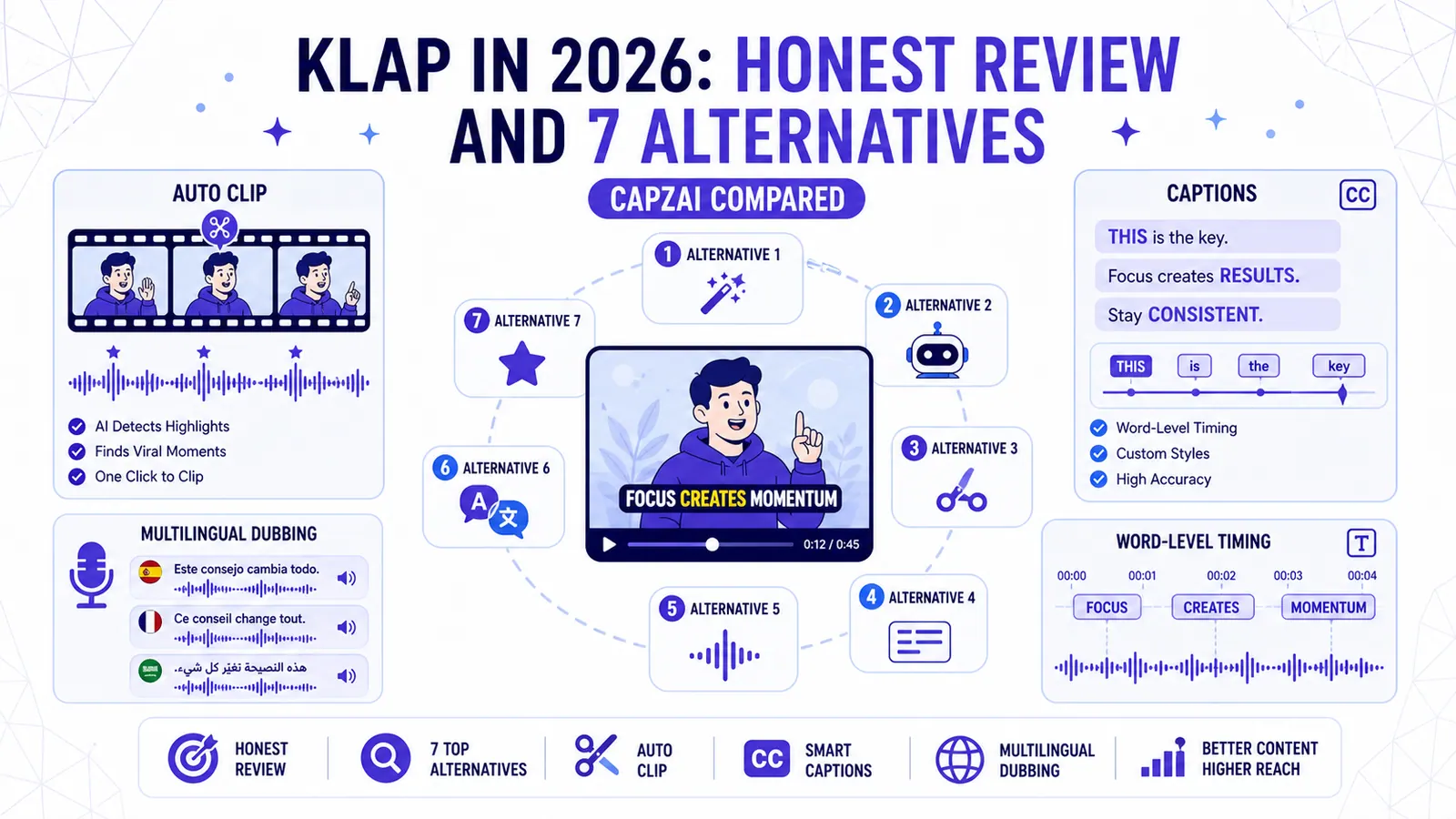
Klap in 2026: Honest Review and 7 Alternatives (CapzAi Compared)
A brutally honest review of Klap and comparison of 7 alternatives for auto-clipping, word-level captions, and multilingual dubbing.
Read