
Pay-on-Export Pricing Explained — Why 20 Credits Per Minute Is Fairer
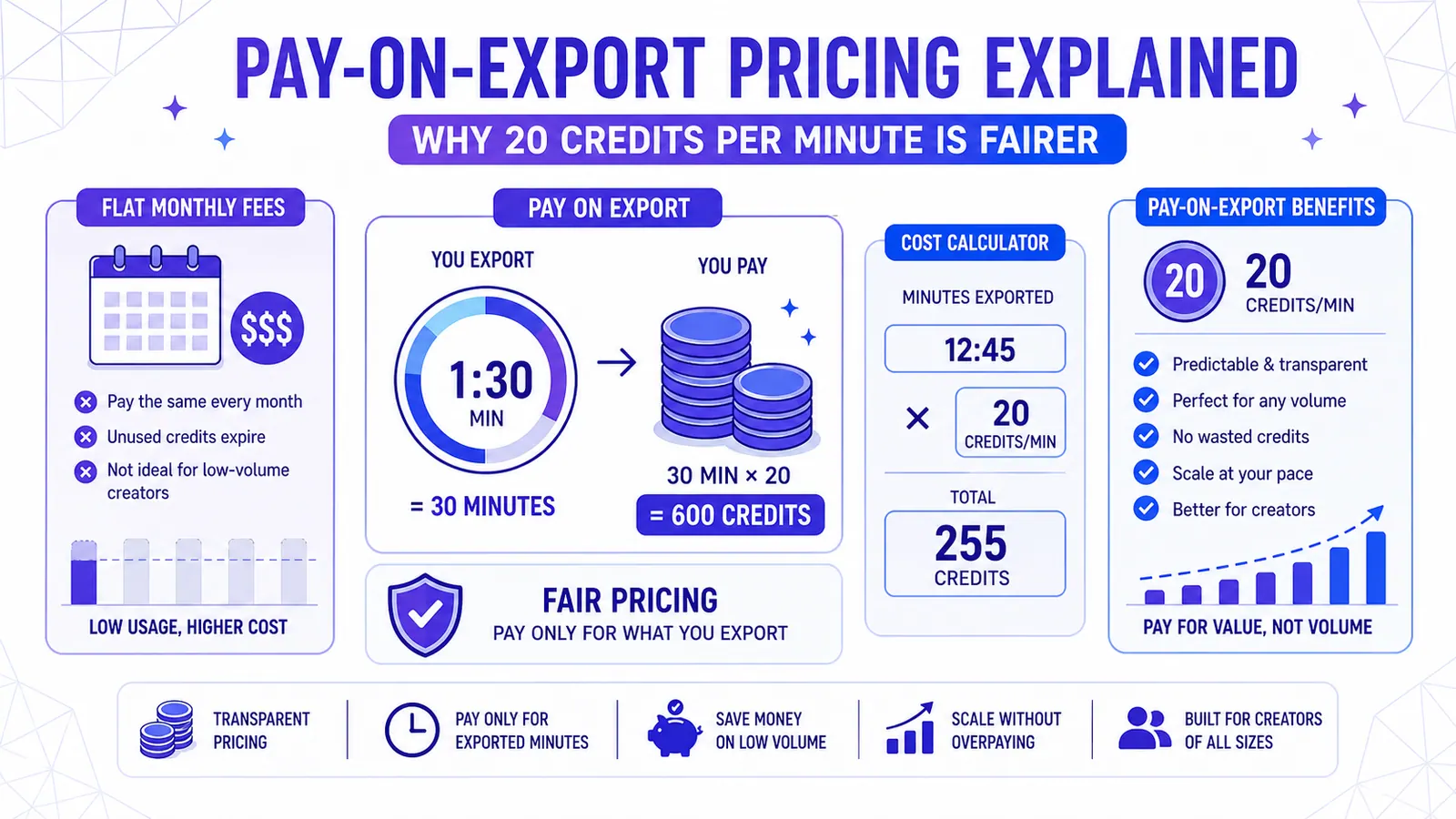
Flat monthly fees punish low-volume creators and restrict experimentation. CapzAi charges 20 credits per exported minute, making professional AI video tools affordable and predictable.
We pay for software in a broken way. The industry forces creators into rigid monthly contracts. You rent access to tools whether you use them or ignore them. This model benefits investors and penalizes you.
Consider the reality of content creation. You rarely produce the exact same amount of video every thirty days. You work in bursts. You take vacations. You test new formats. A fixed monthly fee ignores this reality entirely.
You pay forty dollars in June when you post twenty videos. You pay forty dollars in July when you post nothing. You are subsidizing the platform.
CapzAi operates differently. We use a pay-on-export system. We charge 20 credits per minute of final rendered video. The math is simple. The incentives are clear. We only make money when you finish a project.
All editing features are free. You can upload a ten-minute interview and transcribe it. You can translate it into Arabic and test four different caption layouts. You spend zero credits during this process. You only pay when you click the render button to download your final file.
The Subscription Trap and the Creator Middle Class
Software subscriptions punish the creator middle class. The biggest channels extract massive value from flat rates. A daily vlogger posting thirty long-form videos a month gets an incredible deal on a fifty-dollar subscription.
The software company loses money on these heavy users. Who pays the difference? The weekend creators and hobbyists. The agencies with fluctuating client rosters.
People making two videos a week subsidize server costs for daily uploaders. This structure is fundamentally unfair. You should pay for your own server time. You should never pay for someone else's rendering queue.
The Pressure to Publish
Creators burn out from overhead costs alone. You subscribe to a caption tool and a scheduling app. You pay for a music library and an analytics platform. Your baseline operating cost hits two hundred dollars before you even record a frame.
This financial pressure forces you to publish just to justify the expense. Software must not dictate your creative schedule. A pay-on-export model removes the guilt entirely.
You leave the software untouched for six weeks. You owe nothing. You return and render a thirty-second clip for ten credits. You maintain total control over your budget.
The Mechanics of 20 Credits Per Minute
Let us look at exactly how we calculate your costs. We measure your final video to the exact second. We charge 20 credits for a full sixty seconds.
We charge proportionately for smaller fractions. A fifteen-second clip costs five credits. A ninety-second clip costs thirty credits.
No Penalties for Complexity
We apply this single rate across all our features. Complexity does not increase your cost. You might export a video with the viral pop preset in English. You might export a video with the karaoke preset translated into French with AI voice dubbing. Both videos cost the exact same amount per minute.
We do not penalize you for using advanced features. We want you to use the dubbing. We want you to translate your content.
Rejecting Feature Gates
Many platforms gate their best tools behind higher subscription tiers. They give you basic English captions on the starter plan. They demand eighty dollars a month if you want Arabic translations or RTL layout support.
We reject this feature gating completely. You get access to every tool in the studio from day one. You pay the exact same 20 credits per minute whether you use one feature or all of them.
Why Editing Must Remain Free
Video editing requires trial and error. You need to see how words look on the screen. You need to verify the timing of a punchline.
If a platform charges for processing time while you edit, you stop experimenting. You become afraid to click buttons. You settle for the first draft.
Absorbing the API Costs
We run our infrastructure differently. When you upload a video, we cover the initial transcription cost. When you ask the CapzAi Agent to rewrite a sentence for better flow, we pay the language model API fees.
When you generate a preview of your French dubbing, we absorb the audio synthesis cost. We consider these expenses the cost of doing business.
A Free Sandbox Environment
You need a sandbox. You need a space where mistakes cost nothing. You can apply our docu preset to a fast-paced vlog and watch the preview.
You realize the slow fade animations clash with your quick cuts. You switch to the classic preset. You adjust the active word color to match your brand palette and preview it again.
You have spent ten minutes tweaking the design. Your credit balance remains untouched. We ask for payment only when the video meets your standards.
The High Cost of Failed Exports
Have you ever downloaded a video from a subscription tool only to spot a spelling error in the first three seconds? You fix the error and export it again.
On platforms with monthly export limits, you just burned two of your allowed videos. You lost money because of a simple typo.
Fractional Redo Costs
Our pay-on-export system handles errors differently. If you spot a mistake after rendering, you can fix it. You still spend credits for the second render.
This sounds like a downside initially. However, because you are paying a fraction of a cent per second, the redo costs almost nothing. A thirty-second redo costs ten credits. You do not lose a massive chunk of a monthly quota.
Accurate Real-Time Previews
Furthermore, we built our preview system to be entirely accurate. What you see in the browser matches the final MP4 exactly.
We render the fonts and the spacing. We generate the animations in real-time. This precision eliminates the guesswork. You rarely need to re-export because the preview gave you an exact representation of the final product.
Analyzing Real Creator Workflows
We need to run the numbers. We need to see how this pricing model affects actual production budgets. Let us examine four specific creator workflows.
The Occasional Educator
David teaches personal finance while working a full-time job in accounting. He posts videos when he has something meaningful to say.
Some months he publishes six short videos. Other months he publishes one. His average video length is sixty seconds.
In a busy month, he exports six minutes of video for 120 credits. In a slow month, he exports one minute for 20 credits.
If David used a standard thirty-dollar monthly tool, his cost per video would fluctuate wildly. In a slow month, that single video effectively cost him thirty dollars.
With CapzAi, his cost remains perfectly fixed. He pays the exact same rate per minute regardless of volume. He buys a bulk pack of credits once a year and draws from it whenever inspiration strikes.
The Consistent Short-Form Brand
Maria runs the social media presence for a local coffee roaster. She operates on a strict schedule. She publishes three TikToks and two Instagram Reels every single week.
Her videos average forty seconds. She produces roughly fourteen minutes of final video per month. Fourteen minutes require 280 credits.
She manages her budget with complete predictability. She knows exactly how many credits she needs for the quarter. She does not worry about hitting an arbitrary monthly ceiling.
If the coffee shop runs a special promotion and she doubles her output for a week, she uses more credits. She avoids upgrading her entire account tier for a temporary production spike.
The Multilingual Expansion Channel
Omar creates tech reviews in English. He wants to reach the North African market. He decides to dub his back catalog into French and Arabic.
He has fifty videos. Each video is three minutes long. He needs 150 minutes of video per language.
A standard subscription tool blocks this project completely. Basic tiers exclude translation features. Enterprise tiers might cap translation minutes at fifty per month. Omar would have to spread his project across six months to dodge overage charges.
With CapzAi, Omar has total freedom. He uploads the files and uses our RTL layout engine for the Arabic versions. He selects the appropriate AI voices.
He renders 300 minutes of dubbed video over a single weekend. This massive batch export costs 6000 credits. He pays for the exact compute power consumed and launches his new channels immediately. You can read more about targeting new regions in our localization workflow guide.
The Boutique Production Agency
Elena runs an agency editing short-form content for fitness influencers. She handles eight clients. Some clients send raw footage every day. Others disappear for weeks.
Her total output varies from 100 to 300 minutes per month. Managing subscriptions for an agency is a nightmare. Do you buy a separate thirty-dollar account for each client? That creates massive overhead.
Do you buy one massive enterprise account? You end up paying for capacity you might not use.
Elena uses CapzAi to solve her billing chaos. She buys credits in bulk. She tracks exactly how many minutes she exports for each specific client.
She bills them directly for the credits consumed. Client A used forty minutes and gets billed for 800 credits. Client B used zero minutes and pays nothing for software overhead. The pay-on-export model turns a fixed operating expense into a transparent variable cost.
When Subscriptions Actually Make Mathematical Sense
I want to be completely transparent about our pricing. Pay-on-export is not the cheapest option for everyone. We run a business and understand basic arithmetic.
If you operate a massive content farm, you should probably buy a subscription elsewhere.
The Content Farm Exception
Imagine a user who runs ten automated Reddit story channels. This user generates 500 minutes of video every single month. At our rate of 20 credits per minute, this production volume would cost 10,000 credits.
A competitor offering an unlimited tier for eighty dollars a month is mathematically cheaper for this specific user. We accept this reality.
Choosing Quality Over Volume
We intentionally chose not to serve extreme high-volume automated channels. We built our infrastructure to support high-quality editing. We guarantee precise timing. We deliver perfect translations.
We dedicate server resources to rendering 64pt Inter Bold with zero compression artifacts. We allocate GPU power to our chat-to-edit agent.
We cannot offer unlimited exports without severely degrading the final product's quality. The math simply does not allow it. We choose quality over unlimited volume.
The Psychology of the Meter
Some users express anxiety about the meter effect. They worry about watching their credit balance drain with every export. They prefer the illusion of a flat rate because it feels safe.
Let us examine this feeling. A flat rate feels safe until you realize you are paying for days you ignore the tool.
The Value of Accountability
The anxiety of the meter is actually the feeling of accountability. You are assigning a concrete value to your export. Is this video worth ten credits? Is it ready for publication?
This accountability improves your editing process. When exports are genuinely unlimited, creators get sloppy. They render a video, spot a mistake, fix it, and render it again.
Becoming a Deliberate Editor
They rely on the rendering process as part of their proofreading. When an export costs a few credits, you pay closer attention to the preview.
You watch it all the way through. You double-check the Arabic translation and verify the pacing of the creative preset. You become a deliberate editor.
How We Handle the Hidden Costs of AI
Video generation requires massive computing power. You are not just paying for a server to combine an audio track with an MP4. You are funding a cascade of complex operations.
Processing Audio and Translations
First, we run the audio through an automatic speech recognition model. This model operates at the word level. It gives us the exact millisecond start and end time for every single syllable. This requires significant VRAM.
Next, we process the text through translation models if you select French or Darija. We maintain context across sentences to ensure correct grammar rather than translating word by word.
If you use AI voice dubbing, we synthesize the new audio track. We match the pacing of the original speaker and align the new voice with the video length.
Rendering the Final Visuals
Finally, we render the visual layer. We calculate the bounding box for every single word. We apply the animations for your chosen preset. We overlay this on the raw video and encode the final file.
Every step in this chain costs money. Every API call has a price. Every second of GPU time hits our billing account.
We absorb all of these costs during your editing sessions. We take on the financial risk while you experiment. We ask for 20 credits per minute only when you extract the final value from our system.
The Death of the Forgotten Tier
Gyms rely on absent members to stay profitable. Software companies call this the forgotten tier. These are users who subscribe, use the product once, and forget to cancel for six months.
They represent pure profit. There are zero server costs associated with these users.
Rejecting Free Money
Many startup valuations are built entirely on the forgotten tier. Investors love recurring revenue because it includes this free money.
CapzAi explicitly rejects this model. If you stop using our platform, we stop making money. We do not collect a thirty-dollar deposit on the first of every month regardless of our performance.
Forcing Product Quality
This structure forces us to focus relentlessly on the product. If our caption presets look outdated, you stop exporting. If our RTL layout engine breaks, our Arabic-speaking users stop exporting.
If our AI Agent gives bad editing advice, you close the tab. We have to earn your credits every single day.
We cannot rely on your forgetfulness to fund our operations. This absolute alignment of incentives produces better software. We have to make a tool you actually want to use.
Evaluating the 20 Credit Benchmark
We tested various pricing structures before settling on 20 credits per minute. We looked at charging separately for different features.
We considered a base rate of 10 credits for English captions, plus 5 credits for translation, plus 10 credits for dubbing. We discarded this idea quickly.
The Friction of Complex Pricing
A complex pricing sheet creates friction. You should never need a spreadsheet to calculate the cost of a thirty-second Reel. You should not have to debate if a French translation warrants an extra fee.
We aggregated our costs and found the median. We set a single, flat rate.
20 credits per minute covers our most complex operations. It gives you total predictability. You know that a three-minute video costs exactly 60 credits. The language does not matter. The preset does not matter. Layout changes do not matter. The price remains constant.
Managing Large Video Files
We process long videos just as easily as short clips. Some users upload two-hour podcast episodes and use CapzAi to chop them into short viral segments.
Think about the computing power required to transcribe a two-hour audio file. The server costs are substantial. On a subscription platform, they often cap your upload length to fifteen minutes to avoid massive processing bills. They force you to chop your video in external software before uploading.
We allow massive uploads because our business model protects us. We pay the transcription cost upfront. You browse the two-hour transcript and select five interesting one-minute segments.
You apply the viral pop preset and export those five minutes. You pay exactly 100 credits. You extract the value of a two-hour transcription and five finished clips. We receive fair payment for the final output.
Building Your Credit Budget
You can forecast your video expenses with basic multiplication. Look at your phone storage right now and check your recent exports folder.
How many minutes of video did you publish last month? Multiply that number by 20. That is your monthly CapzAi requirement.
Let us assume you published 12 minutes. You need 240 credits. Buy a 300-credit pack to keep a buffer for mistakes.
Next month, you take two weeks off and publish 5 minutes. You need 100 credits. Your remaining balance rolls over. You never lose what you paid for.
This budgeting method puts you in control. You treat video generation like electricity. You pay the meter. You turn the lights off when you leave the room.
The End of Software Guilt
The most common feedback we hear from new users is a sense of relief. They cancel their thirty-dollar monthly subscriptions. They buy a block of CapzAi credits and immediately feel lighter.
Erasing the Background Hum
The background hum of software guilt disappears. You no longer feel pressured to produce content just to feed a subscription monster.
You can take a month off to study. You can spend three weeks refining a single documentary-style video. The software waits for you. Your credits sit in your account, perfectly preserved.
This pricing model respects your time and your creative process. It treats you like a partner rather than a recurring revenue metric.
Stop Subsidizing Content Farms
Look at your current tool stack. Calculate how much you pay every month for tools you barely use. Add up the flat fees and compare that to your actual production volume.
You are likely paying fifty dollars for ten minutes of output. Stop subsidizing the content farms. Pay only for what you create.
Take control of your production costs today. Head over to your project dashboard and see exactly how far your first batch of credits will take you.
Related articles
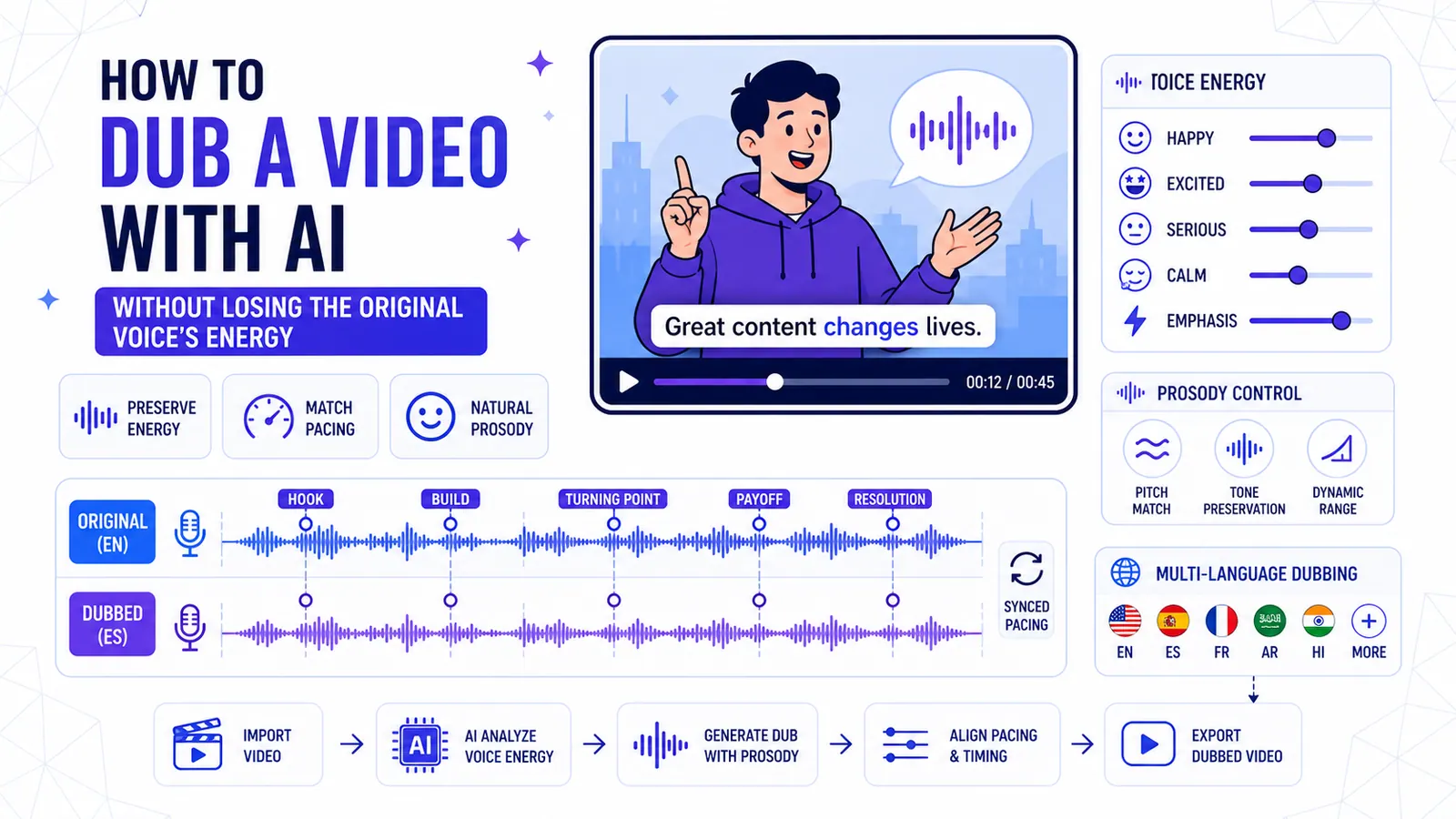
How to Dub a Video with AI Without Losing the Original Voice's Energy
A technical breakdown of preserving vocal prosody, matching pacing across languages, and knowing when to abandon dubbing entirely.
Read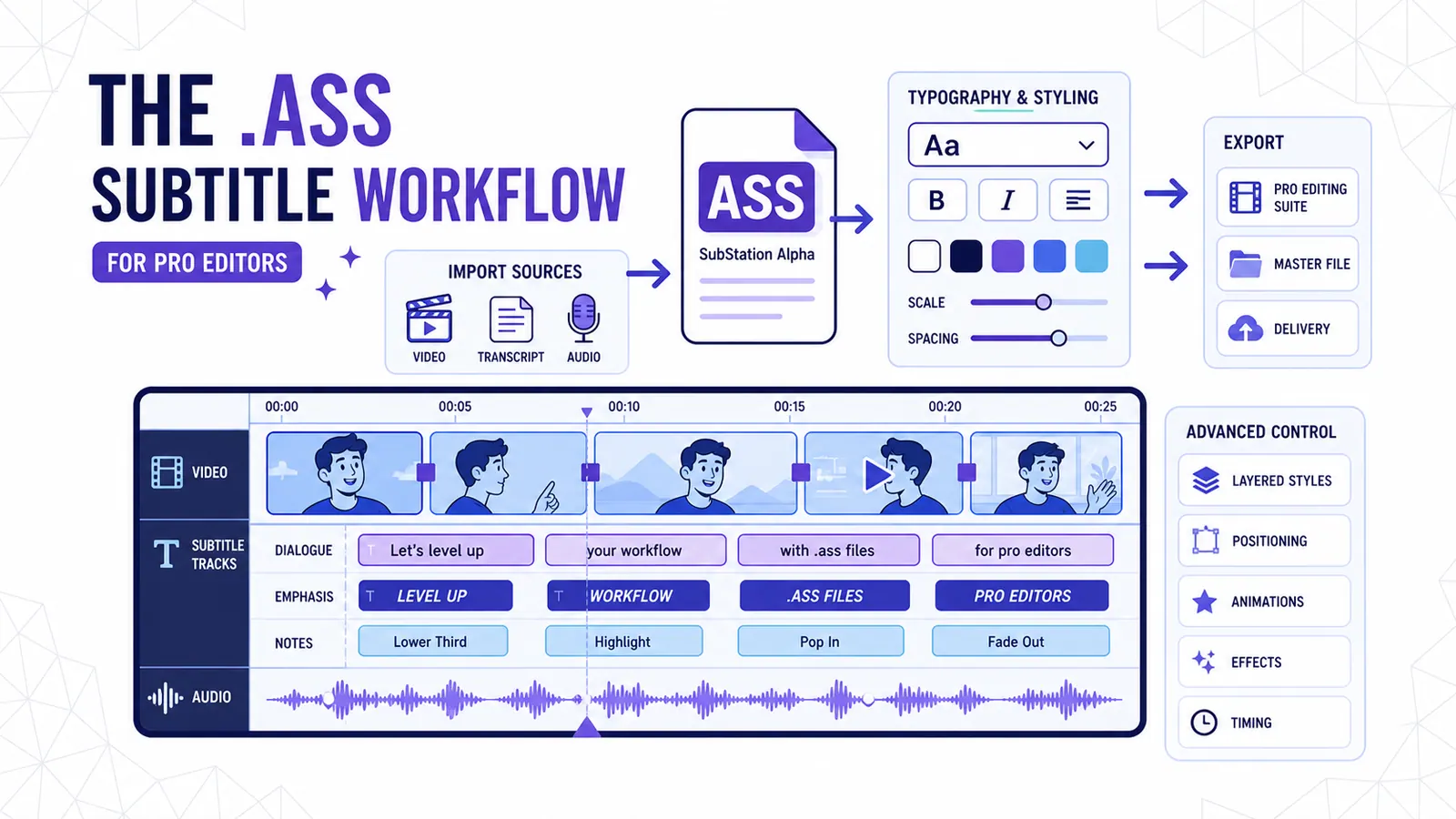
The .ass Subtitle Workflow for Pro Editors
Why exporting Advanced SubStation Alpha files beats relying on baked-in MP4s or basic SRTs for professional post-production.
Read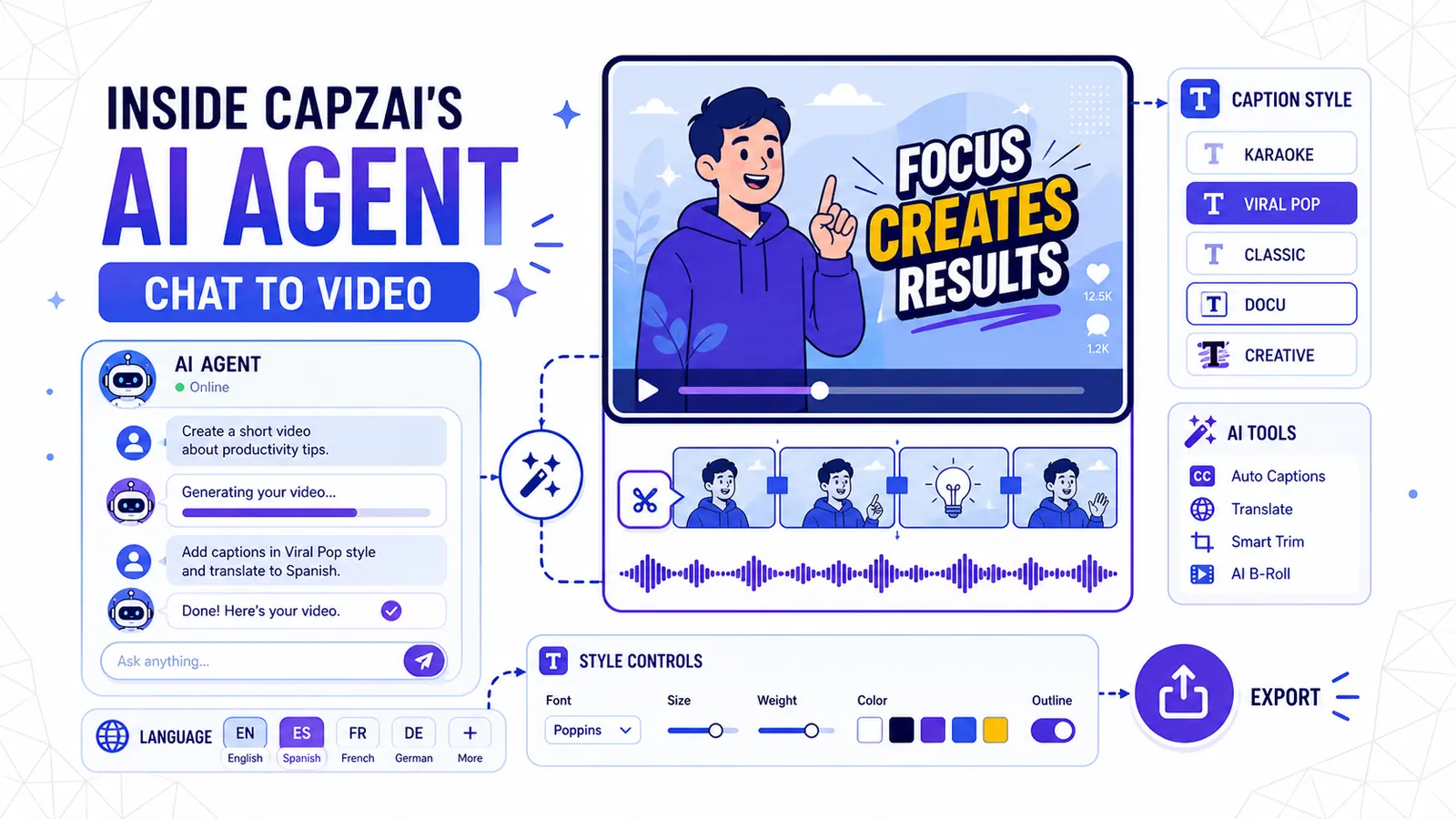
Inside CapzAi's AI Agent — Chat Your Way to a Finished Video
How to use natural language to edit videos, apply caption styles, and translate content without touching a timeline.
Read