
How to Dub a Video with AI Without Losing the Original Voice's Energy
A technical breakdown of preserving vocal prosody, matching pacing across languages, and knowing when to abandon dubbing entirely.
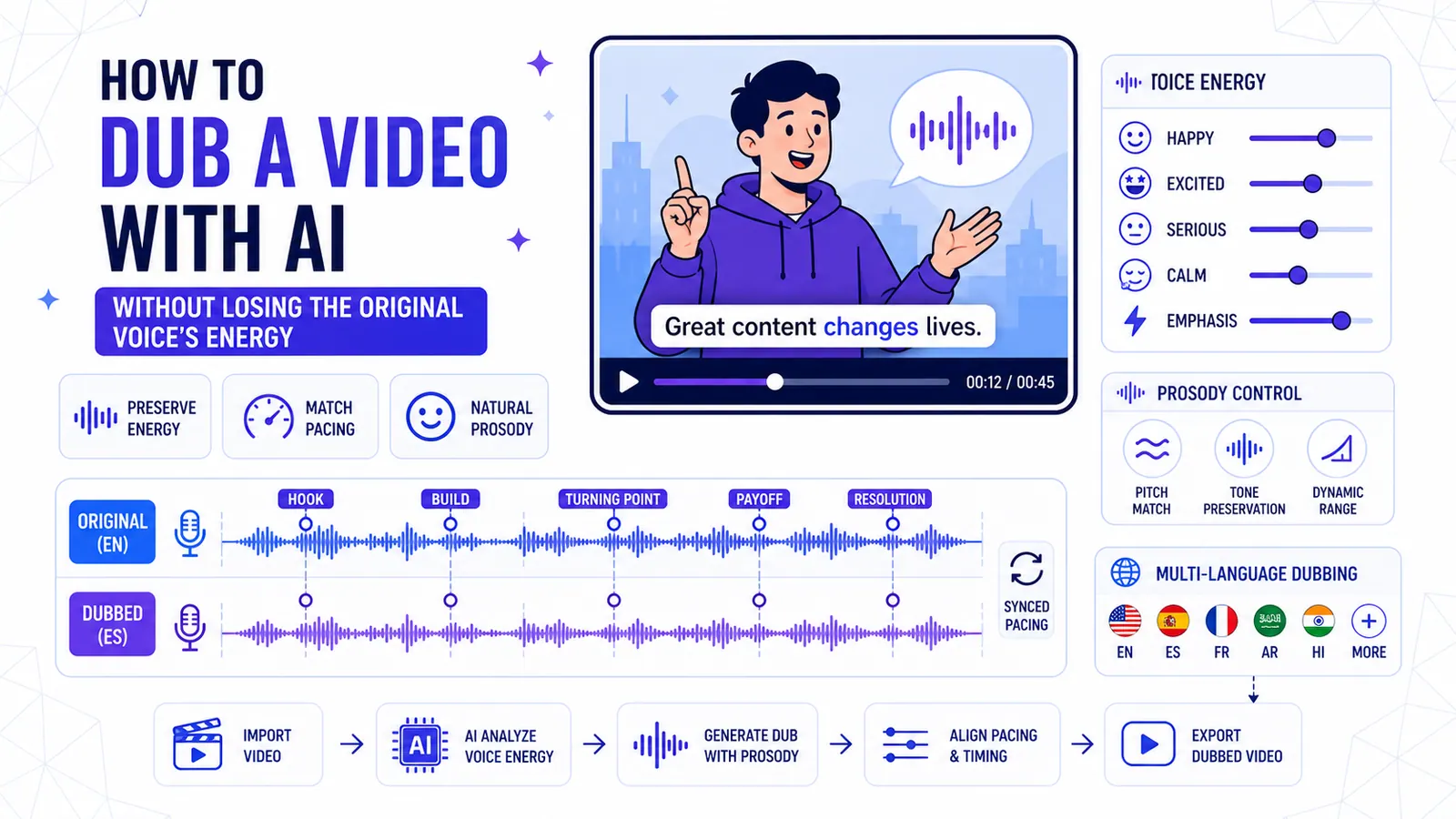
You export your final cut. You upload it to your chosen translation tool and select French. The progress bar hits 100 percent.
You hit play on the timeline. The translated audio starts playing.
Your enthusiastic pitch for a new marketing course now sounds like a fatigued train conductor. The words are technically correct. The grammar is perfectly accurate. But the energy is completely dead.
We see marketing agencies make this exact mistake weekly. They assume a voice model labeled "energetic" will naturally map to their source video's pacing.
This assumption fundamentally misunderstands how audio generation functions under the hood. Standard text-to-speech ignores the original source material entirely.
The Technical Failures of Basic Voice Synthesis
Most basic workflows follow a destructive path. The system extracts your audio and runs speech-to-text to create a raw transcript. It translates that text into the target language and hands it to a synthesizer.
Finally, it attempts to stretch or compress the resulting file to fit the visual timestamps of your original video track.
Erasing Vocal Prosody
This linear process strips out all prosody. Prosody is the rhythmic and melodic structure of human speech.
It encompasses the micro-fluctuations in your pitch when you ask a question. It includes the slight delay before you deliver a punchline.
Standard synthesis ignores these physical markers. The engine only sees a string of flat characters.
The Syllable Density Problem
Language density actively destroys pacing in these basic setups. Consider the exact syllable count.
French requires roughly 15 to 20 percent more words to convey the precise information found in an English sentence. Spanish often expands the syllable count by up to 25 percent.
If you force a French synthesized voice to read a dense paragraph inside an exact five-second window, the engine must artificially accelerate the playback. The voice begins to sound like a frantic auctioneer.
It loses all natural breathing gaps. The emotional register shifts from "authoritative expert" to "panicked speed-reader."
If you instead force a sparse language into a long visual time window, the system stretches the vowels unnaturally. The voice drags and the energy dies. You lose the viewer's attention within the first three seconds of playback.
The Anatomy of Preserved Audio Energy
Protecting the original performance requires an audio engine that reads more than just the translated text. It must analyze the source waveform itself.
It extracts the specific acoustic properties of the original speaker and maps them directly onto the generated output. We track four specific acoustic markers to maintain this high fidelity.
Mapping Frequency Shifts
First is the frequency range. A human voice speaking excitedly spikes into higher frequencies. A serious statement drops into a lower register.
A proper dubbing process records these frequency shifts over the timeline. It then instructs the synthesizer to match that exact pitch contour in the target language.
Dynamic Pacing and Pauses
Second is the dynamic speech rate. Nobody speaks at a consistent 140 words per minute. We accelerate quickly through filler words.
We slow down significantly to emphasize a core concept. If your original video slows down on a specific phrase, the translated dub must slow down identically.
Third is the presence of intentional silence. Pauses do massive heavy lifting in verbal communication.
Standard systems view empty timestamp blocks as errors to be filled. If you pause for two full seconds to let a heavy statement settle, the dubbing engine must recreate that exact two-second gap.
Emotional Metadata Tagging
Fourth is the underlying emotional categorization. Advanced models attempt to tag specific clauses with emotional metadata.
They categorize a sentence as urgent, sympathetic, inquisitive, or authoritative. This strict categorization prevents the system from reading a tragic news story with the bubbly enthusiasm of a soda commercial.
The Golden Rule: Choosing Between the Ear and the Eye
You have tools to fix audio text and tools to print visual text. Knowing which tool to use determines your absolute retention rate.
Dubbing is not a universal solution. Sometimes applying a synthetic voice actively hurts your content performance.
We recommend a strict protocol for localization. You must choose between targeting the viewer's ear or their eye based on demographic habits and visual framing.
When Dubbing Wins
Dubbing wins outright when the target audience prefers auditory consumption over reading. Facebook ad data shows older viewers in the MENA region heavily favor localized audio over text.
They will immediately scroll past a video requiring them to read small Arabic text on a mobile screen. If you target a 45-year-old buyer in Morocco with a real estate advertisement, you must dub the audio into French or Darija.
Relying on visual text for this specific demographic will kill your conversion rate.
Avoiding the Uncanny Valley
Conversely, you must stick to on-screen captions when the speaker's face dominates the visual frame. A dubbed track feels deeply disjointed if your video features a tight shot where the viewer clearly sees the speaker's lips moving.
The physical lip movements will never match the audio phonemes. This triggers the uncanny valley effect.
The viewer feels a low-level psychological discomfort and swipes away to relieve that friction.
In these tight-framing scenarios, abandon the dubbing tools entirely. Keep the original high-energy audio track. Let the viewer hear the authentic human voice.
Provide the translation through high-impact visual text instead. You can use CapzAi's word-level captions to display the translated text in perfect sync with the original audio.
Applying the "karaoke" preset to the translated text keeps the viewer's eye moving across the screen. This bridges the gap between the foreign audio and the native text comprehension.
You can read more about selecting the right visual pacing in our guide to improving retention with active word highlighting.
The Linguistic Divide: English vs. French vs. Arabic vs. Darija
Translating and dubbing across completely different language families exposes the flaws in basic translation tools. Moving from English to French is a relatively straight path.
Both are Indo-European languages with similar sentence structures. The primary challenge is raw text length. French expands the text volume significantly.
You fix this by editing the translated script to be highly concise before running the audio generator.
Structural Inversions in Arabic
Moving from English to Arabic introduces complete structural inversion. Arabic places the verb before the subject in many contexts.
If an English speaker says, "The massive house sits on the hill," an Arabic translation might place the "sits" action before the "massive house" subject. The vocal weight must shift entirely.
If the AI applies the English stress pattern to the Arabic word order, it emphasizes a preposition instead of a noun. This destroys the semantic power of the sentence. Basic models fail entirely here.
CapzAi maps the emphasis to the actual semantic meaning. It ignores the raw timeline placement of the original word.
The Darija Challenge
Darija presents a completely unique localization challenge. It is the spoken vernacular of Morocco.
It blends Arabic, French, Amazigh, and Spanish linguistic influences into a fast-paced rhythm. Most standard AI engines attempt to process Darija using Modern Standard Arabic pronunciation rules.
This results in an incredibly stiff output that native speakers immediately recognize as fully synthetic. We built specific support for Darija to capture the rapid, percussive nature of the local dialect.
If you are targeting the Maghreb region, you cannot rely on generic Arabic text-to-speech. You must select the dedicated Darija model to match the cultural rhythm.
Auto-Clipping: Finding the Energy Before You Dub
You cannot preserve energy if the source material lacks it entirely. Dubbing a monotonous hour-long webinar yields a monotonous translated hour.
The most efficient localization strategy involves extracting the absolute peak moments of human performance before running the translation pipeline.
Identifying Peak Performance
Our auto-clipping tool analyzes long-form videos to identify segments with the highest audience retention potential. The tool ignores generic keywords entirely.
It strictly analyzes audio volume spikes, extreme pacing changes, sudden visual shifts, and concentrated facial expressions. When a speaker suddenly speaks faster and raises their baseline volume, the system flags this as a high-interest moment.
Feeding the Acoustic Template
You feed your source video into the platform. The system returns a curated list of short vertical clips.
You select the one-minute segment containing the most dynamic vocal delivery. By isolating this concentrated burst of energy, you give the AI dubbing engine a highly defined acoustic template to mimic.
The resulting foreign-language track will sound infinitely more human than a dub generated from a flat baseline recording.
A Step-by-Step Guide to High-Fidelity Localization
Creating a natural-sounding translated video requires deliberate manual intervention. You cannot rely on one-click batch processing if you care about output quality.
Here is the exact manual workflow for producing a localized track that sounds strictly human.
Sanitizing and Translating
Step 1: Sanitize the source file. AI audio models struggle massively with background interference.
If your original video contains heavy street noise or a loud background music track, the extraction process will fail. The system will mistake a snare drum hit for a hard consonant. You must isolate the clean vocal track before feeding it to the translation engine.
Step 2: Generate the baseline translation. Upload the clean video file and select your target language.
CapzAi directly supports English, French, Arabic, and Darija generation. The engine will produce the initial text and render the first-pass audio track.
Auditing Timestamps
Step 3: Audit the timestamps and text density. This is the single most critical manual step. Read the translated text alongside the visual timeline.
If you see a dense block of French text crammed into a two-second window, you must intervene immediately. You can shorten the translated text by summarizing the core point, or you can extend the visual timestamp if your editing software allows for timeline manipulation.
Condensing the text is usually the better option. Write strictly for the ear, not the textbook.
Re-rolling and Exporting
Step 4: Re-roll problematic segments. You will inevitably find lines where the generated voice sounds flat or misinterprets the regional context.
Do not accept these errors. Highlight the specific line in the text editor and use the AI Agent feature to command a different delivery. You can type "Make this line sound more urgent" or "Pronounce this specific brand name exactly like this phonetic spelling."
You can also command the chat-to-edit agent to adjust the spacing between sentences. Tell the agent, "Add a one-second pause before the final sentence."
This allows the preceding thought to fully process in the viewer's mind. The agent will regenerate that single line without altering the rest of the timeline. You can manage these granular edits directly in the agent dashboard.
Step 5: Process the final export. Once the pacing feels entirely natural and the pitch matches your original energy, render the final file.
CapzAi operates on a strict pay-on-export model at 20 credits per minute of finalized video. You do not pay for the multiple re-rolls or the text experimentation phase. You only spend credits when you generate the exact final asset.
Stacking Formats: Combining Dubs with Native Text
Many creators assume they must choose strictly between audio dubbing and visual text. The most effective localization strategy actually stacks both formats simultaneously.
You provide the localized audio track and the translated visual text on the screen.
The Power of Redundancy
Redundancy works incredibly well. A massive portion of mobile users watch video on mute by default.
If you only dub the audio track, the muted viewer hears absolutely nothing and sees absolutely nothing. If you only provide visual captions, the multitasking listener receives zero information.
Providing an Arabic audio dub alongside Arabic word-level captions covers all possible consumption habits. It reinforces the core marketing message twice.
Typographic Implementation Challenges
Implementing this dual approach requires strict attention to typographic details. Arabic and Darija read from right to left.
This creates massive rendering issues in standard tools. Standard video editing software often breaks RTL script entirely. The software will separate the individual connected letters or reverse the sentence order completely.
This makes the text unreadable to a native speaker, forcing you to spend hours manually reversing the text blocks.
CapzAi natively supports exact RTL layout generation. The text renders perfectly without requiring any manual typesetting hacks or unstable third-party rendering plugins. The punctuation sits on the correct side of the sentence block.
Pairing Visual Presets with Dubbed Audio
When you provide both dubbed audio and translated visual text, typographic design heavily influences how viewers perceive audio quality. A stylistic mismatch between visual text and audio tone creates severe cognitive friction.
CapzAi offers five distinct caption presets. You must match them strategically to your specific content format.
Selecting the Right Preset
The "karaoke" preset highlights individual words exactly as the audio engine speaks them. We strongly recommend this preset when using an AI dub for technical educational content.
Active word highlighting forces the viewer to follow along closely. It creates a tightly synced visual experience that masks minor imperfections in the synthetic voice.
The "viral pop" preset uses aggressive motion animations and highly bold colors. Use this exclusively for high-energy consumer product reviews or fast-paced retail advertisements.
This visual style directly reinforces the energetic pacing. Do not use this highly aggressive preset for serious topics.
Traditional and Custom Presets
The "classic" preset provides a clean, traditional lower-third subtitle experience. This remains the absolute best choice for corporate communications.
If you dub a serious executive's message into French, the visual text must remain completely unobtrusive.
The "docu" preset offers a highly cinematic, refined text layout. We see documentary filmmakers use this frequently when pairing native audio with translated text to immediately signal high production value.
The "creative" preset allows for heavy manual customization. Use this when your corporate brand guidelines dictate specific hex codes, font weights, and shadow opacities. You can save these settings globally.
The Hard Limits of Synthetic Voices
We must be entirely honest about what artificial intelligence cannot do today. The technology has hard, undeniable limitations.
If you try to force the system past these boundaries, you will produce unwatchable garbage content.
Laughter and Music Failures
Do not attempt to dub genuine human laughter. Laughter involves complex, unpredictable exhalations and vocal cord vibrations.
When an AI synthesizes a mid-sentence laugh, it sounds deeply synthetic and often actively disturbing. If your source video features heavy laughing fits, keep the original audio track intact and use translated captions.
Do not dub musical performances. AI speech models process spoken phonemes exclusively. They do not understand musical pitch, rhythmic timing, or melodic structure.
If a creator briefly sings a popular song phrase for comedic effect, the dubbing engine reads the exact lyrics in a flat monotone. This completely ruins the intended joke.
The Code-Switching Barrier
Code-switching completely breaks audio models. Bilingual speakers frequently swap languages rapidly within a single spoken sentence.
A Moroccan creator might start a sentence in Darija, insert a French idiom, and finish the thought in Darija. Standard language models attempt to force the French phrase into Darija phonetic rules, resulting in pure audio gibberish.
If your source material relies heavily on rapid code-switching, use the original audio. Rely entirely on our multilingual transcription workflows to handle visual text translation.
Recognizing these limitations saves you hours of frustrating timeline editing. Use dubbing tools exactly where they excel, and step back immediately where they fail.
A Concrete Production Scenario: The Dubai Property Tour
Let us look at a practical application of these rules. A real estate marketing agency has a highly energetic English video touring a luxury property in Dubai.
The agent walks quickly through the massive house. They speak rapidly while pointing at specific architectural features.
The agency wants to run this as an aggressive ad campaign targeting both French investors and local Arabic-speaking buyers simultaneously.
Clipping and Arabic Dubbing
First, they run the source video through the auto-clipping tool. The original raw video is twelve minutes long.
The AI identifies the four segments with the highest visual retention: the kitchen reveal, the balcony view, the master bathroom, and the private pool. It cuts these into 45-second vertical assets.
They tackle the Arabic version first. Because the real estate agent is frequently off-camera showing the actual rooms, they decide to use full AI voice dubbing. They generate the initial Arabic track.
On the first pass, the Arabic text sounds far too formal. It sounds exactly like a legal contract rather than a compelling sales pitch. They highlight the transcript and tell the AI Agent, "Rewrite this exact translation to be conversational and enthusiastic."
The agent updates the raw text and the new audio track generates instantly. The pacing now perfectly matches the real estate agent's rapid walking speed. They export the clip.
Captioning the French Version
Next, they build the specific French version. For this particular clip, the agent happens to be speaking directly into the camera lens in a tight close-up.
They remember the uncanny valley rule and skip the audio dubbing entirely for this specific language. They keep the original English energetic audio intact.
They generate French word-level captions. They apply the "viral pop" preset to make the text highly visible against the bright outdoor background, then export the second clip.
They successfully created two highly targeted variations of a single asset without recording any new physical audio. They maintained original energy in the Arabic dub and avoided visual awkwardness in the captioned French version, paying exactly 20 credits per minute.
Test your next export with a deliberately capped text length. Highlight a dense translated paragraph in your timeline editor and delete twenty percent of the heavy adjectives.
Regenerate that specific audio line. Listen closely to the difference in the breathing gaps. You will immediately hear the human energy return to the voice.
Related articles
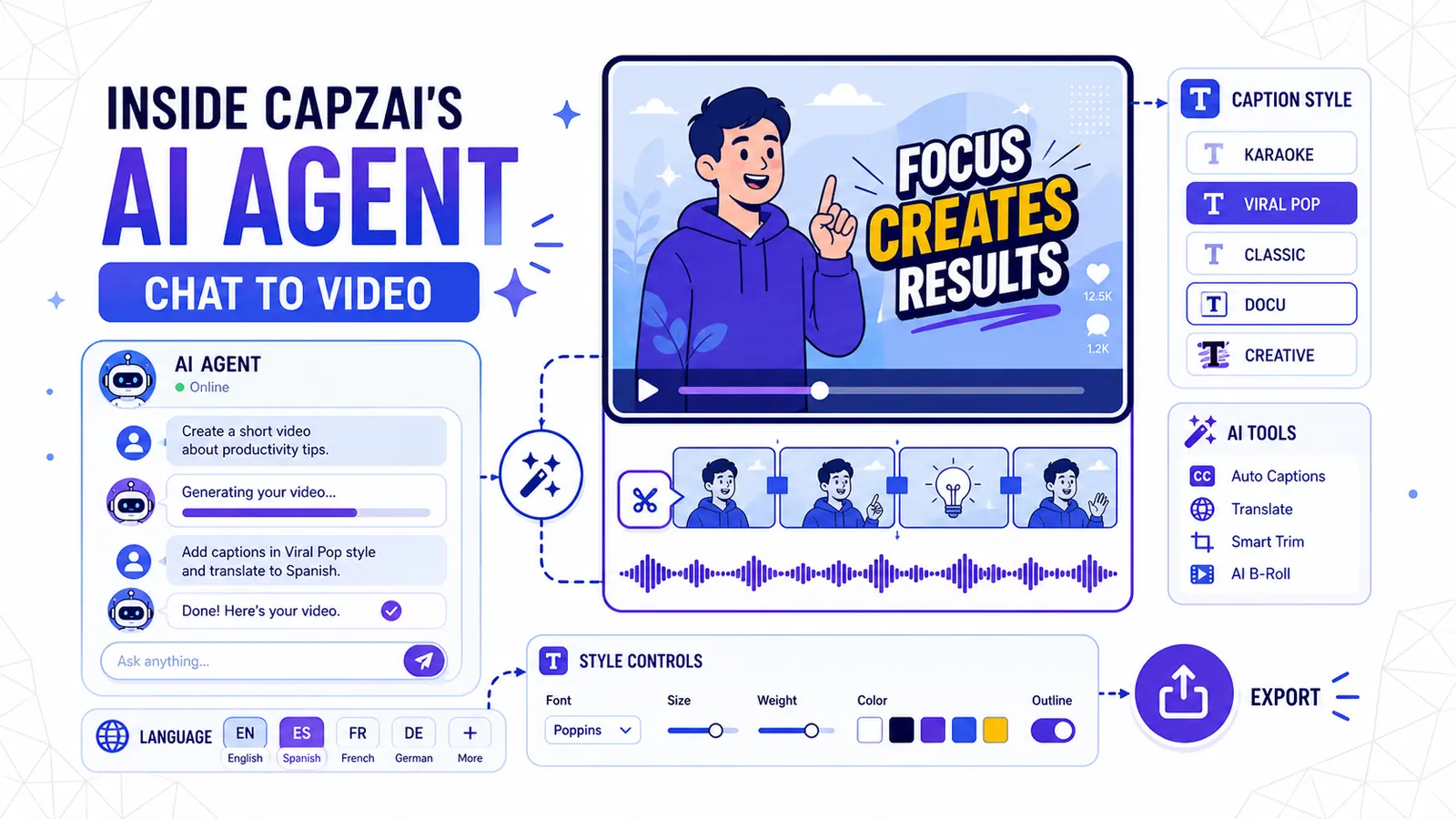
Inside CapzAi's AI Agent — Chat Your Way to a Finished Video
How to use natural language to edit videos, apply caption styles, and translate content without touching a timeline.
Read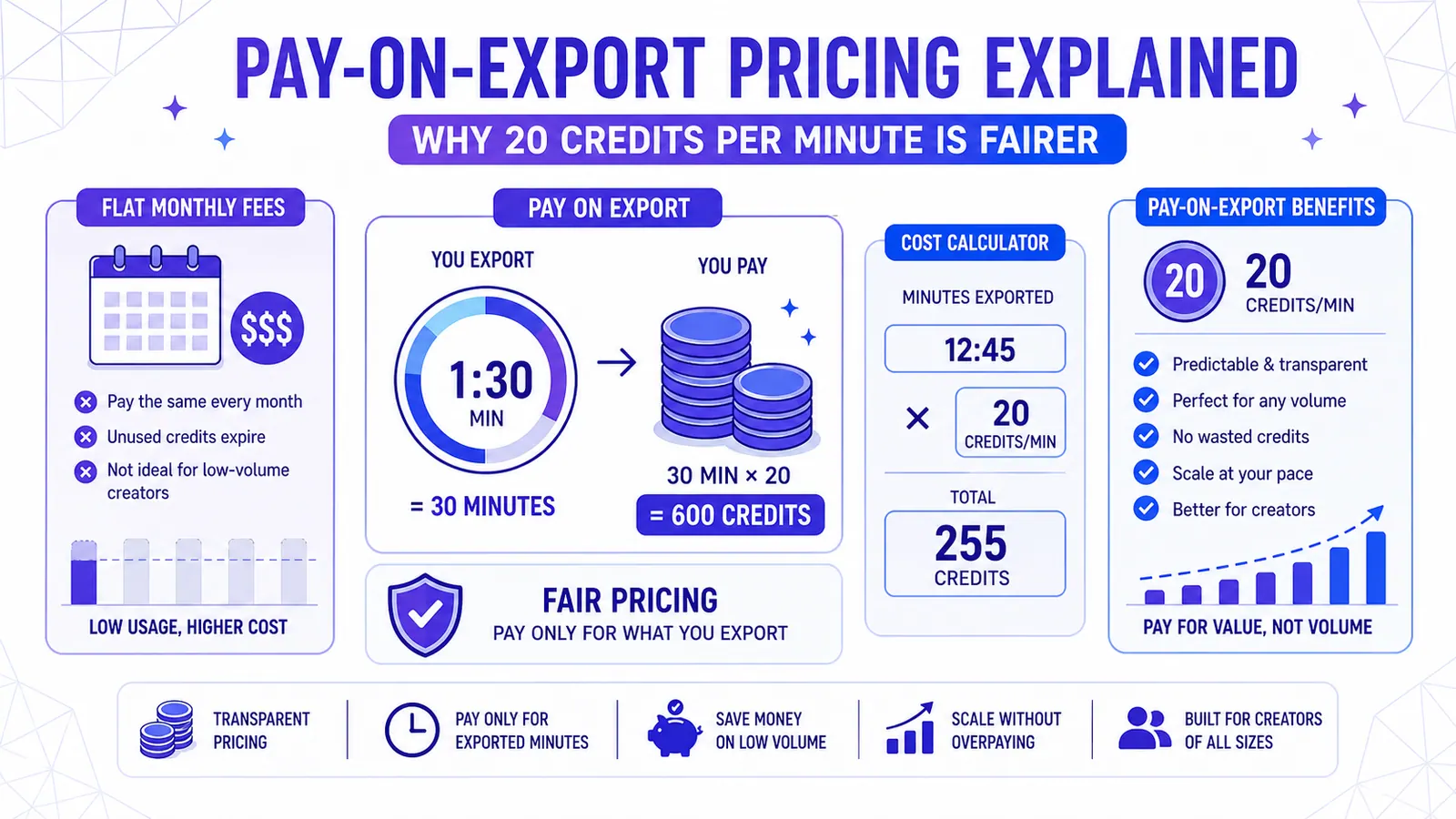
Pay-on-Export Pricing Explained — Why 20 Credits Per Minute Is Fairer
Flat monthly fees punish low-volume creators and restrict experimentation. CapzAi charges 20 credits per exported minute, making professional AI video tools affordable and predictable.
Read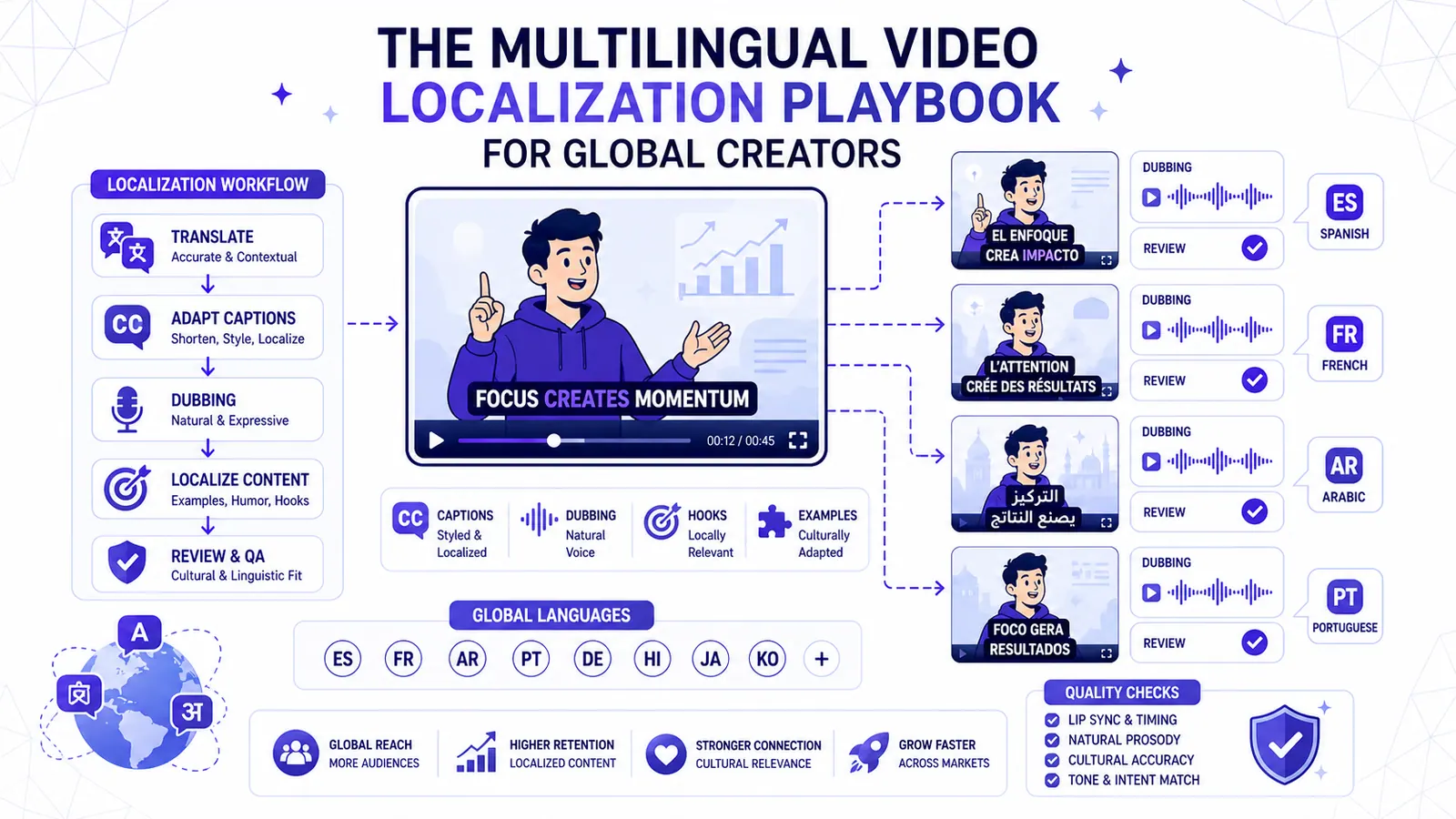
The Multilingual Video Localization Playbook for Global Creators
Translation alone is not localization. This playbook shows how to adapt captions, dubbing, hooks, examples, and review for international short-form content.
Read