
Opus Clip AI vs CapzAi: Which AI Clipper Wins for Multilingual Creators in 2026?
A direct comparison of auto-clipping performance, typographic control, multilingual support, and actual software costs for video creators.
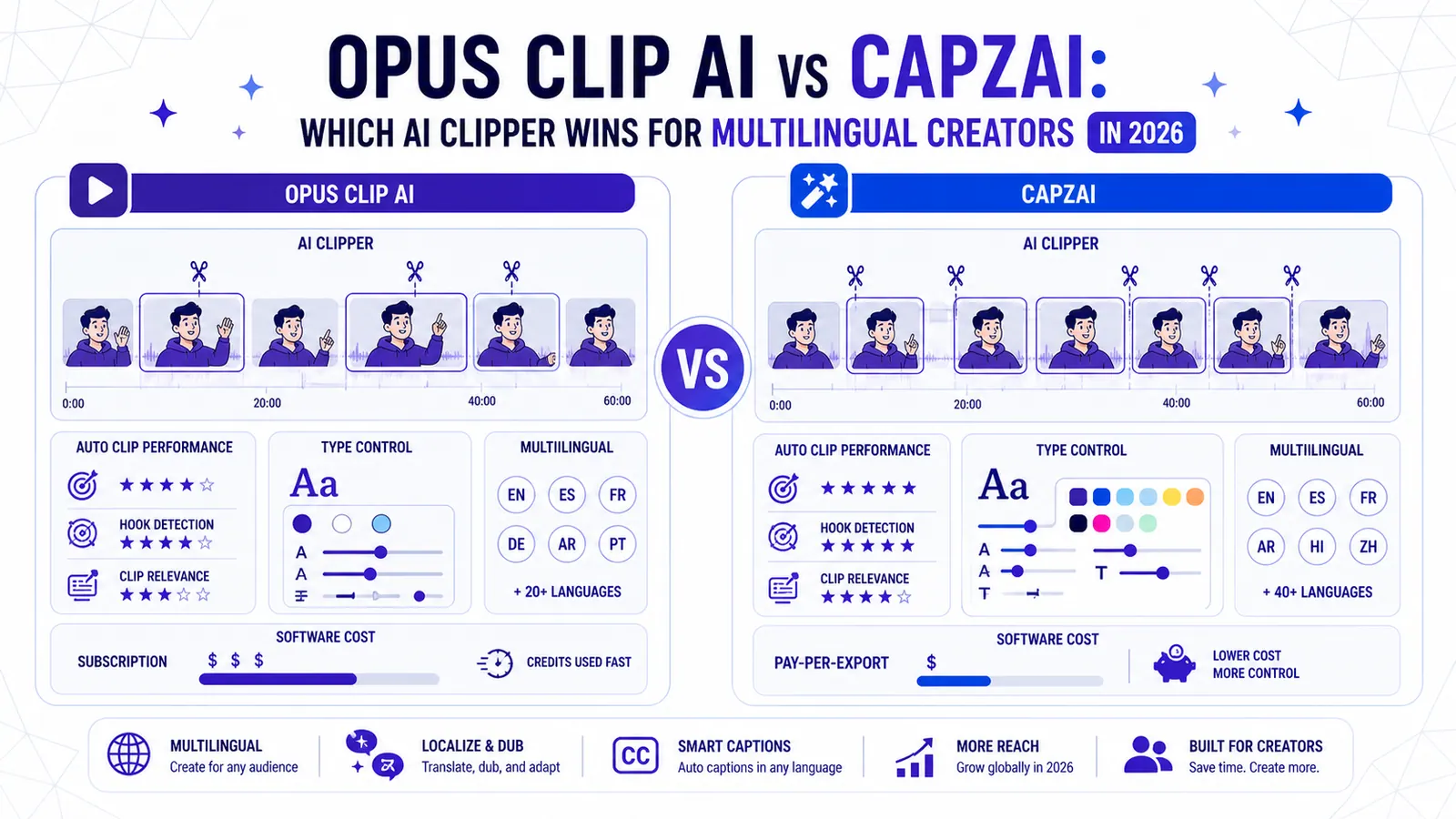
Quick Verdict: Opus Clip AI works perfectly for English-only bulk processing using standardized templates. CapzAi wins decisively for creators needing exact typographic control, precise timeline adjustments, native Arabic RTL support, and fair pay-on-export pricing.
Content creators face a specific technical bottleneck. You record a two-hour podcast interview. You need twenty vertical clips formatted perfectly for TikTok, Shorts, Reels, and Pinterest by tomorrow morning.
Two software platforms dominate this high-volume workflow. Opus Clip AI operates as the massive incumbent built for rapid bulk processing. CapzAi operates as the aggressive challenger built for precision control.
Choosing the wrong software destroys your publishing schedule. You either spend four hours fixing bad AI decisions manually, or you publish generic videos that fail to hold audience attention.
We built CapzAi. We think our platform handles professional editing tasks better. But we also know exactly where the competition wins out.
This comparison evaluates both systems strictly on clipping accuracy, typographic control, localization features, and actual financial cost.
Auto-Clipping Engine Mechanics in Opus Clip AI and CapzAi
Every automated clipping tool promises to find your viral moments instantly. But the logic powering these predictions varies wildly.
Keyword Spikes vs. Narrative Context
Opus Clip AI runs your video through an engagement-scoring system. The engine reads the raw transcript, isolates high-energy statements, and slices out a thirty-second to sixty-second chunk.
Their facial tracking operates aggressively. It detects the speaker's face and locks it dead center in the vertical frame automatically. Upload a standard two-person podcast shot from a static wide angle.
The software will predictably generate ten usable vertical videos. You drop the MP4 into the browser and walk away.
CapzAi approaches timeline generation differently. Our extraction engine prioritizes complete thoughts over isolated keyword spikes.
Consider a scenario where a podcaster asks a heavy question. The guest breathes in, looks away, and pauses for four seconds before answering. Competing tools frequently detect that silence as low engagement and cut it.
The resulting clip feels rushed and robotic.
CapzAi analyzes the semantic weight of the preceding question. Our engine calculates that the silence acts as an intentional dramatic pause. We leave the four-second pause entirely intact.
Manual Timeline Corrections
Both platforms generate a solid baseline draft within minutes. The critical divergence happens during the manual cleanup phase.
Opus Clip AI restricts your timeline manipulation. If their AI starts the clip half a second too late, fixing the in-point means fighting a clunky browser interface. You lack the standard tools of a professional editing suite.
CapzAi assumes the AI will get you ninety percent of the way there. We give you the tools to finish the last ten percent.
The timeline interface behaves exactly like Adobe Premiere Pro or DaVinci Resolve. You grab the physical clip handles. You split the media track or adjust audio timing manually.
You ripple delete boring segments using standard keyboard shortcuts.
The incumbent wins for entirely hands-off bulk processing of standard English podcasts. CapzAi wins for comedic timing, exact narrative structure, and professional timeline control.
Caption Styling and Typographic Control
Text on screen dictates your viewer retention metric directly. Ugly typography forces users to swipe away.
Limitations of Pre-built Templates
Opus Clip AI offers a functional library of pre-built templates. You click a preset button. The text turns bold yellow, and the active word turns bright green.
It works.
The limitation becomes obvious when you attempt to build a custom brand identity. You cannot easily reconstruct an agency's specific 64pt Montserrat Bold layout with a precise hex code drop shadow.
CapzAi provides five baseline viral presets immediately upon upload: karaoke, viral pop, classic, docu, and creative. The karaoke preset highlights individual words as the speaker hits the syllable. The viral pop preset mimics aggressive, bouncy TikTok animations.
The classic preset outputs clean, static text blocks for corporate clients. The docu preset formats subtitles mimicking high-end streaming platforms with precise fade transitions. The creative preset applies erratic motion graphics for high-energy gaming creators.
Granular Pixel Adjustments
Beyond baseline templates, CapzAi grants granular pixel-level control. You dictate the exact padding around the text block.
You can change the inactive word opacity to exactly thirty-five percent. You can specify a strict black drop shadow with a Y-offset of four pixels, an X-offset of four pixels, zero blur, and total opacity.
We also allow custom OTF font file uploads. Imagine a client brand kit demands Helvetica Neue LT Std 75 Bold. You drag the file into CapzAi and save the configuration as a custom profile.
The exact brand identity applies instantly to your next video upload.
Opus Clip AI does not allow this level of asset management. You are stuck using the exact same yellow-and-green preset that fifty thousand other creators used today.
We also grant word-level editing. Click a specific word inside the transcript window, fix a spelling error, and the rendered video updates instantly.
For a highly technical breakdown of these settings, read our viral pop preset setup guide.
CapzAi gives you the speed of automated presets alongside the deep customizability of a dedicated motion graphics application.
The Multilingual Moat
This specific technical category dictates the software choice for international creators entirely.
Opus Clip AI operates as an English-first product. It handles standard Spanish and German passably. It completely breaks down outside of Latin character sets.
CapzAi was built for complex linguistic environments. We support English, French, Arabic, and Darija natively. Creators are translating their back catalogs to capture new international revenue streams.
Arabic RTL Processing
Translating a video requires more than swapping dictionary definitions. The visual layout must physically adapt to new language rules. Arabic text reads Right-to-Left.
Most browser-based video editors fail at RTL text rendering entirely. They draw the letters left to right. They render the cursive script as disconnected individual symbols.
The resulting text is literal gibberish to an Arabic speaker. A creator in Casablanca translating a French interview into Darija usually abandons web tools.
They end up exporting a clean video file to manually type every subtitle line in a desktop program.
CapzAi handles RTL layouts automatically. We built a custom text-shaping engine that pre-calculates the correct cursive ligatures before burning them onto the MP4 frame.
Our rendering engine connects Arabic script perfectly on screen. The word-level highlighting tracks in the correct Right-to-Left direction.
To see the exact specifications of this pipeline, review our multilingual caption formatting documentation.
Native AI Voice Dubbing
Text translation serves as merely the first step. CapzAi also includes native AI voice dubbing.
Imagine you are a French creator testing the US market. You upload your Parisian vlog. CapzAi generates the French transcript.
You click Translate, select US English, and then click Dub.
CapzAi analyzes your original vocal pitch, pacing, emotional inflection, and volume. It generates a synthetic English voice matching your exact vocal signature. It mixes the new track over your original background music.
It even adjusts the video speed micro-seconds here and there to ensure the English words match your French lip movements.
This single feature eliminates the need to hire voice actors or manually sync audio files. CapzAi stands as the only logical choice for creators targeting French, Arabic, or Darija audiences. You can explore more about this workflow in our AI dubbing techniques post.
The AI Chat-to-Edit Agent
Manual timeline editing consumes massive amounts of time. Clicking and dragging playheads is fundamentally slow.
Text Commands Over Menus
CapzAi includes a dedicated AI Agent built directly into the editing interface. You never have to hunt through complex dropdown menus to execute bulk actions.
You open the chat window. You type specific text commands.
You can tell the agent to "remove all the filler words" or "make the text red when I say the word crazy." You can command it to "cut the first ten seconds of the video" or "zoom in by twenty percent whenever my voice gets louder."
Opus Clip AI forces you to rely on their hardcoded toggle switches. You cannot converse with their editing engine or invent custom editing macros on the fly.
CapzAi turns text instructions into direct timeline manipulation.
Speed of Execution
The agent reads your text prompt and executes the complex macro across your entire timeline instantly.
Removing forty individual filler words takes ten minutes of manual slicing. Typing the command takes four seconds.
CapzAi's agent executes a regex pattern match across the transcript file, identifies the specified values, and applies the color attribute array in eighty milliseconds.
You can test this precise workflow immediately. Go read our chat to edit tutorial to see it in action.
Pricing Mechanics and Cost Efficiency
Software pricing structures dictate your actual production volume directly.
The Subscription Trap
Opus Clip AI uses a standard monthly subscription model. You pay twenty-nine dollars for a fixed bucket of processing minutes.
If you process ten minutes of video this month, you lose your remaining balance. If you unexpectedly need forty extra minutes, you hit a hard paywall. You are forced to upgrade to a more expensive tier.
This mathematical distinction matters immensely for high-volume creators. Imagine you run an agency with five clients. Each client provides four hour-long podcasts per month.
That equals twenty hours of raw footage.
With Opus Clip AI, you need to process 1,200 minutes of video. You buy a massive enterprise subscription tier and pay hundreds of dollars upfront. The software generates 400 clips.
You deliver 100 clips to your clients and throw away 300 clips. You paid real money for those 300 garbage clips.
The Pay-on-Export Model
CapzAi operates on a strict pay-on-export basis. We charge exactly 20 credits per minute of exported video.
With CapzAi, you upload the same 1,200 minutes. The upload costs zero dollars. The AI extraction costs zero dollars.
You review the 400 suggested clips and delete 300 of them immediately. You refine the best 100 clips. Each clip is exactly sixty seconds long.
You click export 100 times. You pay 20 credits per minute, using exactly 2,000 credits.
You pay strictly for the finalized, publishable product. We refuse to charge you for incorrect AI guesses.
This usage-based pricing aligns our financial incentives directly with your creative output. You keep your profit margins intact while retaining complete control over your content.
Stop fighting with rigid subscription tiers and broken RTL text rendering. Create your free CapzAi account today, upload your longest video, and see exactly what precision timeline control feels like. You only pay when you actually export the final file.
Related articles
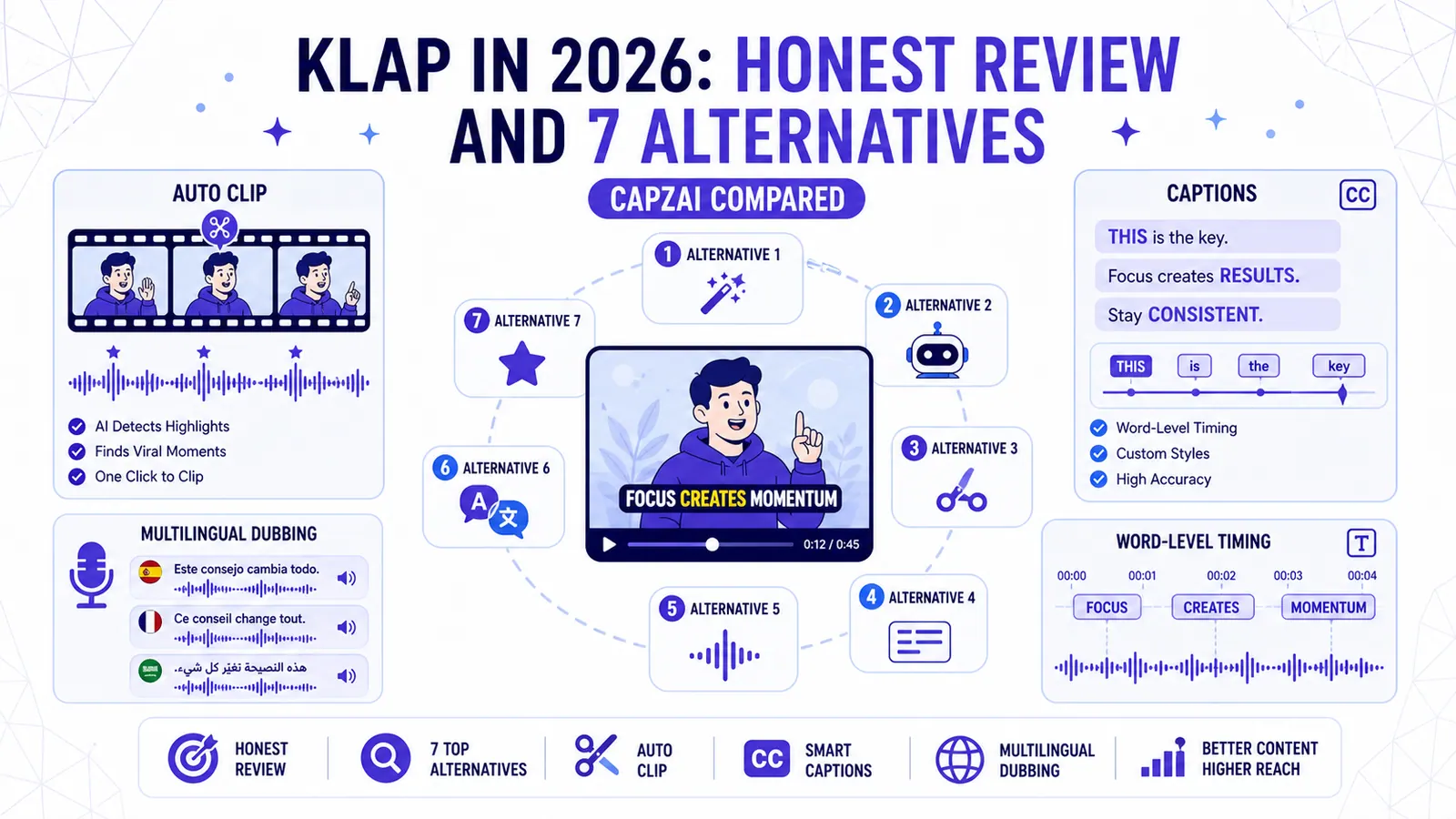
Klap in 2026: Honest Review and 7 Alternatives (CapzAi Compared)
A brutally honest review of Klap and comparison of 7 alternatives for auto-clipping, word-level captions, and multilingual dubbing.
Read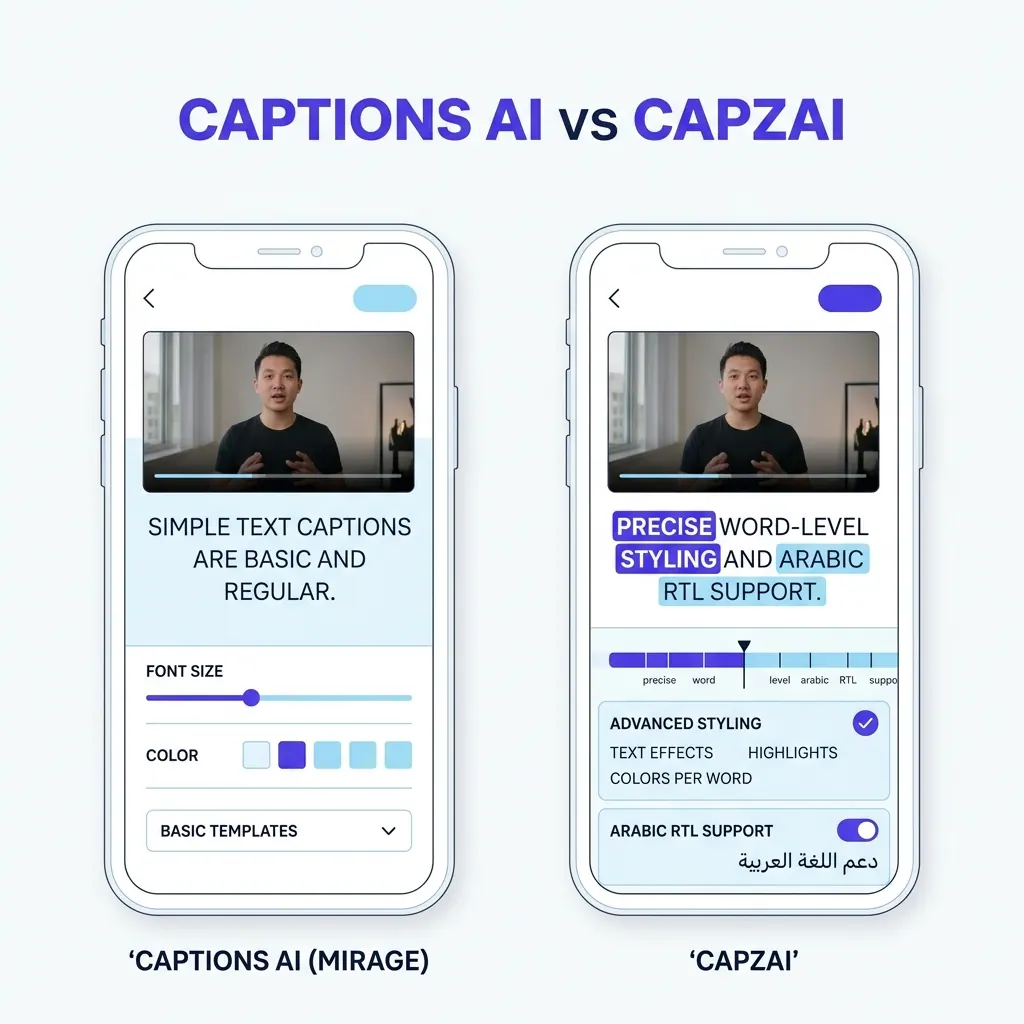
Captions AI vs CapzAi Pricing, Languages, and Caption Quality Compared
A direct comparison of Captions.ai and CapzAi across pricing models, localization accuracy, and styling control to help you choose the right video editor.
Read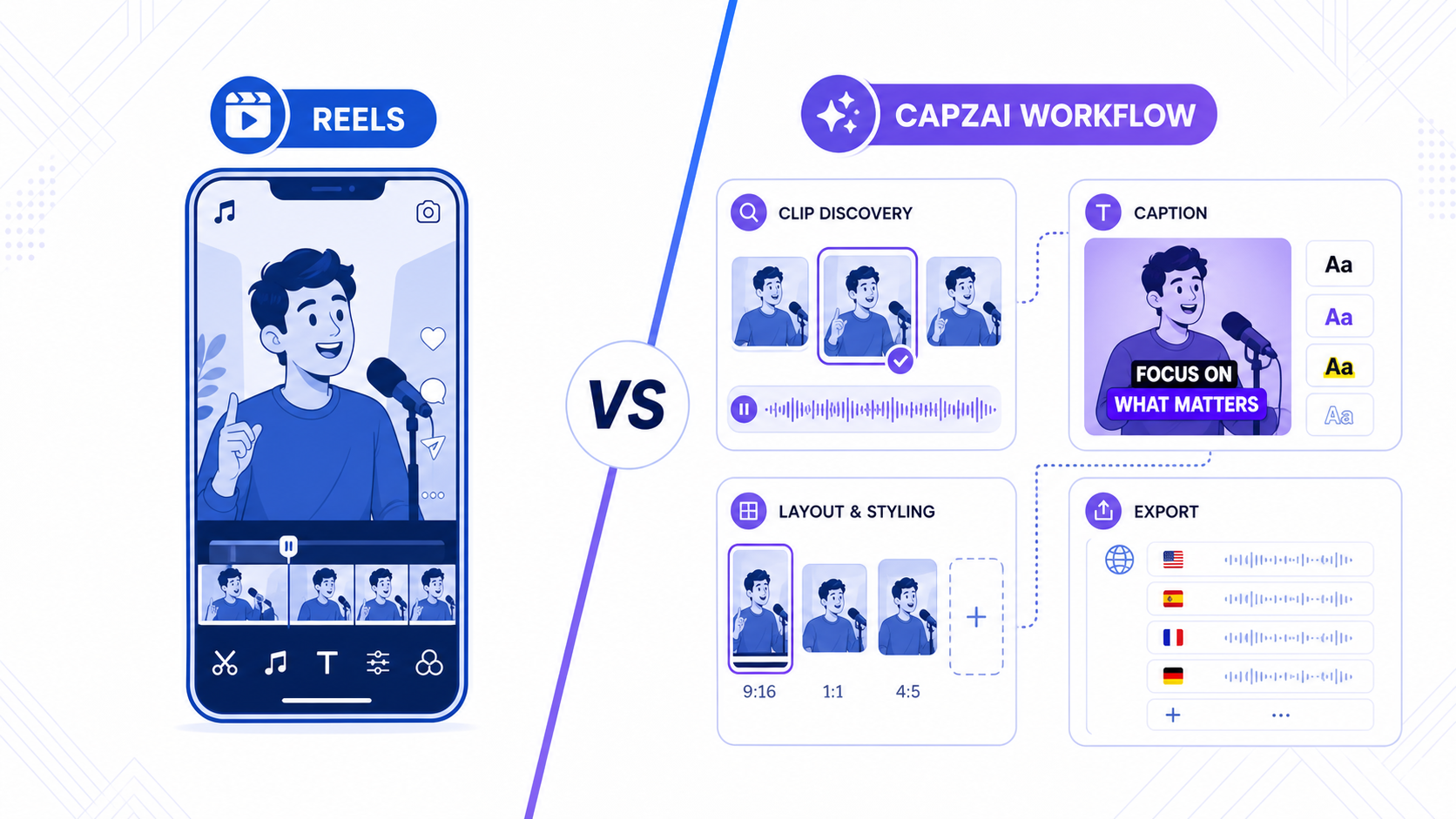
Instagram Edits vs CapzAi: Which Reels Workflow Makes More Sense in 2026?
Instagram Edits is becoming a serious native creation app, but many Reels teams still need stronger captions, clipping, and multilingual finishing.
Read