
Opus Clip Pricing 2026: Is the Subscription Model Still Worth Your Money?
A deep dive into Opus Clip pricing for 2026. We analyze the tiers, hidden credit costs, and why pay-on-export might be the better choice for creators.
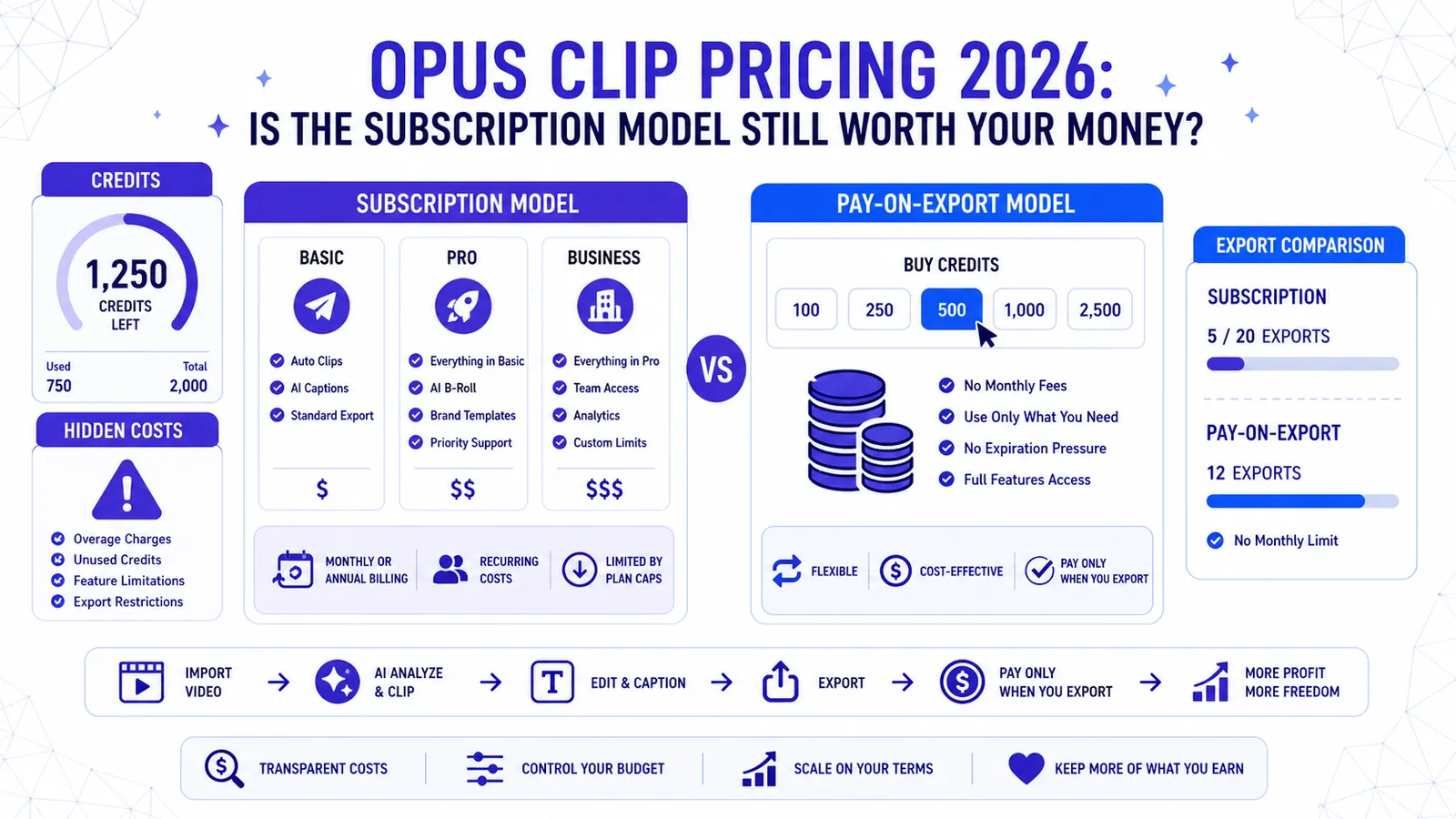
Short-form video has shifted from a trend to a requirement for anyone trying to stay relevant online. Whether you are a YouTuber trying to scale or a brand looking for TikTok traction, tools that turn long videos into viral clips are essential. Among the leaders in this space, Opus Clip remains a popular choice. However, the opus clip pricing structure for 2026 has become increasingly complex, leading many creators to wonder if they are actually getting a fair deal.
Understanding the true cost of these AI tools requires looking past the monthly headline price. You need to look at how they handle credits, what they charge for processing time versus export time, and where the hidden bottlenecks live.
The 2026 Opus Clip Pricing Landscape
Opus Clip operates on a tiered subscription model. They have moved away from simple "unlimited" plans to a credit-based system that tethers your spending to the amount of footage you upload. Here is a breakdown of what the current tiers look like for most users.
The Free Tier: A Testing Ground
The Free plan is designed to let you see what the AI can do, but it is rarely enough for a consistent posting schedule. You get a handful of credits per month, usually around 60 to 90 minutes of upload time. The catch? You often have to deal with watermarks, lower priority processing, and limited access to the latest viral presets. It is fine for a one-off experiment, but if you are serious about growth, you will hit the wall within forty-eight hours.
The Starter Plan: For Casual Creators
Priced as the entry-level paid option, the Starter plan targets the individual creator. It removes the watermark and gives you a decent block of upload minutes. However, it still lacks many of the "pro" features like advanced AI curation or the ability to export in 1080p without some level of compression.
The Pro Plan: The Standard Choice
This is where most professional creators land. The Pro plan usually starts around $9.50 to $15 per month depending on your billing cycle. It offers roughly 200 to 300 upload minutes. This plan includes the "Viral Score" feature and better layout options. The problem for many is that 200 minutes disappears quickly if you are processing weekly podcast episodes or long-form gaming streams.
Business and Enterprise
For agencies managing multiple clients, Opus Clip offers custom tiers. These provide team collaboration tools and higher credit ceilings, but the price scales aggressively. If you are managing ten different channels, the subscription costs can become a significant line item in your monthly budget.
The Credit Trap: Paying for Garbage
The biggest point of contention with the current opus clip pricing model is how credits are consumed. In a subscription-based upload model, you pay for the AI to look at your video. If you upload a sixty-minute podcast and the AI finds zero usable clips, or if the clips it generates are poorly framed, you have still spent sixty minutes worth of credits.
This creates a "sunk cost" environment. Creators find themselves trying to fix bad clips just because they already paid for the processing time. It is a frustrating workflow that rewards the software company regardless of the quality of the output.
If you are looking for a more efficient way to manage your budget, you might want to check out our guide on how to go viral with AI captions where we discuss maximizing output quality.
Why Pay-On-Export is Changing the Game
A new philosophy is emerging in the AI video space: pay for what you actually use. This is the core difference between the Opus Clip model and the CapzAi model.
At CapzAi, we believe you should not pay for the AI to "think" about your video. You should only pay when you have a finished product ready for the world to see. CapzAi uses a pay-on-export pricing model. It costs 20 credits per minute of exported video.
The major advantage here is that editing is free. You can spend hours using the AI Agent chat-to-edit feature, tweaking word-level captions, or swapping between the five viral presets (Karaoke, Viral Pop, Classic, Docu, or Creative) without spending a single cent. You only pull the trigger on payment when you are 100% satisfied with the 1080p MP4 result.
Comparing the Actual Costs
Let's do some math. If you are a creator who uploads three one-hour podcasts a month, you need 180 minutes of upload time.
On Opus Clip, that usually requires a Pro subscription. You pay your monthly fee upfront. If the AI misses the best moments or if the captions need heavy manual correction, you are stuck. You have already "spent" those minutes.
On CapzAi, you upload those same three hours for free. You let the AI auto-clip the long videos. Maybe you find ten great clips that are sixty seconds each. That is ten minutes of exported content. At 20 credits per minute, you are paying for exactly those ten minutes. If the other 170 minutes of footage were boring, they cost you nothing.
This transparency is why many are moving away from the rigid opus clip pricing structure. It shifts the risk from the creator to the tool provider. For a deeper look at the landscape, see our review of the best AI video clipping tools.
Features Beyond the Price Tag
While price is a massive factor, the features included in that price matter just as much. In 2026, simple clipping is no longer enough. You need a tool that handles the global nature of social media.
Multi-Language Mastery
Opus Clip has made strides in translation, but it often struggles with specific dialects. CapzAi provides one-click translation for English, French, and Arabic. More importantly, it supports Darija (Moroccan Arabic) with both RTL (Right-to-Left) script and Latin transliteration. This is a massive advantage for creators targeting the MENA region or diaspora audiences.
AI Voice Dubbing
Many creators are now using dubbing to reach new markets. While some Opus Clip tiers include basic audio features, CapzAi integrates AI voice dubbing directly into the workflow. You can take a clip, translate it, and dub it into a new language in one sequence. This turns a single piece of content into a global campaign without requiring a separate subscription for a dubbing service.
Technical Control
One common complaint with many AI clippers is the lack of precision. You get what the AI gives you. CapzAi offers drag-and-drop caption positioning and the ability to export .ass subtitle files. If you want to burn-in your captions for TikTok but also keep a clean file for your archives, having that level of control is vital. You can learn more about this in our AI video translation guide.
Is the Opus Clip Subscription Model Dead?
It is not dead, but it is certainly under pressure. Subscriptions work well for high-volume agencies that know they will max out their credits every single month without fail. For the average creator whose output fluctuates, a subscription feels like a tax on months where you are less productive.
The opus clip pricing model forces you into a "use it or lose it" mentality. If you have a busy month at your day job and only upload one video, you still paid for the full Pro plan. That lack of flexibility is pushing the market toward credit-based systems that only trigger upon export.
Final Verdict: Which Should You Choose?
If you are a power user who uploads twenty hours of footage a week and you don't mind paying for processing time, Opus Clip's Pro or Business plans might make sense. Their AI curation is solid, even if it is expensive.
However, if you want a tool that acts as a partner rather than a landlord, the pay-on-export model is superior. You get the freedom to experiment. You can try different captions, test out the AI Agent chat-to-edit functions, and only pay when the video is perfect.
For 2026, the smart money is on tools that offer 1080p quality, free editing, and specialized features like Darija translation and AI dubbing without the heavy monthly overhead of a traditional subscription.
Stop paying for minutes you don't use. Switch to a system that values your output as much as you do. Try CapzAi today and experience the difference of pay-on-export pricing at 20 credits per minute. Create your first viral clip for free and only pay when you are ready to export.
Related articles
7 Best Opus Clip Alternatives in 2026: Ranked for Speed and Languages
Looking for the best Opus Clip alternatives? We rank 7 AI video tools for speed, language support (including Arabic and Darija), and pricing to help you scale your social media presence.
Read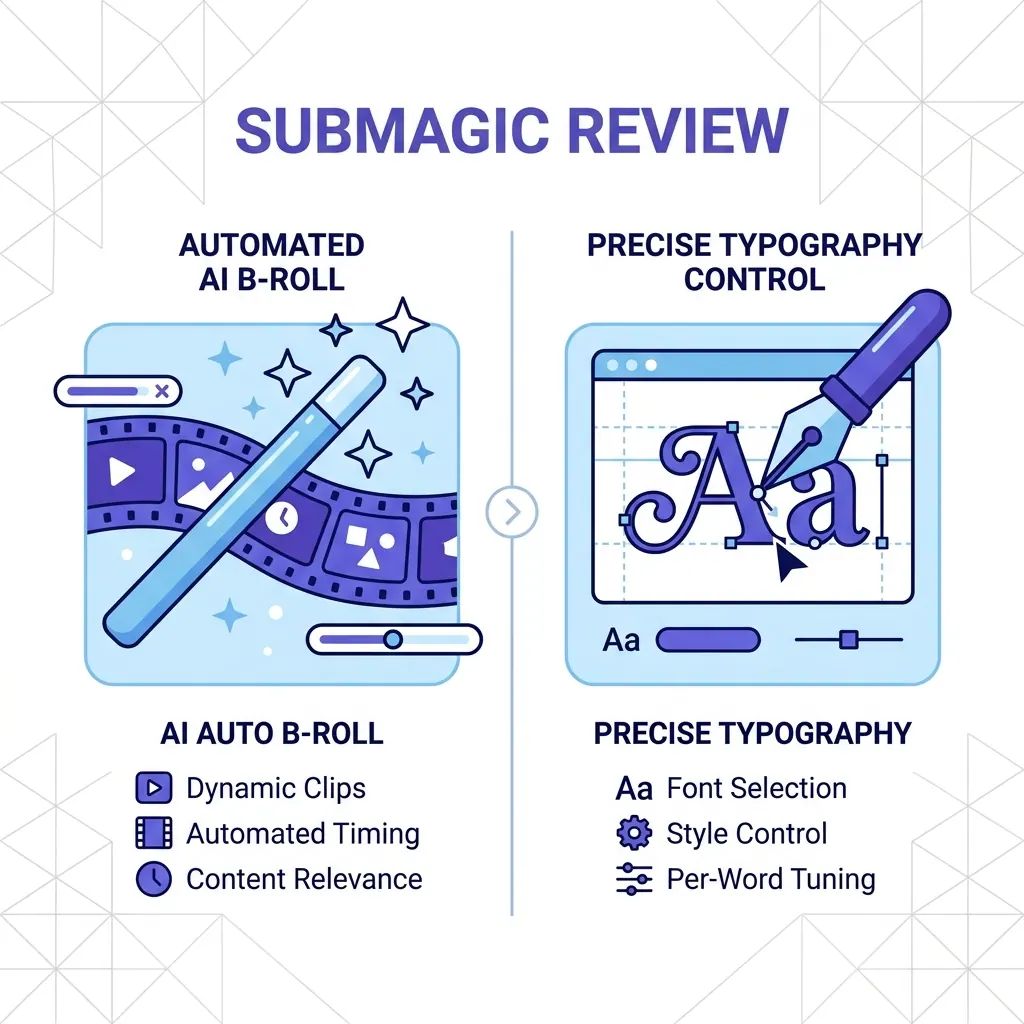
Submagic Review 2026: Is It Still Worth It? (Plus 4 Best Alternatives)
An honest review of Submagic's performance, pricing, and features in 2026. We compare it against CapzAi, Opus Clip, Captions.ai, and Klap to find the best short-form video editor for your needs.
Read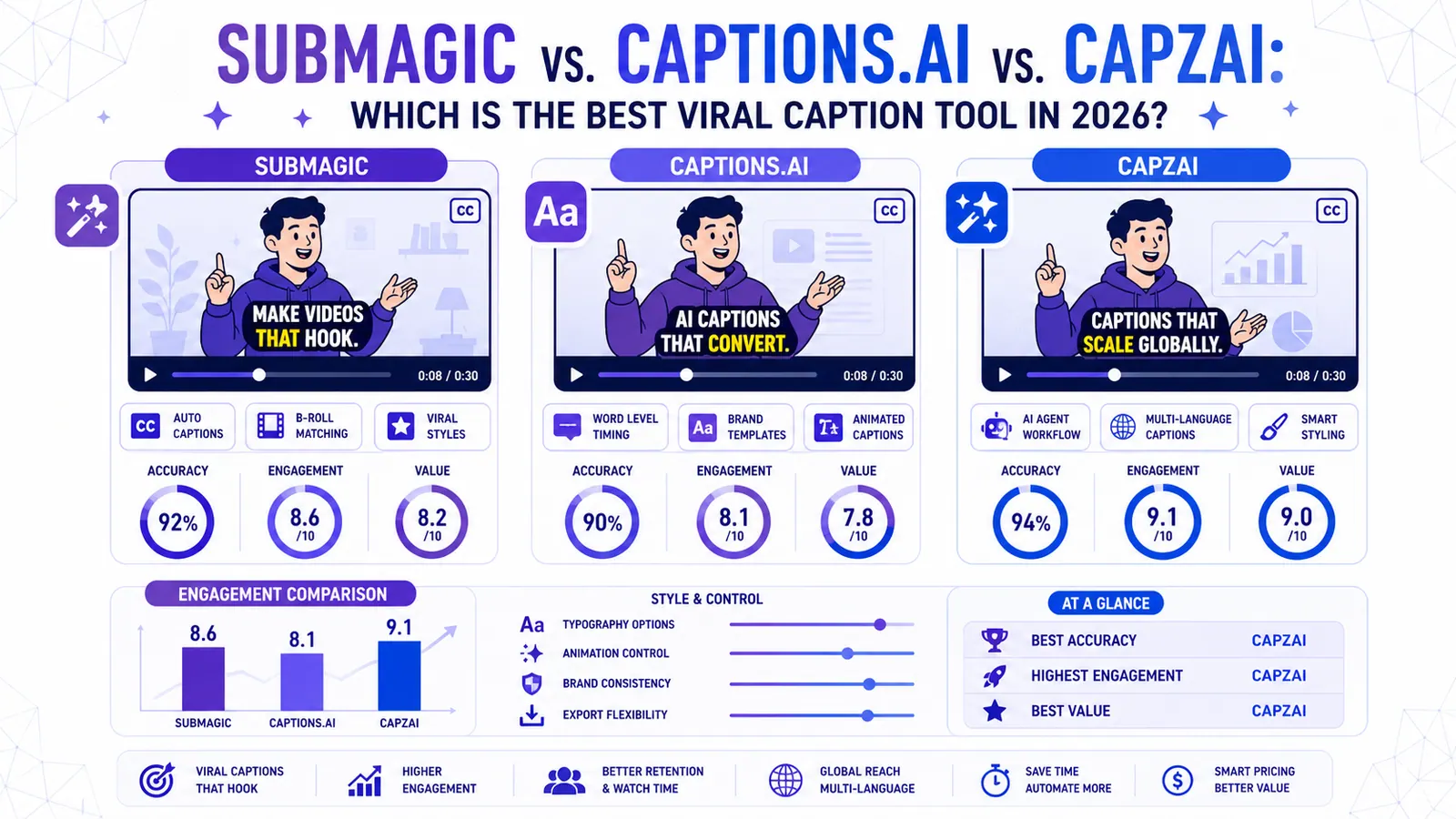
Submagic vs. Captions.ai vs. CapzAi: Which is the Best Viral Caption Tool in 2026?
We put the industry giants Submagic and Captions.ai head-to-head against CapzAi to see which AI captioning tool delivers the best engagement, accuracy, and value for creators.
Read