
Submagic Review 2026: Is It Still Worth It? (Plus 4 Best Alternatives)
An honest review of Submagic's performance, pricing, and features in 2026. We compare it against CapzAi, Opus Clip, Captions.ai, and Klap to find the best short-form video editor for your needs.
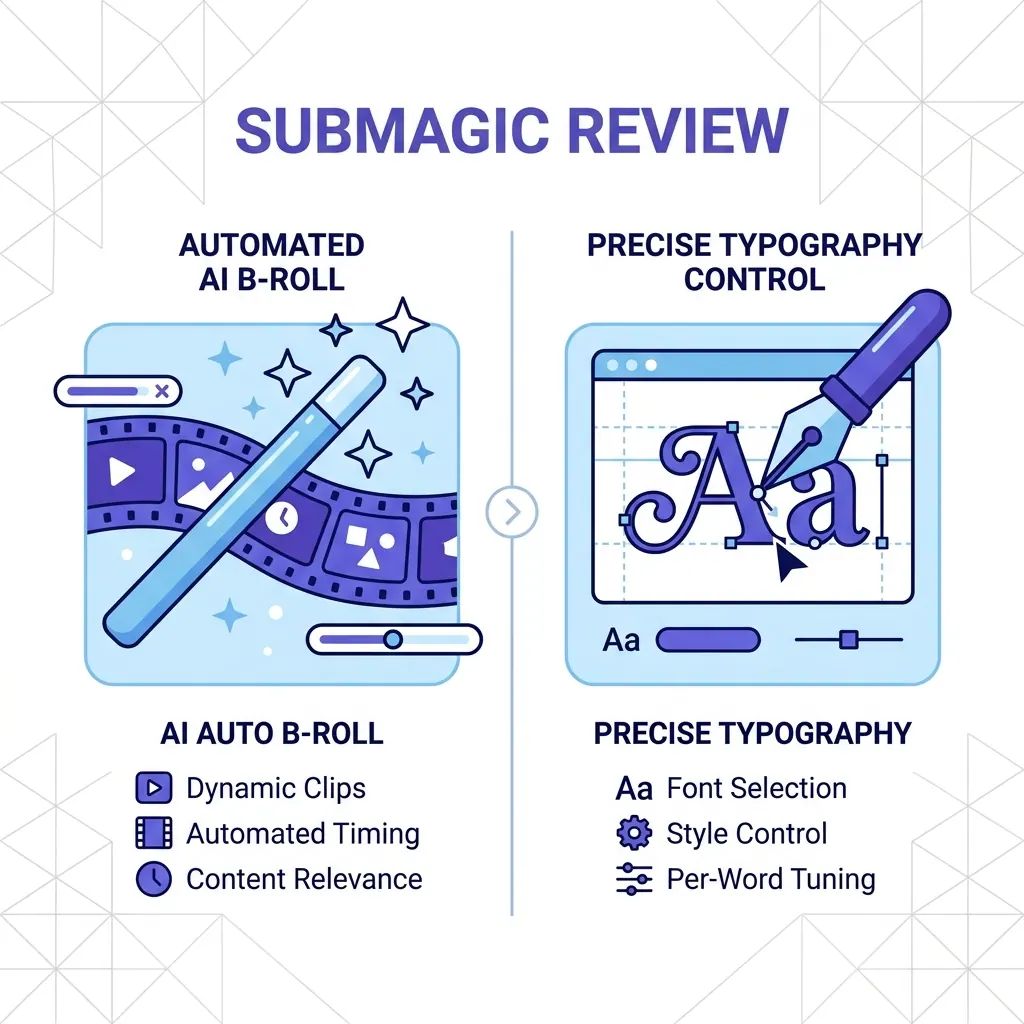
If you have spent any time on TikTok or Instagram lately, you have probably heard of submagic. It became the gold standard for those "Hormozi-style" captions that dominated our feeds for years. But we are now in 2026, and the landscape of AI video editing has shifted. What used to be a cutting-edge feature is now a basic requirement. Every creator wants viral growth, but not everyone wants to pay a hefty monthly subscription for a tool they might only use twice a week.
In this review, I am going to take an honest look at where Submagic stands today. We will look at its features, its price point, and four alternatives that might actually serve your workflow better, especially if you are looking for flexibility or specific language support like Arabic and Darija.
The Evolution of AI Video Tools in 2026
The market for video tools has matured. We are no longer impressed by just "captions on a screen." Today, we expect AI to understand context, suggest B-roll, translate perfectly across cultures, and even dub our voices into different languages.
Submagic has tried to keep up with these demands, but it faces stiff competition from newer, more agile players. While it remains a powerful tool, it often feels like it is stuck in a specific era of content creation. If you want to see how the broader world of translation is changing, you should read our guide on /blog/multilingual-content-strategy.
A Deep Dive into Submagic: The Original Powerhouse
Submagic earned its reputation by being incredibly fast. You upload a video, and within seconds, you have highlighted, colorful captions. In 2026, they have expanded their suite to include sound effects, auto-zooms, and a library of B-rolls.
What Makes Submagic Stand Out?
The user interface of Submagic is still one of the cleanest in the industry. It is designed for the non-editor. You do not need to know what a keyframe is to get a professional result. Their "Viral Presets" are updated frequently to match whatever is currently trending on social media.
Another strength is their auto-B-roll feature. If you talk about a "golden retriever," the AI is usually smart enough to overlay a clip of a dog. It saves a lot of time for creators who do not want to hunt through stock footage sites.
The Frustrations: Where Submagic Stalls
The biggest issue with Submagic in 2026 is the price. They are still pushing a subscription-heavy model. For a professional agency, $50 or $100 a month is a business expense. For a solo creator or a small business owner, it is a "subscription tax" that hurts.
Furthermore, their translation capabilities are somewhat generic. They handle the major languages well, but they fail when it comes to regional nuances. If you are targeting a North African audience, for example, their Arabic translation feels robotic and lacks the RTL (Right-to-Left) precision that a professional tool should have. Captions are only part of the puzzle; you also need to know how to /blog/maximize-video-engagement-2026.
Comparing the Top 5 AI Captioning Tools
To give you a clear picture of the market, here is how the top contenders stack up in 2026.
| Tool | Pricing Model | Best For | Unique Feature |
|---|---|---|---|
| Submagic | Subscription | High-volume Pros | Automatic B-roll Library |
| CapzAi | Pay-on-Export | Multilingual/Casual | Darija + RTL Transliteration |
| Opus Clip | Subscription | Podcasters | Viral Score Prediction |
| Captions.ai | Subscription | Mobile Creators | Eye Contact Correction |
| Klap | Subscription | Speed | Simple One-Click Clips |
Why CapzAi is the Smart Alternative for 2026
If you find Submagic too expensive or too limited for your specific language needs, CapzAi is the most logical step. It was built with a different philosophy: you should only pay for what you actually use.
Breaking the Subscription Cycle: Pay-on-Export Pricing
Most tools force you into a monthly commitment. CapzAi uses a pay-on-export model. It costs 20 credits per minute of exported video. The best part is that editing is completely free. You can spend two hours perfecting your captions, changing the colors, and chatting with the AI Agent to get the style right, and you won't be charged a cent until you hit that export button. This makes it ideal for creators who produce content sporadically.
Mastering Multilingual Content: Beyond Basic Translation
CapzAi is a lifesaver for creators in the MENA region or those targeting international audiences. While Submagic offers basic translation, CapzAi provides 1-click translation for English, French, Arabic, and Darija.
It handles RTL text perfectly, ensuring that your Arabic captions look professional and are easy to read. Even more impressive is the Latin transliteration feature for Darija and Arabic. This allows your audience to read the sounds of the language in Latin characters, which is a massive trend in modern social media content. For more on how this helps your reach, check out our report on /blog/short-form-video-seo-guide.
Opus Clip: The Podcast Repurposing Specialist
If your primary workflow involves taking a 60-minute podcast and turning it into 15 short clips, Opus Clip is likely a better fit than Submagic. Their AI is specifically trained to find "hook" moments in long-form dialogue.
Opus Clip gives each clip a "viral score," telling you which segments are most likely to perform well on the algorithm. While its captioning styles are not as "cool" or customizable as Submagic or CapzAi, its ability to find the best parts of a long video is unmatched. However, it still relies on a monthly subscription, which can be a barrier for many.
Captions.ai: The Mobile Power User’s Choice
Captions.ai has focused heavily on the mobile experience. If you do 90% of your work on an iPhone, you will appreciate their app. They have introduced some truly futuristic features, such as "Eye Contact Correction," which uses AI to make it look like you are looking at the camera even when you are reading a script.
They also offer great AI dubbing, allowing you to lip-sync your video into another language. The downside is that the desktop experience is often an afterthought, and their pricing can be confusing with various tiers and add-ons. It is a tool for the "influencer" who lives on their phone, rather than the professional editor who needs granular control.
Klap: Stripped Back and Simple
Klap is the tool for people who want zero friction. It is not as feature-rich as Submagic or CapzAi, but it is very fast. You paste a YouTube link, and it generates shorts.
It is a great "entry-level" tool. However, as you grow, you will likely find the lack of customization frustrating. You cannot "talk" to your video to make edits, and the caption presets can start to look a bit repetitive after a few weeks of posting. It also lacks the advanced subtitle export options like .ass files that professionals often require for burn-in alternatives.
Choosing the Right Tool for Your Workflow
So, is Submagic still worth it in 2026? If you are a high-volume agency that needs the B-roll library and you don't mind the $50+ monthly bill, yes, it is a solid tool. It is reliable and produces a high-quality "look."
However, the world has moved toward more specialized and more flexible options.
If you are a creator who wants precision, especially in translation and RTL languages, CapzAi is the clear winner. The pay-on-export model is much fairer for the average user, and the AI Agent chat-to-edit feature makes the actual editing process feel like a conversation rather than a chore. You get 1080p MP4 exports with your captions burned in, or you can take the .ass file and move to a professional suite like Premiere Pro.
The "one size fits all" era of AI video is over. Whether you choose the viral scoring of Opus Clip, the mobile features of Captions.ai, or the multilingual power of CapzAi, the goal remains the same: stop spending hours on subtitles and start spending hours on your craft.
Ready to stop paying for subscriptions you don't use? Try CapzAi today and experience the freedom of pay-on-export pricing. With word-level AI captions, 1-click Darija translation, and our unique AI Agent editor, you can create viral-ready videos in minutes. Sign up now and get your first credits to start exporting.
Related articles
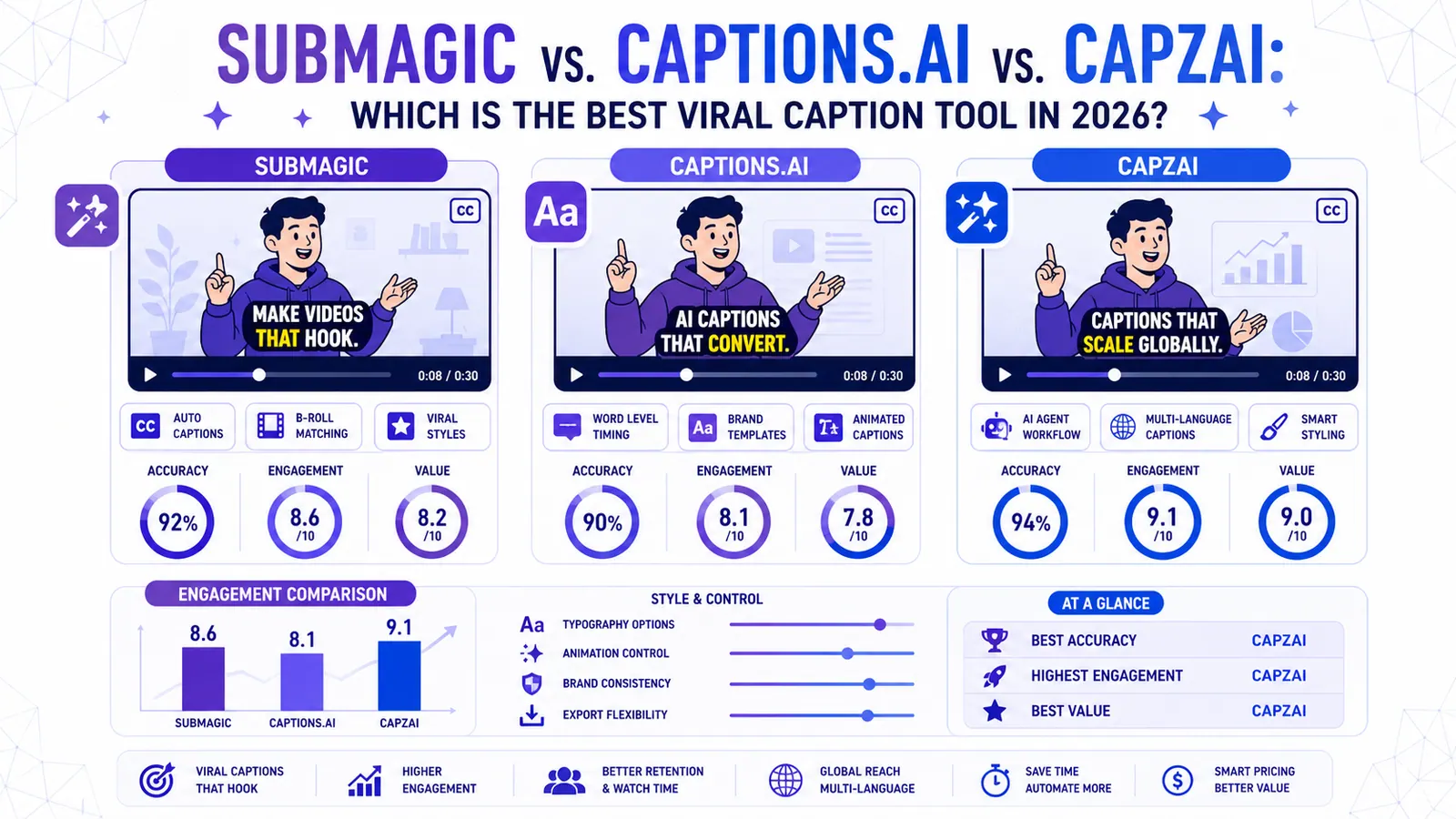
Submagic vs. Captions.ai vs. CapzAi: Which is the Best Viral Caption Tool in 2026?
We put the industry giants Submagic and Captions.ai head-to-head against CapzAi to see which AI captioning tool delivers the best engagement, accuracy, and value for creators.
Read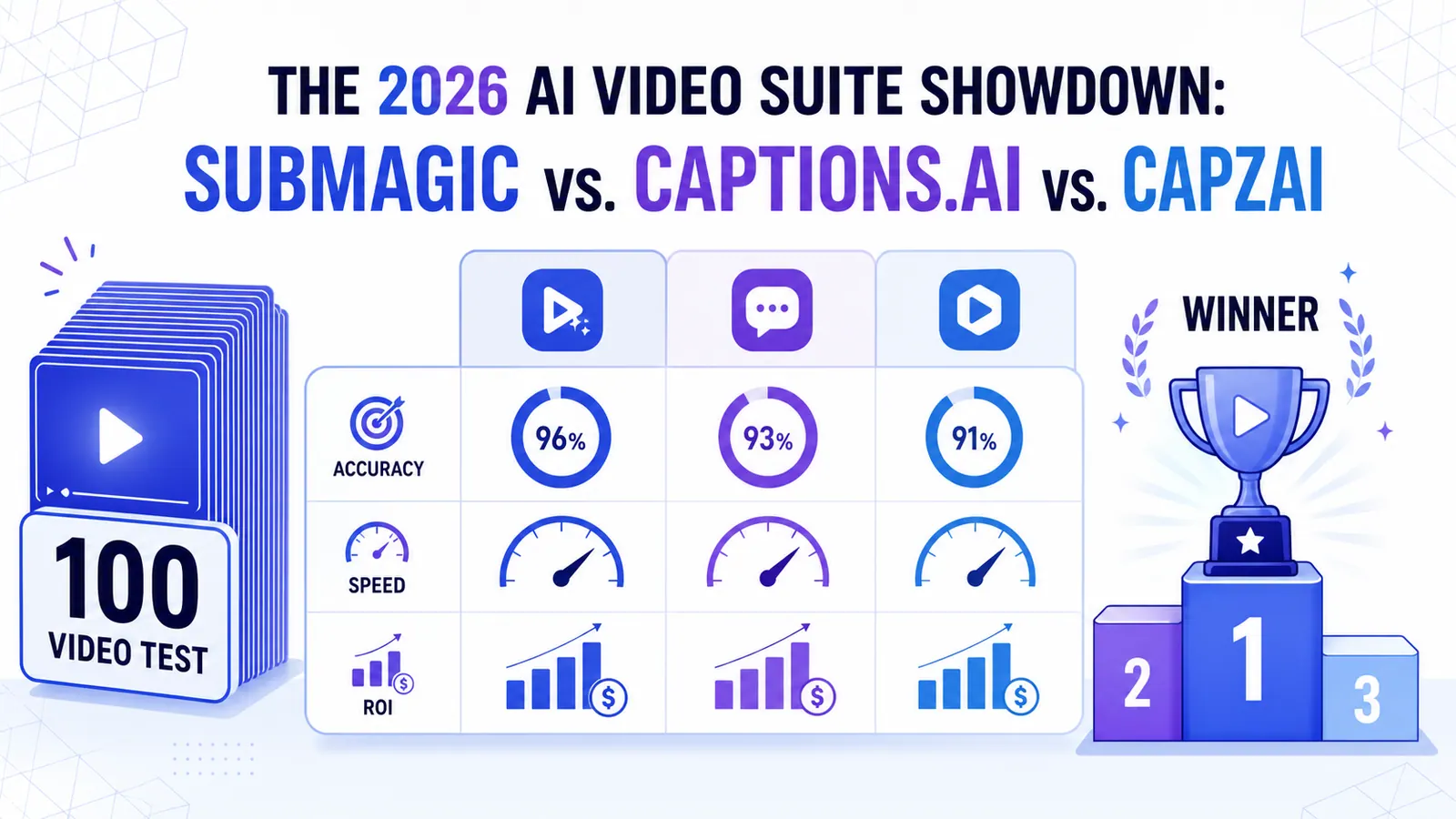
The 2026 AI Video Suite Showdown: Submagic vs. Captions.ai vs. CapzAi
We put the top AI video tools through a 100-video stress test. Here is how Submagic, Captions.ai, and CapzAi actually compare when it comes to accuracy, speed, and ROI.
Read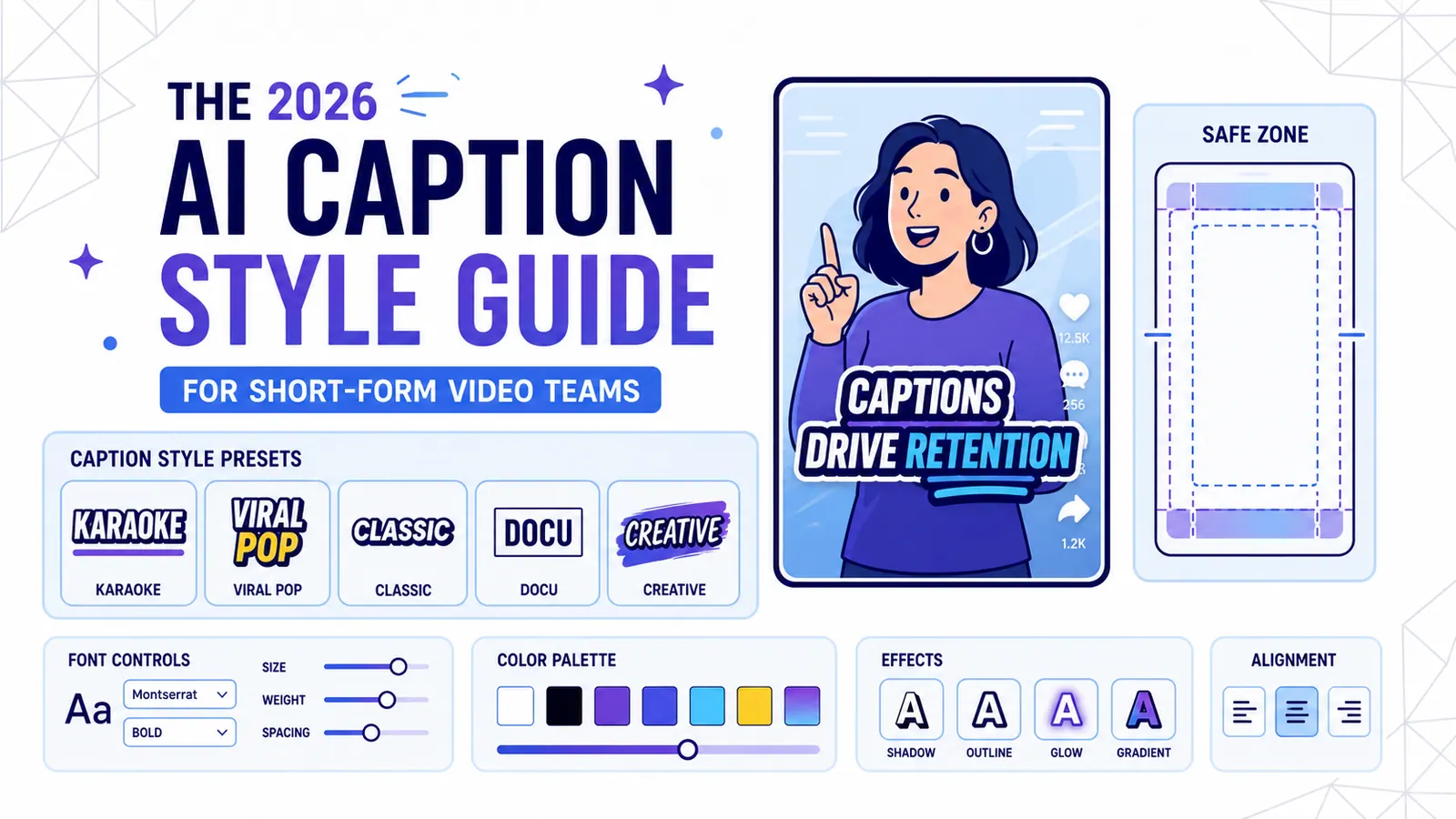
The 2026 AI Caption Style Guide for Short-Form Video Teams
A practical style system for creators and marketing teams who want captions that improve retention without turning every video into visual noise.
Read