
How to Turn a 1-Hour Podcast into 30 TikTok-Ready Clips
Stop leaving high-converting video content on the cutting room floor and start using AI to extract weeks of social media posts from a single recording session.
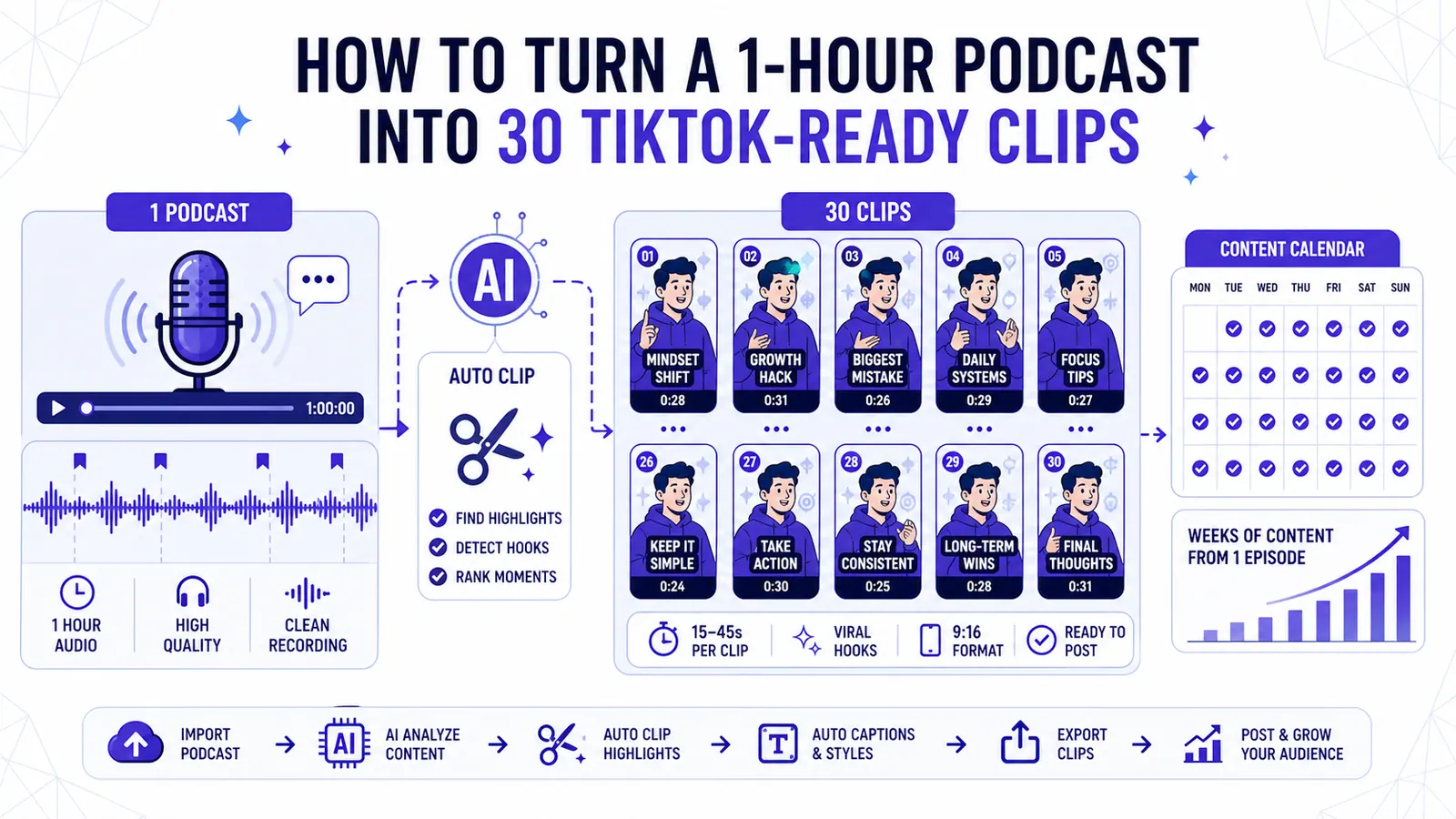
Most B2B companies record long interviews. They sit down with an industry expert. They turn on the microphones. They capture sixty minutes of high-density conversation.
The resulting file is massive. The production team usually edits the audio and uploads the full recording to YouTube. They might cut two short promotional videos for LinkedIn. The rest of the conversation disappears into an archive folder.
You spend weeks preparing for the interview. The actual distribution of that interview ends up incredibly thin.
Finding the exact moments where the guest drops a highly tactical piece of advice takes hours of scrubbing through a timeline. You have to listen and pause. Then you mark the in-point and the out-point. You evaluate if the quote makes sense outside the context of the larger discussion.
If you hire a freelance video editor, you pay them to watch the entire hour. You pay for their viewing time. You pay for their clipping time. You pay for their rendering time.
This workflow punishes volume. Extracting just two clips from a one-hour session starves your content calendar if you want to post daily to TikTok, Reels, Shorts, and LinkedIn.
You need volume. You need a systematic way to process heavy video files into dozens of lightweight, high-performing assets without scaling your payroll.
We built CapzAi to fix this specific bottleneck. You upload that raw file and let the AI score the conversational spikes. You output a full month of daily video content in one afternoon.
Let me walk you through the precise mechanics of the auto-clipping process. We will cover the economics of pay-on-export pricing and the visual strategy you must use to prevent audience fatigue.
The Anatomy of a High-Performing Podcast Clip
Before you upload anything, you must understand what makes a short-form video work on an algorithmic timeline. A one-minute video operates under entirely different constraints than a one-hour episode.
The viewer lacks context. They do not know who the guest is. They do not know what question the host asked three minutes prior.
Every successful clip contains three distinct elements.
The Complete Thought
A clip requires a self-contained narrative loop. If the guest says, "That strategy failed completely," the viewer needs to know exactly what "that strategy" refers to.
If the antecedent exists outside the sixty-second window, the clip will confuse the audience. They will scroll past.
The auto-clipping engine looks for natural paragraph breaks in the speech to ensure the thought begins and ends within your desired time frame.
You still need to review the transcript text to verify the subject of the sentence remains clear. If the subject is vague, use our text editor to insert a bracketed clarification right into the subtitles.
The Tension Point
Tension creates retention. A guest agreeing politely with the host holds zero visual magnetism.
A guest revealing a catastrophic launch failure or contradicting common industry advice creates a hook. The first three seconds must present this tension.
The AI analyzes pitch modulation and speech rate. It also evaluates specific keyword density to score the emotional weight of a moment. It pushes high-tension scenes to the top of your review queue.
Clean Cut-ins and Cut-outs
You need clean technical boundaries. The cut-in must start precisely on the first consonant of the speaker's sentence.
Dead air at the beginning of a TikTok video kills your completion rate. The cut-out must happen exactly as the final syllable ends. You leave no room for the viewer's brain to disengage.
Traditional editing requires zooming all the way into the audio waveform and slicing the clip with a razor tool. CapzAi handles this entirely through text.
You simply highlight the first word you want included. The software snaps the video cut to that exact microsecond.
Preparing and Uploading Your 1-Hour Master File
File Size Limits
You start by preparing your master file for the studio. CapzAi accepts direct video uploads up to 500MB.
Most raw podcast files exported straight from professional cameras run much larger than this limit. You need to compress the video before uploading.
Compression Settings
Run your master file through a compression tool like Handbrake. Export it at 1080p resolution using the H.264 codec.
Keep your audio bitrate high, around 192kbps or 320kbps. The AI relies heavily on clear audio to generate accurate subtitles and detect emotional inflection.
Once your file sits comfortably under the limit, you bring it into the studio.
Duration Parameters
The platform asks you for your desired duration bounds. You set a minimum length and a maximum length.
TikTok algorithms historically favor videos over 34 seconds for monetization. YouTube Shorts enforce a strict hard-stop at 60 seconds.
If you want cross-platform compatibility, set your minimum duration to 35 seconds and your maximum duration to 59 seconds. This narrow parameter forces the auto-clipping engine to find tight, highly concentrated moments of value.
If you set the maximum to three minutes, you end up with sprawling stories that require heavy manual trimming later.
The CapzAi Auto-Clipping Workflow
With the file uploaded and the parameters set, the engine takes over. The system processes the audio, transcribes the speech at the word level, and evaluates the content.
Step 1: AI Scoring and Scene Proposals
The system scans the entire one-hour transcript. It assigns a virality score to different segments based on pacing and keyword relevance. It also measures conversational density.
It groups these high-scoring moments into proposed scenes. For a typical sixty-minute interview, the system generates roughly forty to forty-five potential scenes that fit your 35-to-59 second requirement.
Step 2: Accept, Reject, and Refine
You sit in the director's chair. You view a list of these proposed clips. You click play on the first proposal.
If the clip captures a boring tangent, you hit reject. The system removes it from your queue. If the clip contains a brilliant insight about pricing models, you hit accept.
Sometimes the AI grabs the perfect core message but starts the clip one sentence too early. You do not need to touch a video timeline.
You highlight the unnecessary opening sentence in the transcript and delete it. The video automatically shortens. You trim the footage by editing the document.
Step 3: Platform-Specific Reframing
Podcasts are shot in a horizontal 16:9 aspect ratio. TikTok, Reels, and Shorts demand a vertical 9:16 aspect ratio.
A center crop rarely works perfectly for a two-person interview. The guest usually sits on the left or right third of the frame.
For each accepted clip, you select the 9:16 vertical format. You then click on the video preview and drag the crop box to center the active speaker.
If the clip features a rapid back-and-forth exchange between the host and the guest, you can split the screen to show both faces stacked vertically. You ensure the visual focus remains locked on the person delivering the insight.
Breaking Visual Fatigue: Per-Clip Restyling
Exporting thirty clips with the exact same visual styling is a massive tactical error. Audiences recognize visual patterns rapidly.
If a user sees your yellow text on a black background on Tuesday and scrolls past it, their brain will automatically filter out that same visual pattern when it appears on Wednesday. You must break the visual continuity to force the user to re-evaluate the content.
You achieve this by varying the caption styles across your batch of clips. Do not ship thirty identical files.
CapzAi includes five distinct caption presets engineered for different psychological responses. You should distribute these presets evenly across your batch. Read our Caption Strategy for B2B Content for deeper research on this phenomenon.
Applying Presets
First, apply the Karaoke preset to high-energy, fast-paced rants. This preset displays one word on screen at a time, usually in a bright color like neon yellow or lime green. The sheer speed of the text forces the viewer to read along.
Second, use the Viral Pop preset for step-by-step tactical advice. This style stacks two lines of text and bounces the active word. It occasionally inserts emojis to match the emotional tone.
Third, switch to the Classic preset for serious stories or grave industry warnings. This places standard, highly readable text in the lower third of the screen. It communicates authority and trust.
Fourth, utilize the Docu preset for introspective moments. This style uses faded text and a subtle typewriter reveal effect. It pulls the viewer in closely.
Finally, the Creative preset allows you to apply your own brand colors, custom font files, and distinct active-word highlights. Mix these five presets across your thirty clips. A varied visual feed prevents algorithmic blindness.
Fast Edits with the AI Agent
During your review phase, you will inevitably spot recurring errors. Perhaps the guest repeatedly mentions a niche software product, and the transcription engine spells it creatively in ten different clips.
Fixing this manually across thirty files wastes time. You can execute bulk changes instantly using the CapzAi Agent.
You open the chat interface beside your workspace. You type a direct command: "Capitalize the word HubSpot every time it appears in this project." The agent scans all thirty clips, locates the word, applies the correct capitalization, and updates the text layer.
You can also command the agent to "Remove all filler words like um, ah, and you know from the entire batch." The agent strips the words from the text and simultaneously removes the corresponding dead audio frames from the video. You chat to edit.
Multilingual Expansion: Translating Clips
Target New Markets
You have thirty approved, perfectly cropped, restyled clips in English. You can stop here, export the batch, and schedule them for TikTok.
However, you are ignoring massive geographic markets. CapzAi allows you to duplicate those thirty clips and translate them entirely.
You select your English clips. You click the translation tool. You select French.
The engine translates the text subtitles into French while maintaining the exact timing of the original speech.
Complex Language Layouts
You can also push into the Middle Eastern and North African markets by selecting Arabic or Darija. Translating a video into Arabic introduces severe formatting challenges in traditional editing software.
Most Western software defaults to left-to-right text rendering. When you paste Arabic text into standard editors, the letters often detach and the sentence order reverses. You end up with unreadable gibberish.
CapzAi natively supports right-to-left layout. The engine generates the text, maintains the correct cursive letter connections, and aligns the text block properly within the safe zones of a vertical video.
Automated Dubbing
To complete the localization process, you activate the AI voice dubbing feature. The system strips out the original English audio.
It generates a synthetic Arabic voice matching the emotional tone of the speaker. It maps this new Arabic audio to the exact duration of the clip.
You now have thirty English clips and thirty Arabic clips. You doubled your content output in four mouse clicks. Learn more about this specific process in our multilingual workflow teardown.
The Economics: Math Behind Auto-Clipping
Manual Editing Costs
Content strategy ultimately answers to a budget. Let us look at the hard math of podcast repurposing.
Assume you hire a freelance video editor on a popular marketplace. A competent editor charges roughly thirty dollars an hour.
To watch a one-hour podcast and manually locate thirty strong moments takes immense effort. The editor must crop the footage and add subtitles. They animate the text. Finally, they export thirty separate files. That editor will easily require twelve hours of focused work. Your total cost reaches three hundred and sixty dollars for a single episode.
Pay-On-Export Savings
CapzAi uses a pay-on-export pricing model. We charge twenty credits per minute of exported video.
Generating previews, using the chat agent, and reviewing scenes costs absolutely nothing. Let us calculate the exact cost of this workflow.
You approve thirty clips. Each clip runs exactly sixty seconds. You are exporting thirty minutes of finished video.
You multiply thirty minutes by twenty credits. Your total cost is six hundred credits.
You bypass the twelve-hour editing delay entirely. You process the video on Monday morning. You schedule the clips on Monday afternoon. You retain total editorial control over the messaging without carrying the heavy payroll burden of manual assembly.
Your 30-Clip Posting Strategy
Establishing a Cadence
You now possess a folder containing thirty high-quality video files. Do not ruin this effort by dumping them onto your social channels randomly.
Thirty clips provide you with an incredibly durable content calendar if you sequence them intelligently. You should establish a fifteen-day posting cadence. You publish two clips every single day.
Time-Based Styling
For your morning post, select a highly tactical, fast-paced clip. Use the Viral Pop or Karaoke presets.
Business audiences consume content aggressively in the morning. They want immediate answers. They look for quick frameworks. They demand hard numbers. A fast clip about reducing churn fits perfectly at 8:00 AM.
For your afternoon post, select a narrative clip. Use the Classic or Docu presets.
As the workday winds down, audiences have more patience for a ninety-second story about a catastrophic product failure or a difficult hiring decision.
Maximizing Surface Area
Distribute the files across all available short-form networks. Upload the identical files to TikTok, Instagram Reels, and YouTube Shorts.
Do not assume audience overlap. A clip that receives two hundred views on Reels might trigger algorithmic distribution on Shorts and generate forty thousand views.
The platforms behave unpredictably. Your job is to maximize surface area.
Staggering Topics
You also need to stagger the clip topics. If the guest spent fifteen minutes talking about SEO, do not post the four SEO-related clips on the same day.
Spread them across the two weeks. This prevents topic fatigue among your core followers.
A single one-hour recording session holds enough raw material to sustain your entire brand presence for half a month. You just need the right mechanism to extract it. Are you going to leave your best insights buried in a master file, or are you going to start pulling them out?
Related articles
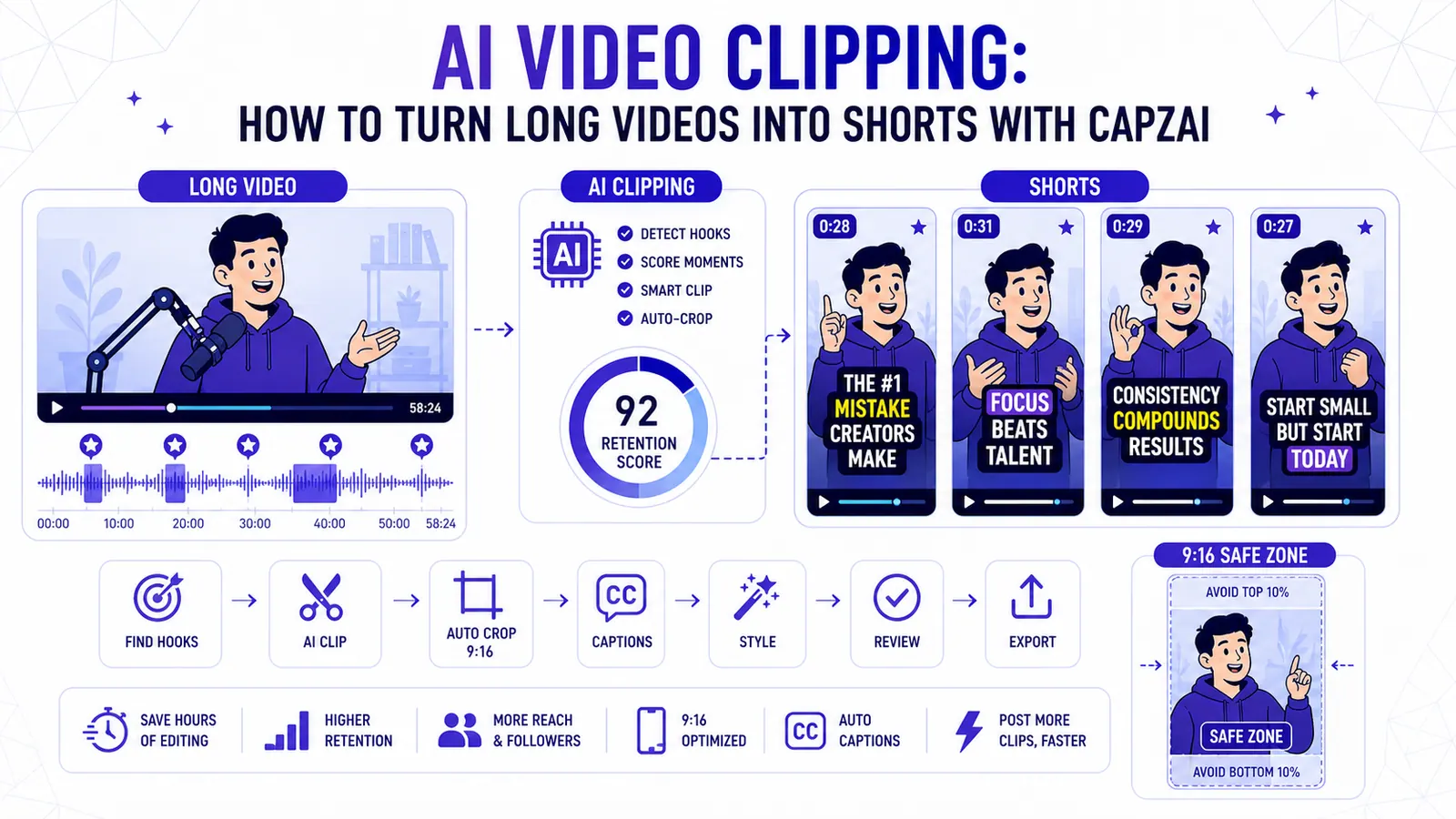
AI Video Clipping: How to Turn Long Videos into Shorts with CapzAi
A practical guide to AI video clipping for creators who want to turn podcasts, webinars, livestreams, and tutorials into publish-ready short-form clips.
Read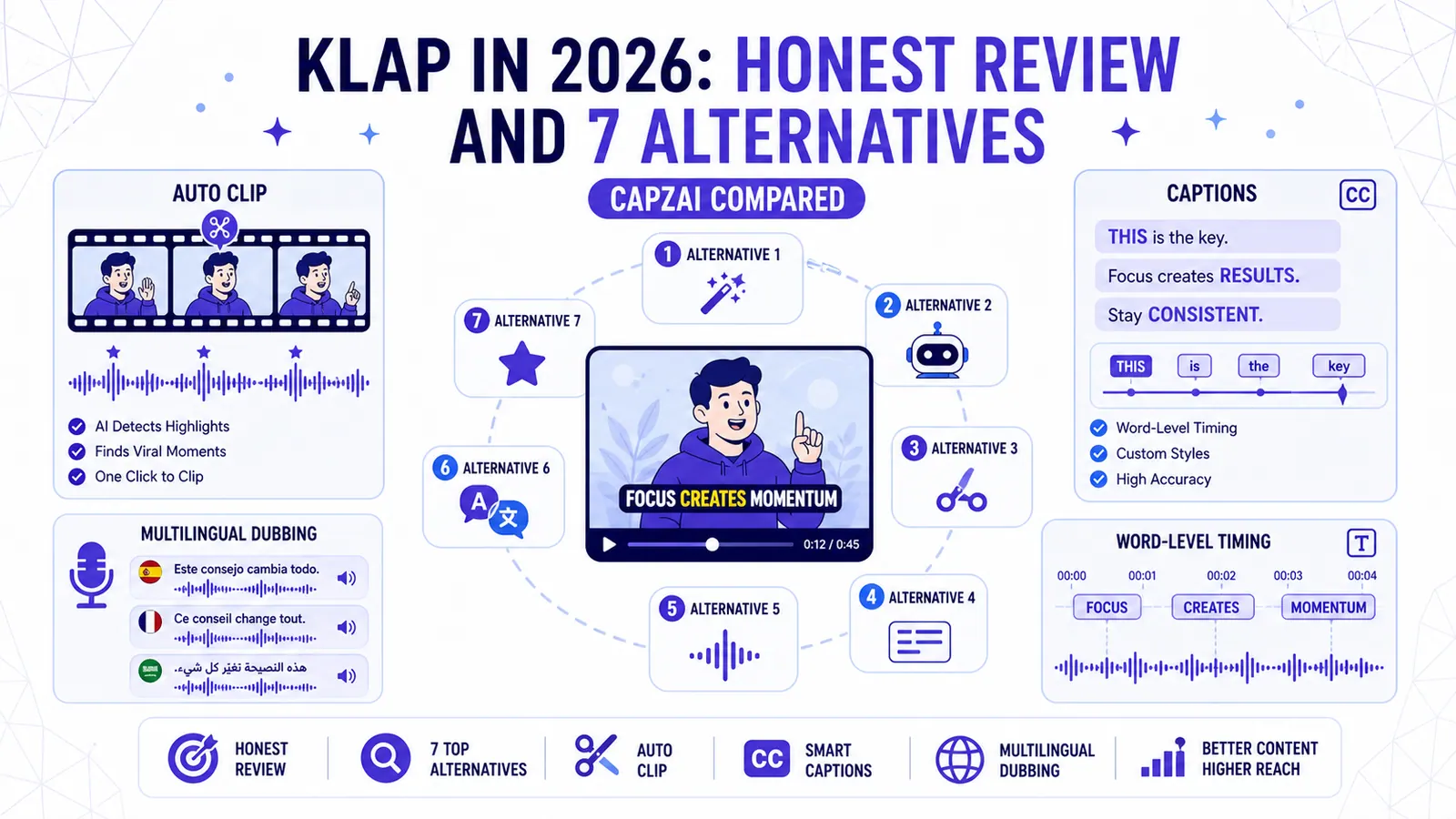
Klap in 2026: Honest Review and 7 Alternatives (CapzAi Compared)
A brutally honest review of Klap and comparison of 7 alternatives for auto-clipping, word-level captions, and multilingual dubbing.
Read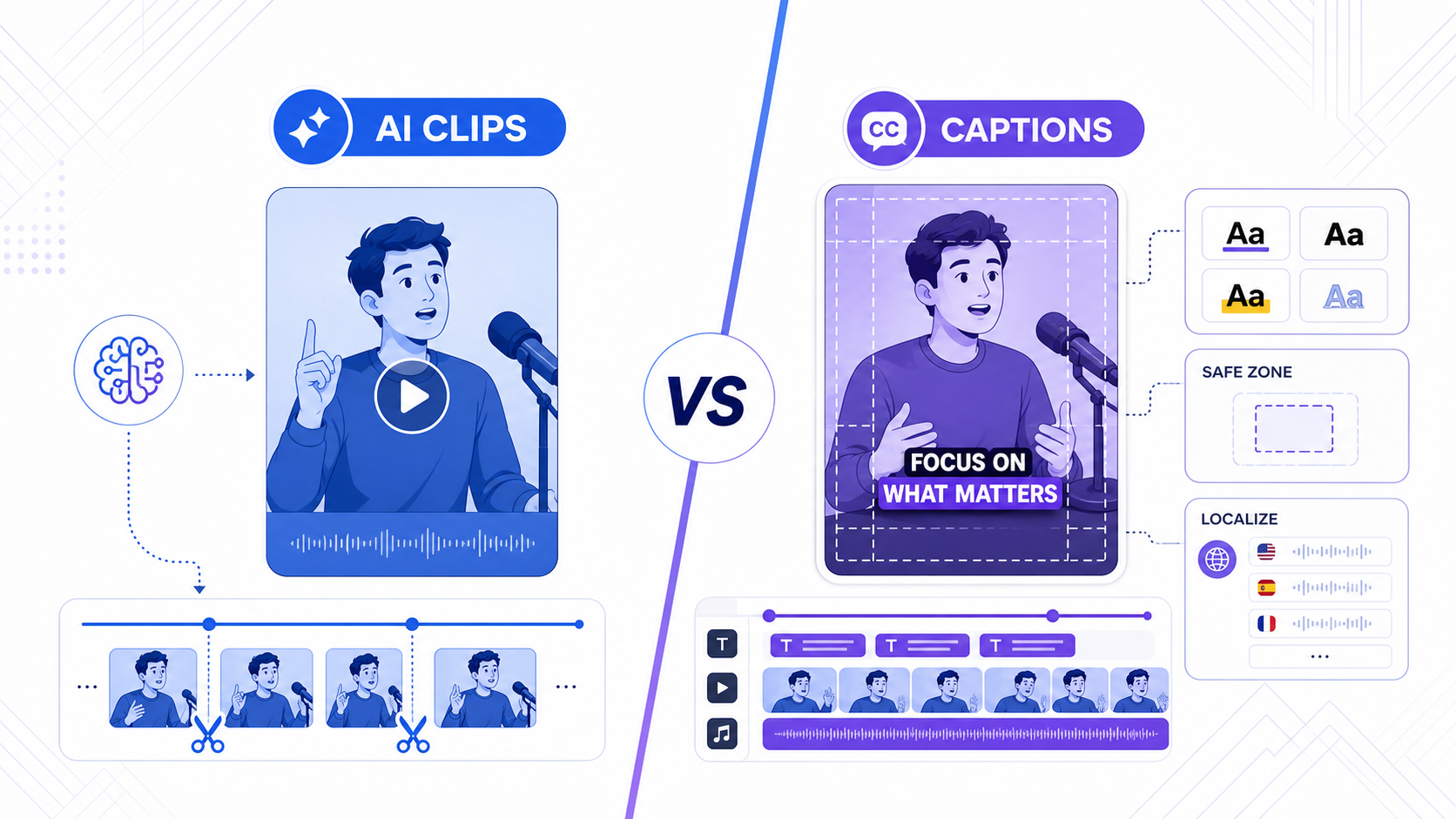
TikTok Smart Split vs CapzAi: Which AI Clipping Workflow Is Better in 2026?
TikTok Smart Split makes native clip extraction easier, but serious creators still need better caption control, exports, and multilingual workflows.
Read