
The Gym Coach's Workflow for Auto-Clipping Reels
Film one 20-minute masterclass on Saturday and use CapzAi to generate a full work week of hyper-edited vertical video content.
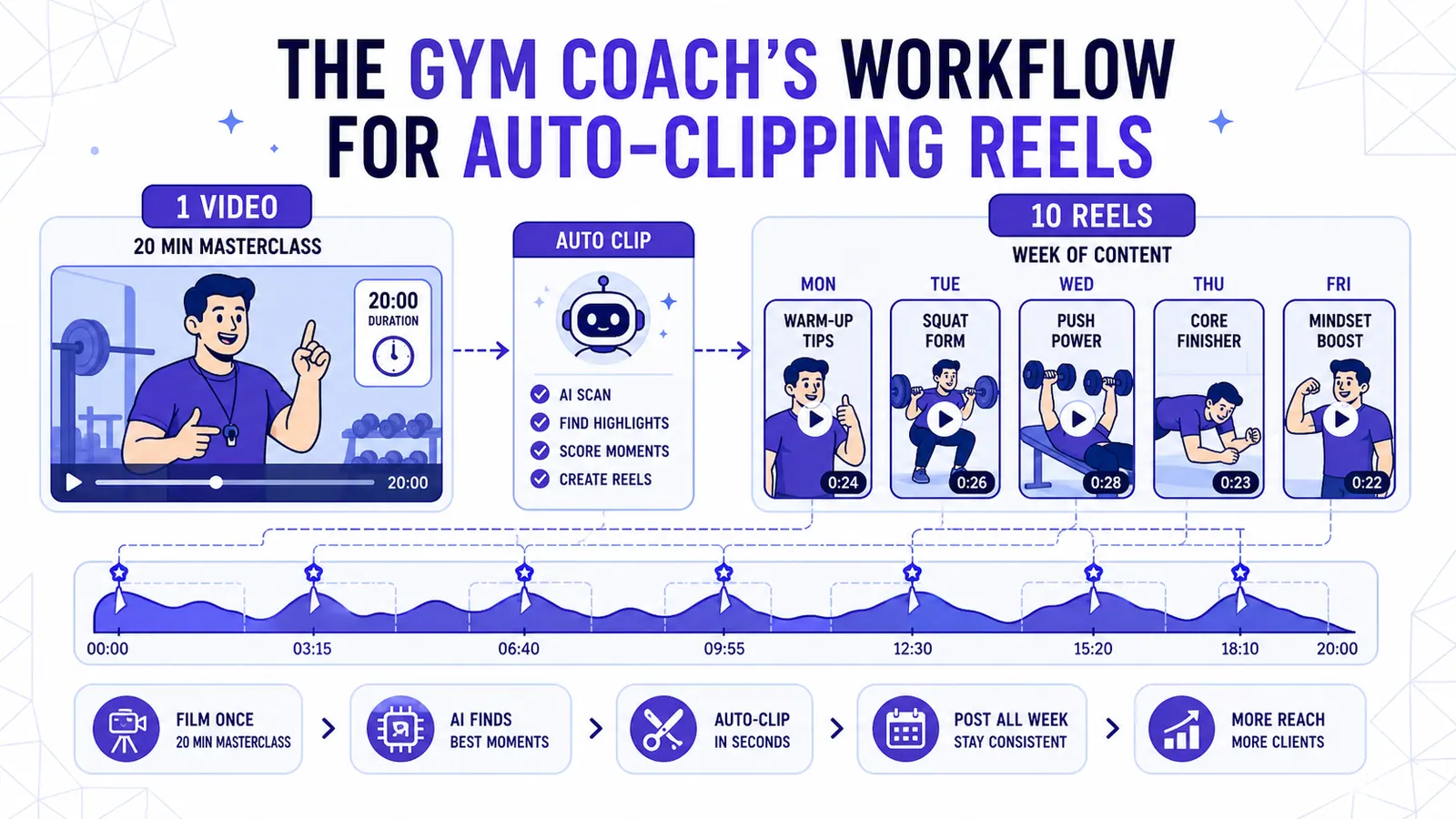
Most independent personal trainers fail at content creation because they attempt to become part-time video editors. You spend forty hours a week on the gym floor. You track client macros. You spot heavy back squats. You write block periodization schedules.
You do not have six spare hours to chop up raw footage in a complex desktop timeline.
The solution requires extreme systemization. Abandon the idea of filming dozens of tiny, fragmented clips throughout the week. Instead, execute one twenty-minute recording session on a Saturday morning.
Feed that single master file through a specific algorithmic clipping pipeline. Extract ten individual vertical videos. Schedule two posts a day for the entire work week.
This workflow eliminates the friction of daily content creation. It relies on filming intentionally for the machine. You must set strict auto-clipping parameters. You apply targeted styling presets.
We will break down the exact physical setup. We outline the software configurations. We also calculate the financial math of running this operation.
Filming Intentionally for the Machine
The algorithm cannot save terrible source material. You must record your twenty-minute Saturday session with the final extraction process in mind. This is not a vlog.
It is a highly structured educational seminar filmed on a gym floor.
The Physical Setup
Your physical environment dictates the quality of the extraction. Gyms present hostile recording environments. Dropping bumper plates will ruin a standard smartphone microphone. Grinding cable machines and terrible top-40 music also destroy the audio.
Clip a wireless lapel microphone securely to your collar. Place it just below your collarbone. Project your voice from your diaphragm. Speak louder than you think is necessary.
Strong vocal projection creates sharp audio waveforms. Clean audio waveforms allow the transcription engine to map your word-level captions with absolute precision.
Mount your smartphone on a heavy-duty tripod. Do not use a flimsy plastic stand. Set the camera at a 45-degree angle to your lifting platform.
This specific angle provides depth of field. It clearly displays your joint mechanics during lower-body compound lifts. Set your camera to record in 4K resolution at 60 frames per second. High framerates let you slow down the footage later without inducing visual stuttering.
Structuring the Masterclass
Do not freestyle your speech. Write a specific outline on a gym whiteboard. Place it directly behind the camera. Divide your twenty-minute recording into three distinct segments.
First, dedicate five minutes to mobility drills. Focus on highly specific issues like thoracic extension or ankle dorsiflexion. Second, spend ten minutes breaking down technical flaws in the barbell back squat and the conventional deadlift.
Third, dedicate the final five minutes to a direct-to-camera rant. Focus on client consistency. Address diet tracking. Attack psychological barriers to training.
Editing for the Edit
You must artificially manufacture cut points for the AI. If you stumble on a sentence, do not nervously laugh and immediately try again. Stop talking entirely.
Close your mouth. Wait two full seconds in absolute silence. Then, restart the sentence from the beginning. This two-second silence creates a flat line in the audio waveform.
The auto-clipping algorithm hunts for these natural breaks. It uses them to define the start and end of a standalone segment. If you ramble continuously without taking a breath, the software struggles to find a clean entry point for the extracted vertical video.
Repeat your punchlines aggressively. If you spend forty seconds explaining a complex biomechanical concept regarding hip hinges, follow it immediately with an eight-word summary. Say, "Push your knees out to engage your glutes."
That short, authoritative sentence provides the algorithm with a perfect hook for the final clip.
Uploading and Auto-Clipping Logic
You finish your twenty-minute recording. Export the massive file to your desktop or cloud drive. Open CapzAi and navigate directly to your projects dashboard.
Upload the raw video file. You will completely bypass the manual trimming timeline. Select the auto-clipping tool. Configure the extraction parameters strictly to match the behavioral psychology of fitness audiences.
Setting Duration Constraints
Set your duration limits to a minimum of 25 seconds and a maximum of 55 seconds. Do not accept clips shorter than 20 seconds for educational fitness content.
A 15-second clip provides enough time for a joke or a meme. However, it lacks the necessary runway to introduce a physical problem. It does not provide enough time to demonstrate the incorrect form and offer the biomechanical solution.
Do not allow clips to exceed 60 seconds. YouTube Shorts imposes a hard cutoff at exactly 60 seconds. Instagram Reels data consistently shows severe viewer retention drop-offs for talking-head instructional videos crossing the one-minute mark.
A 45-second clip represents the optimal sweet spot for complex fitness instruction.
Understanding AI Selection Archetypes
The CapzAi engine analyzes the raw transcript. It checks the audio volume peaks. It evaluates the visual framing simultaneously. It specifically hunts for four distinct patterns inherent to high-performing fitness content.
- Form Correction Moments: The software detects instructional, corrective language combined with physical pointing or abrupt posture changes. It looks for phrases starting with "stop doing," "never," or "fix your."
- Big Lift PRs: It recognizes the sudden, massive spike in audio volume generated by a heavy deadlift lockout. It listens for the clatter of dropping plates. It associates this audio signature with high-energy visual movement.
- Mobility Cues: It finds segments where your vocal pacing slows down significantly. It looks for anatomical vocabulary like "psoas," "scapula," or "hip flexor" delivered in a measured, steady tone.
- Mindset Rants: It identifies sustained, unbroken eye contact with the camera lens. It pairs this with elevated vocal inflection and aggressive hand gestures.
The Triage Phase: Judging AI Selections
The system will process your twenty-minute file. It generates roughly fifteen to twenty potential vertical clips. You only need ten for your weekly schedule.
This requires ruthless, mechanical curation. Do not accept every clip the machine suggests.
The First-Second Hook Failure
Many algorithmically selected clips fail a human review because they lack a visual or auditory hook in the first 1000 milliseconds. Social media consumption relies on instant gratification.
If a generated clip starts with you picking up a water bottle and saying, "Okay, so the next thing we should look at is the bench press," delete it immediately. The viewer has already scrolled past your video. The retention graph hit zero before you finished clearing your throat.
Look for clips that start with immediate physical action. Find segments opening with a highly controversial statement. "Stop doing your tricep extensions like this." "Your warmup routine is wasting your time."
The first frame must contain motion. The first word must establish the stakes.
Using Chat-to-Edit for Precision Adjustment
Sometimes the AI grabs a phenomenal 40-second biomechanical explanation, but it starts the clip three seconds too early. It catches your deep breath before you speak.
You can drag the handles on the manual timeline to fix this. However, it is faster to use the AI Agent. Open the chat-to-edit panel interface.
Type a direct instruction into the text box. "Hey agent, move the start time to exactly when I say the word 'stop' and cut the last four seconds of dead air at the end." The agent executes the trim immediately. It snaps the playhead to the correct transcript timestamp.
This chat-to-edit feature acts as a secondary layer of automation. It removes the friction of microscopic timeline scrubbing.
Styling Captions for the Fitness Feed
Now we apply the visual layer. Fitness audiences consume content in hostile environments. They watch videos on mute while resting on a leg press machine. They glance at their screens while walking on a treadmill.
Your text must do the heavy lifting. CapzAi offers five distinct caption presets. You must match the specific preset to the underlying content type.
Applying the same styling to a high-energy motivational rant and a quiet stretching tutorial signals a lack of visual awareness.
The Viral Pop Preset for Rants
For your direct-to-camera mindset rants, select the Viral Pop preset. This applies an aggressive, Hormozi-style aesthetic designed for maximum visual disruption.
Set the font to Inter Bold. Crank the size to 64pt. Apply a bright, aggressive yellow to the active spoken word.
The background of the text requires a harsh, heavy black drop shadow. Gym backgrounds are visually chaotic. They are filled with bright lights. Moving bodies and reflective mirrors distract the eye.
The heavy drop shadow separates your text from the background clutter.
This style holds attention during fast-paced speech. We process this timing at the word level. Every single syllable synchronizes perfectly with the text color change.
Static text blocks fail completely during rapid monologues because fast talkers outpace the reader's eyes. Word-level timing forces their visual cortex to lock onto your exact audio cadence.
The Classic Preset for Form Cues
When you transition to technical form cues, abandon the aggressive styling. Switch immediately to the Classic preset.
If you are demonstrating a barbell hip thrust, you want the viewer studying your hip placement. They need to see the angle of your shins. They must observe the position of your upper back on the bench.
You absolutely do not want massive yellow text blocking their view of your body mechanics.
Configure the Classic preset to use a small, clean white font. Anchor it tightly to the bottom quarter of the screen, just above the platform UI elements.
Keep the visual focus on the exercise demonstration. The text acts as a silent supplement, not the main attraction.
The Karaoke Preset for Heavy Lifts
For the heavy lift PRs and high-energy segments, deploy the Karaoke preset. This preset paints the text progressively across the screen exactly as you yell the cue.
It matches the raw, visceral energy of a heavy single repetition. The visual pacing of the text mirrors the physical strain of the movement.
If you want to refine how these different presets impact your specific viewer retention metrics, read our detailed breakdown on optimizing caption visual hierarchy.
Correcting Fitness Jargon
Transcription engines train on broad, general conversational datasets. They do not train exclusively on Soviet weightlifting manuals. The AI will occasionally misinterpret highly specific fitness jargon.
It might transcribe "hypertrophy" as "hype trophy." It might hear "RPE" (Rate of Perceived Exertion) as "our PE." It might completely mangle the phrase "glute-ham tie-in."
Identifying Common Transcription Errors
Do not panic. Do not delete the clip. Open the caption editor panel. You do not need to scrub the timeline to fix spelling errors.
Click directly on the incorrect word in the generated transcript view. Type the correct spelling. The software automatically updates the visual render. It maintains the original word-level timing anchor.
Executing the Text-Replace Function
If you notice a repeated error across multiple clips, use the bulk text-replace function to correct the terminology globally.
Multilingual Expansion for Online Coaching
Eventually, you will saturate your local, English-speaking client roster. To scale an online coaching business, you must cross language barriers.
You recorded the masterclass in English. However, you can use that exact same twenty-minute asset to acquire clients in Montreal. You can reach out to Paris or Dubai.
Run your curated clips through the CapzAi translation pipeline. Select French and Arabic from the output language menu. The system generates highly accurate translated subtitles.
Managing RTL Layouts
The Arabic output automatically applies RTL (Right-to-Left) text layout rules. You do not need to understand Arabic to format the video correctly.
The engine ensures the punctuation drops into the correct visual position. The word-level timing reverses its flow to match the reading direction naturally.
Implementing AI Voice Dubbing
Take the final step and enable AI voice dubbing. The CapzAi engine strips your original English vocal track from the video.
It isolates and preserves the background gym noises like the clanking plates and the ambient hum. It then overlays a synthetic voice speaking the translated French or Arabic script.
The synthetic voice matches your original pacing. It mimics your tone and aggressive delivery. You now possess a batch of localized, fully dubbed content ready for the North African or European market.
You executed one recording session in your local gym. You generated marketing assets for three different continents.
The Distribution Cadence
You now have ten fully edited, captioned vertical videos. You need a deployment strategy. Dumping all ten videos onto your feed simultaneously destroys your reach.
You must establish a consistent, predictable posting cadence. Publish two Reels per day, strictly from Monday through Friday. Leave the weekends dark to allow the algorithms to push your existing content.
Aligning Content with Viewer Energy
Your posting schedule must align with the daily energy fluctuations of your target audience. Post your technical form corrections and mobility drills in the morning, around 8:00 AM.
Viewers consume this content while drinking coffee and planning their evening workout routines. They possess the mental bandwidth to absorb biomechanical instruction early in the day.
Post your high-energy mindset rants and heavy PR clips in the late afternoon, exactly at 5:00 PM. Viewers finish their workday exhausted. They sit in their cars debating whether to drive to the gym or drive home to watch television.
A viral-styled, aggressive video demanding accountability provides the necessary psychological spike to get them into the squat rack.
The Weekly Schedule Example
- Monday Morning: Squat depth correction (Classic preset).
- Monday Evening: Rant on weekend binge eating (Viral Pop preset).
- Tuesday Morning: Thoracic mobility drill (Classic preset).
- Tuesday Evening: 500lb Deadlift PR (Karaoke preset).
- Wednesday Morning: Bench press wrist alignment (Classic preset).
This structured approach ensures your audience receives a balanced diet of education and motivation.
The Financial Math of the Pipeline
Let us break down the exact economics of this workflow. CapzAi operates on a straightforward pay-on-export pricing model. It costs 20 credits per minute of rendered, exported video.
You only pay for the final product you actually publish to your social feeds. You do not pay for the underlying twenty-minute source file you uploaded. You do not pay for the five extra clips you rejected during the triage phase.
You pay exclusively for the exact seconds of video you download.
Calculating the Weekly Cost
We extracted ten distinct clips. We restricted our parameters to keep each clip around the optimal length. Assume an average duration of 45 seconds per clip.
Ten clips multiplied by 45 seconds equals 450 total seconds of exported video. Divide 450 seconds by 60 to convert the total into minutes. That equals exactly 7.5 minutes of rendered video.
Multiply those 7.5 minutes by the rate of 20 credits per minute. Your entire weekly content pipeline costs precisely 150 credits.
The Return on Invested Time
You spend fifteen minutes reviewing the AI selections. You adjust a few trim points via the chat agent. You verify the caption presets. You spend a fraction of a dollar in system credits.
In exchange, you automate your entire top-of-funnel marketing strategy for the week. You reclaim those six hours previously lost to manual desktop editing.
Open your calendar. Block out twenty minutes this Saturday morning. Set up your tripod. Record your masterclass. Then log in to CapzAi Agent and instruct the machine to build your week.
Related articles
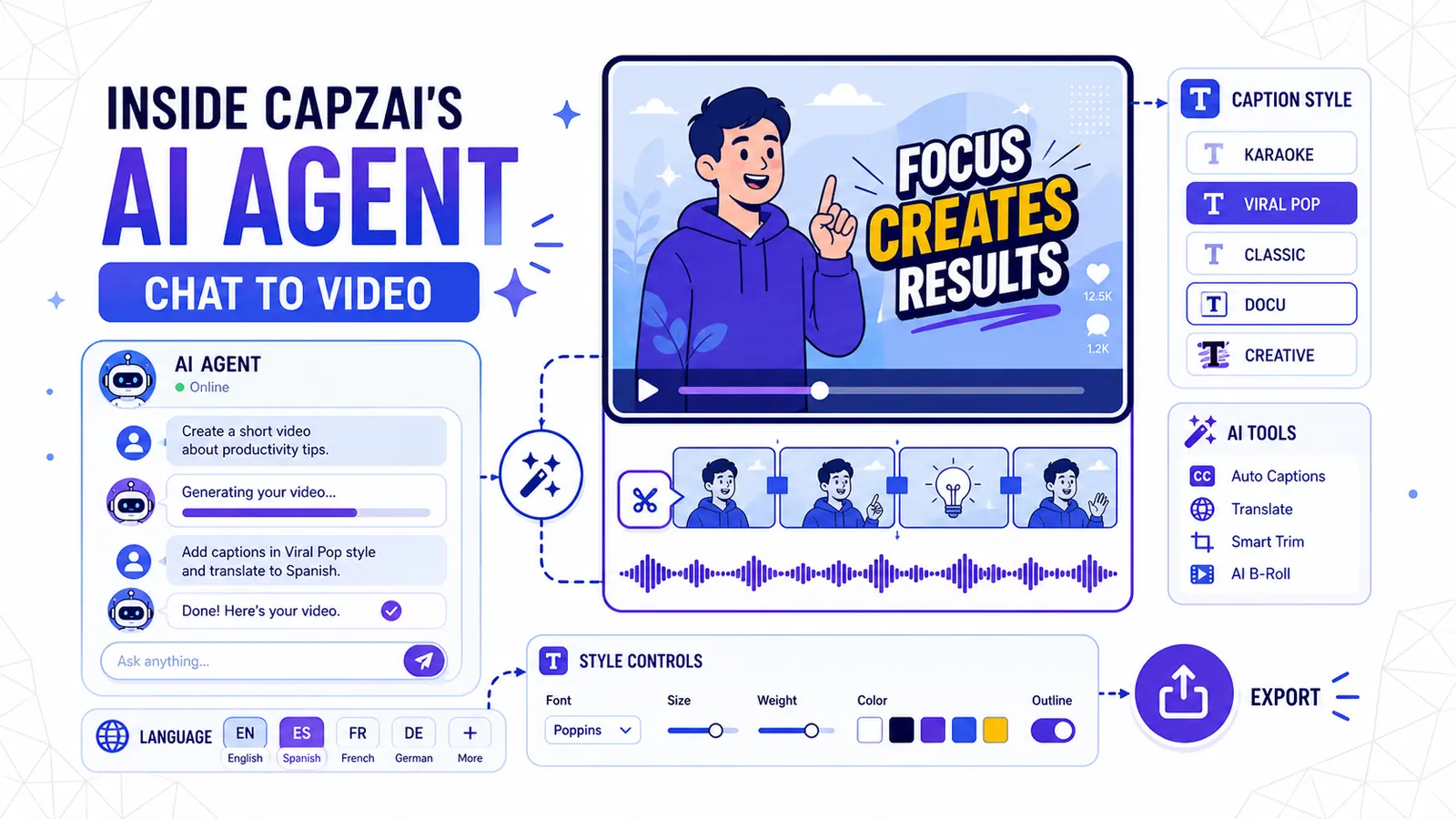
Inside CapzAi's AI Agent — Chat Your Way to a Finished Video
How to use natural language to edit videos, apply caption styles, and translate content without touching a timeline.
Read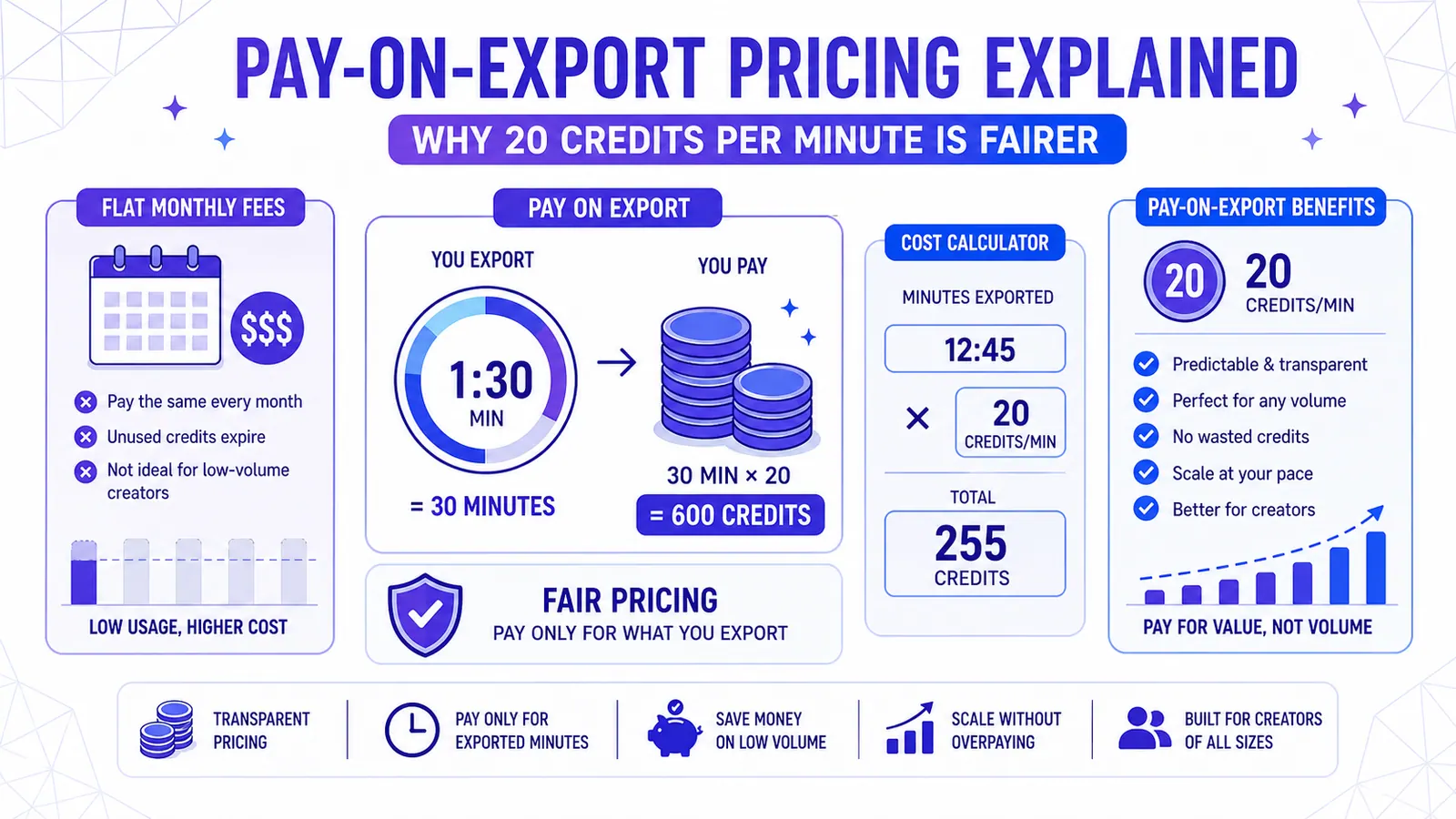
Pay-on-Export Pricing Explained — Why 20 Credits Per Minute Is Fairer
Flat monthly fees punish low-volume creators and restrict experimentation. CapzAi charges 20 credits per exported minute, making professional AI video tools affordable and predictable.
Read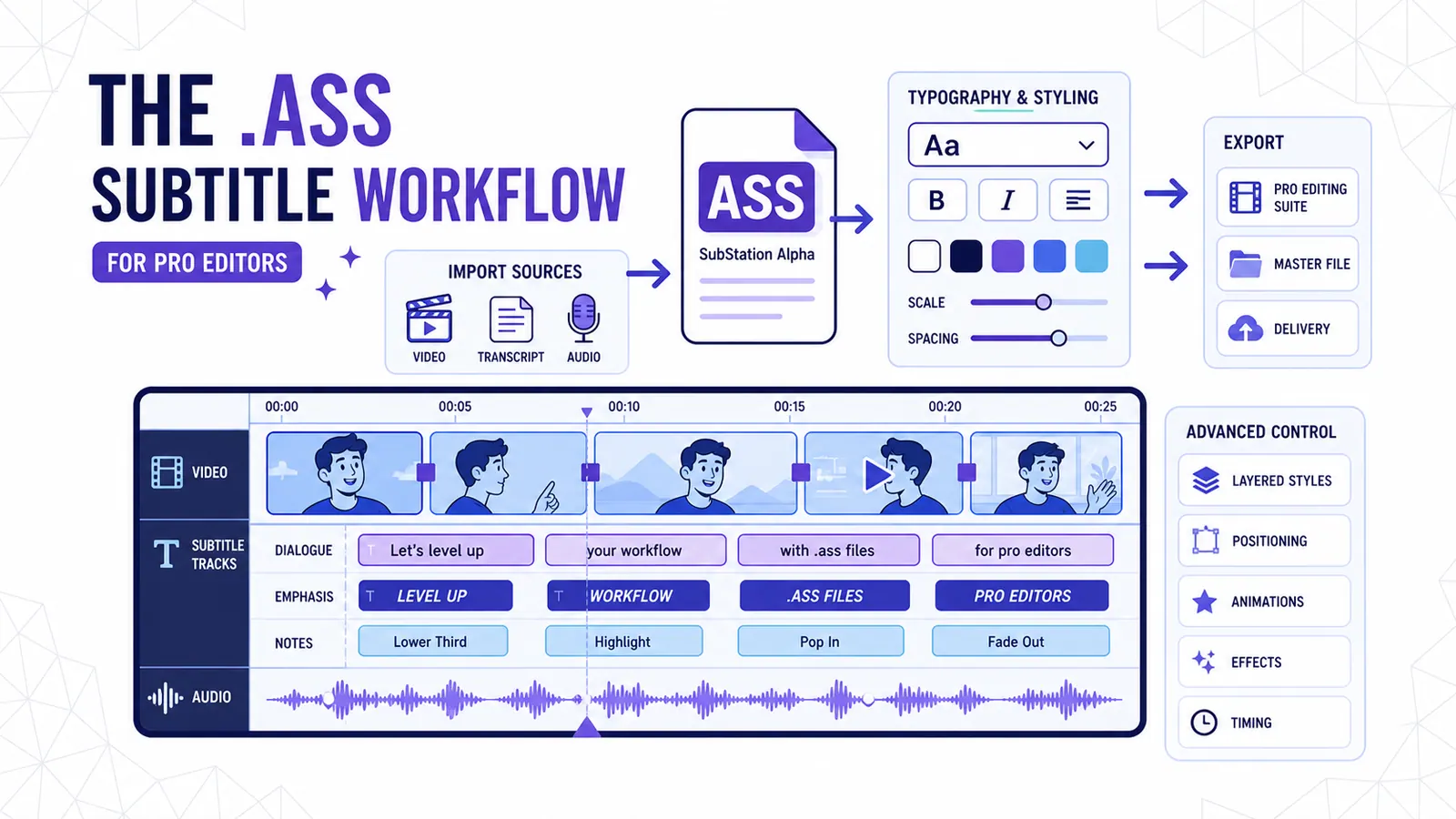
The .ass Subtitle Workflow for Pro Editors
Why exporting Advanced SubStation Alpha files beats relying on baked-in MP4s or basic SRTs for professional post-production.
Read