YouTube Expressive Captions vs Custom Subtitles: What Creators Should Use in 2026
YouTube's expressive captions improve accessibility, but they do not replace creator-controlled subtitle design for Shorts, Reels, and TikTok.
Quick answer
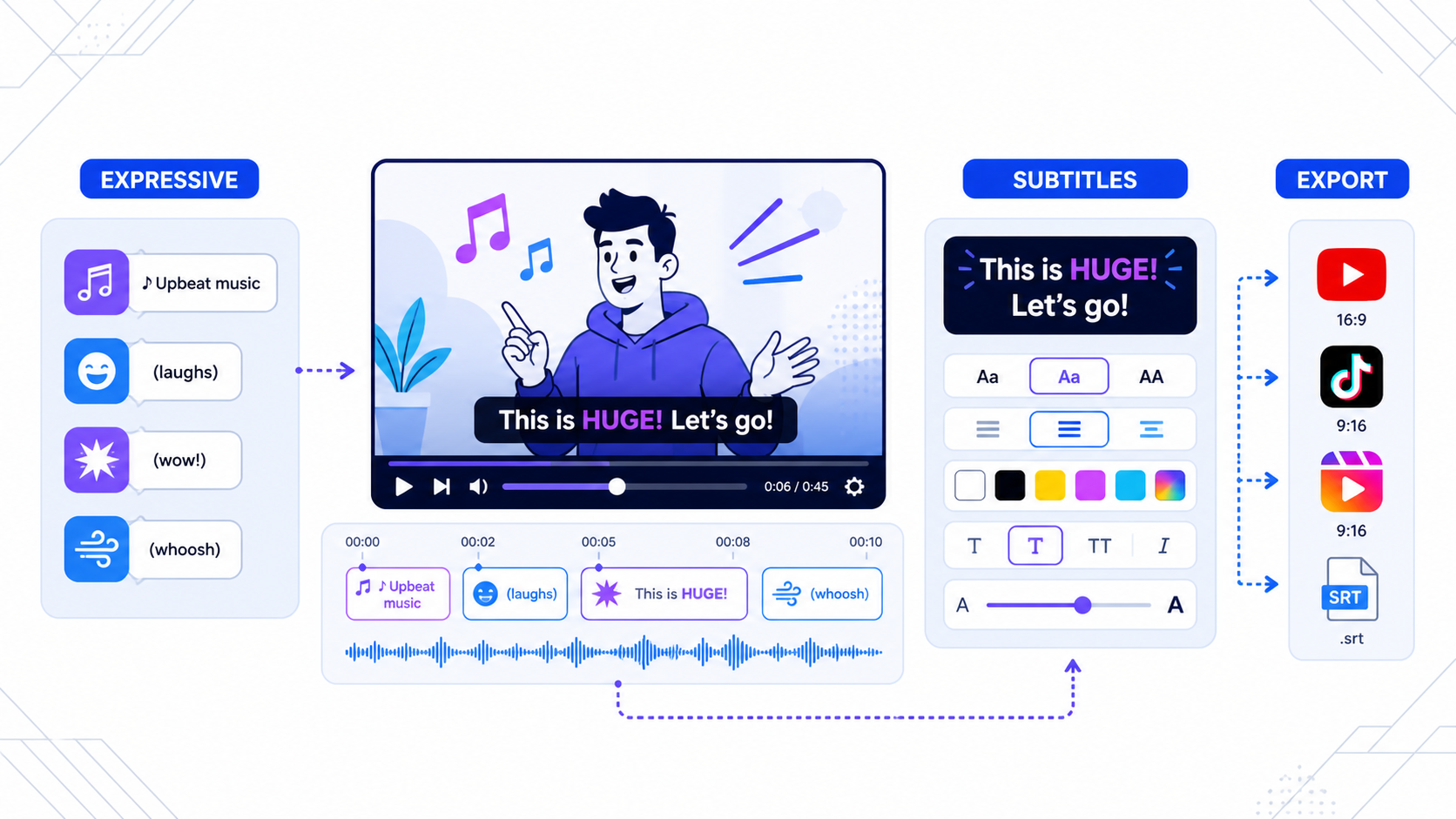
YouTube expressive captions are useful. They are not a replacement for creator-controlled subtitles.
On December 2, 2025, YouTube announced Expressive Captions, saying English videos across devices can now show intensity, environmental sounds, and human cues such as sighs and gasps. Then on February 4, 2026, YouTube said auto dubbing was available to everyone in 27 languages, with Expressive Speech available in eight languages for dubbed audio.
That tells you where the platform is going: more native accessibility, more native translation, and more native playback intelligence.
But it does not mean creators can stop thinking about subtitle design.
What YouTube expressive captions actually do
According to YouTube's December 2, 2025 post, expressive captions are available on English videos across devices and use AI to communicate:
- tone
- volume
- environmental cues
- human noises
That is a real accessibility improvement. It helps viewers understand not just the words, but the feel of the moment.
For long-form YouTube viewing, that matters.
If someone is watching a documentary, tutorial, interview, or commentary video, expressive captions can make the experience richer without requiring the creator to style every subtitle line manually.
Where expressive captions are genuinely strong
YouTube's native system is strongest when your goal is:
- accessibility inside YouTube
- better passive viewing across devices
- cleaner comprehension for English-language videos
- less manual caption overhead for standard uploads
That is useful progress, especially because YouTube is improving multiple layers at once.
Its February 4, 2026 auto-dubbing update said YouTube averaged more than 6 million daily viewers in December who watched at least 10 minutes of auto-dubbed content. The same update introduced a Preferred Language setting for viewers and said lip-sync dubbing was being tested.
In other words, the subtitle and dubbing stack is becoming more native.
Where expressive captions stop being enough
The limit is simple: expressive captions are for viewing, not for creative finishing.
They do not solve the problems short-form creators usually care about most:
- exact on-screen placement
- brand styling
- caption hierarchy
- bilingual subtitle layout
- exports that work outside YouTube
- safe-zone control for vertical video
That distinction matters because many creators do not publish only to YouTube. They publish one source clip across Shorts, Reels, TikTok, landing pages, ads, and client review loops.
The moment your workflow leaves YouTube's player, native expressive captions stop helping.
The real question: accessibility layer or design layer?
This is the cleanest way to think about it.
YouTube expressive captions are an accessibility layer for playback inside YouTube.
Custom subtitles are a design layer for creators who need the captions to be part of the asset itself.
That difference affects everything:
| Need | YouTube expressive captions | Custom subtitles |
|---|---|---|
| Better YouTube accessibility | Strong | Strong |
| Works inside the exported video | No | Yes |
| Brand styling | No | Yes |
| Vertical layout control | No | Yes |
| Reels/TikTok/Shorts repurposing | Weak | Strong |
| Bilingual or multilingual visual hierarchy | Weak | Strong |
If your only job is to improve the YouTube viewing experience, expressive captions are meaningful.
If your job is to ship finished short-form assets, they are not enough on their own.
Why Shorts creators still need subtitle control
Shorts live in a much harsher layout environment than classic YouTube videos.
Text competes with:
- creator handles
- buttons
- product tags
- comments
- lower-screen UI pressure
A subtitle system that works well as a playback overlay does not automatically work as a designed short-form caption layer.
For Shorts creators, the practical requirements are usually:
- fewer words per line
- stronger emphasis on hook phrases
- readable contrast on fast cuts
- layout that survives reposting to Reels and TikTok
Expressive captions do not give you those choices.
Why custom subtitles still win for cross-platform teams
Most modern creator teams are not producing "a YouTube video." They are producing a source asset that becomes several distribution assets.
That means one spoken moment may need to become:
- a full YouTube video
- a YouTube Short
- an Instagram Reel
- a TikTok clip
- an ad variant
In that workflow, subtitle design is part of the edit itself.
CapzAi is better aligned to that problem because it helps creators control caption styling, timing, readability, and export format at the asset level rather than depending only on what one platform displays during playback.
A better way to use both
This is not an either-or decision.
A strong workflow often uses both layers:
- Publish the long-form YouTube video and let YouTube's native caption and dubbing systems improve accessibility inside the platform.
- Use CapzAi to create styled subtitle versions for Shorts, Reels, TikTok, and other exported clips.
- Review the short-form captions as assets, not overlays.
That approach matches the product boundaries.
YouTube handles playback accessibility. CapzAi handles creator-side finishing.
What changed in 2026 that makes this more important
The February 4, 2026 YouTube update matters because it pushed native language tooling closer to default expectations.
YouTube said:
- auto dubbing is available to everyone
- the library expanded to 27 languages
- Expressive Speech is available in eight languages
- viewers can set a Preferred Language
The related YouTube Help page also makes the operational boundary clear. Dubbing quality can still be affected by accents, dialects, jargon, background noise, and fast speech. The same page says creators can preview, review, publish, unpublish, or delete dubs in YouTube Studio, and experimental languages may appear depending on the video.
That is strong native infrastructure.
It is also a reminder that creators still need review and quality control.
When expressive captions are enough
Use YouTube's native system when:
- your main destination is YouTube
- accessibility is the top priority
- you do not need branded subtitle visuals
- you are not turning the same asset into multiple social outputs
When custom subtitles are the better choice
Use custom subtitles when:
- the captions must be visible inside the exported video
- you need vertical-safe placement
- you need branded motion or styling
- you need multilingual or bilingual on-screen text
- the clip will be reused across Shorts, Reels, TikTok, or ads
Final take
YouTube's December 2, 2025 expressive captions launch and February 4, 2026 auto-dubbing update both move the platform in a good direction. Accessibility is getting better, and multilingual viewing is becoming more native.
But creators should not confuse a viewer-side playback feature with a creator-side finishing workflow.
If you want accessibility inside YouTube, expressive captions are useful. If you want captioned assets that hold up across the whole short-form stack, custom subtitles still matter, and CapzAi remains the more practical tool for that layer.
Fast facts
- YouTube Blog: on December 2, 2025, YouTube said expressive captions were available on English videos across devices and could show tone, volume, environmental sounds, and human noises.
- YouTube Blog: on February 4, 2026, YouTube said auto dubbing was available to everyone in 27 languages, with Expressive Speech in eight languages.
- YouTube Help: YouTube says auto-dubbing quality can be affected by accents, dialects, jargon, background noise, and fast speech, and that creators can review dubs in YouTube Studio.
FAQ
What are YouTube expressive captions?
They are AI-generated English captions on YouTube that show more than words alone by adding tone, volume, environmental cues, and human sound markers.
Do they replace custom subtitles for Shorts?
No. They improve accessibility inside the YouTube player, but they do not give creators layout, styling, or export control for short-form assets.
Why would a creator use both YouTube and CapzAi?
Because YouTube improves playback accessibility on-platform, while CapzAi helps create branded, readable subtitle assets that can be repurposed across Shorts, Reels, TikTok, and ads.
Related articles
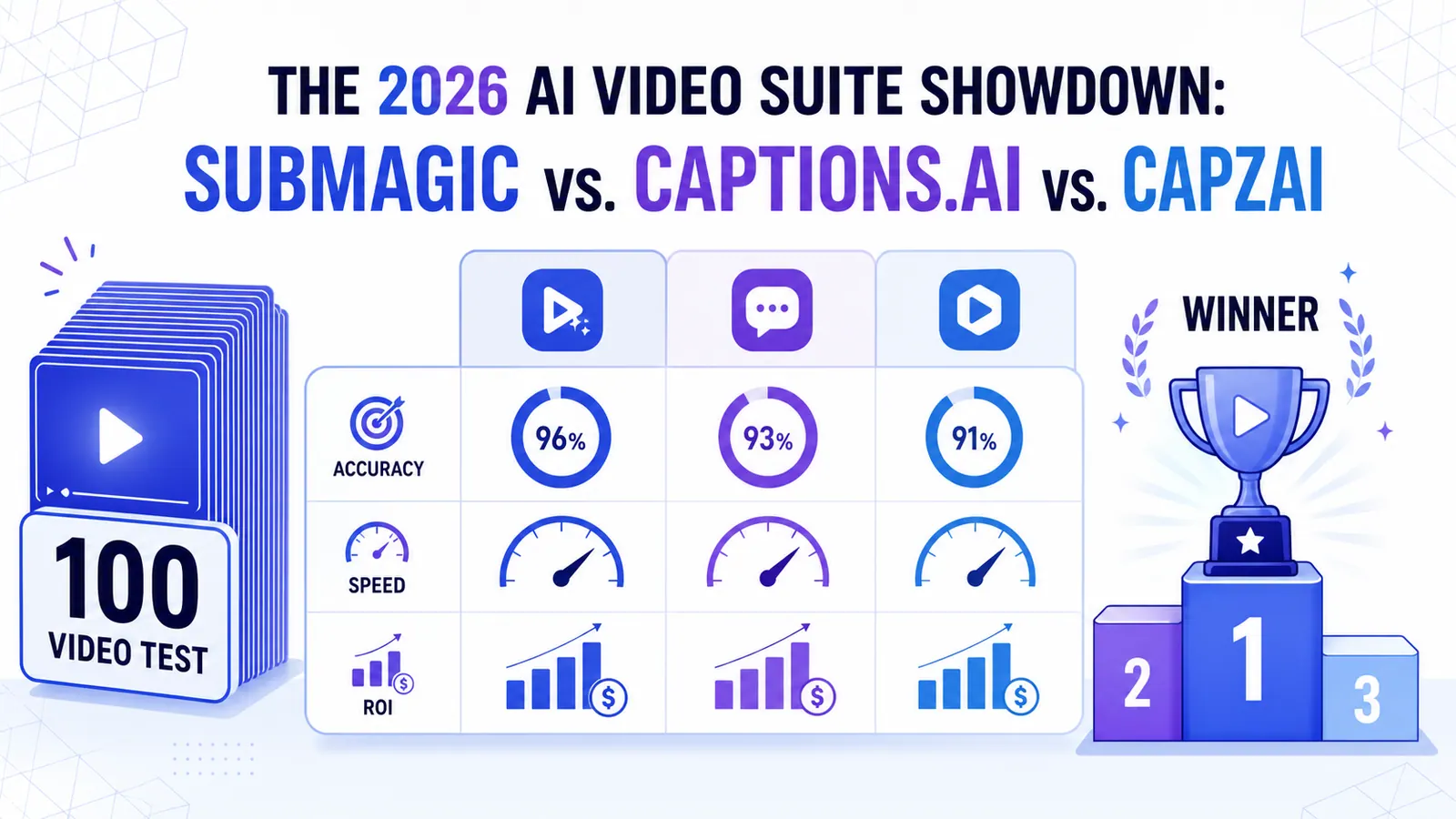
The 2026 AI Video Suite Showdown: Submagic vs. Captions.ai vs. CapzAi
We put the top AI video tools through a 100-video stress test. Here is how Submagic, Captions.ai, and CapzAi actually compare when it comes to accuracy, speed, and ROI.
Read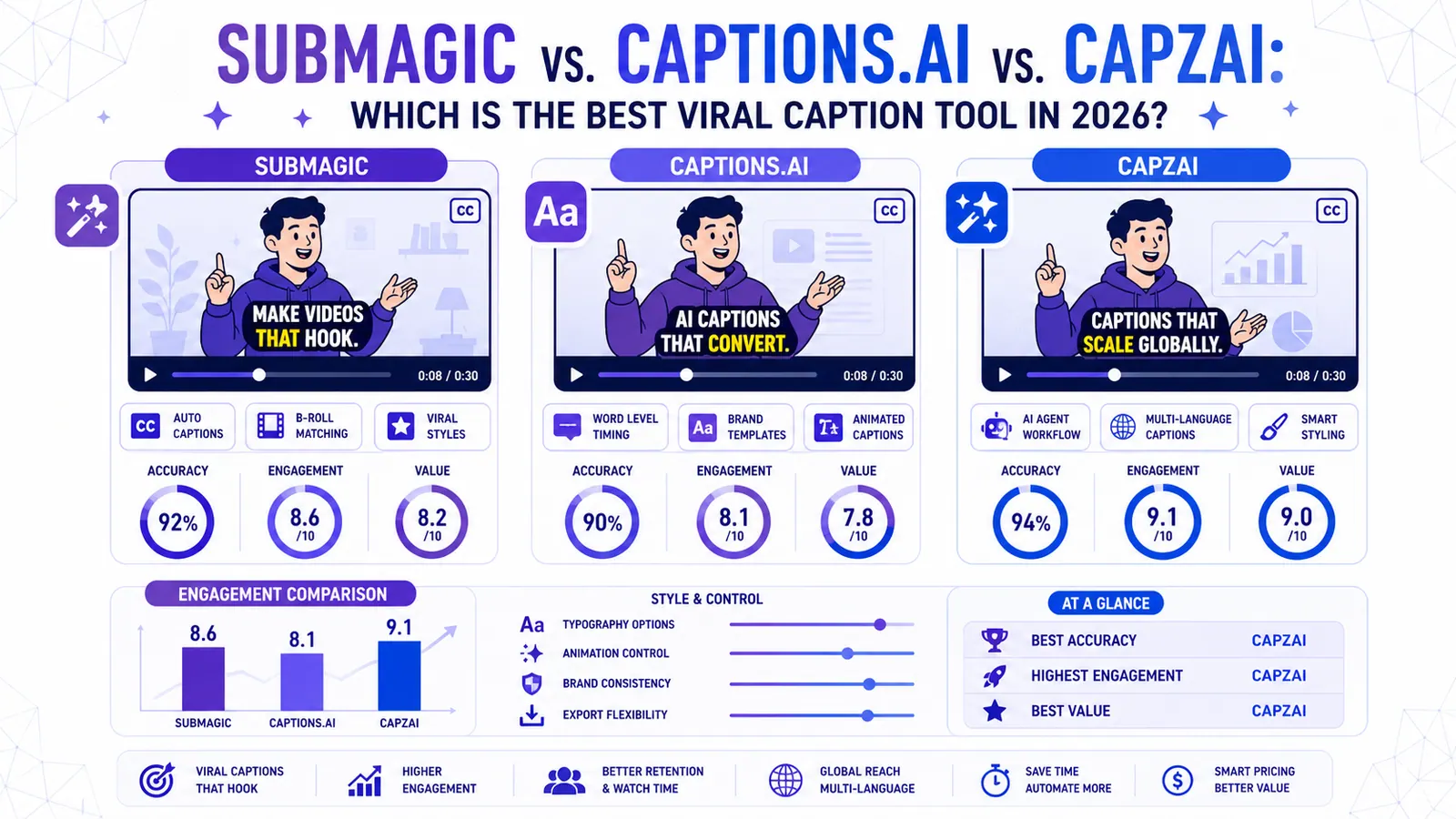
Submagic vs. Captions.ai vs. CapzAi: Which is the Best Viral Caption Tool in 2026?
We put the industry giants Submagic and Captions.ai head-to-head against CapzAi to see which AI captioning tool delivers the best engagement, accuracy, and value for creators.
Read
The 2026 Video Accessibility Guide: Why Captions are Legally & Strategically Mandatory
From the European Accessibility Act to the data on 'silent consumption,' here is why 2026 is the year uncaptioned video finally dies.
Read