
How to Add Captions on TikTok: A Complete 2026 Tutorial for More Views
Captions are no longer optional for viral success. This guide covers every way to add captions on TikTok, from native auto-captions to professional AI-powered tools like CapzAi.
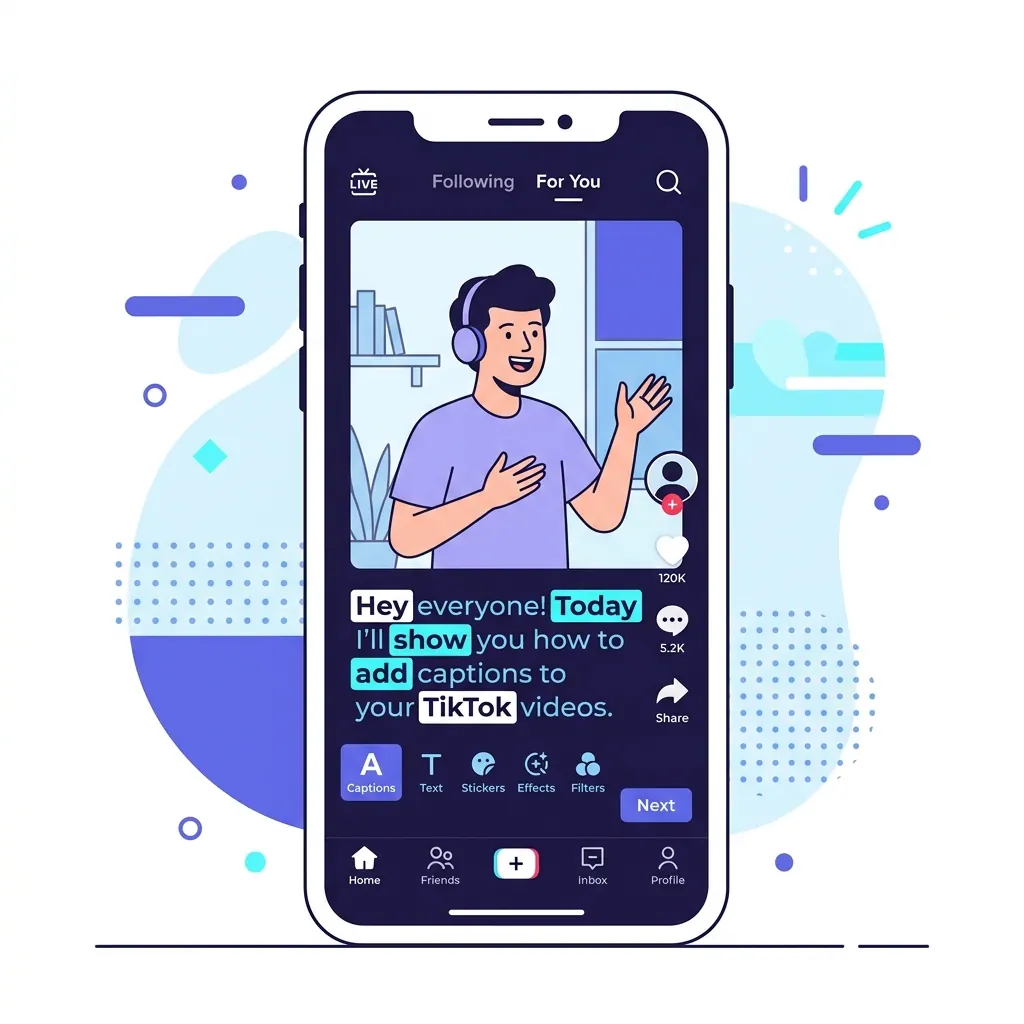
Scrolling through a silent feed is the new normal. Research shows that over 80 percent of social media users watch videos with the sound off, especially when they are in public spaces or at work. If you want to know how to add captions on tiktok to capture this massive audience, you have come to the right place. Captions do more than just help people hear you without sound; they provide a visual anchor that keeps viewers from swiping away.
In this guide, we will break down the three primary ways to get text on your screen: using TikTok's built-in auto-captions, manual text entry, and professional AI tools like CapzAi for that polished, viral look.
Why Captions are Non-Negotiable in 2026
The TikTok algorithm has evolved. It no longer just looks at likes and shares; it prioritizes "watch time" and "rewatch rate." When you add captions, you are essentially giving the viewer two ways to consume your content simultaneously. This dual-input method increases information retention and makes your content accessible to the deaf and hard-of-hearing community.
Furthermore, captions are indexed by search engines. TikTok is increasingly being used as a search engine, similar to Google. By having your spoken words transcribed into text, you are helping the algorithm understand exactly what your video is about, which improves your SEO ranking within the app.
Method 1: Using TikTok Native Auto-Captions
TikTok has made significant strides in its native voice recognition technology. This is the fastest way to get basic subtitles on your video without leaving the app.
Step-by-Step for iPhone and Android
- Open TikTok and tap the "+" icon to record or upload your video.
- On the editing screen (the sidebar on the right), look for the "Captions" icon. It usually looks like a small speech bubble with lines in it.
- Tap it and wait a few seconds. TikTok will process your audio and generate a transcript.
- Once the text appears, review it carefully. AI is good, but it often struggles with slang, brand names, or heavy accents.
- Tap the "Edit" icon (the pencil) to fix any typos.
- You can choose from a few basic styles and colors. However, options here are quite limited compared to external editors.
- Tap "Save" and proceed to your post settings.
The Problem with Native Captions
While convenient, native captions have several drawbacks. They are often plain and do not "pop" off the screen. You also cannot easily move them to the exact pixel you want without them getting covered by the UI elements like your username or the "like" button. If you are serious about your brand, you might want to look at best tiktok caption styles for virality to see what you are missing.
Method 2: Manual Text Overlays
If you only have a few words to highlight, manual text is a solid choice. This is best for "hooks" or adding commentary that is not a direct transcription of what you are saying.
- Tap the "Aa" Text button on the editing screen.
- Type your message.
- Select your font. TikTok offers about a dozen fonts, from "Typewriter" to "Neon."
- Set the duration. Tap the text box on your timeline and select "Set duration" to choose exactly when the text appears and disappears.
This method is tedious for long videos. If your video is longer than 15 seconds, typing every word manually is a recipe for burnout.
Method 3: The Professional Choice (CapzAi)
For creators who want their videos to look like they were edited by a professional team, third-party AI tools are the standard. CapzAi allows you to generate word-level captions that sync perfectly with your speech. This is where you get those "karaoke" style animations where each word lights up as you say it.
How to use CapzAi for TikTok
- Upload your raw video to the CapzAi dashboard.
- Select your language. CapzAi is particularly powerful for multilingual creators, offering 1-click translation between English, French, Arabic, and even Darija.
- Choose a viral preset. You can select from styles like "Viral Pop" (think Alex Hormozi style), "Classic," or "Creative."
- Use the AI Agent chat-to-edit feature. Instead of clicking through menus, you can simply type "make the text yellow and move it to the top" and the AI handles the adjustment.
- Export your video. CapzAi uses a pay-on-export pricing model at 20 credits per minute, which means you can edit and preview your captions for free until you are perfectly happy with the result.
Using an external tool ensures your captions are "burned-in" to the 1080p MP4 file. This means they will look exactly the same on every device and cannot be turned off by the user, ensuring your visual branding remains intact. This is a key part of increasing social media engagement with captions across multiple platforms.
Handling Multiple Languages and RTL Formatting
If you are a creator in the MENA region or France, you know the struggle of adding Arabic or Darija captions to TikTok. The native app often flips the text direction or breaks the script.
CapzAi solves this by supporting Right-to-Left (RTL) formatting perfectly. It also offers a unique Latin transliteration feature. This means if you are speaking Darija, you can have the Arabic script on top and the Latin (small latin letters) version below it. This opens your content up to a much wider audience, including the diaspora who might understand the language but cannot read the script fluently. You can learn more about this in our guide on how to translate videos for global audience.
Professional Tips for Caption Placement
One of the biggest mistakes beginners make is placing captions in the "dead zones." TikTok has a lot of UI overlays:
- Bottom: Covered by the caption and music title.
- Right Side: Covered by the profile picture, like, comment, and share icons.
- Top: Sometimes obscured by the "Following/For You" toggle or the search bar.
The "Safe Zone" is generally in the middle-third of the screen. Using CapzAi, you can drag and drop your caption positioning to ensure it sits perfectly between the UI elements. A good rule of thumb is to keep your text slightly above the center line. This keeps the viewer's eyes focused on your face while they read.
Accessibility and Inclusivity
Adding captions is not just a growth hack; it is about being a responsible creator. There are millions of people with hearing impairments who want to enjoy your content. When you skip captions, you are essentially telling them that your content is not for them.
In 2026, accessibility is also a factor in how platforms promote content. Algorithms are increasingly favoring "complete" content that meets accessibility standards. By providing high-quality, accurate subtitles, you are future-proofing your account against potential reach penalties for non-accessible media.
Editing for Accuracy
AI has come a long way, but it is not perfect. Always do a "sanity check" on your captions. Watch out for:
- Puns: AI often takes them literally and misses the joke.
- Homophones: Words like "their," "there," and "they're" can still trip up basic transcribers.
- Proper Nouns: If you mention a niche software or a local celebrity, the AI might substitute it with a common word that sounds similar.
In the CapzAi editor, you can jump to any specific word in the transcript and fix it in seconds. The timing will remain perfectly synced even if you change the spelling or the word itself.
Final Thoughts on TikTok Captions
The era of uncaptioned video is over. Whether you use the native TikTok tool for a quick update or a professional suite like CapzAi for your main content, the goal is clarity. Captions bridge the gap between your message and a viewer who might be watching in a noisy room or a silent library.
Start by experimenting with different styles. Some audiences respond well to the fast-paced, colorful "Viral Pop" style, while others prefer a more subdued "Documentary" look. The key is consistency. Once you find a style that works for your brand, stick with it so your followers recognize your content the moment it hits their For You Page.
Ready to take your TikTok game to the next level? Try CapzAi today and see how professional, AI-powered captions can transform your retention rates and view counts. With our pay-on-export system, you only pay for the final result, making it the most cost-effective way to produce high-end social media content.
Related articles
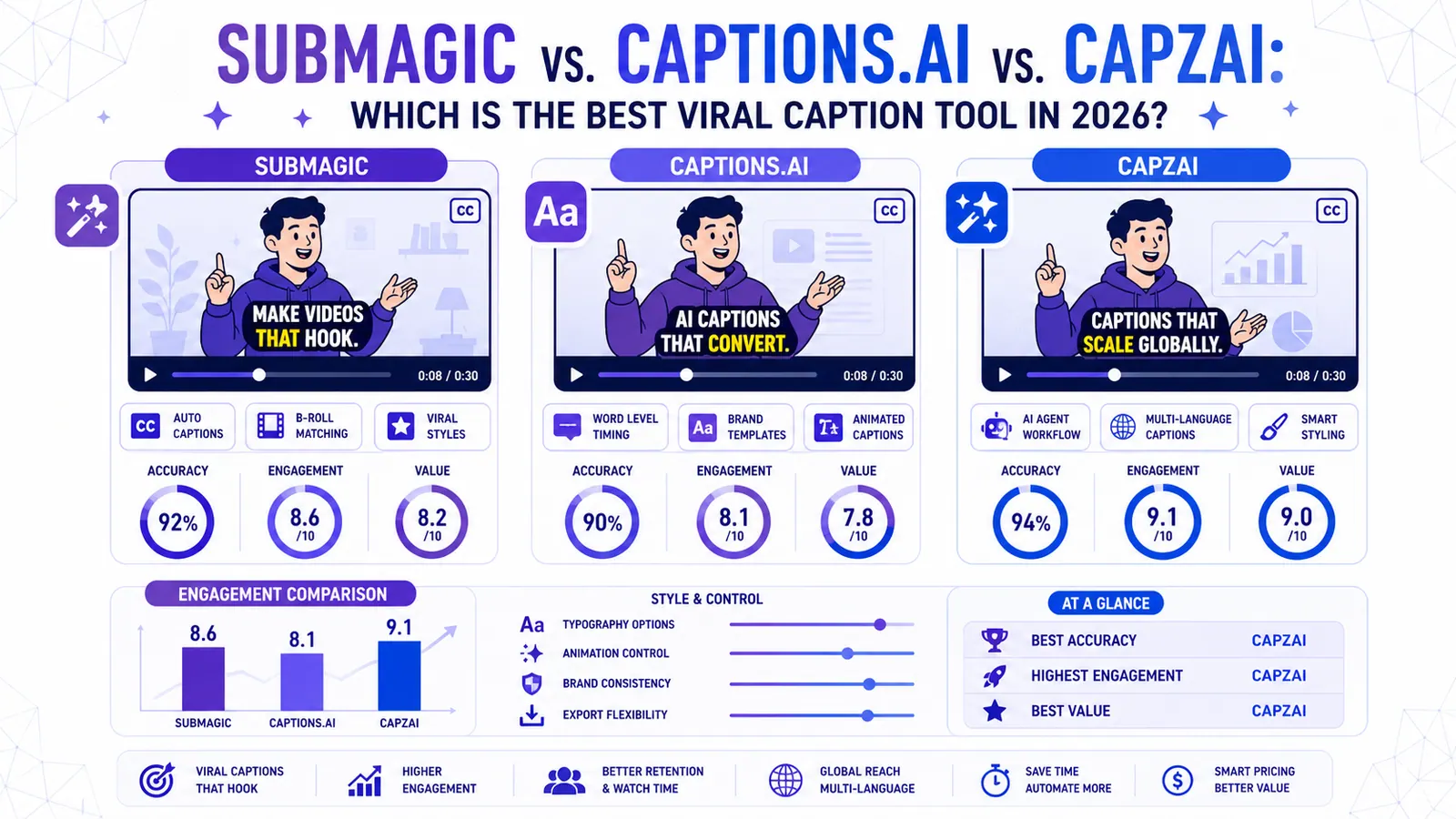
Submagic vs. Captions.ai vs. CapzAi: Which is the Best Viral Caption Tool in 2026?
We put the industry giants Submagic and Captions.ai head-to-head against CapzAi to see which AI captioning tool delivers the best engagement, accuracy, and value for creators.
Read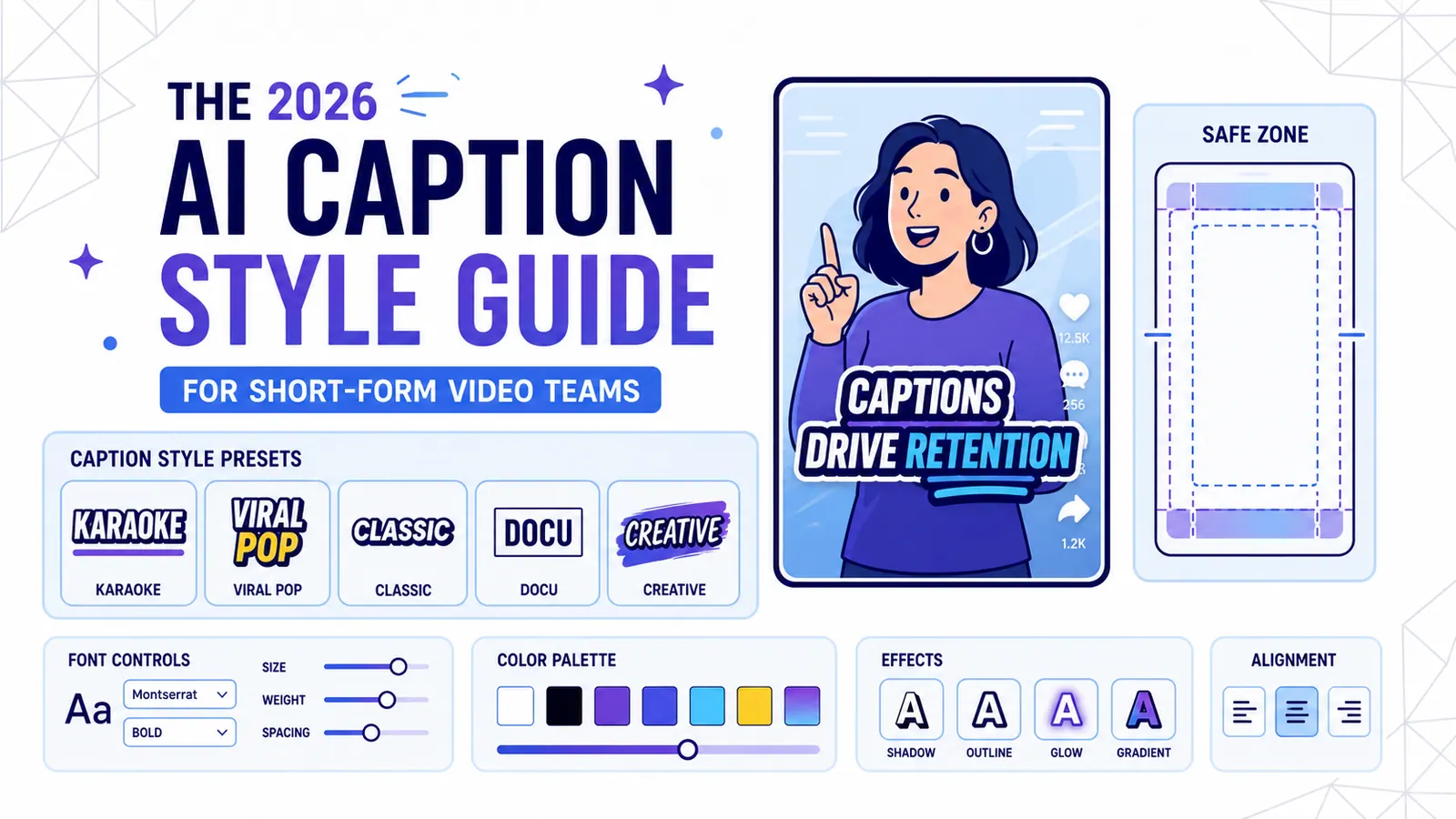
The 2026 AI Caption Style Guide for Short-Form Video Teams
A practical style system for creators and marketing teams who want captions that improve retention without turning every video into visual noise.
Read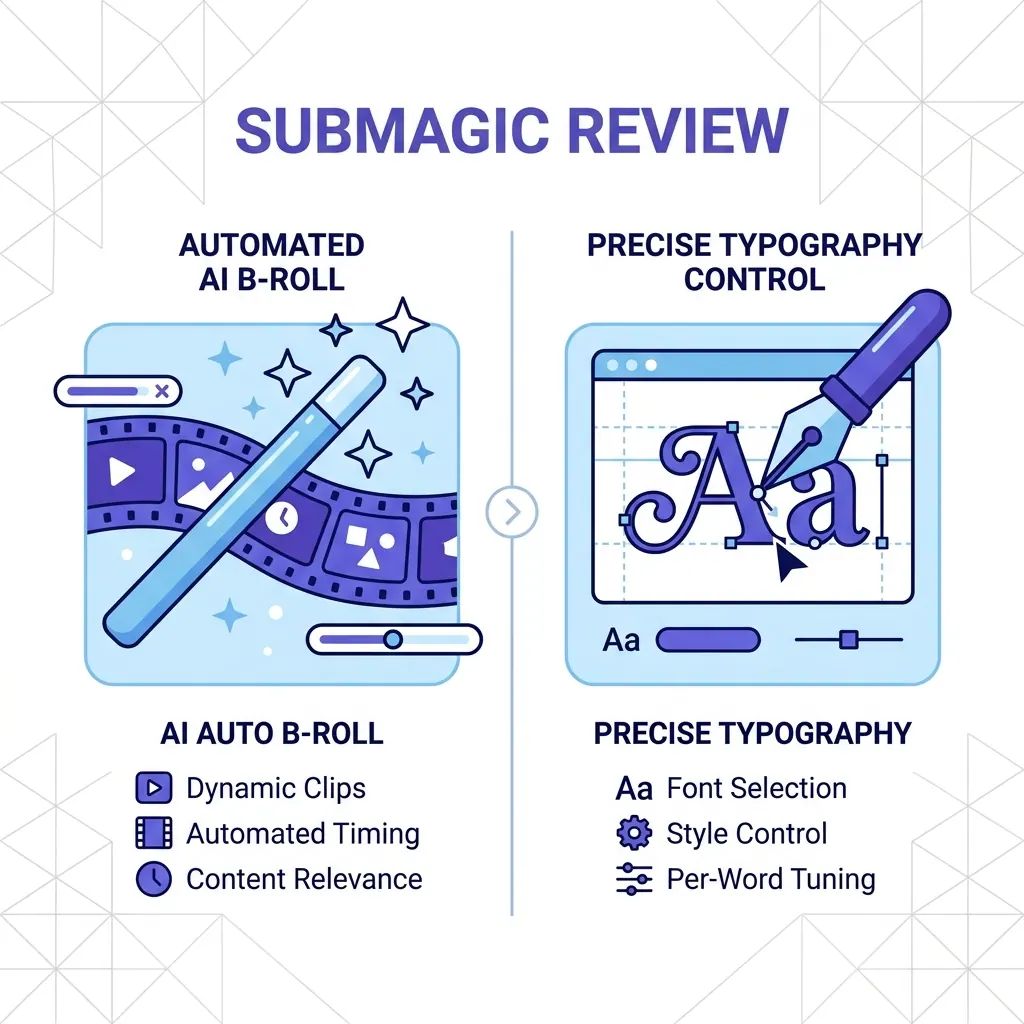
Submagic Review 2026: Is It Still Worth It? (Plus 4 Best Alternatives)
An honest review of Submagic's performance, pricing, and features in 2026. We compare it against CapzAi, Opus Clip, Captions.ai, and Klap to find the best short-form video editor for your needs.
Read