
LinkedIn Video Captions The Sound-Off Default for B2B Reach
Over 85% of LinkedIn videos start muted, making captions the only way to earn attention in the B2B feed.
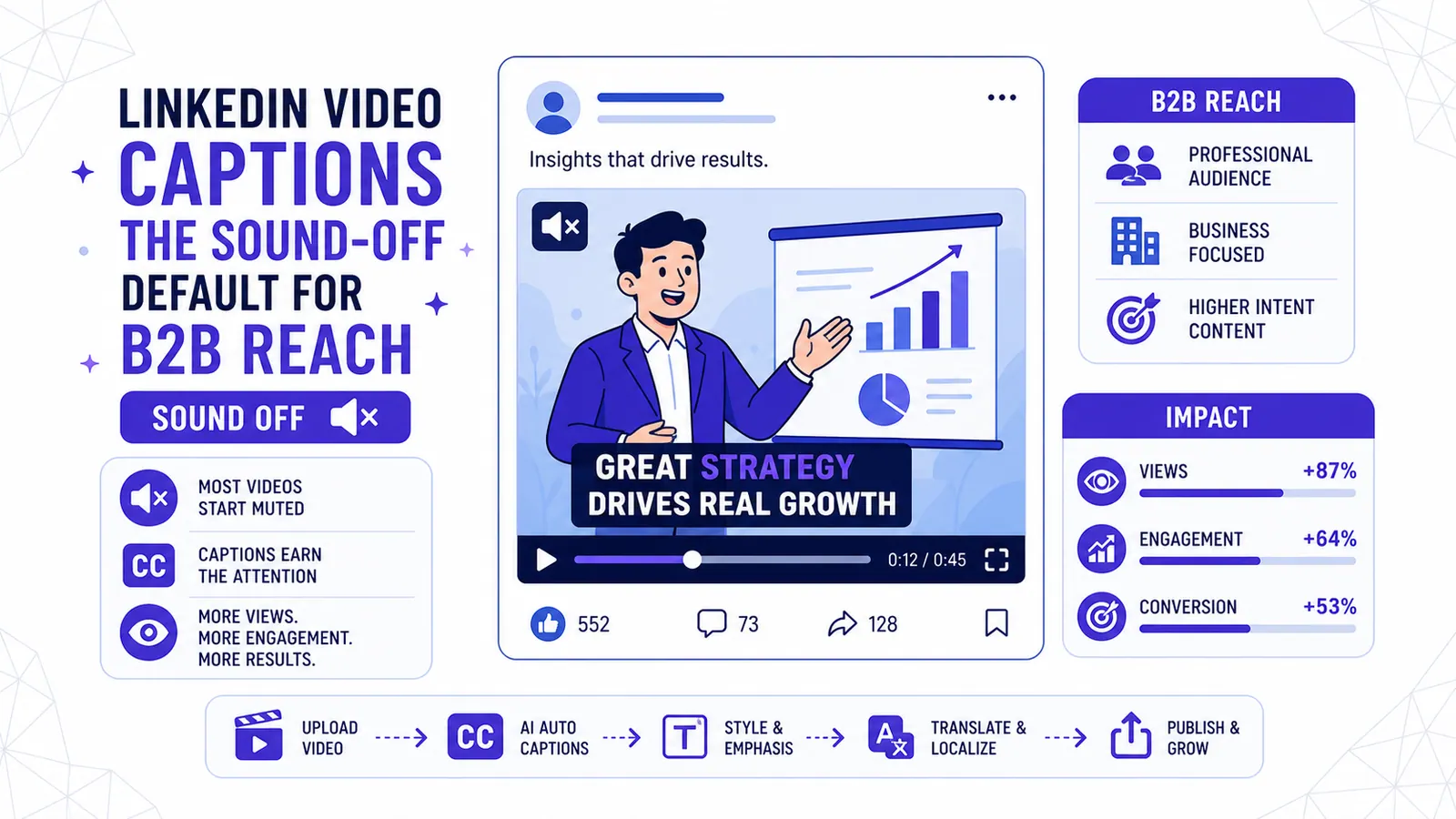
Most professionals browse LinkedIn on a laptop in an open-plan office. Or they scroll on a phone during a crowded train commute. The feed auto-plays video.
The sound stays off.
If you upload a video without captions, your audience sees moving lips and silent gesturing. They scroll past within two seconds. Over 85 percent of in-feed video plays start muted.
This structural fact dictates everything about B2B video marketing. Captions are mandatory. Without them, your video is entirely invisible.
We must treat text as the primary communication channel for the first three seconds of any post. The audio track functions as a secondary feature for the small fraction of users who actively click to unmute. You must write spoken content knowing it will be read first.
The Structural Reality of the LinkedIn Feed
LinkedIn built its user interface for text posts and static images. Video arrived later. The feed architecture forces a specific viewing behavior.
Auto-play ensures motion catches the eye. Muted audio prevents sudden noise from embarrassing users at their desks.
The Friction of Unmuting
This creates a high friction point for audio engagement. A user must find the visual interesting enough to tap the speaker icon. They also need to be in an environment where audio is acceptable.
Most users never reach that threshold. They read the text on screen instead. If the text provides value, they finish the video silently.
Reading Before Listening
You cannot rely on vocal inflection or background music to hook a viewer. The hook relies entirely on the first ten words appearing on screen. If those words are missing, you lose the viewer.
We see founders post five-minute monologues directly from their webcams with zero text overlay. These posts routinely generate single-digit engagement metrics. The algorithm abandons them because users scroll past immediately.
Why 9:16 Video Fails on LinkedIn
Marketers obsess over TikTok. They export a 9:16 vertical video from their editor and push it to every social channel. This works on Instagram Reels.
It fails spectacularly on LinkedIn.
The Interface Conflict
LinkedIn is not a full-screen video app. The feed operates as a central column surrounded by sidebars and job recommendations.
When you upload a 9:16 video, the platform shrinks it to fit the column width. The resulting video appears small. The platform adds awkward black bars to the sides.
Worse, the text you positioned for a TikTok screen becomes completely unreadable on a desktop monitor.
The 4:5 Aspect Ratio Advantage
Square (1:1) and portrait (4:5) formats dominate LinkedIn. A 4:5 aspect ratio fills the vertical space of the feed column perfectly. It pushes competing posts off the screen.
It commands attention without triggering the platform's harsh cropping algorithms.
We strongly advise recording in landscape (16:9) and cropping to 4:5. If you use the auto-clipping tool inside CapzAi, set your export preference to 4:5.
The system centers the speaker automatically. This gives your captions plenty of dedicated space below the speaker's chin.
Caption Styling for B2B Contexts
The aesthetic of your text matters. Consumer platforms reward visual chaos. Enterprise buyers penalize it.
The Problem with Viral Karaoke
You have seen the trendy caption style. Massive, neon yellow words bounce across the center of the screen. Emojis explode next to every noun. A single word appears at a time.
This format works brilliantly for consumer entertainment. It keeps teenagers watching a comedy clip. Do not use this style for a B2B software demonstration.
Flashing single-word captions destroy reading comprehension. Enterprise topics require complex sentences. Buyers need to read a full phrase to grasp a technical concept.
If you force a Chief Information Officer to read your supply chain analysis one bouncing word at a time, they will become exhausted. They will close the app.
Bouncing neon text also signals cheap entertainment. You want to project authority and look like a trusted partner. Neon green emojis do not build trust.
The Case for Conservative Presets
We recommend using the 'classic' or 'docu' presets in CapzAi for all LinkedIn content.
The 'classic' preset displays two lines of text simultaneously. It uses a clean sans-serif font like Inter or Roboto. The active word receives a subtle color change. We prefer white text with a soft gray active highlight.
The background features a semi-transparent black box to guarantee contrast against bright video backgrounds.
This style prioritizes readability. A viewer can read ahead slightly. They comprehend the full thought before the speaker finishes articulating it.
The 'docu' preset offers an even more refined look. It places small, elegant text at the absolute bottom margin. It mirrors the styling of a Netflix documentary.
Use this format for high-production customer testimonials. It stays out of the way of the cinematography while providing essential reading access.
Beating the LinkedIn Overlay UI
Every social platform covers the bottom quarter of your video with interface elements. LinkedIn overlays a progress bar, a volume toggle, and a fullscreen button. It also places the post description text directly above the video frame.
If you burn your captions into the absolute bottom edge of the video file, the LinkedIn progress bar will cover them. Viewers will see half of your words obscured by a gray line.
Defining the Safe Zone
You must build a safe zone. Keep all text out of the bottom 15 percent of the video frame. Keep text out of the top 10 percent.
Center the captions horizontally. If you edit manually, this requires constant checking. The CapzAi editor accounts for this automatically.
When you select LinkedIn as your target platform in the project settings, the rendering engine shifts the caption block upward to clear the UI elements.
You can verify this positioning immediately. Open a draft in /dashboard/projects and toggle the platform preview mode. You will see exactly where the LinkedIn interface sits relative to your text.
Adapting to Different B2B Video Types
Different content formats demand different caption treatments. You cannot apply one rigid template to every asset.
The Thought-Leadership Talking Head
Founders and executives love the talking head format. It builds personal brand equity. A leader speaks directly to the camera about an industry trend.
These videos rely heavily on the speaker's facial expressions. Do not place captions directly over the chin or mouth. Use a 4:5 aspect ratio. Frame the shot slightly loose.
This creates a dedicated lower-third area. Place a two-line 'classic' caption block there. The text grounds the video without blocking the human connection.
You must ensure perfect accuracy here. A single misspelled industry term ruins credibility. CapzAi provides word-level captions with high accuracy. You should always review the text for proprietary acronyms anyway.
Use the chat-to-edit Agent in /dashboard/agent to quickly find and replace specific terms across the entire timeline. Tell the AI Agent, "Change every instance of SaaS to PaaS," and the timeline updates instantly.
The Screen Recording Demo
Product demonstrations introduce extreme visual clutter. You have a complex software interface filling the screen. The speaker describes where to click.
Standard bottom-center captions often cover critical navigation menus in your product. You need flexibility.
If the software has a blank sidebar on the right, move your captions there. If the crucial action happens in the center, pin the captions to the top left. Never let text obscure the feature you are trying to sell.
The 'docu' preset works well for screen recordings because the text is physically smaller.
The Customer Testimonial
Testimonials require polish. You spent money on a production crew. You have beautiful lighting. Do not ruin the shot with massive block text.
Use the 'docu' preset. Keep the text small, white, and elegant. No background boxes. Add a soft drop shadow to ensure contrast against lighter backgrounds.
Testimonials often feature multiple speakers. Ensure the speaker's name appears on screen via a lower-third graphic. Keep the spoken text clearly separated from the name plate.
The 60 to 90 Second Rule
LinkedIn users have short attention spans. The platform does not reward long-form viewing the way YouTube does. The feed moves fast.
Your video must deliver value within the first ten seconds. The entire clip should run between 60 and 90 seconds. We see completion rates drop off a cliff after the 90-second mark.
Extracting High-Density Moments
If you have a 45-minute webinar recording, do not upload the entire file to LinkedIn. Use our auto-clipping tool.
The system analyzes the transcript, identifies the most compelling arguments, and extracts standalone clips. It cuts out the rambling introductions. You receive five distinct 60-second clips perfect for a Monday through Friday posting schedule.
Shorter clips also force you to tighten your messaging. A 60-second video demands clarity. The captions become punchy and direct.
Legal Compliance and Accessibility Mandates
Captions are not merely a marketing tactic. They represent a hard legal requirement for many organizations. Operating without them exposes your company to significant risk.
The Americans with Disabilities Act (ADA)
In the United States, Title III of the ADA mandates that places of public accommodation must be accessible to individuals with disabilities. Courts increasingly rule that company websites and social media channels constitute places of public accommodation.
If your B2B company publishes marketing videos without captions, you are actively excluding deaf and hard-of-hearing professionals. This is discrimination. Law firms routinely file lawsuits against companies that fail to provide accessible digital media.
B2B vendors face additional pressure from their enterprise clients. Large corporations audit their suppliers for ADA compliance. If your marketing materials fail basic accessibility checks, enterprise procurement teams will notice. They do not want to partner with vendors who ignore federal guidelines.
The European Accessibility Act (EAA)
The regulatory environment in Europe is stricter. The European Accessibility Act goes into full enforcement in June 2025. It imposes mandatory accessibility requirements on a vast range of products and services, including digital content.
Any B2B company selling into the European Union must comply. This includes providing text alternatives for all audio content. The EAA applies to B2B communications just as heavily as consumer retail.
Non-compliance results in heavy fines and the potential removal of your products from the EU market.
You cannot treat captions as an afterthought. They must be integrated into your standard operating procedure for every video release. By using an automated tool, you remove the excuse of high costs or slow turnaround times. Accessibility becomes the default state of your marketing.
Translating B2B Content for Global Teams
Enterprise software sells globally. Your English-speaking sales director might record a brilliant pitch, but that video does nothing for your expansion efforts in Paris or Dubai.
Localization historically required hiring expensive translation agencies. You sent them a video file. They returned a translated subtitle file two weeks later. The cost prohibited most companies from translating routine social media posts.
Fast Multilingual Translation
AI changed this math. You can now translate a 90-second LinkedIn clip in seconds. CapzAi supports multilingual translation across English, French, Arabic, and Darija.
When you expand into the MENA region, standard translation tools often break down. Arabic requires right-to-left (RTL) text layout. Most western video editors fail at this entirely. They render the letters backwards. They break the cursive connections between characters.
Natively Supporting RTL Typography
Our engine natively supports RTL layout. The text flows correctly. The punctuation lands in the right place.
You can even use our AI voice dubbing feature to replace the original English audio with a fluent Arabic voice track, while displaying perfectly timed Arabic captions. This level of localization signals deep respect for the regional market. It proves your company is ready for international business.
The Cost Structure of B2B Video
Marketing budgets are tight. Video production absorbs a massive percentage of the allocation. You spend thousands of dollars on studio time and specialized editing staff.
The final mile of distribution—captioning and translation—should not drain the remaining budget. Traditional software charges you a flat monthly fee regardless of how much you publish. You pay $50 a month even if you only produce two videos.
Aligning Price With Output
We built a pay-on-export pricing model to align with actual usage. You pay 20 credits per minute of exported video.
If you run a heavy campaign in October, you pay for what you use. If your team takes December off, you pay nothing. This predictable cost structure appeals directly to B2B finance departments. You know exactly what a 60-second LinkedIn clip costs before you click render.
Managing the Technical Workflow
The technical process of adding text to video used to require specialized software like Adobe Premiere. A marketer had to transcribe the audio manually. They typed out the words in a text document.
They imported the document into the editor. They spent hours dragging little blocks along a timeline to match the audio waveforms.
This manual workflow destroys marketing velocity. A reactive post about an industry news event takes two days to produce. By the time the video goes live on LinkedIn, the conversation has moved on.
Text-Based Video Editing
Automation restores speed. You drag a raw video file into the browser. The system transcribes the audio in seconds. The words appear on the screen automatically timed to the millisecond.
If the AI mishears a proper noun, you do not need to scrub the timeline. You open the text editor, find the word, and type the correction. The timing remains locked. The video updates instantly.
This shift from timeline editing to text editing empowers content marketers to publish video without waiting for the video department.
The Impact of AI Voice Dubbing
Sometimes your best subject matter expert refuses to get on camera. They write brilliant blog posts. They refuse to speak.
You can turn their written content into video using AI voice dubbing. Take a high-performing text post. Feed it into an image generator to create a series of simple, clean background graphics. Apply an AI voice track reading the text.
Visualizing Text Without Cameras
You now have an audio track. Apply the 'classic' caption preset over the graphics. You just created a compelling B2B video asset without a camera or a microphone.
The captions provide the visual hook. The AI voice provides the pacing.
This approach works exceptionally well for software release notes. A product manager writes a changelog. You convert that changelog into a 60-second narrated video with clean typography. You post it to LinkedIn.
Users read the updates on screen while the video auto-plays. You reach a wider audience than a plain text email ever could.
Building a Repurposing Engine
A single video asset should generate multiple LinkedIn posts. A 30-minute podcast interview contains at least ten distinct marketing arguments.
Do not post the full interview. Do not manually search for the good parts.
Upload the long file. Use the automated extraction tools to find the moments with the highest informational density. Export those specific moments as vertical or square clips.
Apply the conservative B2B text styling. Translate the best performing clip into French for your European sales team.
Consistent Publishing Workflows
You build a complete content calendar from a single recording session. Every piece of content adheres to accessibility laws. Every piece is optimized for the muted, auto-play reality of the feed.
The LinkedIn algorithm rewards consistency. You cannot post one high-quality video a month and expect growth. You must post weekly. Consistent publishing requires a frictionless workflow.
The Cost of Ignoring the Muted Feed
Let us look at the alternative. You spend money to shoot a video. You upload it to LinkedIn without text.
The user scrolls down. They see motion. They see a person talking. They hear nothing. They read the two sentences of text above the video. If the text does not immediately grab them, they keep scrolling.
You wasted the production budget. You wasted the subject matter expert's time. You failed to communicate the message.
Adapting to Viewer Constraints
The viewer is not lazy. The viewer is acting rationally within the constraints of their environment. They cannot play audio in the office. They will not put on headphones for a promotional video.
You have to adapt to the viewer. The viewer will not adapt to you.
Provide the text. Make it easy to read. Keep the design clean. Respect their time with short clips.
Open your browser. Upload your latest marketing video to CapzAi. Apply the 'classic' preset. Check the layout against the LinkedIn formatting specifications.
Export the file. Post it to your company page. Watch the engagement metrics change when your audience can finally understand what you are saying.
Related articles
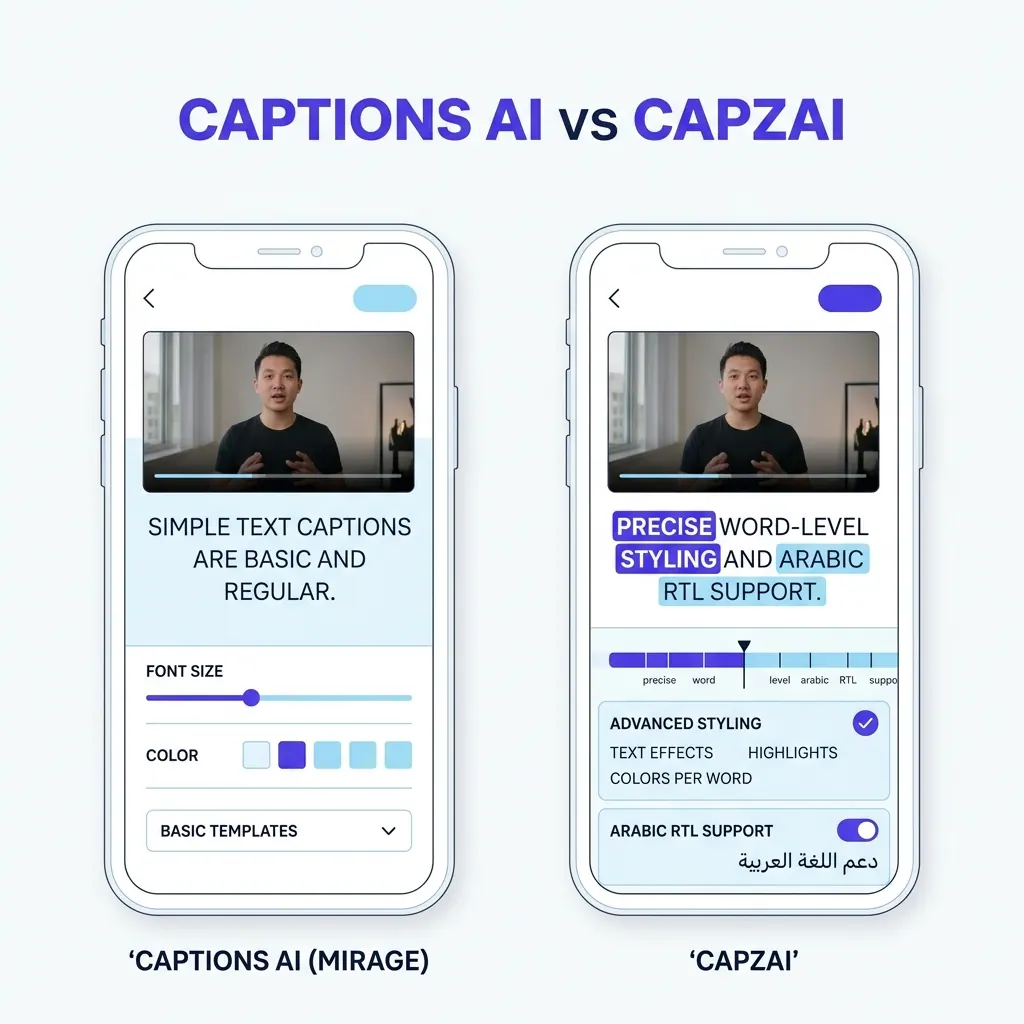
Captions AI vs CapzAi Pricing, Languages, and Caption Quality Compared
A direct comparison of Captions.ai and CapzAi across pricing models, localization accuracy, and styling control to help you choose the right video editor.
Read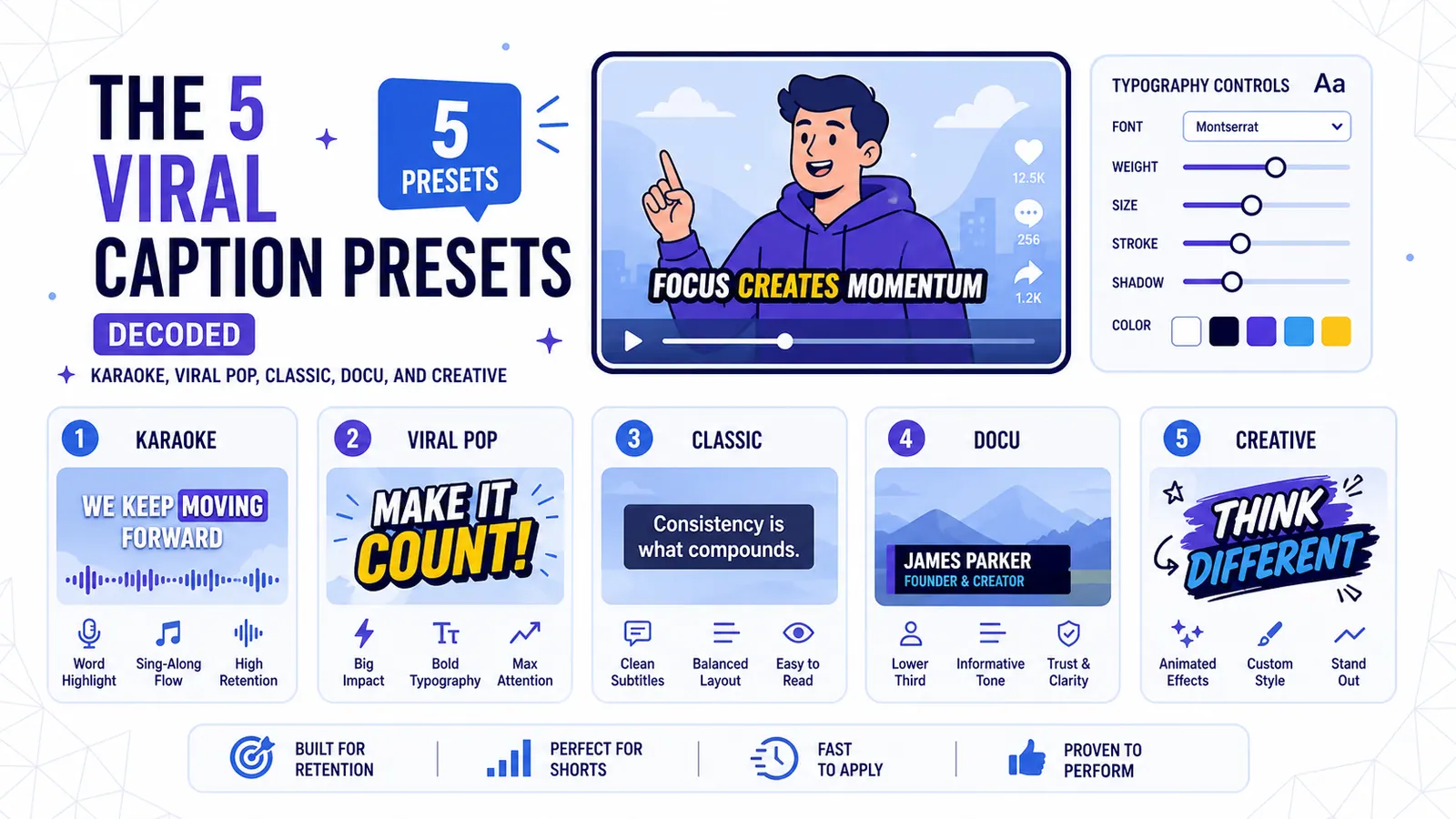
The 5 Viral Caption Presets Decoded: Karaoke, Viral Pop, Classic, Docu, and Creative
A technical breakdown of CapzAi's five core text styles and the exact content formats where each preset maximizes viewer retention.
Read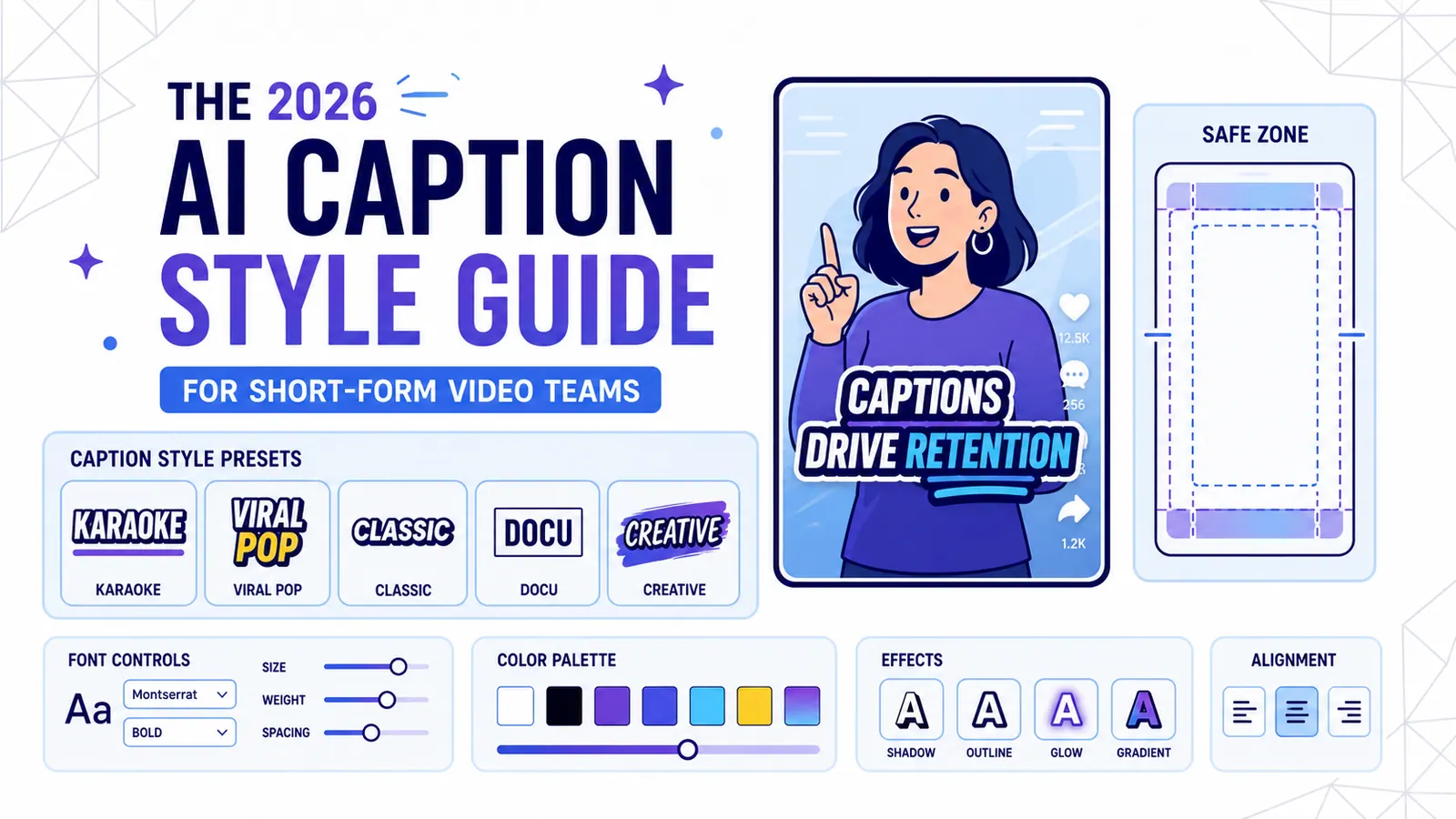
The 2026 AI Caption Style Guide for Short-Form Video Teams
A practical style system for creators and marketing teams who want captions that improve retention without turning every video into visual noise.
Read