
How to Translate Spanish Video to English: 3 Best Methods for 2026
Discover the most effective ways to translate Spanish video to English, from auto-captions and manual SRT files to full AI dubbing with CapzAi.
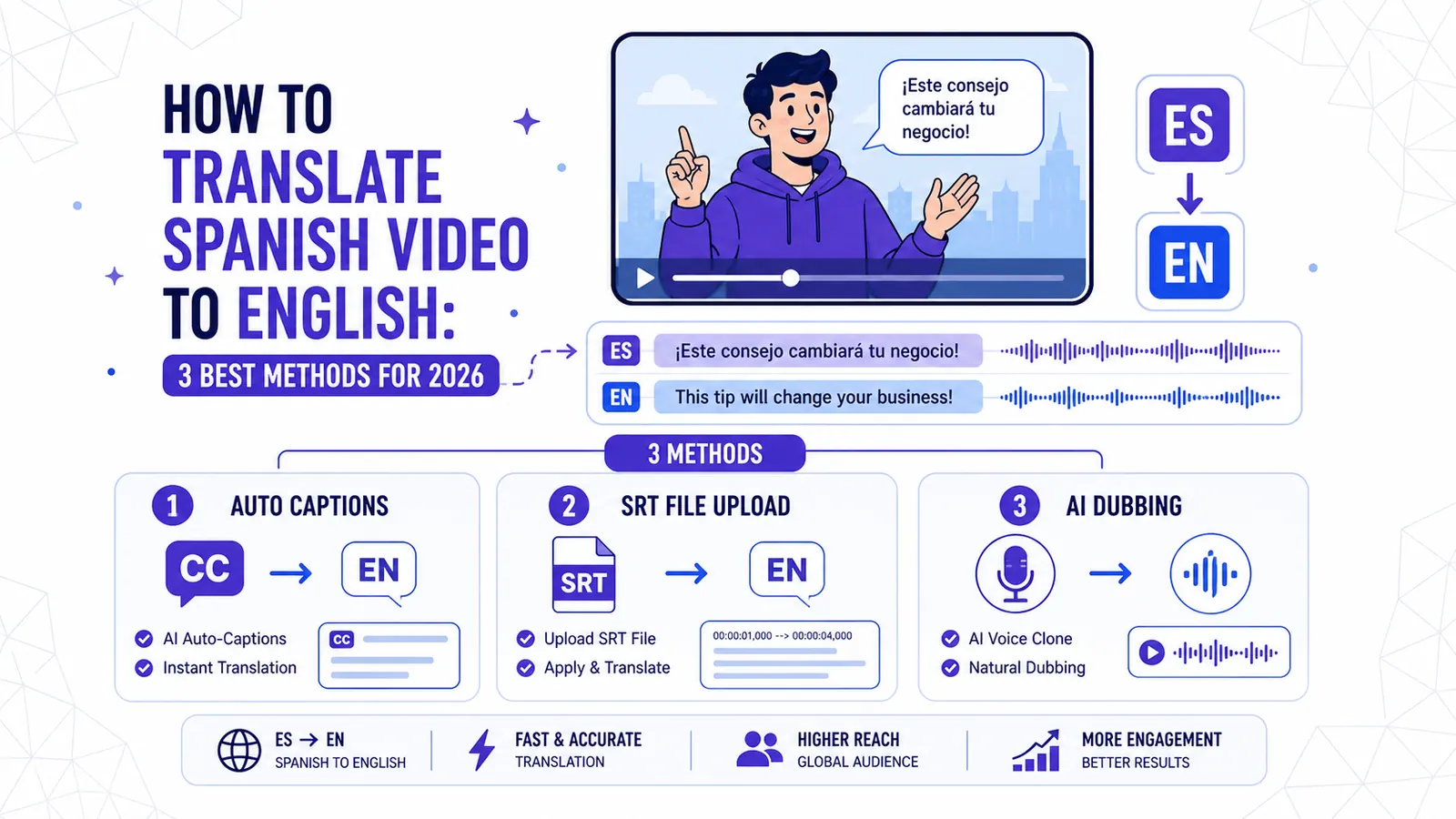
The global reach of Spanish content is undeniable. From viral TikToks in Mexico City to high production documentaries in Madrid, Spanish speakers are creating some of the most engaging media on the planet. If you are a creator or a business owner looking to tap into the English speaking market, knowing how to translate spanish video to english is no longer a luxury. It is a necessity for growth.
In 2026, the technology has reached a point where you do not need a massive budget or a team of translators to make your content accessible. You can take a video recorded in the streets of Barcelona and have it ready for a New York audience in minutes. This guide will walk you through the three best methods to achieve this, ranging from simple captions to high end AI dubbing.
Why Translate Your Spanish Content to English?
Spanish is the second most spoken native language in the world, but English remains the dominant language of global commerce and the internet. When you translate your content, you are essentially doubling or tripling your potential audience.
Creators who previously ignored the English market are now seeing massive success by localizing their existing libraries. Think about the "MrBeast" model: taking successful content and adapting it for every major language. By learning how to translate spanish video to english, you are following a proven blueprint for international scaling.
Method 1: Auto-Translate Captions (The Speed King)
For most social media creators, captions are the go-to solution. They are non-intrusive, help with SEO, and allow users to watch videos in public spaces without sound.
How it Works in 2026
Modern AI tools have moved beyond simple word-for-word translation. They now understand context. Using a tool like CapzAi, you can upload your Spanish video and the AI will automatically generate word-level captions in Spanish first. This ensures the timing is perfect down to the millisecond.
Once the Spanish captions are generated, you hit a single button to translate them into English. The AI handles the heavy lifting, ensuring that Spanish idioms are converted into English phrases that actually make sense to a native speaker.
Styling for Virality
Just having text on a screen is not enough anymore. You need style. In 2026, viewers expect "viral pop" or "karaoke" styles where the words light up as they are spoken. CapzAi offers five viral presets like "Creative" and "Docu" that make your translated text look professional. You can also use the drag and drop positioning to make sure the captions do not block important visual elements of your video.
If you want to understand more about why captions are essential, check out our guide on best ai caption styles for social media.
Understanding the Nuances: Castilian vs. Latin American Spanish
One of the biggest hurdles in translation is regional variation. If your video features someone from Spain using "vosotros," the translation needs to account for that specific dialect. Conversely, a video from Argentina or Mexico will use different slang and grammatical structures.
Castilian Spanish
In Spain, the accent is distinct and certain words have different meanings than they do in the Americas. A "coche" is a car in Spain, but in many parts of Latin America, people say "carro" or "auto." An AI that is not tuned for these differences might trip up on the transcription phase, leading to a messy translation.
Latin American Spanish
This is a broad category, but the use of "ustedes" instead of "vosotros" is the most famous difference. There is also the "voseo" used in countries like Argentina and Uruguay. When you are looking at how to translate spanish video to english, you need a tool that recognizes these regional markers so the English output remains accurate.
High quality AI models now allow you to specify the source dialect, which significantly improves the initial transcription. This is vital because if the transcription is wrong, the translation will be a disaster.
Method 2: The Manual SRT Workflow (The Control Freak Path)
Sometimes you need absolute control over every single syllable. Professional film editors often prefer the manual workflow because it allows for human nuance that AI might occasionally miss.
Step 1: Manual Transcription
You start by watching the video and typing out the Spanish dialogue. You must include timestamps for when each person starts and stops speaking. This is the most time-consuming part of the process.
Step 2: Translation
Once you have your Spanish script with timestamps, you translate it into English. This is where you can get creative with "transcreation"—changing the words to fit the culture of the target audience while keeping the intent.
Step 3: Formatting the SRT
An SRT file is a simple text file that includes the sequence number, the timecode, and the text. You then import this into your video editor (like Premiere Pro or Final Cut).
While this method gives you 100% control, it is incredibly slow. A 10-minute video can take several hours to transcribe and translate manually. For most people, this is no longer a viable option in 2026. You are much better off using an AI to do the first 95% of the work and then using an AI Agent chat-to-edit feature to polish the last 5%.
For those interested in the technical side of subtitle files, you might find our post on why ai dubbing is beating subtitles helpful.
Method 3: Full AI Dubbing (The Professional Choice)
If you want the highest level of engagement, you go with dubbing. AI dubbing has evolved from "robot voices" to sophisticated voice cloning and emotional mapping.
Why Dubbing is the Future
Most people would rather watch a video than read it. Dubbing allows the viewer to focus on the visuals without having to split their attention between the action and the bottom of the screen. When you translate a Spanish video to English using dubbing, you are creating a "native" experience for the viewer.
How CapzAi Handles Dubbing
The process is surprisingly simple. You upload the video, and the AI identifies the speakers. It then translates the Spanish dialogue into English and generates a new audio track. The AI even matches the tone and pitch of the original speaker. This means a high energy Spanish presenter will still sound high energy in English.
This is particularly effective for "how-to" videos, educational content, and long-form documentaries where the visual detail is important. Instead of a clunky manual process, you get a 1080p MP4 with the new audio burned in, ready for export.
The Power of Auto-Clipping
If you have a 20-minute Spanish interview, you might not want to translate the whole thing. Tools now offer auto-clipping, which uses AI to find the most "viral" moments in your video. You can clip those sections, translate them into English, and post them as Reels or TikToks. This is a massive time saver for content repurposing.
To see how this fits into a broader content strategy, read about how to increase video reach with translation.
The Economics of Video Translation
A few years ago, translating a video meant hiring a translator (expensive) and a voice actor (very expensive). In 2026, the cost has plummeted.
Pay-on-Export Pricing
One of the best shifts in the industry is the move away from restrictive monthly subscriptions. CapzAi uses a pay-on-export model. This means you can spend as much time as you want in the editor, playing with different caption styles, using the AI Agent to tweak your translations, and testing different voices—all for free.
You only pay when you are happy with the result and ready to download the final 1080p MP4. At 20 credits per minute, it is significantly cheaper than any traditional translation service. This "pay for what you use" approach is perfect for creators who might have a busy month followed by a quiet one.
Technical Considerations for 2026
When you are figuring out how to translate spanish video to english, don't forget the technical specs.
Subtitle Formats: .srt vs .ass
Most basic platforms use .srt files. They are fine but limited. If you want to keep your custom fonts, colors, and animations, you should look for .ass (Advanced Substation Alpha) export options. CapzAi allows for .ass export, which means your hard work on the styling isn't lost if you move the project to a different piece of software.
Burn-in vs. Sidecar
"Burn-in" means the captions are a permanent part of the video file. This is best for social media because it ensures the captions look exactly how you intended on every device. A "sidecar" file is a separate text file that the user can turn on or off (like on YouTube). For the best results, you usually want a tool that can do both.
RTL and Latin Transliteration
While not strictly necessary for Spanish to English, it is worth noting that top-tier tools also handle RTL (Right-to-Left) languages like Arabic. CapzAi even offers Latin transliteration for languages with different scripts. This shows the depth of the translation engine you are using; if it can handle the complexity of Arabic or Darija, it will breeze through Spanish to English.
Using the AI Agent for Perfect Results
The biggest fear with AI translation is that it will sound "weird." Maybe a joke doesn't land or a technical term is translated too literally.
The solution in 2026 is the "Chat-to-Edit" AI Agent. Instead of manually clicking through every subtitle block, you can simply type a command like: "Make the translation more casual" or "Make sure 'guay' is translated as 'cool' every time." This hybrid approach gives you the speed of AI with the refinement of a human editor.
Final Workflow Summary
If you are ready to start today, here is the most efficient workflow:
- Upload your Spanish video to a platform that supports word-level AI captions.
- Select the source dialect (Castilian or Latin American) to ensure an accurate transcript.
- Use the 1-click translation feature to convert the text to English.
- Choose a viral preset style to make the text pop.
- If you want to go the extra mile, enable AI dubbing to replace the Spanish audio with an English clone of the voice.
- Review the content using an AI Agent to fix any linguistic nuances.
- Export your 1080p MP4 and share it with your new global audience.
Translating your content doesn't have to be a headache. By leveraging the right tools, you can turn a regional video into a global asset in the time it takes to make a cup of coffee. The barrier to entry has never been lower, and the potential rewards for your brand or channel have never been higher.
Stop letting your content be limited by the language you speak. Start reaching the billions of English speakers waiting to discover your work. With CapzAi, you can start editing for free and only pay when you see the final, professional result. It is time to take your Spanish videos to the world stage.
Related articles
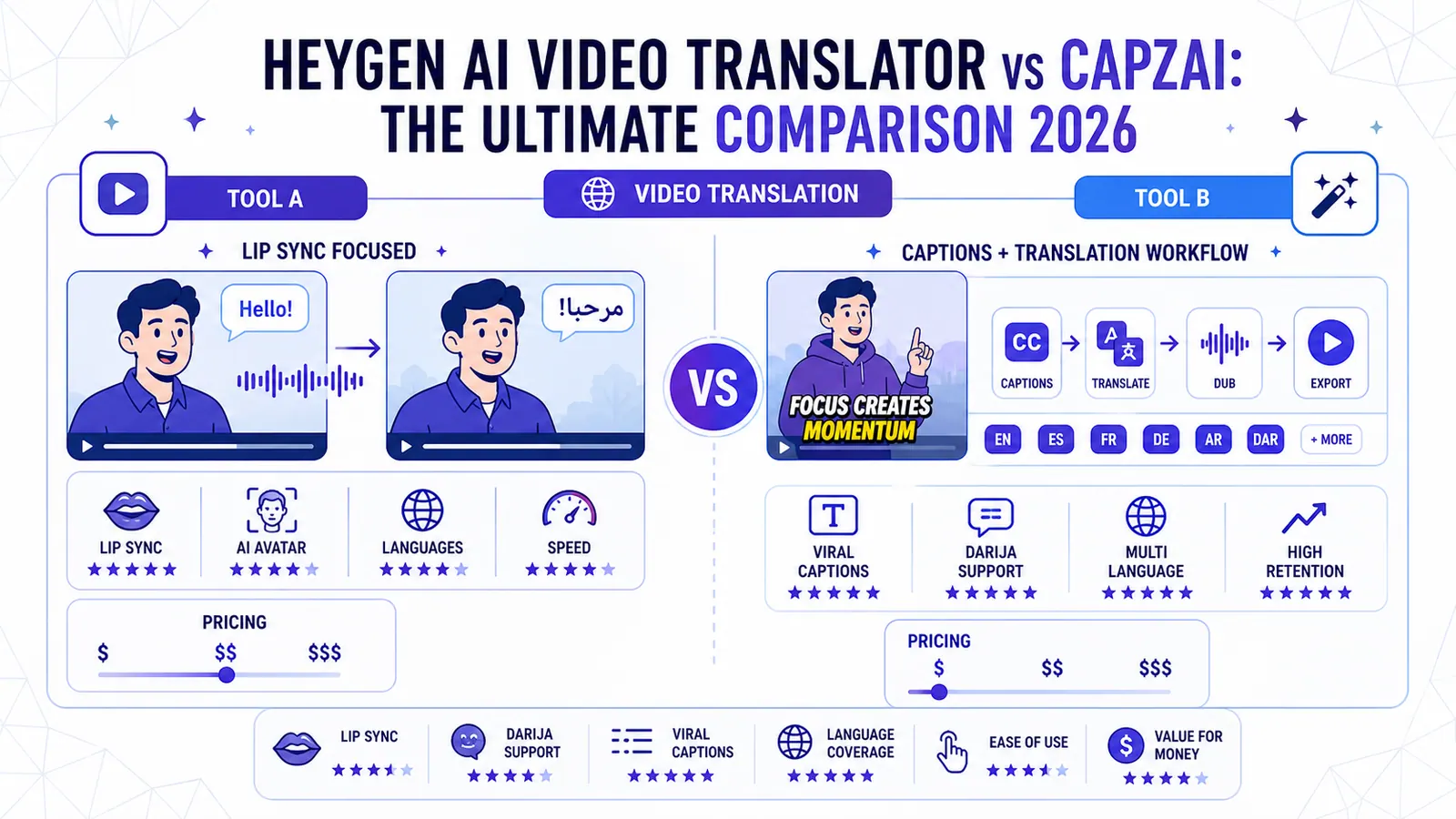
HeyGen AI Video Translator vs CapzAi: The Ultimate Comparison 2026
Choosing between HeyGen and CapzAi for video translation depends on your goal. We compare lip-sync, Darija support, viral captions, and pricing to see which tool wins for creators and brands.
Read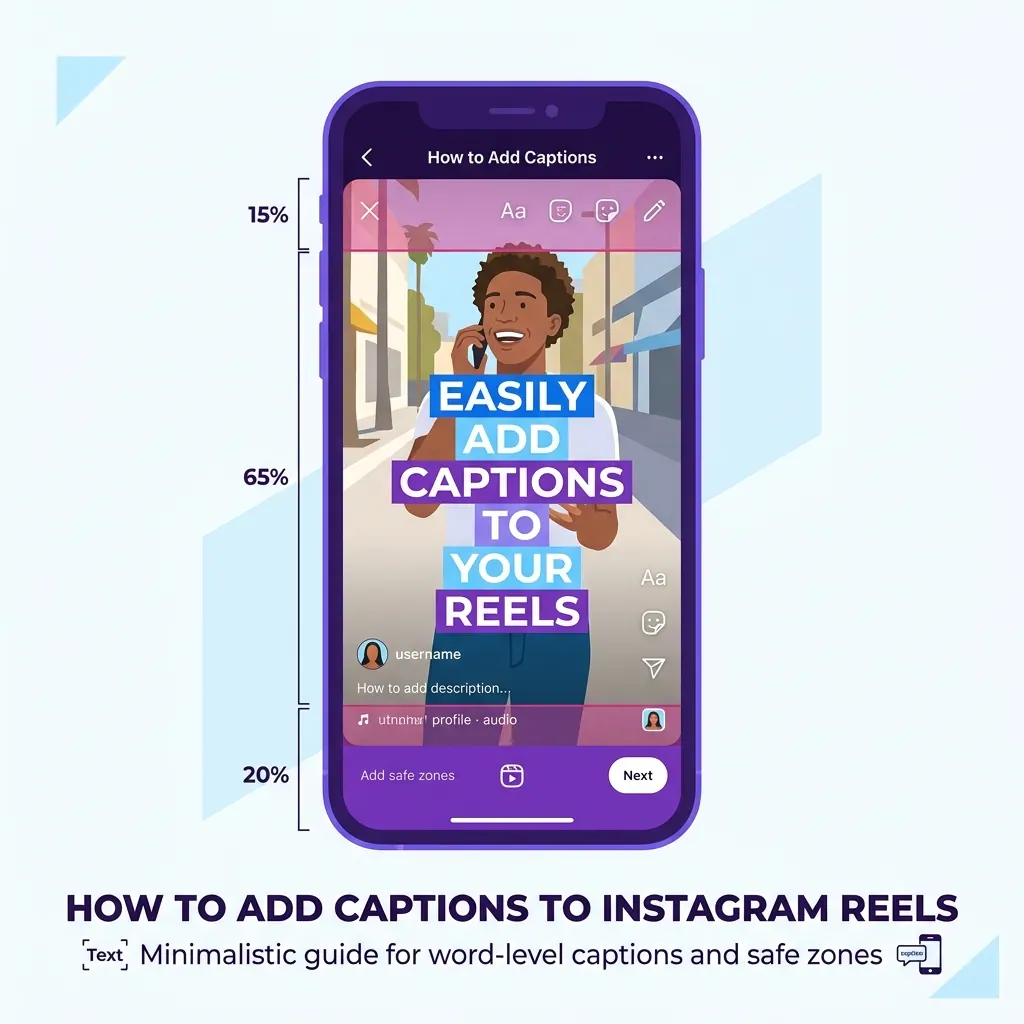
How to Add Captions to Instagram Reels in 2026 (Step-by-Step)
Learn the exact workflow for burning custom, highly visible captions into your Instagram Reels to prevent scrolling and hold viewer attention.
Read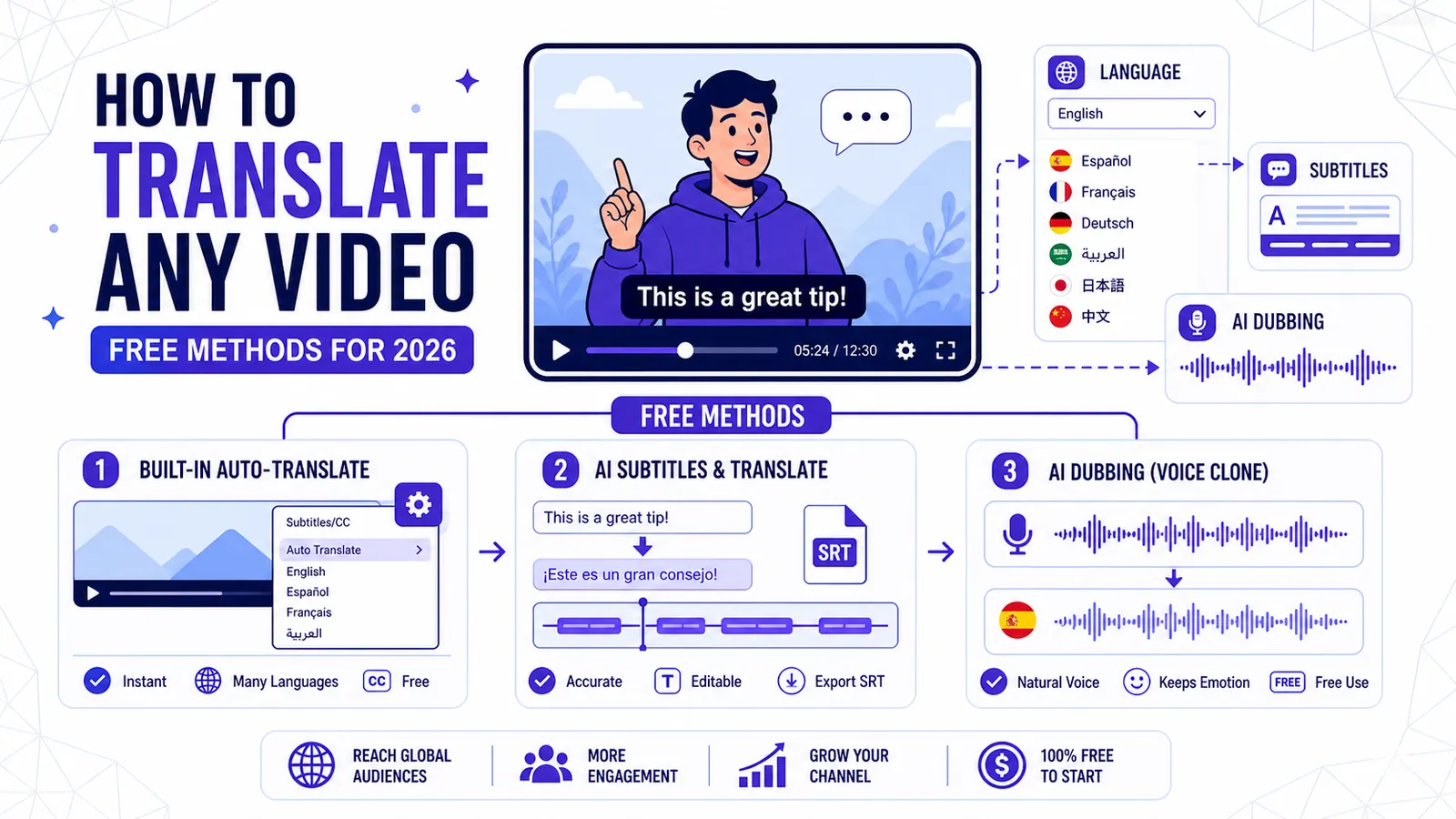
How to Translate Any YouTube Video (Free Methods for 2026)
Learn the top three free methods to translate a YouTube video, from YouTube's built-in auto-translate to advanced AI tools for perfect dubbing and subtitles.
Read