
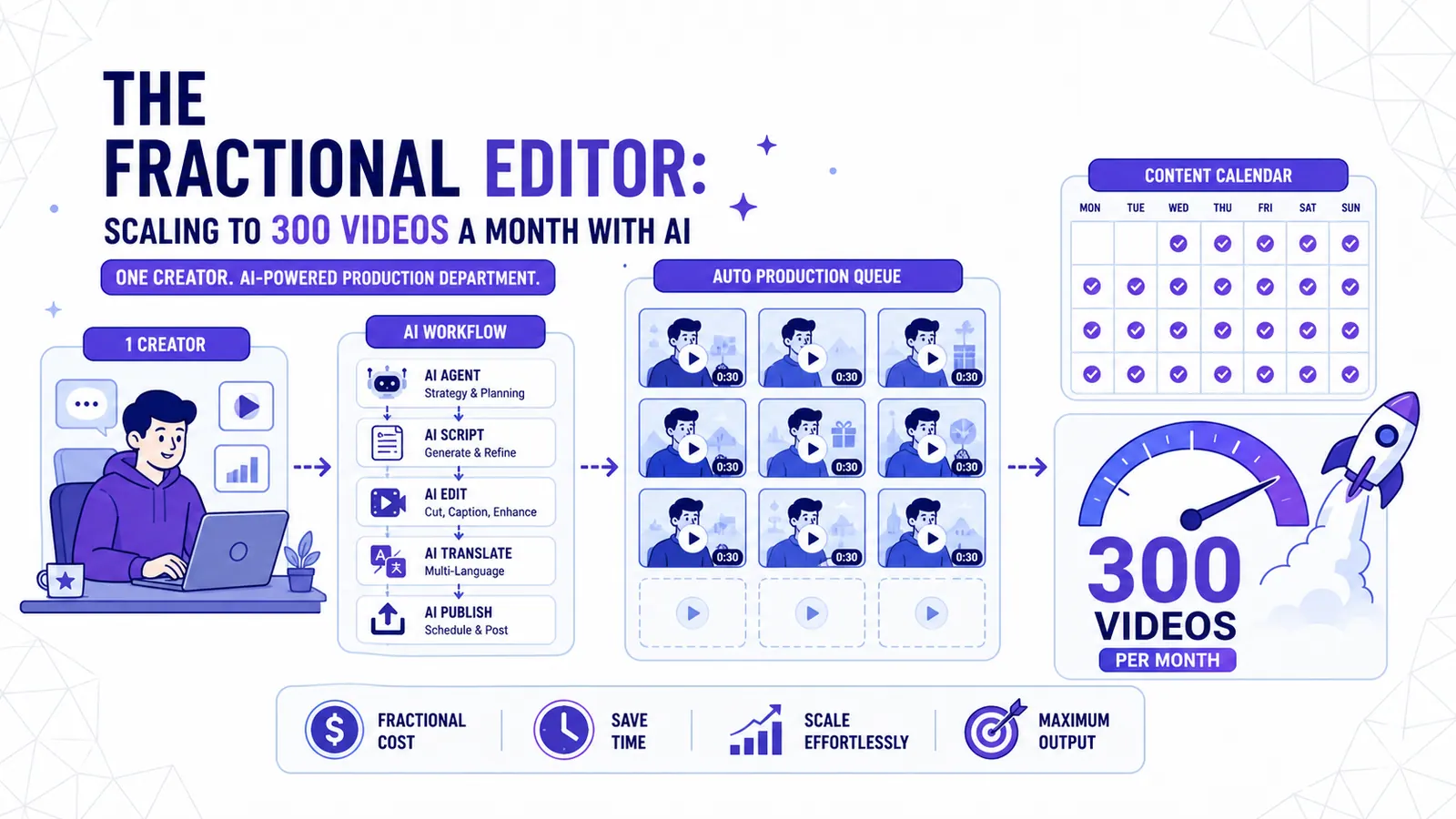
The fractional editor: scaling to 300 videos a month with AI
How solopreneurs and small studios use AI agents to run a full video production department for a fraction of the cost.
I remember the first time I tried to scale a content agency. It was 2023, and the demand for short-form video was exploding. I hired three editors, a project manager, and a scriptwriter. We were aiming for 50 videos a month. By the third week, the project manager quit, the editors were arguing over "creative differences," and I was spending 14 hours a day in Premiere Pro fixing "minor" mistakes. We were drowning in file names like "Final_Final_v2_USE_THIS.mp4."
That model is dead. It was built on the assumption that more output requires more humans. In 2026, I run a production workflow that handles 300 videos a month for multiple clients. I do not have a massive office or a dozen full-time employees. I have a fractional editor workflow. This is a system where AI agents do the labor, and I provide the strategy.
The rise of the fractional creator economy
A fractional editor is a person or a small team that manages a massive volume of content by using AI as the primary worker. We are not "editing" in the traditional sense. We are orchestrating. The economy has shifted away from the "agency" model because agencies are too slow and too expensive. Clients want the speed of a machine with the taste of a human.
I see this trend everywhere. Small studios are replacing their junior editors with AI pipelines. Solopreneurs are building personal brands that look like they have a 20-person media team. They are using fractional models to buy back their time. You no longer need to hire a full-time video editor for $60,000 a year to get high-quality content. You need a system that costs $500 a month in API credits and a few hours of your time for oversight.
Building a 300-videos-per-month SOP
Scaling to 300 videos is a math problem. If you spend 2 hours on one video, you need 600 hours a month. That is impossible for one person. My Standard Operating Procedure (SOP) breaks this down into three phases: batch capture, AI first-pass, and human review.
Batch capture is the foundation. I tell my clients to record for four hours once a month. We use a high-quality camera and a good microphone. This raw footage is the "source of truth." We don't record "shorts." We record long-form conversations or monologues.
The AI first-pass is where the heavy lifting happens. I feed the raw footage into a pipeline that transcribes the audio, identifies the most engaging segments, and crops the video for vertical formats. This used to be the most boring part of the job. I would sit through hours of footage looking for a "hook." Now, an algorithm does it in minutes.
Observation: In my tests, AI-assisted workflows reduced the per-video production time from 180 minutes to 14 minutes.
The final phase is human review. This is where I earn my money. I look at what the AI produced. I check the captions. I ensure the timing is right. I might swap a word or change a color. Because the AI did the 80% of "work," I can focus 100% of my energy on the 20% that actually matters: the vibe and the brand voice.
The human-in-the-loop principle
AI is a tool, not a replacement for taste. People who try to automate 100% of their video production usually fail because the content feels "uncanny." It lacks soul. AI is bad at context. It doesn't know why a specific joke is funny or why a certain pause creates tension.
I use the human-in-the-loop principle. The AI is my intern. It does the rough cut. It puts the captions on the screen. It suggests clips. But I am the director. I make the final call. If the AI suggests a clip that is technically perfect but boring, I delete it. If the AI misses a subtle emotional moment, I go back and grab it.
This principle allows me to maintain a high standard while still hitting huge volume. I am not a button-pusher. I am a curator. My job is to ensure that every video that leaves my system feels like it was made by a person who cares about the audience. I spend my time thinking about hooks and story arcs, not keyframes and rendering bars.
Comparing costs: agency vs in-house vs AI-augmented
The numbers for traditional video production are terrifying for small businesses. A top-tier agency might charge $5,000 a month for 10 high-quality shorts. That is $500 per video. If you want 300 videos, you are looking at $150,000 a month. No solopreneur can afford that.
Hiring an in-house editor is also expensive. You pay a salary, benefits, and equipment costs. Even a junior editor will cost you $4,000 a month. They can probably handle 30 or 40 videos a month before they burn out. Your cost per video is around $100.
An AI-augmented workflow changes the game. My total software stack for 300 videos costs less than $1,000 a month. This includes transcription, AI clipping, captioning, and storage. My time investment is about 40 hours a month for the "review" phase. If I value my time at $100 an hour, the total cost is $5,000.
Observation: Studios switching to a fractional model report a 70% decrease in overhead within the first quarter.
This means my cost per video is roughly $16. This is why I can compete with large agencies. I can offer a higher volume of content for a fraction of the price, and I still make a healthy profit. The "fractional" part of the name comes from the fact that I am only using a fraction of the resources traditional models require.
Stack integration with scheduling and CRM
You cannot manage 300 videos with a spreadsheet and a folder on your desktop. You need an integrated stack. My workflow is connected. When a video is "approved" in my editing tool, it automatically moves to my scheduling platform.
I use a CRM to track my clients and their brand preferences. Each client has a "brand kit" in my system. This kit includes their fonts, colors, and specific words they hate. My AI agents use this data to ensure the first-pass of the video is already 90% "on brand."
The scheduling part is automated too. I don't manually upload videos to TikTok, Reels, and YouTube Shorts. Once I hit "approve," the system schedules the posts across all channels. It even generates the descriptions and hashtags based on the video transcript. This saves me another 10 to 15 hours a month.
Automation is not about being lazy. It is about removing friction. Every manual step in a process is a chance for a mistake. If I have to copy-paste a description 300 times, I will eventually mess it up. If a script does it, it is perfect every time.
Managing brand voice at scale
One of the biggest fears people have with AI is that everything will start to look the same. If everyone uses the same tools, won't all videos have the same "AI look"?
I solve this by being very specific with brand voice. I don't use generic "viral" templates. I create custom caption styles and editing rhythms for each client. One client might want fast, aggressive cuts with bright yellow captions. Another might want a slow, "documentary" feel with minimal text.
The AI is flexible. I can tell it to "edit this in the style of a 1990s skate video" or "make this look like a high-end fashion ad." The key is the initial prompt and the template design. I spend a lot of time at the beginning of a client relationship "training" the system on their specific aesthetic.
I also vary the content types. We don't just do "talking head" videos. We do screen recordings, B-roll overlays, and reaction clips. By mixing the formats, the feed stays interesting. I am managing a brand, not just a content factory. I want the audience to recognize the creator immediately, even if they aren't looking at the account name.
A 24-hour production cycle blueprint
My system is built for speed. If a client records on Monday morning, they can have 10 edited videos by Tuesday morning. This is the 24-hour blueprint.
8:00 AM: Raw footage is uploaded to a shared S3 bucket. 9:00 AM: An automated trigger starts the transcription and clipping process. 12:00 PM: The AI agents have identified 15 potential clips and generated rough edits with captions. 2:00 PM: I log in and review the clips. I reject 5 and approve 10. I make small adjustments to the captions and timing. 4:00 PM: The 10 approved videos are sent to the client for final approval via a web link. 6:00 PM: The client hits "approve." 7:00 PM: The system schedules the videos for the next two weeks across all platforms.
This cycle is predictable. It doesn't require "inspiration" or "motivation." It requires a system. Because the labor is distributed between the AI and me, I don't get tired. I can do this for 10 clients at once without feeling overwhelmed. I am not "grinding." I am managing a process.
The "traditional" way of doing this would involve a lot of back-and-forth emails, Slack messages, and "Wait, which version is this?" calls. My blueprint eliminates that. The software tracks the status of every video. I can see exactly where we are in the pipeline at any moment.
Moving forward with CapzAi
If you want to build this for yourself, you don't need to be a developer. You need tools that understand the modern workflow. Most video editors are still built for the 2010s. They assume you want to spend hours looking at a timeline. They are "manual-first."
I prefer tools that are "AI-first." CapzAi is a good example of this. It doesn't just give you a timeline; it handles the transcription, the clipping, and the captioning in one place. It is the backbone of a fractional editor workflow. It takes the most tedious parts of the process and makes them invisible.
If you are a solopreneur trying to grow your brand, stop trying to be a full-time video editor. Your time is better spent on your business. Use a system that does the work for you. Start with one video. Then ten. Then thirty. Once you have the SOP in place, scaling to 300 is just a matter of hitting "upload" more often.
The goal is not to produce more "stuff." The goal is to reach more people without losing your mind. The fractional model is the only way I have found to do that. It is cheaper than an agency, faster than an in-house hire, and more scalable than doing it yourself. I am not going back to the old way. I don't think anyone who tries this will either.
Quick answer
For a fractional AI video editor workflow, the practical answer is this: separate batch capture, AI first pass, human review, and scheduling so the system scales without losing taste. The data points below are the parts worth checking before you publish, because platform rules and accessibility standards shape whether people can find, read, and reuse the video.
Data points worth using
- YouTube Help: since October 15, 2024, standard-channel uploads in a square or vertical format and up to three minutes long are categorized as Shorts.
- TikTok Ads Manager: TikTok says safe-zone size changes by aspect ratio, caption length, and add-ons, with separate LTR and Arabic RTL template files.
- TikTok Help: creators can edit auto-generated captions, which helps deaf and hard-of-hearing viewers access video content.
FAQ
How should I use a fractional AI video editor workflow in 2026?
Use a workflow that starts before export: separate batch capture, AI first pass, human review, and scheduling so the system scales without losing taste. Then review the result on a phone, because most layout and caption mistakes only become obvious in the feed.
Why does this help SEO and GEO?
Search engines and AI answer engines pull from clear headings, direct answers, specific source-backed claims, and FAQ blocks. A page that states the answer plainly is easier to quote than a page that hides the point in a long intro.
What should I measure after publishing?
Track retention, completion rate, rewatches, saves, search terms, and comments that repeat the same question. Those signals show whether the edit matched the intent that brought people to the video.
Related articles
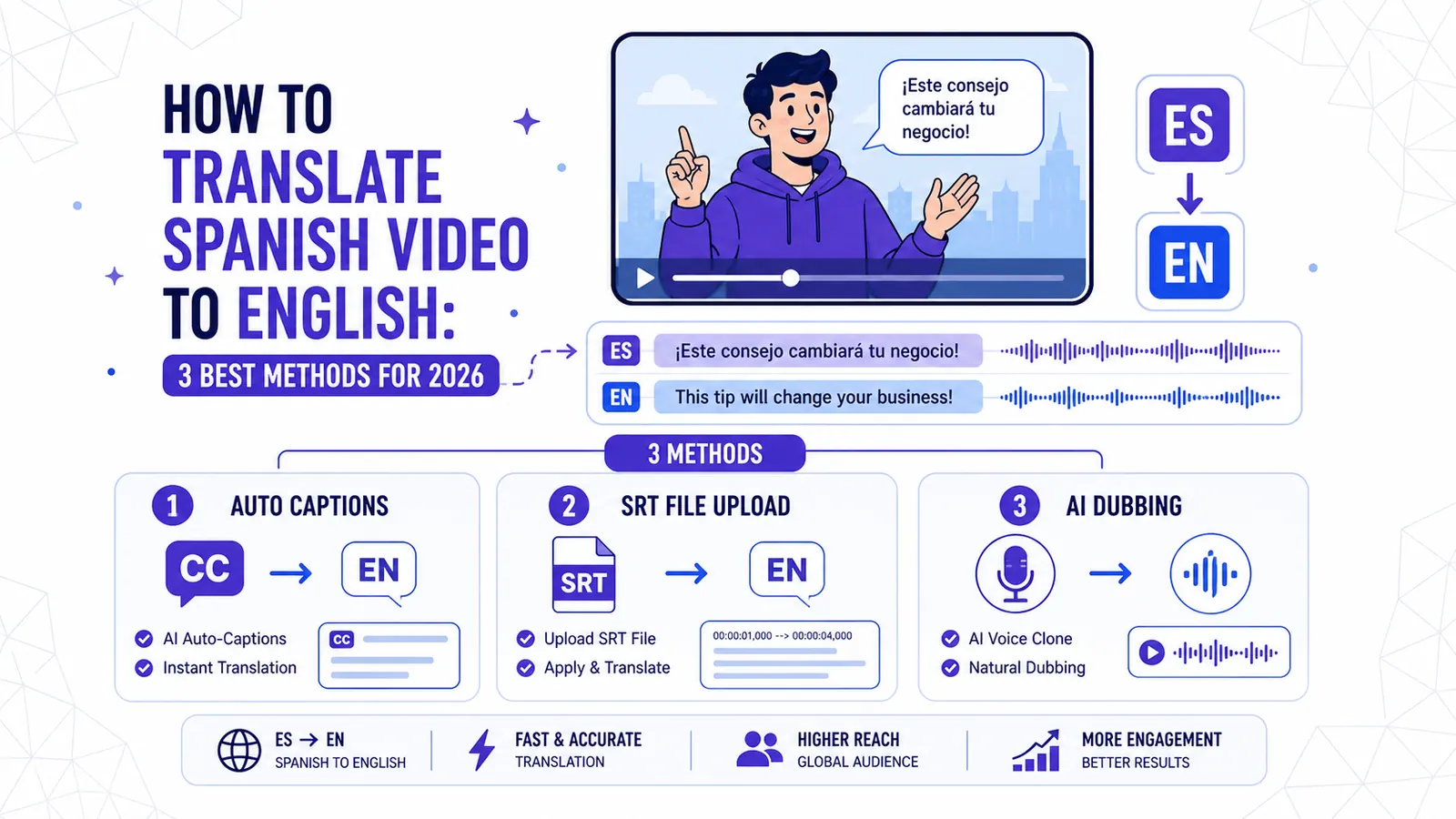
How to Translate Spanish Video to English: 3 Best Methods for 2026
Discover the most effective ways to translate Spanish video to English, from auto-captions and manual SRT files to full AI dubbing with CapzAi.
Read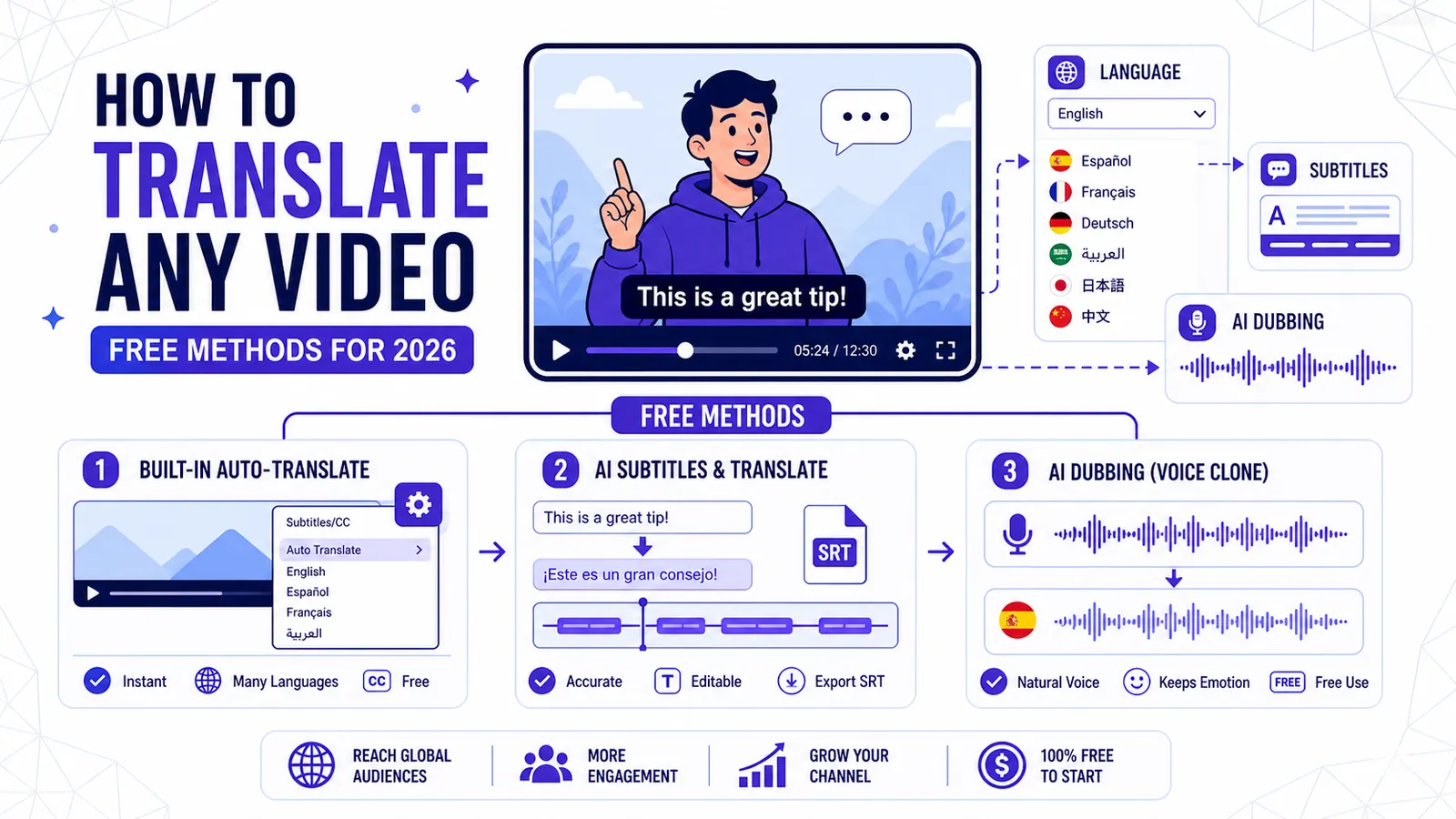
How to Translate Any YouTube Video (Free Methods for 2026)
Learn the top three free methods to translate a YouTube video, from YouTube's built-in auto-translate to advanced AI tools for perfect dubbing and subtitles.
Read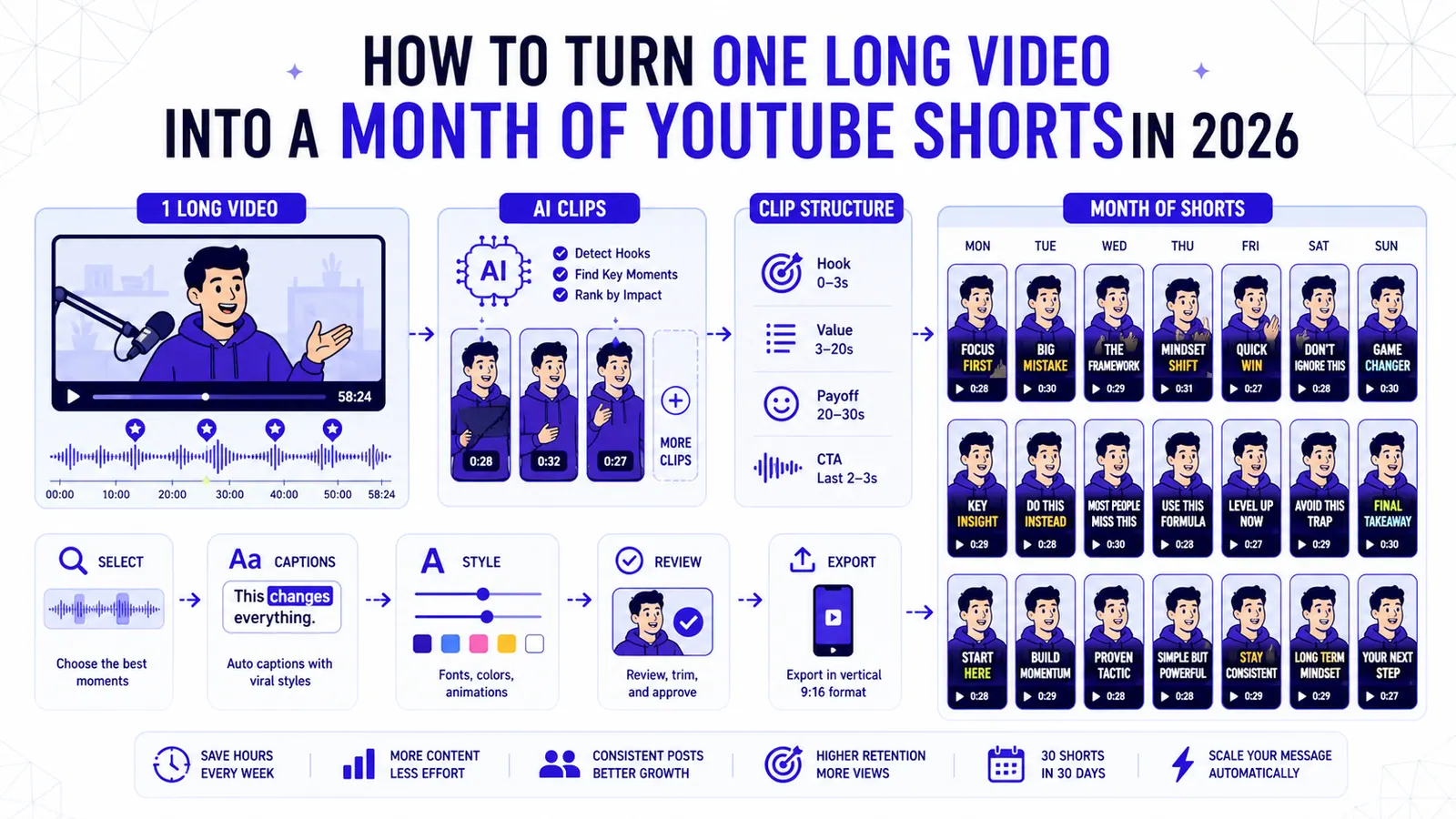
How to Turn One Long Video into a Month of YouTube Shorts in 2026
A repeatable clipping workflow for podcasts, webinars, livestreams, and tutorials, built around selection, structure, captions, and review.
Read