
The UGC Creator Brief for AI-Edited Video Ads in 2026
A field-tested brief structure for getting better raw footage, cleaner edits, stronger captions, and ad variants that are easier to test.
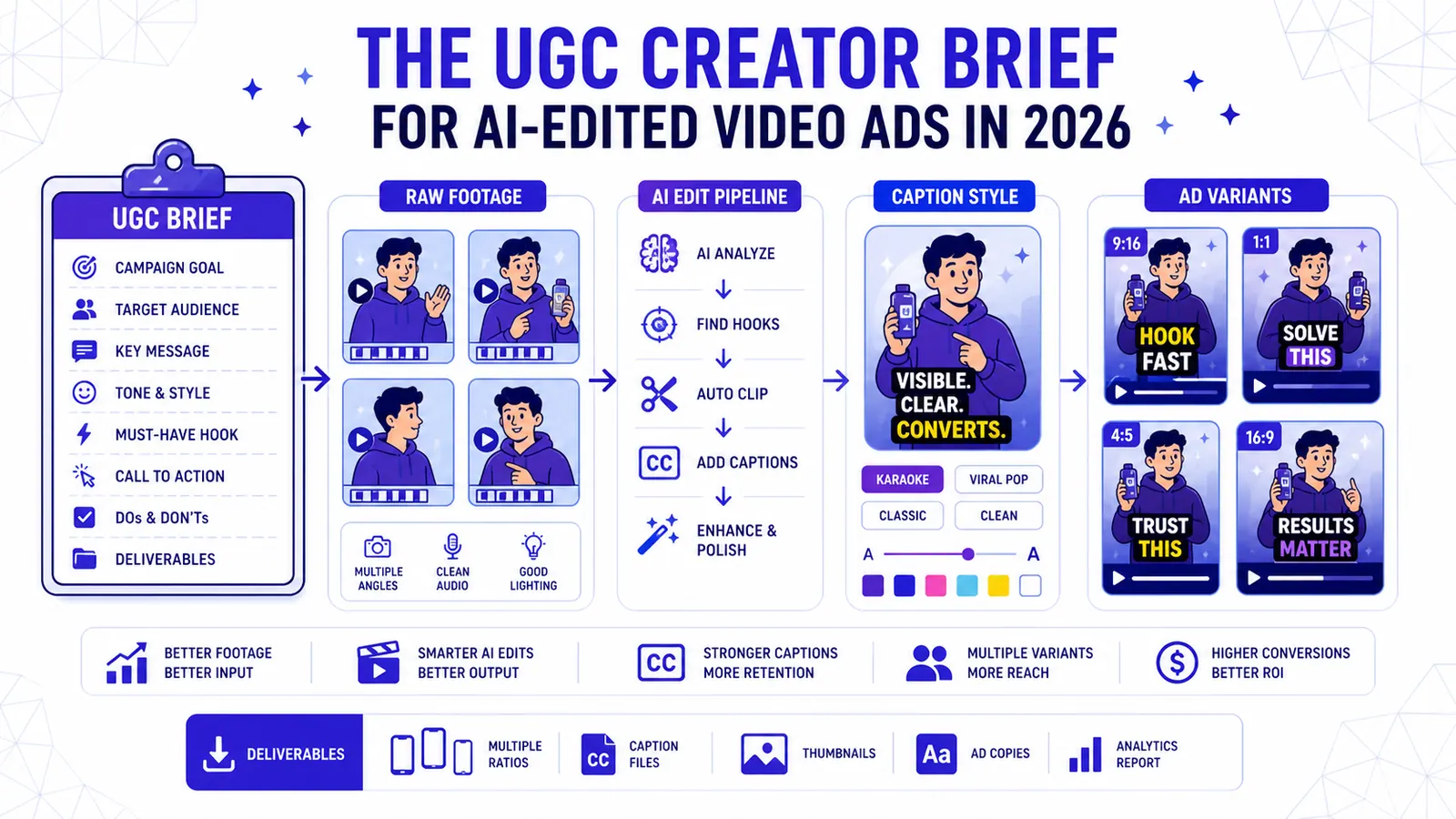
Most short-form teams do not have a content problem. They have a repeatability problem. One editor makes a strong video on Monday, a freelancer copies half of it on Wednesday, and by Friday the account looks like three different brands sharing the same login. A useful UGC creator brief fixes that before the edit starts.
The goal is not to make every clip look identical. That gets stale fast. The goal is to make the important decisions once: where text sits, how fast captions move, how keywords are treated, when animation helps, when it gets in the way, and how a reviewer decides whether a clip is ready to publish. AI makes production faster, but speed only helps when the output still feels deliberate.
This guide is written for creators, agencies, and in-house marketers using tools like CapzAi to produce high-volume vertical video. It assumes the team wants practical rules, not vague advice. Use it as a working document, adjust it for your brand, and keep it close to the editor.
For UGC ads, the mistake is asking for authenticity while giving vague direction. Creators need room to sound natural, but the editor needs the right footage, claims, angles, and product shots.
Start with the viewing situation
A caption system should begin with the viewer, not the font menu. Many people watch Reels, TikTok, and Shorts without sound, with one thumb already moving toward the next video. They are not studying your composition. They are asking one blunt question: is this worth another second?
That means the first caption line has a job. It should make the spoken idea readable immediately, not decorate it. Keep the opening text short enough to understand at a glance. Avoid stacking three claims on screen before the speaker has earned attention. If the clip needs context, write it into the first sentence instead of hiding it in the description.
Sound-off viewing also changes pacing. Captions that arrive late make the speaker feel slow. Captions that appear too early create a strange lag because the viewer reads ahead and waits for the audio to catch up. The best timing usually feels almost boring: text lands with the phrase, clears before it becomes clutter, and gives the eyes a place to rest between beats.
Build a small style system
A style system does not need twenty presets. In practice, most teams need three: a clean educational style, a punchier social style, and a restrained ad style. The educational style favors readability. The social style can use stronger color and motion. The ad style should protect the offer, product, and call to action from being drowned out by effects.
Decide your defaults for font, weight, line height, stroke, shadow, highlight color, and maximum words per line. Write them down. Then decide the exceptions. Maybe numbers can be highlighted. Maybe product names use a brand color. Maybe quoted customer language stays plain because it should feel credible. The point is to stop making these choices from scratch on every export.
CapzAi users can treat presets as production standards, not just decoration. A preset should answer, “What does a normal clip from this brand look like?” Once that is stable, editors can spend more time choosing the right moment and less time nudging text boxes.
Use emphasis with restraint
Keyword emphasis works because it interrupts a pattern. If every word jumps, nothing is emphasized. Pick one idea per caption group: a number, objection, product name, time frame, or emotional turn. Highlight that. Leave the rest alone.
The same rule applies to animation. A quick pop can help a hard cut. A slide can connect a list. A bounce on every sentence feels cheap after five seconds. Strong creators often use less motion than beginners expect because they trust the material. The edit should give the viewer a hand, not keep poking them in the eye.
A good review trick is to watch the clip once with the sound off and once while looking away from the center of the frame. If the highlighted words still tell the story, the system is working. If the highlights read like random confetti, simplify the preset.
Protect readability before personality
Brand personality matters, but legibility wins. Thin fonts disappear over bright footage. Low-contrast colors look fine in the editor and fail on a phone outdoors. Captions placed too low collide with app controls. Tiny subtitles may look elegant on a desktop preview and become useless in the feed.
Set minimums. Use enough font weight. Keep a visible outline or shadow for mixed backgrounds. Keep captions inside a safe area. Limit line length so the viewer does not have to scan from edge to edge. These rules sound basic because they are. They are also where many otherwise good videos lose people.
Arabic, French, and English layouts need separate checks. Arabic lines can change visual density and direction. French translations often run longer than English. If the same preset is reused blindly across languages, one version will usually feel cramped. Localization should include layout, not only text.
Make captions part of the edit
Captions should be planned with cuts, zooms, b-roll, and music. If the edit changes pace but the captions remain flat, the viewer feels the mismatch. If captions move aggressively while the footage is quiet, the clip feels anxious. The best short-form videos make the text feel attached to the speaker’s rhythm.
For talking-head clips, keep captions near the mouth or lower third unless the interface blocks them. For product clips, move text away from the product when the product needs inspection. For tutorials, pair each instruction with the exact visual step. Do not make the viewer choose between reading the line and seeing the action.
This is where AI editing should save time. Let the tool draft the transcript, split the lines, and apply the baseline style. Then let a human make the judgment calls: which phrase deserves emphasis, which caption should be shortened, and where the layout needs to move because the frame changed.
Create a review checklist
A fast team needs a shared definition of done. Before publishing, check five things: spelling, timing, safe zones, contrast, and meaning. Spelling catches brand names and technical terms. Timing catches awkward lag. Safe zones protect the video from platform UI. Contrast protects mobile readability. Meaning catches the worst error: a caption that technically transcribes the words but changes the point.
Review the first three seconds more harshly than the rest. That is where the viewer decides whether to stay. The opening caption should be clear, not clever for its own sake. If the hook depends on a visual reveal, keep the text short enough to preserve it. If the hook depends on a spoken claim, make the claim visible fast.
For teams publishing in multiple languages, add a native-language review whenever the clip is tied to paid spend, legal claims, medical claims, financial claims, or a sensitive cultural reference. AI translation is useful. It is not a final legal or cultural reviewer.
Measure the right signals
Do not judge caption style only by likes. Watch retention, rewatches, saves, comments that quote the line, and the point where people drop. A style that looks loud may perform poorly if it makes the message harder to follow. A simple style may win because it lets the speaker carry the clip.
Test one variable at a time. Compare caption size, not size plus color plus hook plus music. Keep the same source clip when possible. The result will not be perfect science, but it will be better than guessing. Over a month, patterns appear: your audience may prefer cleaner captions for tutorials and bolder captions for opinion clips.
Keep the winners. Archive the losers. A team that saves presets, notes, and examples compounds its learning. A team that reinvents every edit pays the same tuition every week.
Where CapzAi fits
CapzAi is useful when caption work needs both speed and control. The tool can generate accurate captions, apply visual styles, support multilingual workflows, and help teams move from raw footage to publishable short-form assets without rebuilding the same setup every time.
The practical advantage is consistency. Once the team has a style guide, CapzAi can turn it into repeatable production: same safe-zone thinking, same caption rhythm, same language handling, and faster review. That matters more than a flashy effect pack.
Use AI for the heavy lifting. Use human judgment for taste, claims, cultural nuance, and the final watch-through. That balance is still the cleanest way to publish at volume without making the account feel automated.
A practical operating rhythm
Turn the UGC creator brief into a weekly rhythm. On Monday, review the previous batch and choose one thing to improve. On Tuesday, prepare source clips and transcripts. On Wednesday, edit and caption. On Thursday, localize and review. On Friday, publish, tag, and record the results. The exact days do not matter. The loop does.
Keep a small vocabulary for the team: creator brief, raw footage, proof point, usage rights, variant matrix. Shared language reduces review friction. Instead of saying a clip feels wrong, a reviewer can say the safe zone is broken, the retention beat arrives too late, or the proof point needs to appear before the offer.
This is also how you avoid overusing AI. Automation handles the repeatable work. The team still owns taste, judgment, audience knowledge, and accountability. That split keeps production fast without flattening the brand.
Final checklist
Before a clip ships, ask these questions. Can a viewer understand the first line without sound? Are the captions clear on a small phone? Does any text collide with platform UI? Is the emphasized word truly the word that matters? Does the translated version sound like something a native speaker would publish? Is the call to action visible but not desperate?
If the answer is yes, publish. If not, fix the smallest thing that blocks comprehension. Most short-form improvements are not dramatic. They are small edits made consistently.
A strong caption system is quiet infrastructure. Viewers may never notice it directly, and that is fine. They understand faster, stay longer, and remember the line that mattered.
Start small: one default style, one emphasis rule, one safe-zone rule, and one review checklist. After ten clips, refine it. After fifty, you will have a production language the whole team can use.
Quick answer
For UGC creator briefs for AI-edited ads, the practical answer is this: brief creators for raw footage the AI can actually use: clean audio, variant hooks, product proof, and room for captions. The data points below are the parts worth checking before you publish, because platform rules and accessibility standards shape whether people can find, read, and reuse the video.
Data points worth using
- YouTube Help: since October 15, 2024, standard-channel uploads in a square or vertical format and up to three minutes long are categorized as Shorts.
- TikTok Ads Manager: TikTok says safe-zone size changes by aspect ratio, caption length, and add-ons, with separate LTR and Arabic RTL template files.
- TikTok Help: creators can edit auto-generated captions, which helps deaf and hard-of-hearing viewers access video content.
FAQ
How should I use UGC creator briefs for AI-edited ads in 2026?
Use a workflow that starts before export: brief creators for raw footage the AI can actually use: clean audio, variant hooks, product proof, and room for captions. Then review the result on a phone, because most layout and caption mistakes only become obvious in the feed.
Why does this help SEO and GEO?
Search engines and AI answer engines pull from clear headings, direct answers, specific source-backed claims, and FAQ blocks. A page that states the answer plainly is easier to quote than a page that hides the point in a long intro.
What should I measure after publishing?
Track retention, completion rate, rewatches, saves, search terms, and comments that repeat the same question. Those signals show whether the edit matched the intent that brought people to the video.
Related articles
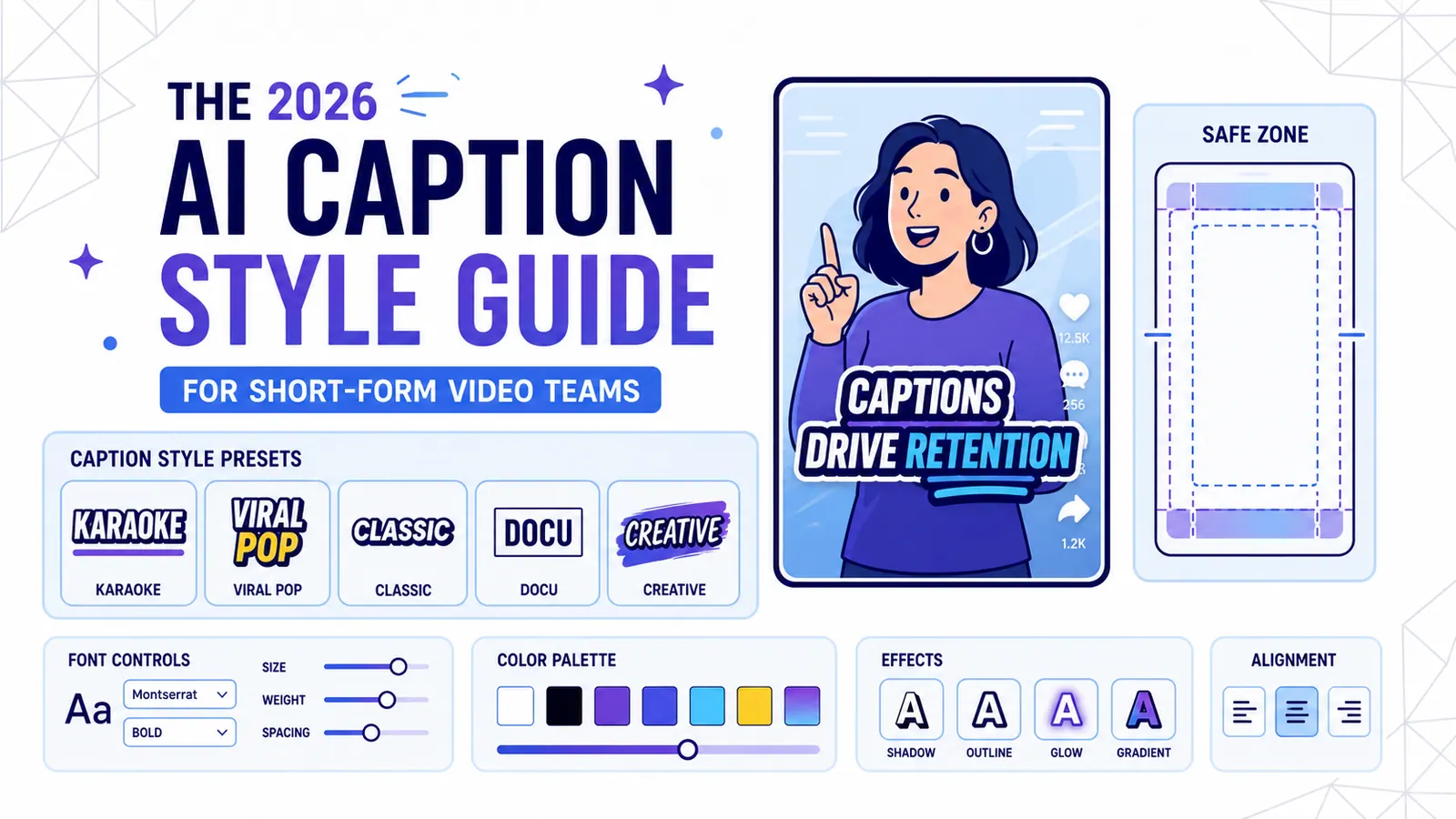
The 2026 AI Caption Style Guide for Short-Form Video Teams
A practical style system for creators and marketing teams who want captions that improve retention without turning every video into visual noise.
Read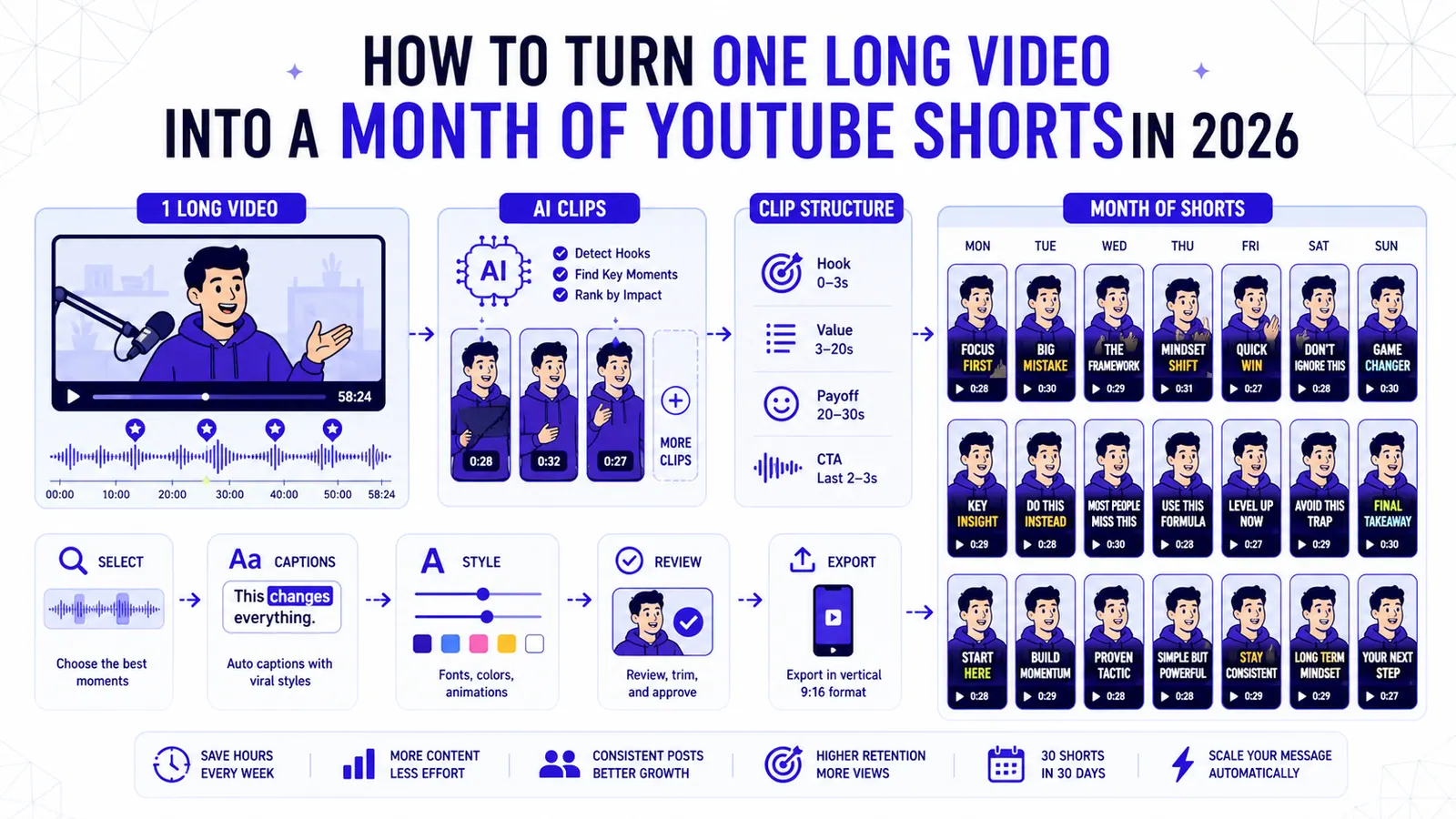
How to Turn One Long Video into a Month of YouTube Shorts in 2026
A repeatable clipping workflow for podcasts, webinars, livestreams, and tutorials, built around selection, structure, captions, and review.
Read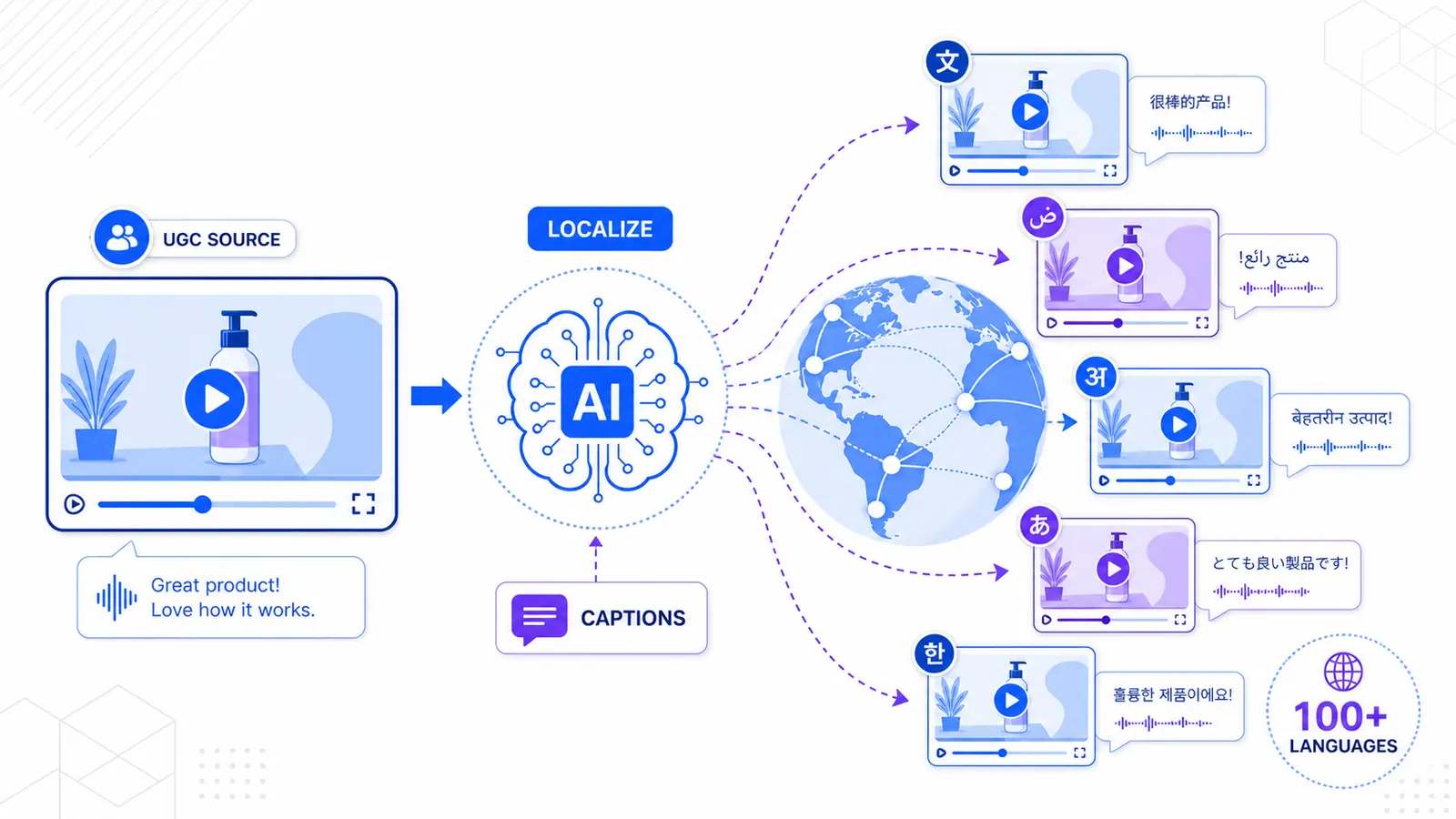
Going Global: Scaling Your UGC Content to 100+ Languages with AI
Don't limit your reach to one country. Learn how AI-powered translation and multilingual captions allow you to dominate international markets with a single video.
Read