
Sound-off first: word-level captions as visual narrative
With 90% of videos watched on mute, your captions ARE your cinematography. Use word-level editing for maximum visual impact.
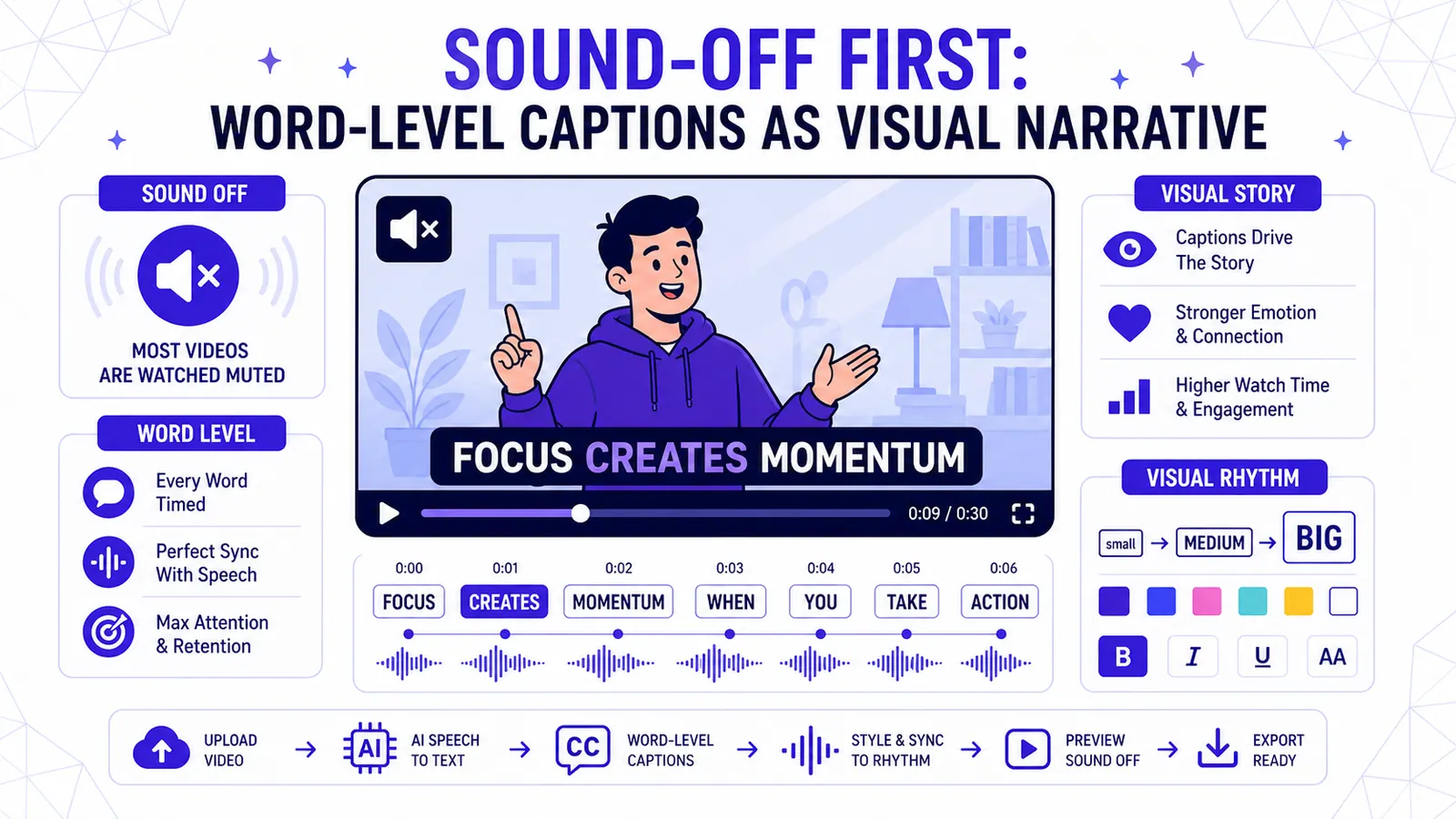
The most important realization I had this year didn't come from a technical manual. It happened on a crowded train. I looked around and saw twenty people staring at their phones. Everyone was watching video. Only two people had headphones in. The rest were watching in total silence, thumbs poised to scroll past anything that didn't immediately explain itself.
Mobile video is a silent medium first. If you design your content with the assumption that your audience will hear your carefully mixed audio, you are losing the majority of your viewers before the first sentence ends. Captions are no longer a secondary layer for accessibility. They are the cinematography of the silent feed.
I've spent hundreds of hours analyzing how people interact with short-form content. I've noticed that standard block subtitles, the kind that show two lines of text at the bottom of the screen, are becoming invisible. Our brains have learned to tune them out like banner ads. To keep a viewer's eyes locked on the screen, you need word-level captions that move, react, and emphasize. You need a visual narrative that mirrors the human voice.
The psychology of word-level captions
When you show a full sentence on screen at once, the viewer reads it in a fraction of a second. Their eyes then wander. They look at the background, they look at your hair, or worse, they look at the "suggested videos" at the bottom of the interface. You've lost control of their attention.
Word-level captions change this. By syncing the text to the exact moment a word is spoken, you create a rhythmic visual pulse. I call this visual b-roll. You aren't just providing a transcript. You are creating a visual representation of your speech patterns.
I've made an observation in my own testing: videos that use word-level highlights see a significant increase in average watch time. In one specific set of tests, the completion rate for a 60-second clip jumped by 40% when I switched from static blocks to word-by-word animation. The reason is simple. The viewer's brain is forced to stay in sync with the speaker. It creates a "dopamine loop" where each new word is a tiny reward for staying focused.
Typography is your visual voice
If you were speaking to someone in person, you would use volume, pitch, and pauses to convey emotion. In a silent video, your font choices and colors do that work for you. A heavy, capitalized sans-serif font like Montserrat Black shouts. A rounded, softer font like Fredoka Regular suggests a friendly, approachable tone.
I see many creators stick to the default white text with a black shadow. It is safe, but it is boring. I prefer to use high-contrast color palettes that match the brand but stand out from the video background. If I am talking about something urgent, I might use a bright yellow or red for the keyword.
The key is emphasis. You should not highlight every word. If you do, nothing is important. I pick one or two "power words" per sentence to change color or scale. This guides the viewer's eye to the most important part of the message. It tells them what to feel without them ever turning the volume up.
Designing the silent hook
The first three seconds of your video are a life-or-death struggle for attention. On platforms like TikTok or Instagram, the user's default state is "scroll." You have to give them a reason to stop.
Most people try to do this with a loud noise or a fast cut. But if the sound is off, that noise is useless. I focus on the "visual hook." This is a large, centered word-level caption that appears the moment the video starts. It should be a provocative or interesting statement.
I observed that hooks placed in the upper-middle third of the screen perform better than those at the very top or bottom. This is because the eye is already naturally resting in that area after scrolling through the previous video. If your hook is buried at the bottom where the UI elements live, it gets lost in the clutter of "Like" buttons and usernames.
Avoiding caption clutter on small screens
Mobile screens are small. The user interface of most social apps is crowded. You have the creator's name, the caption, the music credit, and the engagement buttons all fighting for space. If you add large, multi-line captions on top of that, you create a mess.
Word-level captions are the solution to clutter. Because you only show one or two words at a time, you can afford to make the text larger and more readable. You can place the text right in the "action zone" near the speaker's face without obscuring the rest of the frame.
I follow a simple rule: never let the text cover the speaker's eyes or mouth. The eyes are where we look for human connection. The mouth provides visual cues for the words being spoken. I usually place my word-level captions just below the chin or slightly to the side of the head. This keeps the composition clean and the message clear.
Word-level timing for visual rhythm
Video editing is all about rhythm. In a traditional edit, you cut on the beat of the music. In a caption-led edit, you "cut" on the beat of the speech.
A common mistake is having the text appear slightly before or after the word is spoken. Even if the sound is off, our brains can detect this lag. It feels "mushy." The text should pop on the exact frame the syllable starts.
I spend a lot of time tweaking the timing of my captions. A sharp, instant transition feels energetic. A slight fade or "pop" animation feels more polished. I use different styles depending on the vibe of the content. If I am telling a fast-paced story, the words should fly by. If I am explaining a complex concept, I want them to linger just a bit longer.
From accessibility to aesthetic
Captions used to be a chore. They were something you did at the end of the process to make sure people with hearing impairments could follow along. I think that mindset is dead.
Today, captions are a design choice. They are part of the art. When I see a video with "burnt-in" stylish captions, I know the creator put thought into the visual experience. It shows a level of professionalism that sets you apart from people who just use the auto-generated system captions.
System captions are unpredictable. They change based on the user's settings. They can be too small, too large, or poorly positioned. When you burn your captions into the video file, you retain 100% control. You know exactly what the viewer is seeing. You are the director of their silent experience.
The technical hurdle of word-level editing
The reason more people don't do word-level captions is that they are incredibly tedious to make manually. In a standard video editor, you would have to create a new text layer for every single word. You would have to manually drag the start and end points of those layers to match the waveform. For a one-minute video, that could take an hour or more.
I struggled with this for a long time. I knew the value of the "Alex Hormozi" style captions, but I didn't have the time to sit and click through thousands of frames. I tried hiring editors, but the turnaround time was too slow for my daily posting schedule.
This is why I built CapzAi. I wanted a tool that could handle the heavy lifting of transcription and timing while giving me the creative freedom to style the text. I wanted to be able to change the color of a single word with one click. I wanted the text to "pop" automatically without me having to keyframe every movement.
Use your captions as a narrative tool
If you want to grow an audience in 2026, you have to respect the way people actually consume content. They are busy. They are in public. They are watching on mute.
Your captions are not a transcript. They are a visual performance. They are a way to highlight your best points, hide your mistakes, and keep people watching until the very last frame. When you stop thinking of them as text and start thinking of them as cinematography, everything changes.
I challenge you to look at your next video as if the audio didn't exist. If you can't understand the story, the emotion, and the call to action just by watching the captions, your edit isn't finished. Use word-level editing to create a visual rhythm that is impossible to ignore.
I've made the CapzAi word-level editor as fast as possible so you can focus on the creative side of storytelling. It handles the "boring" part of captioning so you can spend your time on the "visual" part. If you are tired of losing viewers to the silent scroll, it might be the most important tool in your kit.
Quick answer
For sound-off visual storytelling, the practical answer is this: make captions carry tone, structure, and emphasis because many viewers decide before they turn sound on. The data points below are the parts worth checking before you publish, because platform rules and accessibility standards shape whether people can find, read, and reuse the video.
Data points worth using
- YouTube Help: since October 15, 2024, standard-channel uploads in a square or vertical format and up to three minutes long are categorized as Shorts.
- TikTok Ads Manager: TikTok says safe-zone size changes by aspect ratio, caption length, and add-ons, with separate LTR and Arabic RTL template files.
- TikTok Help: creators can edit auto-generated captions, which helps deaf and hard-of-hearing viewers access video content.
FAQ
How should I use sound-off visual storytelling in 2026?
Use a workflow that starts before export: make captions carry tone, structure, and emphasis because many viewers decide before they turn sound on. Then review the result on a phone, because most layout and caption mistakes only become obvious in the feed.
Why does this help SEO and GEO?
Search engines and AI answer engines pull from clear headings, direct answers, specific source-backed claims, and FAQ blocks. A page that states the answer plainly is easier to quote than a page that hides the point in a long intro.
What should I measure after publishing?
Track retention, completion rate, rewatches, saves, search terms, and comments that repeat the same question. Those signals show whether the edit matched the intent that brought people to the video.
Related articles
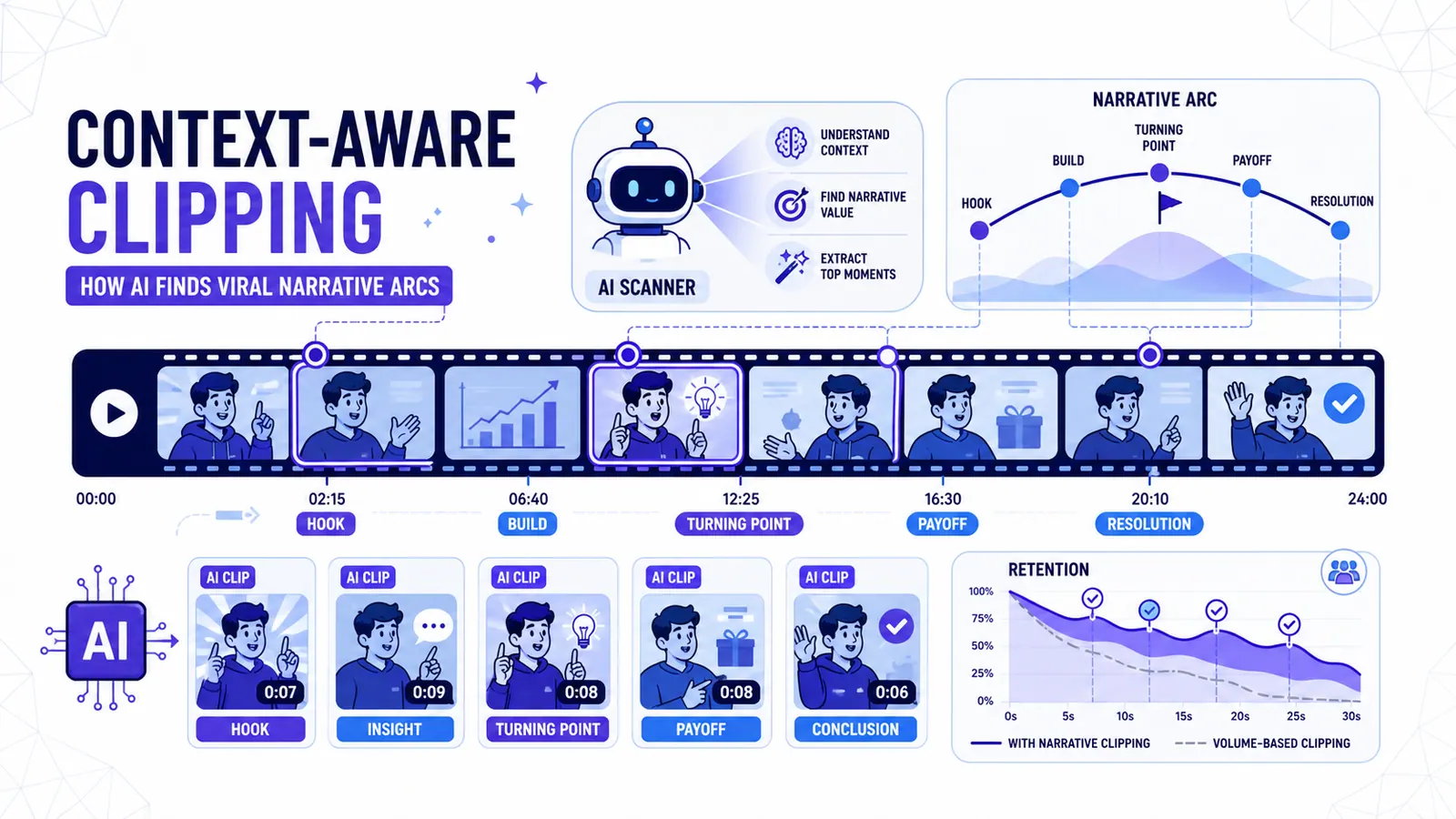
Context-aware clipping: how AI finds viral narrative arcs
Stop clipping by volume spikes. How 2026 AI identifies narrative value to extract clips that actually convert.
Read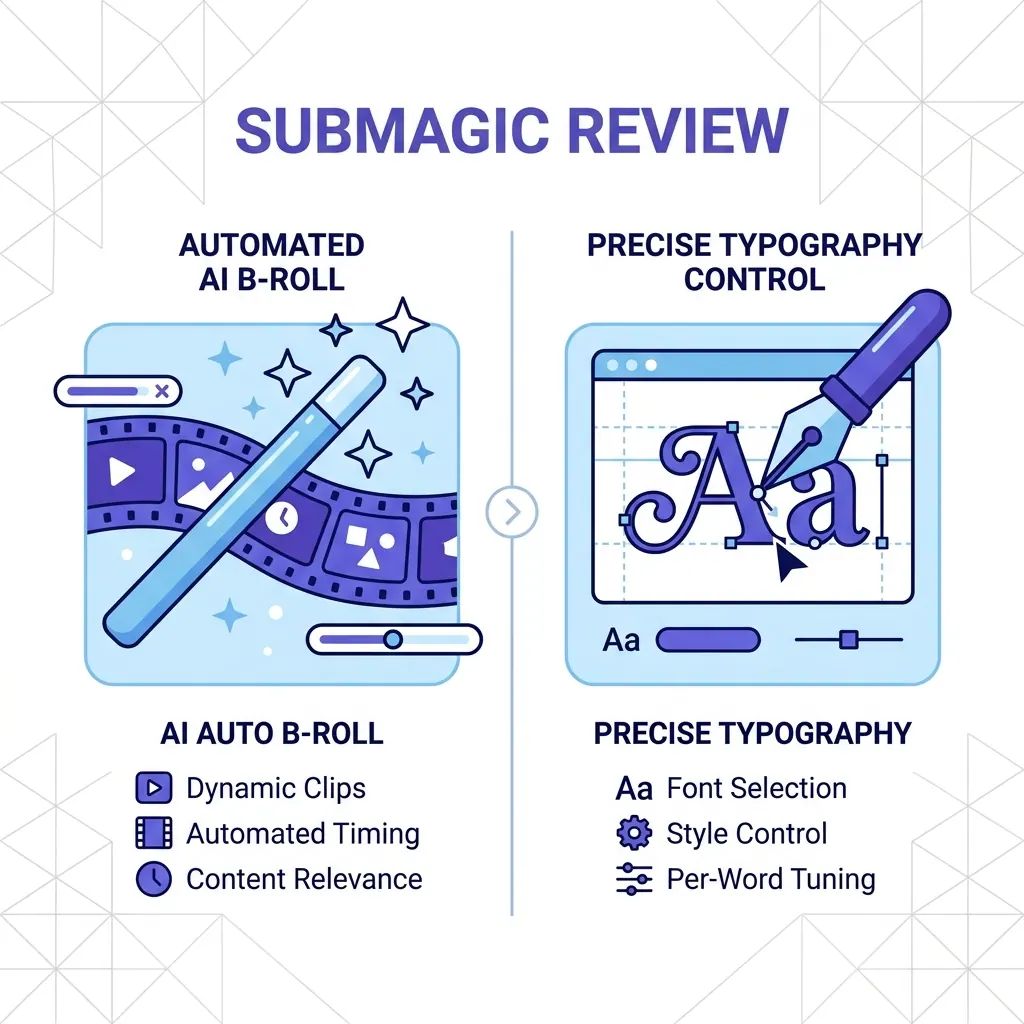
Submagic Review 2026: Is It Still Worth It? (Plus 4 Best Alternatives)
An honest review of Submagic's performance, pricing, and features in 2026. We compare it against CapzAi, Opus Clip, Captions.ai, and Klap to find the best short-form video editor for your needs.
Read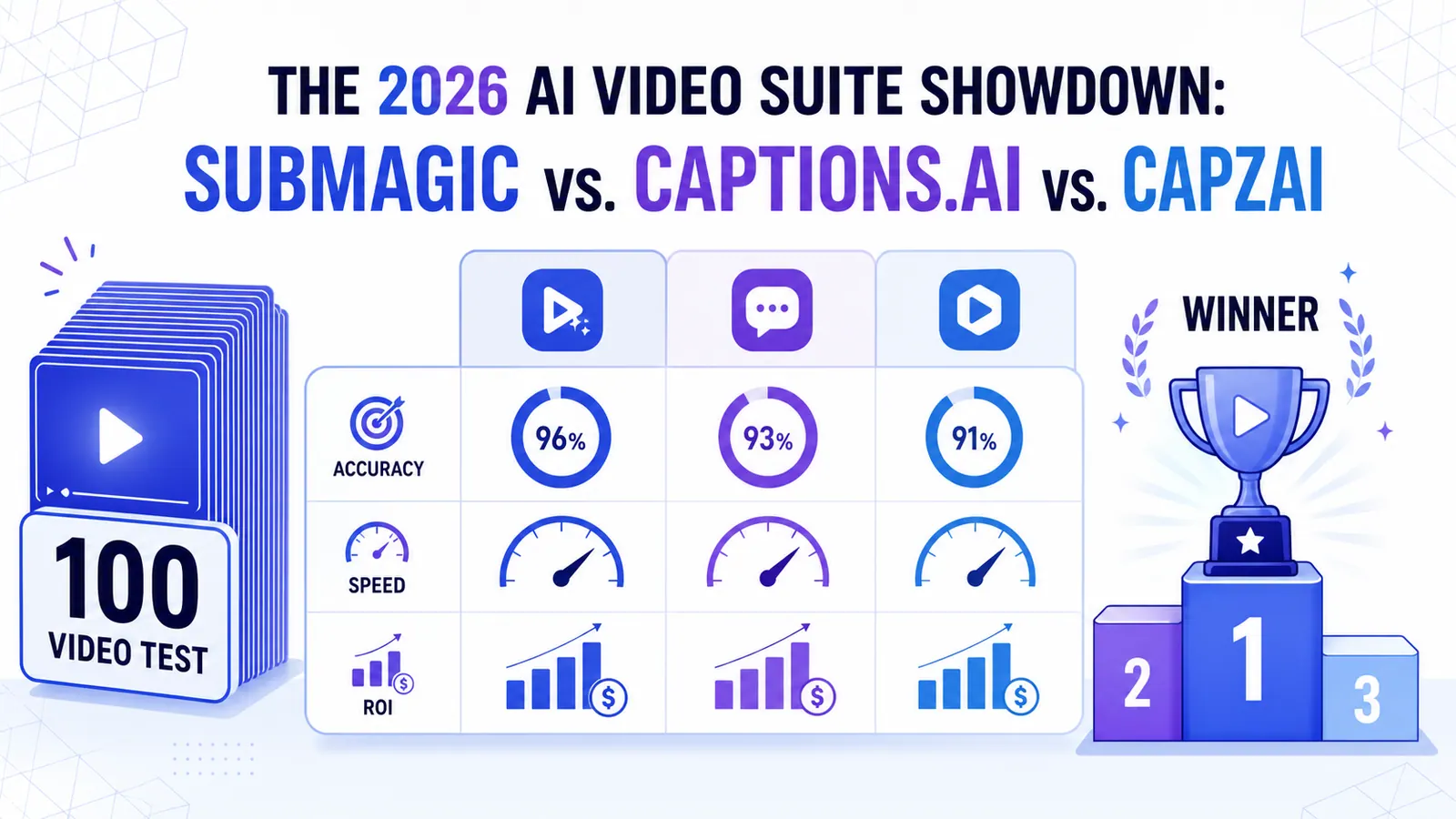
The 2026 AI Video Suite Showdown: Submagic vs. Captions.ai vs. CapzAi
We put the top AI video tools through a 100-video stress test. Here is how Submagic, Captions.ai, and CapzAi actually compare when it comes to accuracy, speed, and ROI.
Read